localNavigation.type = g6-product-overview-page

Display Pilot

{{currency}}{{finalPrice.final | numberThousandsCommas | numberDecimalPoint}}

{{currency}}{{regularPrice.final | numberThousandsCommas | numberDecimalPoint}}

benq display pilot for an instant trustworthy benq pd series designer monitor partner

Best Buddies to Unleash Creativity

BenQ Display Pilot

Being bombarded with switching between various settings makes you tired. Display Pilot simplifies workflows by offering support tools to make design work more convenient and flexible.

Best Buddies to Unleash Creativity

BenQ Display Pilot

Being bombarded with switching between various settings makes you tired. Display Pilot simplifies workflows by offering support tools to make design work more convenient and flexible.

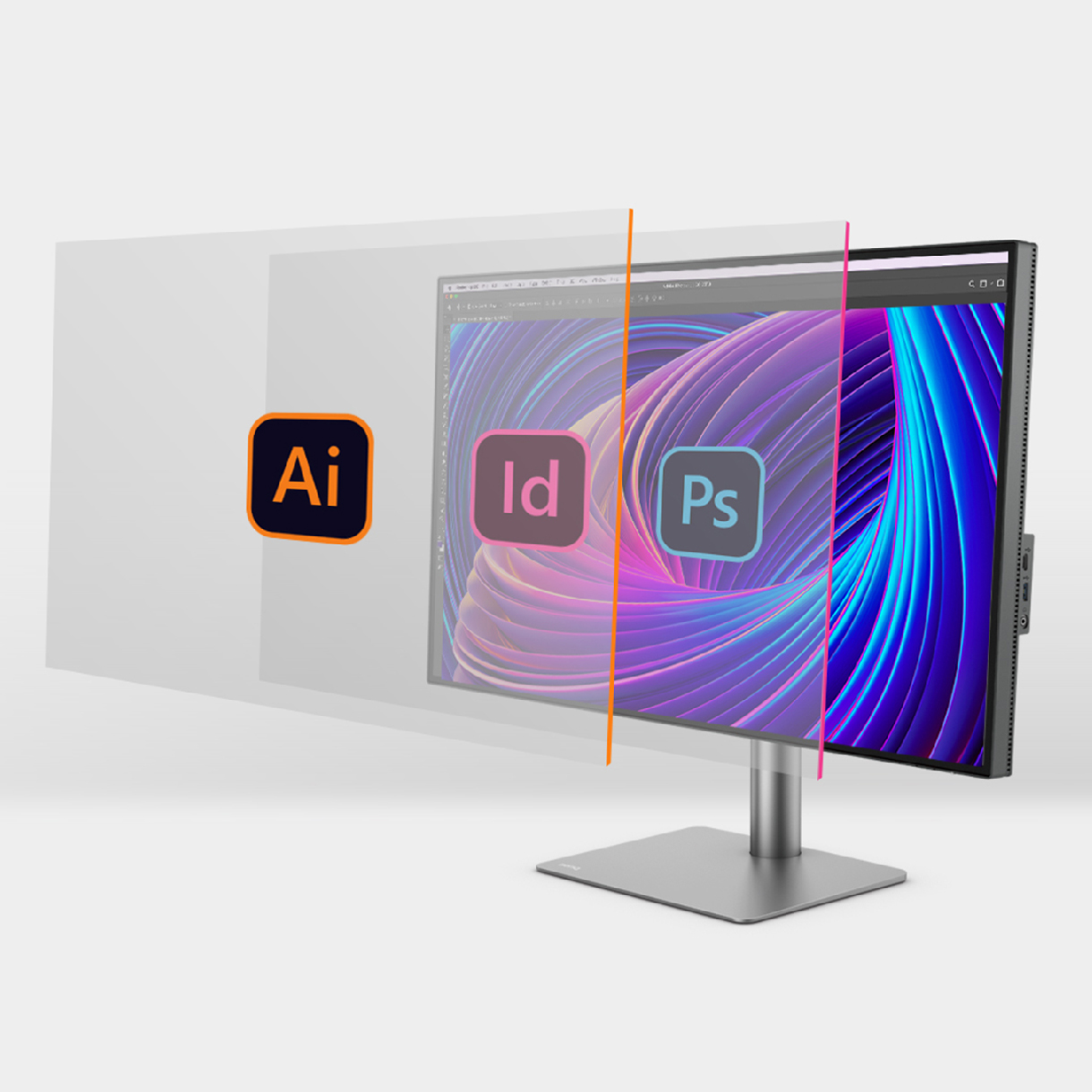
  • benq display pilot application mode assigns different color modes to different applications

    Application Mode

    Assigns different color modes to different applications

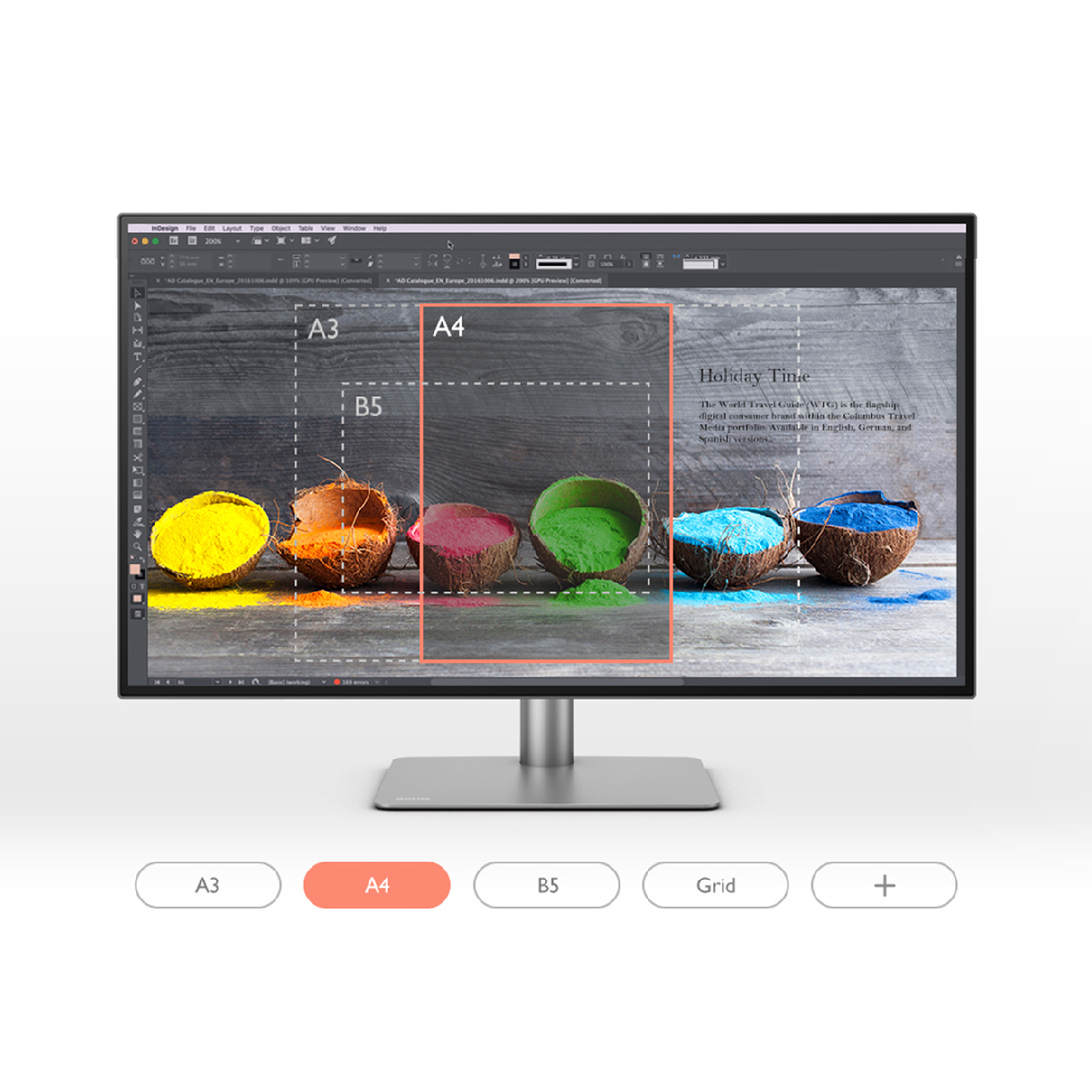
  • benq display pilot print assit helps you to preview projects in actual print size

    Print Assist

    Helps you to preview projects in actual print size

  • benq display pilot print ICCsync ensures monitor uses accurate color settings

    ICCsync

    Ensures monitor uses accurate color settings

  • benq display pilot desktop partition splits your workspace easily without dragging and re-sizing

    Desktop Partition

    Splits your workspace easily without dragging and re-sizing

  • benq display pilot keyboard hotkey offers keyboard shortcuts to access different functions

    Keyboard Hotkey

    Offers keyboard shortcuts to access different functions

  • benq display pilot auto pilot rotates your image automatically based on the monitor alignment

    Auto Pivot

    Rotates your image automatically based on the monitor alignment

with benq display pilot application mode you can easily assign color modes to different applications

Assign different color modes to applications

Application Mode

Application Mode makes you easily assign different color modes, and remembers your frequently-used settings for upcoming applications.

switch on benq display pilot print assist and the chosen paper size will pop up as an overlay on your screen

Help to preview projects in actual print size

Print Assist

Switch on Print Assist, the chosen paper size will pop up as an overlay. You can now preview projects in real paper size.

Assign different color modes to applications

Application Mode

Application Mode makes you easily assign different color modes, and remembers your frequently-used settings for upcoming applications.

Help to preview projects in actual print size

Print Assist

Switch on Print Assist, the chosen paper size will pop up as an overlay. You can now preview projects in real paper size.

Ensures monitor uses accurate color settings

ICCsync

The color gamut displayed on your monitor might be different from that of your laptop. It requires a complicated process to sync. ICCsync instantly matches the color gamut between monitors and laptops with accurate color displayed. * ICCsync only works with the ICC profiles BenQ monitors support. You can obtain these ICC profiles by downloading the Display Pilot software.