{{item.name}}
Price: {{currency}}{{item.price| numberThousandsCommas | numberDecimalPoint}}
Qty: {{item.amount}}


Projectors

Monitors
Lighting
Interactive Displays & Signage
Remote Work & Learning
Shop
MidnightMan is a well-known YouTuber who dives deep into gaming consoles with his detailed reviews, engaging live streams, and comprehensive gameplay analysis. He's celebrated for his lively and informative approach, closely examining each product to highlight the performance aspects that matter most to passionate gamers. His thorough style helps his audience understand the intricacies of gaming technology, making his channel a must-visit for anyone looking to improve their gaming setup or stay updated on the latest trends in the gaming world.
MidnightMan is a well-known YouTuber who dives deep into gaming consoles with his detailed reviews, engaging live streams, and comprehensive gameplay analysis. He's celebrated for his lively and informative approach, closely examining each product to highlight the performance aspects that matter most to passionate gamers. His thorough style helps his audience understand the intricacies of gaming technology, making his channel a must-visit for anyone looking to improve their gaming setup or stay updated on the latest trends in the gaming world.
"I gotta say my favorite feature is definitely being able to switch from the game to the computer on the same monitor that just opens up my setup so much more as I'm not just having a dead monitor essentially because I don't want to switch the cables manually."
1. Console Gaming and Work Transition Without Manually Plug and Unplug
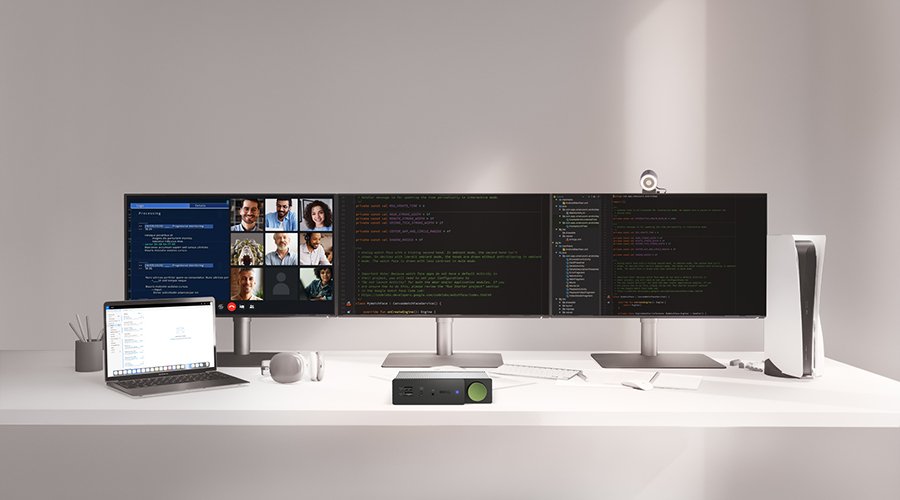
MidnightMan loves how the DP1310 makes it super easy to switch between his laptop and gaming console. After long hours of work, he needs to enter "Rest Mode" to give himself a break between high-stress tasks. Just a simple click lets him jump from work to gaming, maintaining optimal display settings and performance without messing with cables or settings.
2. Flexible Design Stands Upright or Lays Flat for Any Desk Setup
The DP1310 is smartly designed with rubber stabilizers on its base and sides, ensuring it stays securely in place whether set up vertically or horizontally on the desk. He places the DP1310 upright between two monitors, not only for easy access but also to effectively save desk space and integrate DP1310 seamlessly into various desk setup.
3. Uncompromised PS5 Performance at 4K 120Hz with beCreatus DP1310
"I'm still playing in full 4K 120 Hz through the PlayStation 5 even though this monitor is connected to the docking station, and you'll see that the quality and frames are absolutely fantastic. Everything works great as if you connected your console directly."
Even when connecting PS5 through DP1310 to a monitor, he confirms that gamers can expect the same high-quality performance as a direct connection, highlighting the DP1310’s ability to deliver an uncompromised, powerful gaming experience without any loss.
🎮 Seamless Input Switching: Easily switching between gaming console and laptop with a simple button click, ensuring a smooth transition without plug and unplug.
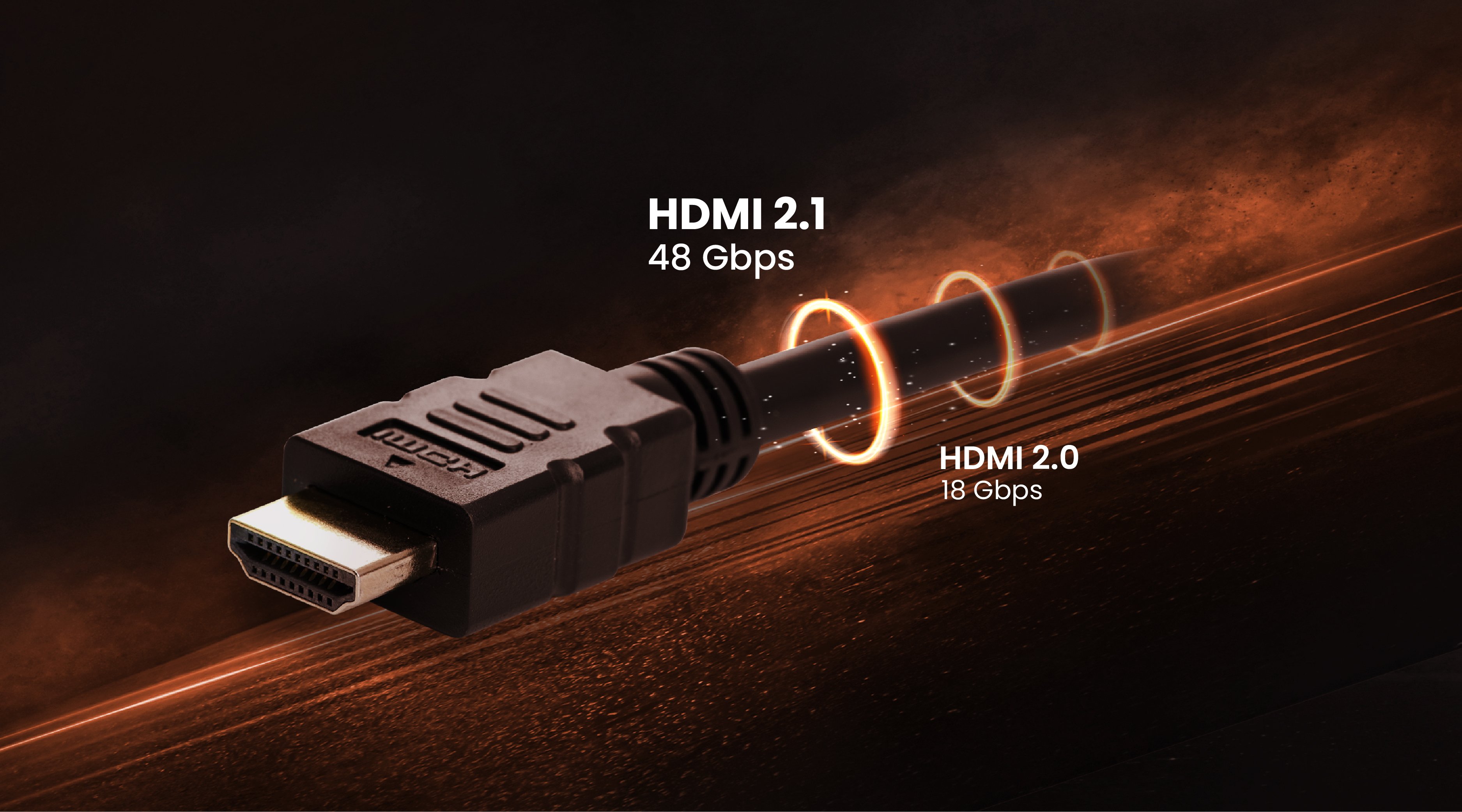
🖥️ High-Quality Output through HDMI 2.1: Maintaining full 4K 120Hz output for gaming as if PS5 were connected directly to the monitor.
💻 Comprehensive Connectivity: Equipped with multiple ports, including 10Gbps USB-C/USB-A, and 1GbE Ethernet.
👍 Stable and Secure Design: Could be securely placed either horizontally or vertically on the desk, fitting seamlessly into any workspace setup.
Recommended Products
{{item.productWordingTag}}
{{currency}}{{item.finalPrice| numberThousandsCommas | numberDecimalPoint}} Save {{currency}}{{item.saveAmount | numberThousandsCommas | numberDecimalPoint}} Save {{item.savePercent | numberThousandsCommas | numberDecimalPoint}}%
new device price{{currency}}{{item.regularPrice| numberThousandsCommas | numberDecimalPoint}}


![How to Choose the Best Monitor for Mac® Devices [2024]](https://image.benq.com/is/image/benqco/mac-monitor_thumb?$ResponsivePreset$)