{{item.name}}
Price: {{currency}}{{item.price| numberThousandsCommas | numberDecimalPoint}}
Qty: {{item.amount}}


Projectors

Monitors
Lighting
Interactive Displays & Signage
Remote Work & Learning
Shop
Have you ever wondered what makes you a Mac-loner? As a professional creative, Mac devices are always your best pals. Still, finding a perfect external monitor can help you achieve more by providing better tools and platforms for your work. However, is it easy to find one such monitor?
To be honest, it’s not easy to find a perfect external monitor for your Mac devices. Retina displays have raised the bar for monitors, for they offer high resolutions and higher color standards. Therefore, any display with a lower resolution cannot serve as a great external monitor for Mac devices. Also, Retina displays have fed your eyes with such vibrant and distinct color that they’ve set up a color standard for you. Furthermore, the dominant connection on a Mac device is Thunderbolt 3, while most monitors are not equipped with Thunderbolt at all. Without that connection, your Mac computer is thus forced to add to the cable clutter around your workspace through adapter and extra wires. As most Mac devices don’t support DisplayPort MST daisy-chaining, a monitor cannot daisy-chain with another without Thunderbolt 3 connectivity for a dual-monitor setup. Taken together, you know pretty well by now that a perfect Mac-compatible monitor has to solve these issues, but displays like that are not easy to find. *Monitors with Thunderbolt 3/USB-C also work seamlessly with Mac devices that feature Thunderbolt 4.
BenQ DesignVue monitors are Mac-compatible monitors created from the get go to perform as Mac-ready monitors, serve Mac users, and offer solutions to the above-mentioned issues.
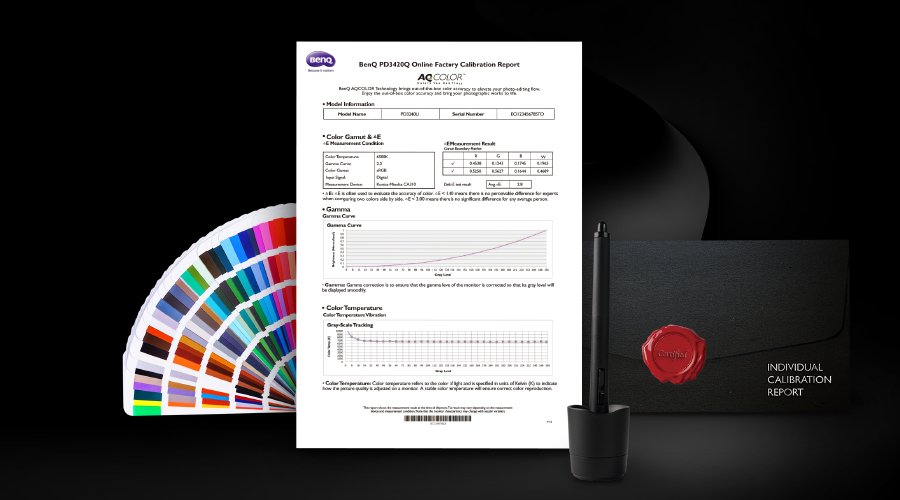
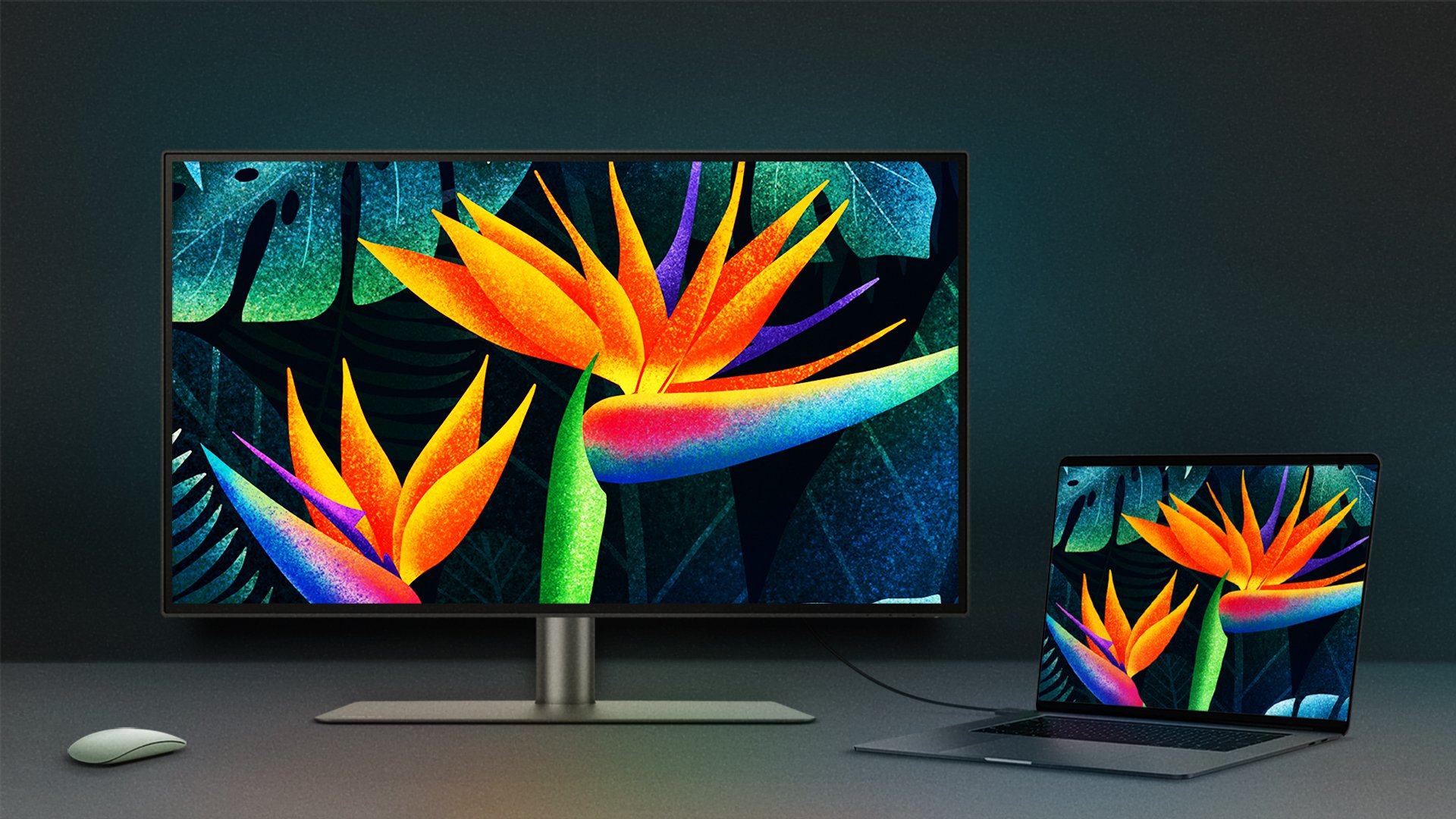
To see if your monitor is for Mac devices, you need to find out if it can offer colors that match closely with those on your Mac screen. Dedicated M-Book Mode is BenQ’s color technology that helps you transition from Mac display to BenQ monitor seamlessly. Also, ICCsync synchronizes color profiles between your monitor and your Mac devices when activated via software. These provide relief from worries about color mismatch and ensure that your monitor and Mac display maintain an excellent match.
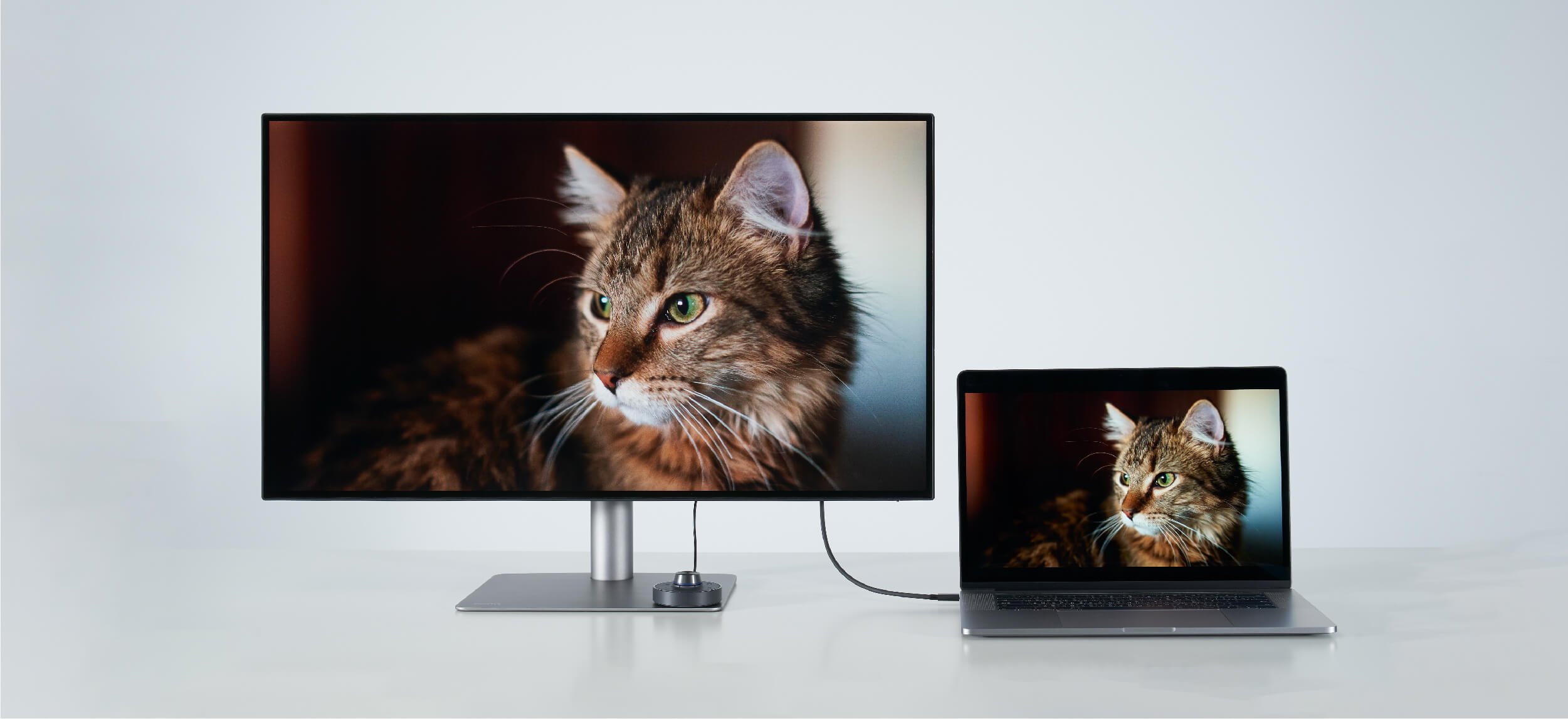
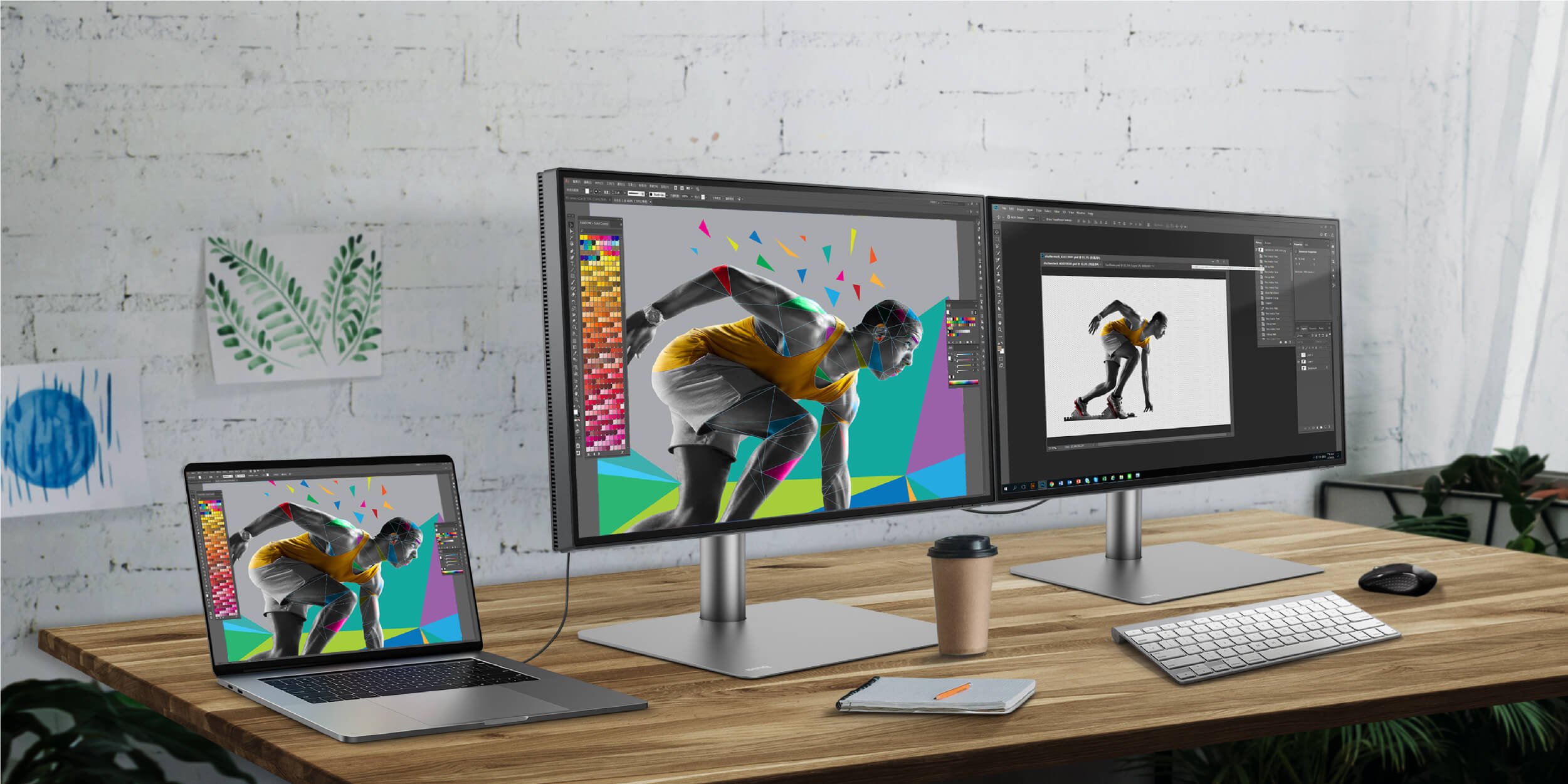
To expand your Mac devices, connectivity comes in as the primary concern. BenQ DesignVue monitors are equipped with Thunderbolt 3, making it easy to work on your design quickly, be it audio, video, or data, with one cable. To connect to another monitor, Thunderbolt 3 makes it possible to daisy chain with ease. Also, Thunderbolt 3 connections deliver power. Such single cable convenience eliminates distracting clutter and brings great work efficiency. *Monitors with Thunderbolt 3/USB-C also work seamlessly with Mac devices that feature Thunderbolt 4.
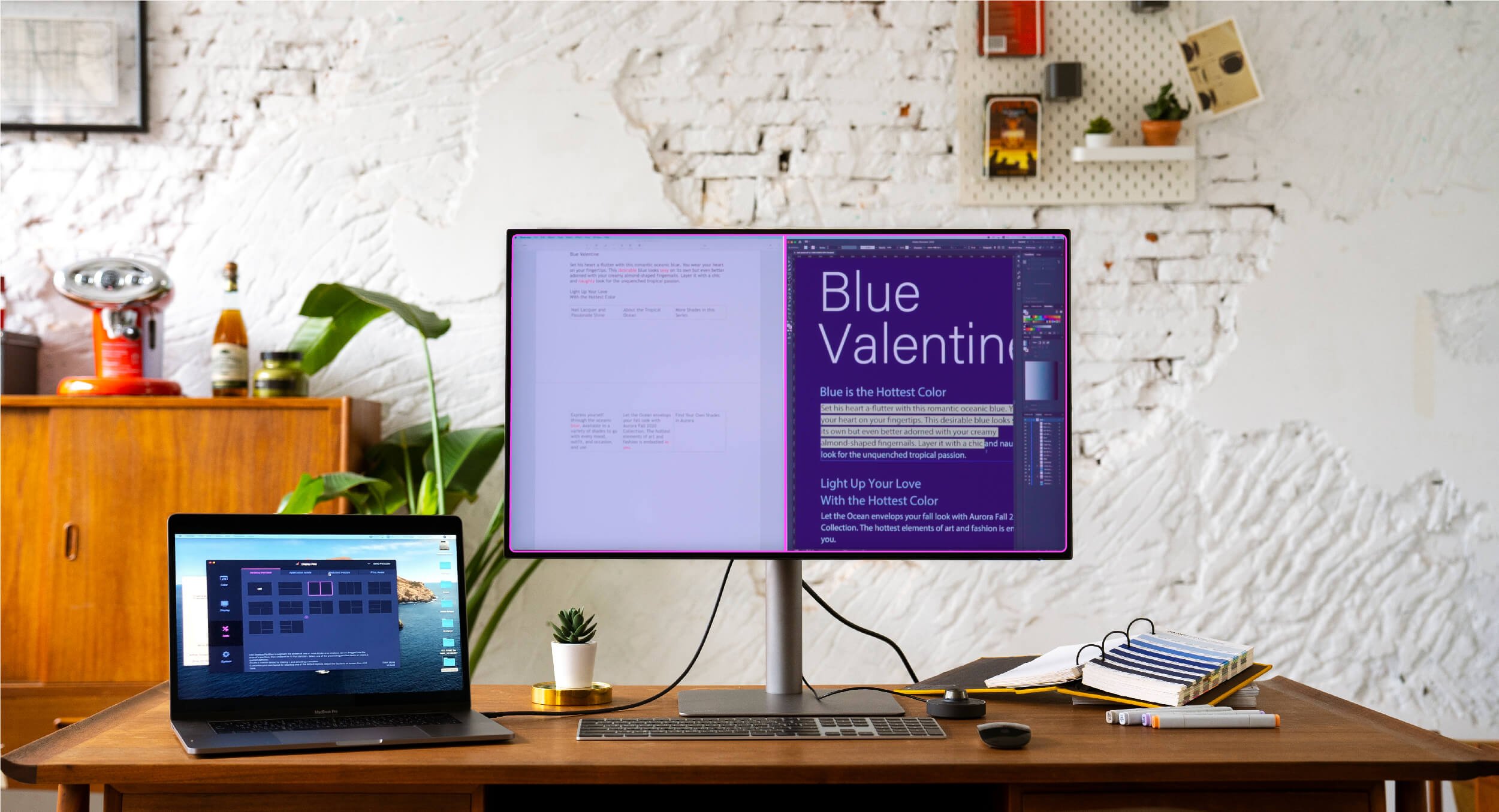
Display Pilot is software designed to save time and boost efficiency. It lets you preset multiple monitor settings with a mouse click and offers support tools to make design work more convenient and flexible through an integrated interface. With it, you can work seamlessly with your Mac devices.
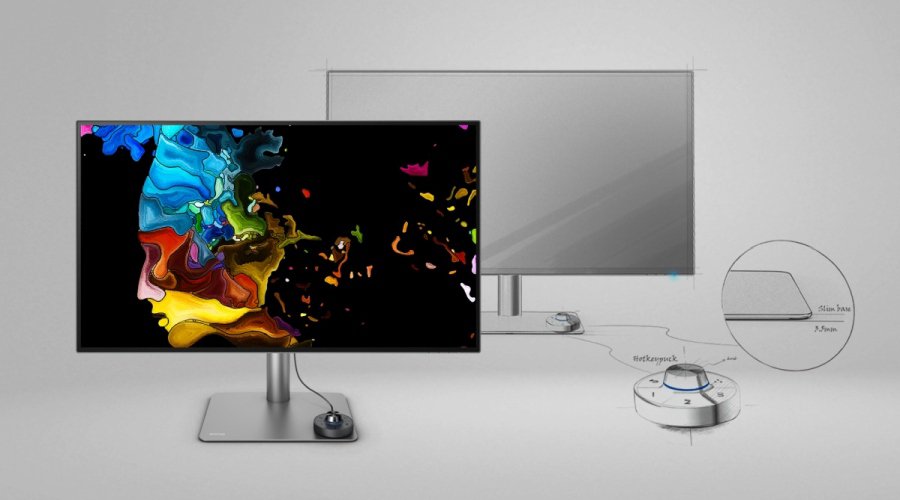
Besides these dedicated features and specs, the BenQ PD series is also for Mac users in the design aspect. Its minimalist look, including stand and base, goes well with your Mac device as it keeps a low profile. When you work with your Mac computer and BenQ monitor, you don’t feel distracted. And the extra space the compact base affords gives you room to place your Mac device, leaving you more space for work and contemplation.
Now you know it’s very possible to find a monitor for Mac device, as there’s certainly a BenQ designer monitor for you.
Mac® is a trademark of Apple Inc.
Recommended Products
{{item.productWordingTag}}
{{currency}}{{item.finalPrice| numberThousandsCommas | numberDecimalPoint}} Save {{currency}}{{item.saveAmount | numberThousandsCommas | numberDecimalPoint}} Save {{item.savePercent | numberThousandsCommas | numberDecimalPoint}}%
new device price{{currency}}{{item.regularPrice| numberThousandsCommas | numberDecimalPoint}}




![How to Choose the Best Monitor for Mac® Devices [2024]](https://image.benq.com/is/image/benqco/mac-monitor_thumb?$ResponsivePreset$)