{{item.name}}
Price: {{currency}}{{item.price| numberThousandsCommas | numberDecimalPoint}}
Qty: {{item.amount}}


Projectors

Monitors
Lighting
Interactive Displays & Signage
Remote Work & Learning
Shop
Left: Apple Studio Display (for reference) / Center: MacBook (for reference) / Right: BenQ Nano Gloss Panel
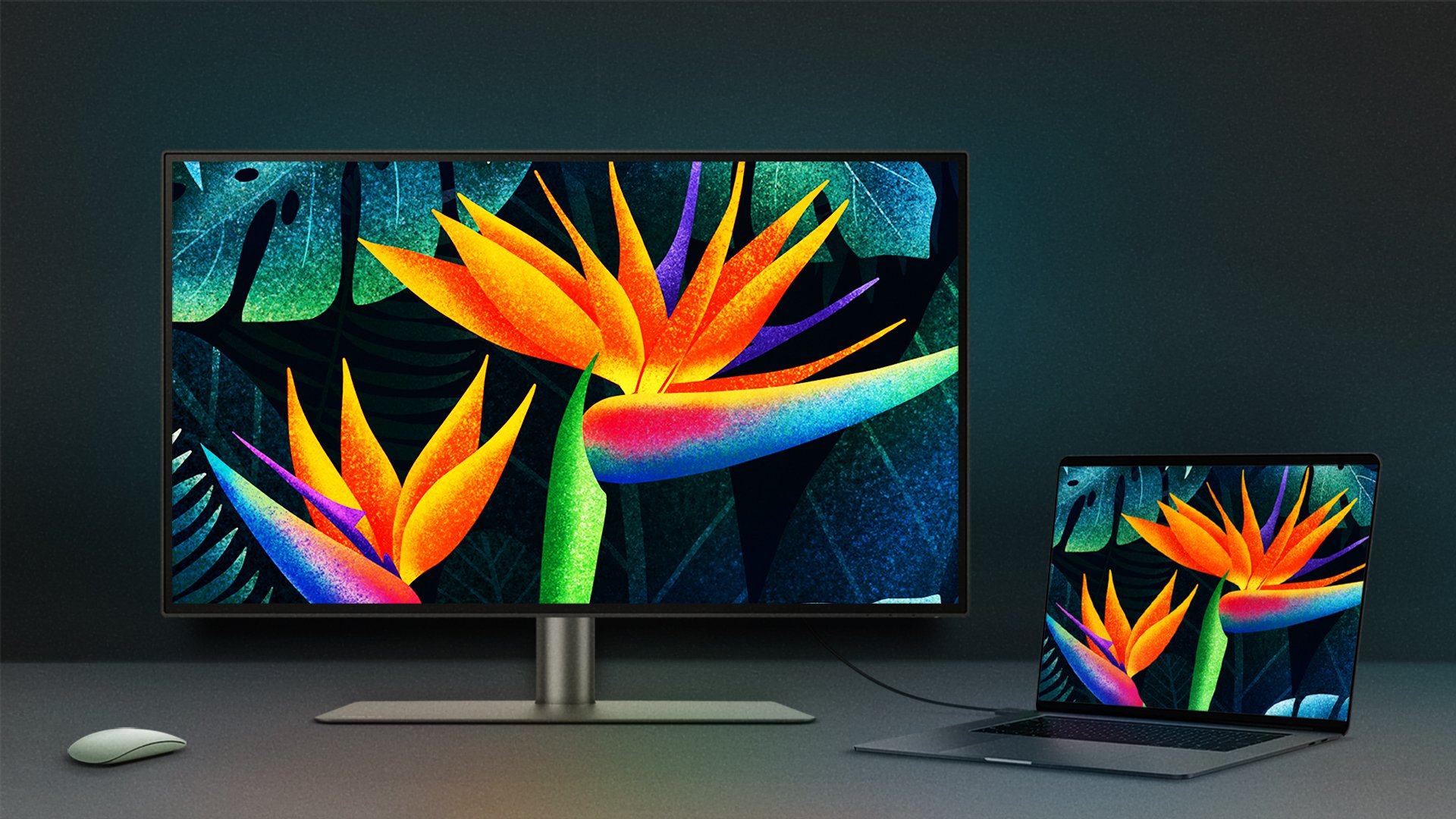
For Mac users, the display is more than a screen, it’s the window through which they create, work, and connect. From MacBook to Apple Studio Display, glossy panels have shaped the Mac experience with their clear depth and vivid colors. They make visuals feel real and alive, part of what defines the Apple look and feel.
The trade-off has always been glare. Glossy brilliance can also mean distracting reflections, especially in bright environments. BenQ’s Nano Gloss Panel was developed to address this balance, keeping the vibrant Mac-like look while reducing glare for greater comfort.

Left: Standard Gloss Panel / Center: Apple Studio Display (for reference)/ Right: BenQ Nano Gloss Panel

Left: Standard Gloss Panel / Center: Apple Studio Display (for reference)/ Right: BenQ Nano Gloss Panel
Left: Standard Gloss Panel / Center: Apple Studio Display (for reference)/ Right: BenQ Nano Gloss Panel
Left: Standard Gloss Panel / Center: Apple Studio Display (for reference)/ Right: BenQ Nano Gloss Panel
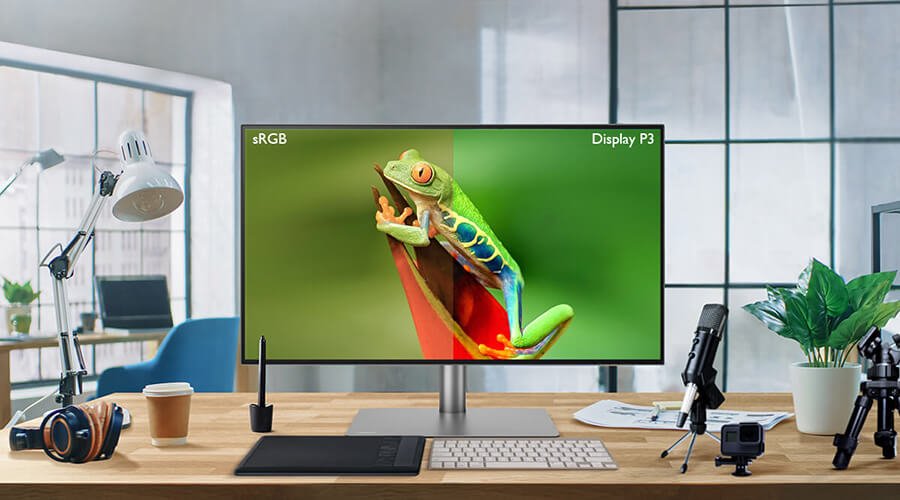
The BenQ monitors with Nano Gloss were designed to extend the familiar Mac experience to an external monitor. In side-by-side tests with the Apple Studio Display, color tone and saturation were remarkably close. Even when viewed at wide angles, around thirty degrees off-axis, the Nano Gloss Panel maintained contrast and color that stayed consistent with Mac colors, ensuring accuracy whether working flexibly or sharing the screen.
Nano Gloss applies a refined coating that balances transparency with comfort, while reducing distracting glare in both bright and dim environments
By comparison, many monitors marketed as ‘Mac-ready’ do not maintain the same consistency in colors, contrast, and depth, especially at wider viewing angles. Unlike conventional glossy panels that may exaggerate reflections, Nano Gloss applies a refined coating to balance transparency with comfort. The result is a display that preserves vivid clarity while reducing the visual distractions of glare, so the experience feels closer to what Mac users expect.
Not every workspace has ideal lighting. Bright windows, shared offices, or cafés can make reflections hard to avoid. For those conditions, BenQ offers the Nano Matte Panel, designed to minimize glare and provide a paper-like clarity that reduces eye strain. It’s suited for long hours of reading, editing, or working in environments you can’t fully control.
The choice comes down to preference: Nano Gloss for a vivid Mac-like experience, Nano Matte for comfort in complex lighting.
Tip
Questions Mac Users Often Ask
Do glossy screens scratch more easily?
They don’t. The Nano Gloss Panel has the same surface hardness and durability as other premium displays. With proper care, scratches are no more likely.
Which panel should I choose?
It depends on your lighting setup. In studios or offices with stable, indirect light, Nano Gloss delivers vivid color and clarity. In bright or mixed lighting, Nano Matte provides softer visibility and reduced glare.
How about eye comfort?
The Nano Gloss Panel uses a low-reflection coating to reduce visual distractions while keeping images sharp and natural. For longer hours in bright or variable light, Nano Matte offers an even gentler view.
*Apple, MacBook, macOS are registered trademarks of Apple Inc.
Explore Our Picks for You
{{item.productWordingTag}}
{{currency}}{{item.finalPrice| numberThousandsCommas | numberDecimalPoint}} Save {{currency}}{{item.saveAmount | numberThousandsCommas | numberDecimalPoint}} Save {{item.savePercent | numberThousandsCommas | numberDecimalPoint}}%
new device price{{currency}}{{item.regularPrice| numberThousandsCommas | numberDecimalPoint}}




![How to Choose the Best Monitor for Mac® Devices [2024]](https://image.benq.com/is/image/benqco/mac-monitor_thumb?$ResponsivePreset$)