{{item.name}}
Price: {{currency}}{{item.price| numberThousandsCommas | numberDecimalPoint}}
Qty: {{item.amount}}


Projectors

Monitors
Lighting
Interactive Displays & Signage
Remote Work & Learning
Shop
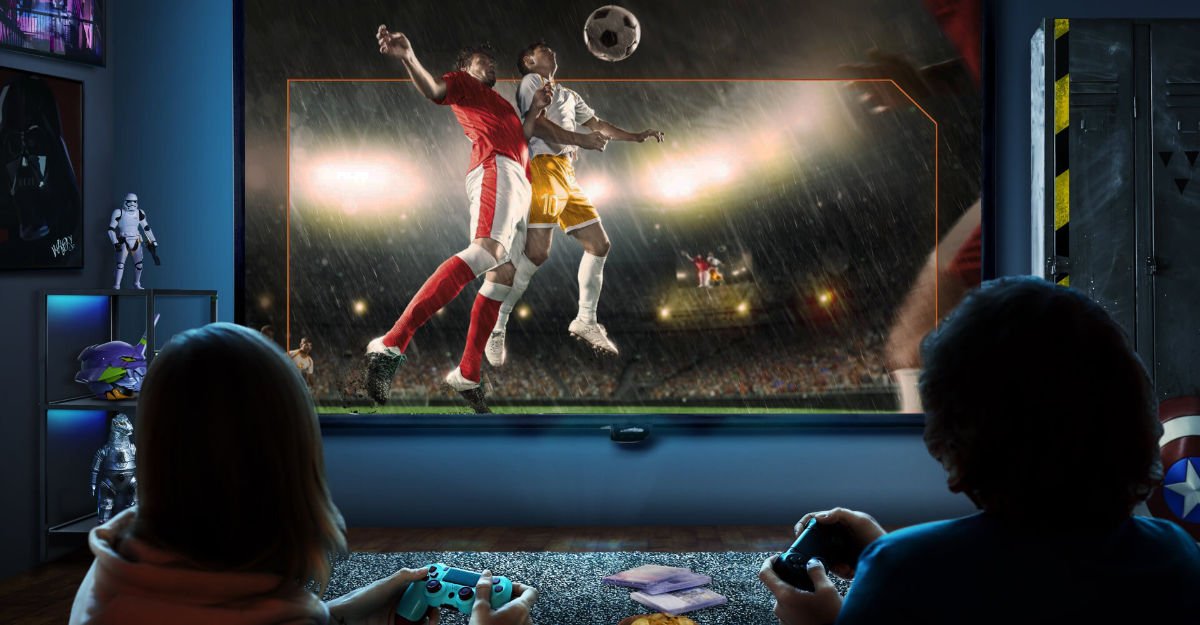
New gaming projectors from BenQ offer a fast and glorious big screen way to play FIFA and other sporting titles, made even better with dedicated Sports Game Mode optimization.
The quality of an HDMI cable can directly impact the video resolution, refresh rates, and color depth of your gaming display. With a high-quality HDMI cable, you can enjoy crisp and clear visuals on your screen, allowing you to fully immerse yourself in the game. It ensures that every detail is vivid and every color is vibrant, making your gaming experience truly breathtaking.
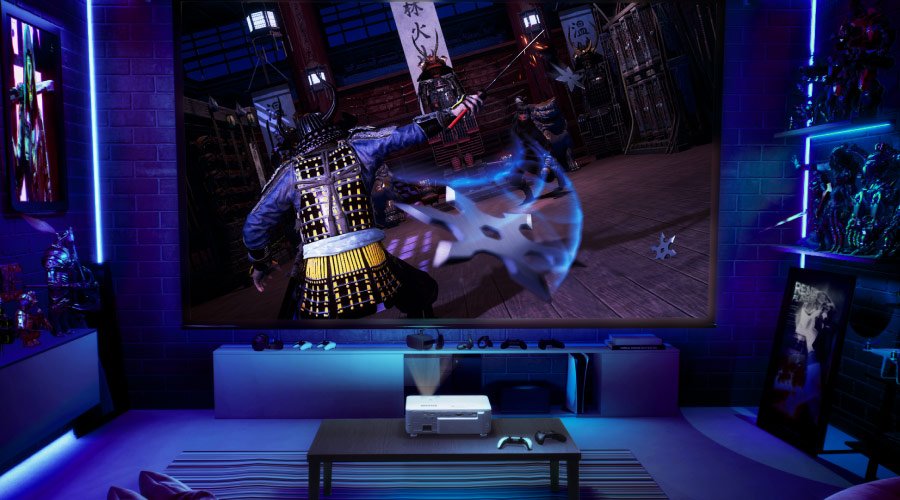
We’ve recently published a series of articles that illustrate just how far gaming projectors have come. Now on par with TVs in terms of latency, input lag, resolution, refresh rate, HDR, and many other factors, gaming projectors like the BenQ TK700STi do all of that but on massive screens. If you’ve ever wondered what your favorite sports games look like on a 120” screen as opposed to 65” or something like that, a gaming projector is your best and only bet.
Whether you play any of the FIFA games, MLB The Show, an NBA title and so on, gaming projectors now have the fidelity, speed, and optimized image settings to create an experience in a league of its own. Furthermore, the large picture format makes them ideal for local co-op and gaming sessions with friends. It’s not so easy gathering around a monitor with a lot of people, and even a big screen TV has limits because it sure won’t be 120” big.
As for optimization, good gaming projectors have bespoke picture and performance modes tailored to different game genres. If we take FIFA 21 as an example, then top of the line gaming projectors make it shine with a sports gaming mode that accentuates the audiovisual aspects that make the experience more lifelike, convincing, and yes, “immersive”. Let’s take a closer look.
It’s OK to just show a game on a big screen and be done with it. But! Really good gaming projectors will offer you the choice of turning on dedicated optimization modes. On models like the BenQ X3100i (which by the way delivers an eye-popping 1080p 120Hz).
BenQ X Series brings multiple gaming features under a single umbrella. That includes three genre-centric modes, with first person shooters, role playing titles, and sports games taking to the fore. There’s also Detail Adjustment to fine-tune and enhance overall image fidelity, and Fast Mode for the lowest possible input lag and total latency.
For the sake of full disclosure, the three game genre modes have unique names in the menus. In the case of sports games, make sure to turn on SPG Mode, which represents SPorts Games.
Also, the engineers have asked us to remind you that BenQ X Series works when the projector’s overall picture mode is set to Game or HDR Game.
There are traits that are common to most if not all sports games. Football (soccer), American football, basketball, baseball…the list goes on. All have become very realistic thanks to advancements in tech and graphics. Thus, properly depicting the appearance of athletes, team outfits, and even the pitch, court, or field is essential. Then there’s the sound side of things. You want to balance team action with the very richly-detailed commentary that’s included with modern sports games. SPG Mode uses algorithms that handle all of that. Color optimization makes sure players, stadiums, and other elements look their most realistic. For audio, you get a clear focus on commentary without losing the impact of sound effects related to the players, referees, umpires, and so forth. Also, SPG Mode works very well with racing games from our experience, because frankly the core elements are very similar to games based on team sports.
Games like FIFA 21 never looked or sounded more impressive, and that will only apply more to FIFA 22 and beyond, as future titles will better implement the benefits of new consoles and more recent graphics cards.
Your gaming platform of choice, whether console or PC. And your games, obviously. Then, we recommend getting a good 100” or 120” screen for the full effect, as casting on a wall may be OK but not the best. The most important component is obviously the gaming projector. You have plenty of choice these days, but we must humbly recommend one the newer BenQ models. The TK700STi offers true 4K at 60Hz with just 16ms of input lag, while the X1300i speeds along at 1080p 120Hz with just 8.3ms. That’s very competitive with the speediest TVs, but again, on screens nearly twice as large. These projectors have short throw technology, so you no longer need a room the size of a tennis court. The TK700STi will give you a 100” screen from just 2m, and the X1300i will do the same from under 3m.
Even better, you don’t need to invest in a costly sound system, as both projectors feature powerful and carefully-tuned integrated speakers. Those will effortlessly fill up a typical living room with lush sound, but if you want to get a hi-fi setup, you can do that, too.
The days of projectors limiting themselves to movies and TV are over. The season of the gaming projector has arrived and you don’t want to miss the kick off. We could pack a lot more sports puns in this final stretch, but we wouldn’t want to risk fouling things up here, so let’s close by recommending a good gaming projector for fans of big views and refined experiences.
Recommended Products
{{item.productWordingTag}}
{{currency}}{{item.finalPrice| numberThousandsCommas | numberDecimalPoint}} Save {{currency}}{{item.saveAmount | numberThousandsCommas | numberDecimalPoint}} Save {{item.savePercent | numberThousandsCommas | numberDecimalPoint}}%
new device price{{currency}}{{item.regularPrice| numberThousandsCommas | numberDecimalPoint}}