
Price Qty

Best Monitors for Mac & MacBook

Built for Mac Pro, Air and Mac Mini

With professionally calibrated colour match for Mac devices, BenQ monitors deliver vibrant colours optimizing your workflows on Mac and MacBook. Whether you’re into professional creative tasks or versatile work scenarios, there is a BenQ monitor that meets your needs, delivering Mac colour-matching precision.

Monitor for

Mac - Creators

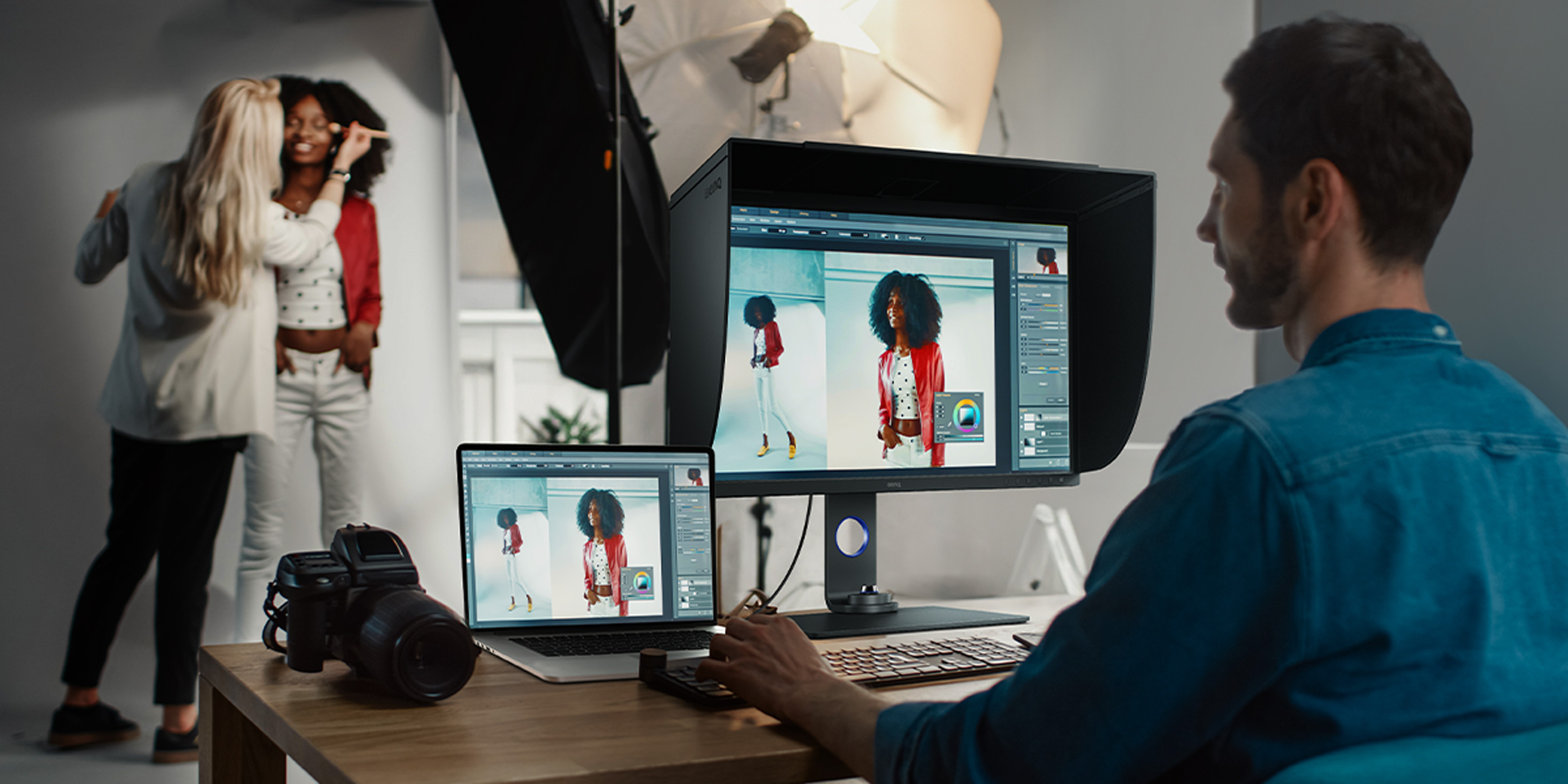
Mac - Photographers

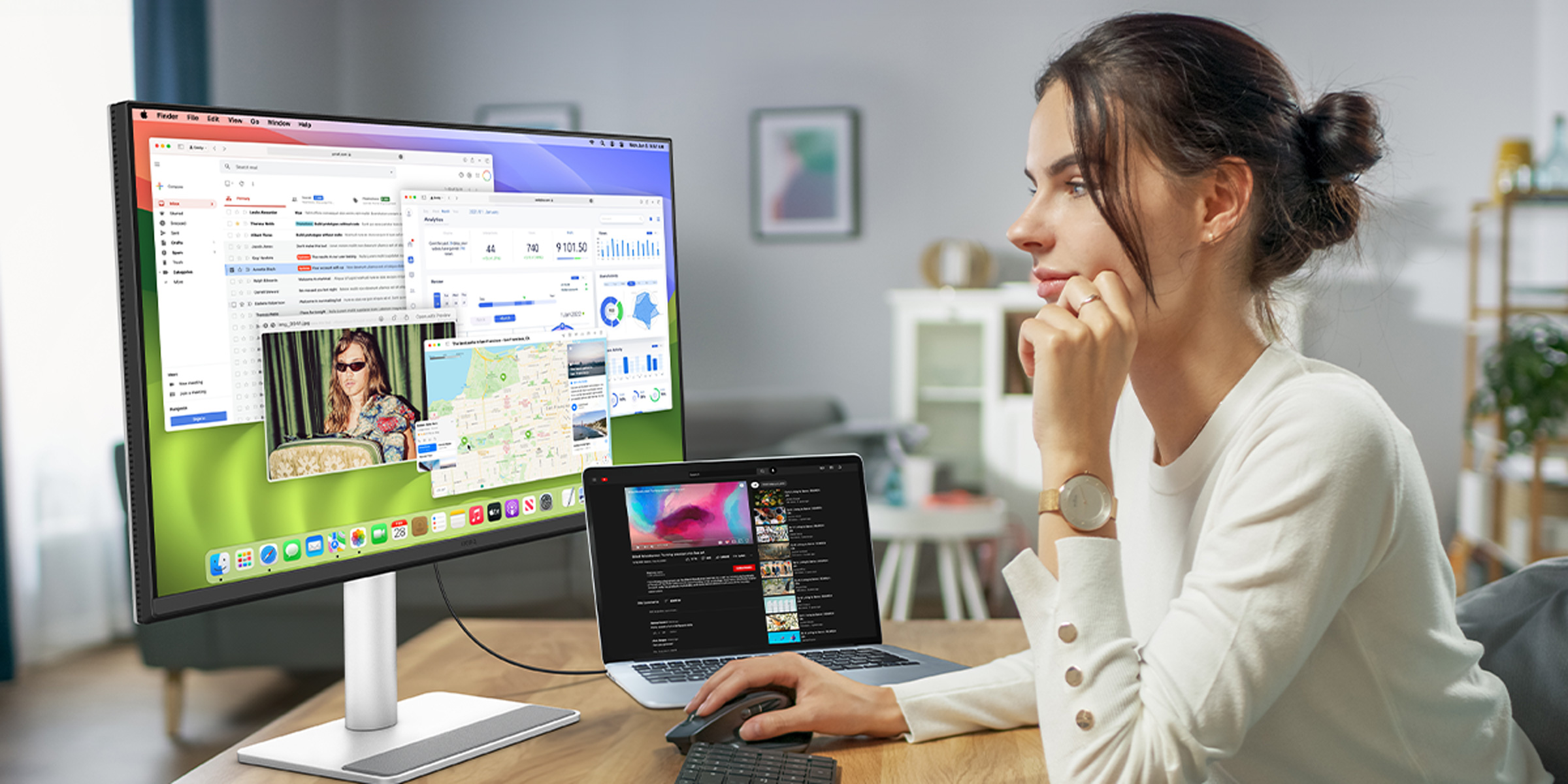
Versatile MacBook Users

Monitor for

BenQ Creative Pro Series

Experience the best monitor for Mac/MacBook Pro-based designers and content creators. With out-of-the-box colour accuracy, BenQ PD Series is your top choice for any professional workflows requiring a calibrated colour match from your Mac devices to the monitor.

Learn more: 10 tips to choose designer monitors

*Please log in to or sign up for a BenQ account to get your redeem code using your registered email address.

All from Your Mac. We Make It Big.

BenQ monitors for Mac and MacBook Pro users are tailored to meet your professional needs and versatile lifestyle. Maximise your creativity and productivity with flawless colour matching, broad connectivity options, and exceptional ergonomics. What’s big on your MacBook devices looks even bigger on a BenQ.

Award-winning. Creator-approved.

Mark Ellis Reviews

Why I’m still not using the Apple Studio Display for video editing. The new PD3225U with the IPS plack panel is better.

John Branch IV

Display Pilot2 is something that I want as a Mac user. One of the most useful colour mode is M-Book mode.

Manuel Agostini

BenQ created a very smart monitor. It looks good, it simplifies work and the all over Mac user experience.

Guille Lomener

MA270U has a high brightness level, identical Apple colors, and a synchronization that very few monitors can provide you right now. It has it all.

Mark Ellis Reviews

Can it replace the Apple Studio Display? And is it one of the best 4K monitors on the market for the Mac?

Benj Haisch

Side by side, the colour replication they were both very similar.

Craig Neidel

I want to make sure whatever I do is colour accurate. I like to actually match my Mac screen. No need to see back and forth to see how it looks.

Gizmoegram

PD3220U 4K Designer Monitor offers amazing colour accuracy, an abundance of ports, and looks absolutely beautiful.

John Branch IV

If you own a Macbook or a Mac studio, this is a great choice for you.

artisright
Martin Perhiniak
Design School Founder

“5K resolution, pro-grade performance, outstanding design and thoughtful features”

hugo
Glyn Dewis
Portrait Photographer

“The perfect addition to my setup and it looks great!”

Nemanja
Francesco Gola
Seascape Photographer

“A 5K Leap Forward”

Creative Bloq

PD3220U Reasonably-priced MacBook Pro monitor for graphic designers.

9to5Mac

This is a nice alternative to the LG options.

TechRadar

A Mac-friendly 4K monitor that will also please creative pros on the PC.

iMore

With amazing connectivity, an incredibly sharp display, and colour modes for every use, the BenQ PD3220U is an absolute star when it comes to Mac monitors.

MacHow2

The BenQ PD3225U is an amazing display that works seamlessly with Macs. From the out-of-the-box Mac calibration to the excellent ColorTalk software for graphic designers and photographers, it's a serious value for money alternative to Apple's Studio Display.

PCWorld

The most alluring IPS Black monitor yet BenQ’s first IPS Black monitor delivers the superior colour accuracy creators crave. This is the second lowest colour error among the over 900 monitors and computer displays I’ve tested in the past 15 years.

Creative Bloq

BenQ DesignVue PD3225U Thunderbolt 3 Designer Monitor is aimed at designers, rather than that it’s particularly fashionable, and it offers Mac-centric features, convenient USB connectivity, and excellent colour reproduction for a bit less cash than Apple’s lavish display.

Forbes

Only a few monitors have made me want to switch from my Dell monitors, but the BenQ PD3225U is one of them. The best monitor for MacBook Pro needs to be colour-accurate, feature many connectivity ports, and deliver enough power to charge your MacBook Pro.

Pantone Connect Premium Free
Pantone Connect

Exclusive Offer Pantone Connect Premium

  • Which BenQ monitor is best for MacBook Pro?
  • It depends on your workflow. For everyday creativity and productivity, the MA Series is purpose-built for MacBook Pro and MacBook Air users — sleek, colour-matched, and powered through a single USB-C cable. For professional colour-critical work like design, photo, and video editing, the PD Series steps up with Thunderbolt connectivity, wide P3 colour gamut, and factory calibration straight out of the box. Both are designed to feel like a natural extension of your Mac.
  • Do BenQ monitors work with Mac mini?
  • Yes. Whether you're running a Mac mini, Mac Studio, MacBook Air, or MacBook Pro, BenQ monitors connect seamlessly via USB-C or Thunderbolt and are tuned to match Apple's colour profiles. The MA Series and PD Series both pair beautifully with a Mac mini setup, giving you Mac-accurate colour and a clutter-free desk through single-cable connectivity.
  • What is M-Book mode on BenQ monitors?
  • M-Book mode is a dedicated colour mode that precisely matches your BenQ monitor to your MacBook's native display. It fine-tunes gamma, contrast, and colour temperature so the image you see on your external monitor is consistent with the one on your Mac — no jarring shifts when you move a window between screens. It's one of the features that makes a BenQ monitor feel genuinely built for Mac.
  • Can I charge my MacBook Pro through a BenQ monitor?
  • Absolutely. BenQ's Mac-ready monitors deliver power and display through a single USB-C or Thunderbolt cable, charging your MacBook while you work — up to 90W depending on the model. Many also include a permanent power feature, so you can keep charging your iPad, iPhone, or other devices even when the monitor is switched off.
  • Can I charge my MacBook Pro through a BenQ monitor?
  • Absolutely. BenQ's Mac-ready monitors deliver power and display through a single USB-C or Thunderbolt cable, charging your MacBook while you work — up to 90W depending on the model. Many also include a permanent power feature, so you can keep charging your iPad, iPhone, or other devices even when the monitor is switched off.
  • What's the difference between the MA Series and PD Series for Mac?
  • The MA Series is designed for versatile MacBook users who want effortless Mac integration — colour-matched display, USB-C charging, iKeyboard control, and a minimalist design that complements your Apple setup. The PD Series is built for creative professionals who need precision: Thunderbolt connectivity, wider colour coverage, daisy-chaining for multi-monitor setups, and out-of-the-box factory calibration. In short — MA Series for seamless everyday work, PD Series for colour-critical creative projects.
  • Do BenQ monitors support Thunderbolt 4?
  • Yes. Selected BenQ PD Series monitors feature Thunderbolt connectivity, giving you blazing-fast data transfer, high-resolution video, and MacBook charging all through one cable. Thunderbolt also lets you daisy-chain a second display from a single connection, keeping your workspace tidy and your workflow fast. Look for the lightning symbol on the spec sheet to confirm Thunderbolt support on a given model.
  • How do BenQ monitors match Mac colours?
  • BenQ uses a dedicated Mac colour-matching technology to deliver true-to-life, consistent colours that align with your MacBook Air or MacBook Pro display. Every monitor is factory-tested and calibrated for accuracy out of the box, while features like M-Book mode and ICCsync keep colour profiles synchronised as you switch between tasks. The result is a reliable, faithful colour experience across both screens — essential for any creative workflow.

*"Apple", "Mac" and "MacBook" are registered trademarks of Apple Inc. BenQ and its products are in no way affiliated with Apple Inc.

TOP