SW272QN|27” QHD Monitor for Photo & Video Editing
Capture the Moment, from Edit to Final Output


Projectors

Monitors
Lighting
Interactive Displays & Signage
Remote Work & Learning
Shop
Paired with Paper Color Sync, the SW272QN delivers industry-leading screen-to-print accuracy, making it the ultimate platform for precise photo editing and dependable soft proofing.
1. Shooting
2. Editing
3. Preview
4. Final output
Offering the finest creative experiences with color consistency to simulate paper texture on-screen, and Paper Color Sync for accurate printed output, BenQ has achieved unparalleled color performance beyond the industry standard.
Free Download Paper Color Sync
SW272QN integrates Nano Matte Black panel to reduce highlight diffusion and maintain deeper black levels in controlled lighting conditions. With consistent, predictable contrast across the screen, it ensures precise retouching and dependable screen-to-print results.
Learn more
BenQ photographer monitors help pros get the best video results, with HDR10 support and multiple video formats.
Connect your SDI devices to the monitor for stable, uncompressed signal transmission and accurate video preview. *Black Magic Teranex Mini SDI to HDMI 12G, Black Magic Micro Converter SDI to HDMI, Black Magic DeckLink 4K Extreme 12G, AJA Hi5 12G, AJA KONA5.
HDR10 compatibility makes it ideal for previewing HDR effects accurately during the editing process, ensuring your content looks its best across platforms, from streaming to broadcast.
P3 wider color coverage delivers truest colors to get accurate video project preview.
Combined with the above video format compatibilities, BenQ supports 4:4:4, 4:2:2, and 4:2:0 sampling in determining monitor fidelity.
Why Chroma Sampling Important?
Led by color experts, BenQ AQCOLOR Technology is built on BenQ’s participation in ICC and ISO* to help establish color-related standards and implementation guidelines. With Delta E ≤ 1.5 and BenQ ICCsync, it delivers reliable out-of-the-box color accuracy with minimal setup. A 16-bit 3D lookup table (LUT) further improves color blending for precise color reproduction.**
* International Color Consortium **International Organization of Standardization
Uniformity Control
Full Screen Calibration via Micro-Zone Correction
Color Tolerance Management
High-Precision Instrument Alignment
Industry Standards Compliance
From Rec.709, DCI-P3 to Adobe RGB and Beyond
Uneven color and dim corners aren’t just annoying, they distort your work. BenQ tackles what others overlook. Through full screen calibration, we ensure consistent brightness and color across the entire screen. So whether you're editing center frame or checking the edges, you can create with total confidence.
Non-Uniformity

BenQ Total-Field Uniformity

Effortless calibration, no experience needed. Follow the visual menus and clear prompts for hardware calibration that meets international standards.
*Calibrator Supported: X-rite i1Display Pro, X-rite i1Display Pro Plus, Datacolor Spyder X, Datacolor Spyder X2 (Pro/ Elite/ Ultra), MYIRO-1 ect.
Hardware Calibration Simplified with Precision
Effortless calibration, no experience needed. Follow the visual menus and clear prompts for hardware calibration that meets international standards.
*Calibrator Supported: X-rite i1Display Pro, X-rite i1Display Pro Plus, Datacolor Spyder X, Datacolor Spyder X2 (Pro/ Elite/ Ultra), MYIRO-1 ect.
BenQ photographer monitors are Pantone Validated, Pantone SkinTone Validated, and Calman Verified, meeting rigorous standards for trusted color accuracy in both photo and video. For professionals who require deeper control, the SW272QN supports advanced 3D LUT (Lookup Table) calibration and is compatible with ColourSpace software, delivering consistent, high-fidelity color across the entire creative workflow.
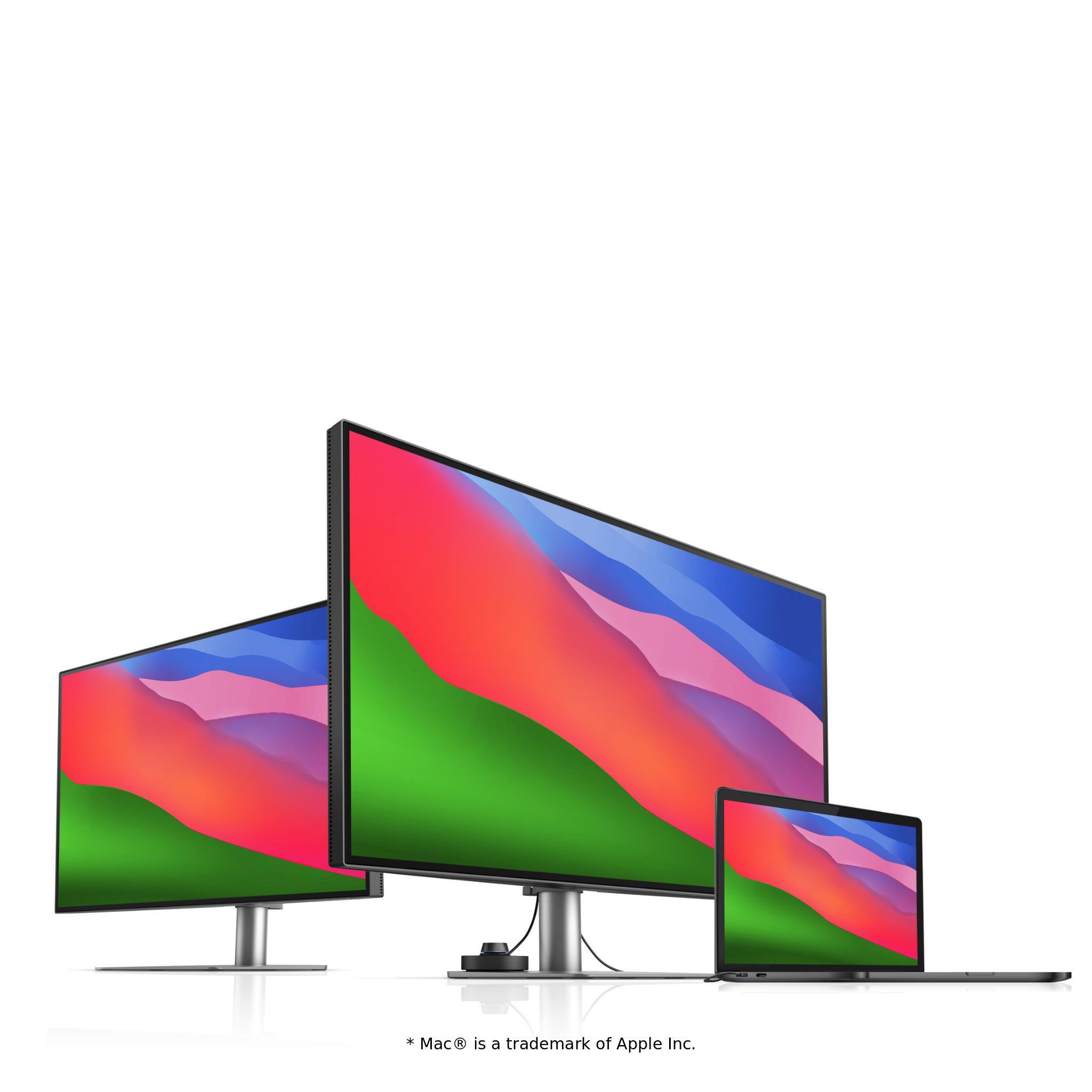
Quick to transfer various data and deliver power up to 90W. Your Thunderbolt 3/4 devices are compatible with USB-C on BenQ displays, ensuring consistent and seamless work efficiency.
The BenQ Hotkey Puck simplifies monitor control with direct access to your favorite settings, with no menu diving required. Designed for creatives, it keeps your workflow smooth and focused.
Adjust your monitor to the perfect angle with the built-in ergonomic stand, with flexible tilt, swivel, and pivot control. Whether working or presenting to clients, you’ll always enjoy the right view to work comfortably and confidently.
Pivot 90°
Swivel 30°/30°
Tilt -5°~20°
140mm Height Adjustment
Palette Master Ultimate
For hardware calibration and convenient color management
Paper Color Sync
Get an on-screen preview to simulate the final printed image
Display QuicKit
Easily update your monitor’s firmware to stay up-to-date

FAQ
Download