{{item.name}}
Price: {{currency}}{{item.price| numberThousandsCommas | numberDecimalPoint}}
Qty: {{item.amount}}

Remote Work & Learning


Projectors

Monitors
Lighting
Interactive Displays & Signage
Remote Work & Learning
Shop
Not all screens are created equal. If you’ve noticed patchy displays, vignetting (dark corners), or the dreaded dirty screen effect, you’re not imagining it. These visible forms of mura don't just distract; they subtly mislead your eyes, undermining the accuracy of your work. For photographers, designers, and creators, visual precision isn’t a luxury, it’s essential. Yet many unknowingly struggle with the "Panel Lottery," using screens plagued by clouding or backlight bleed.
In digital creation, your screen is your most important tool, and uniformity is the key to creating with clarity and confidence.
If parts of your screen appear dimmer or off-colored, especially near the edges, you’re likely seeing uneven color or brightness, a common sign of poor screen uniformity. This means color and brightness aren’t consistent across the display, making what you see less reliable. Screen uniformity is the screen’s ability to maintain even brightness and color from corner to corner. Without it, your visual content can look distorted, affecting both creative judgment and output accuracy.
For designers: Non-uniformity issues, such as uneven color or brightness, can hamper the design and review process, particularly near the edges of the screen. Misjudgments during design can cause the final output to differ from what’s presented, compromising the quality of your work.
For video creators: Poor screen uniformity can result in inconsistent color grading across scenes. When different areas of the screen display varying brightness or color tones, it becomes difficult to judge skin tones, shadows, or highlight details accurately. This leads to color mismatches in the final video, especially noticeable when content is viewed across multiple devices.
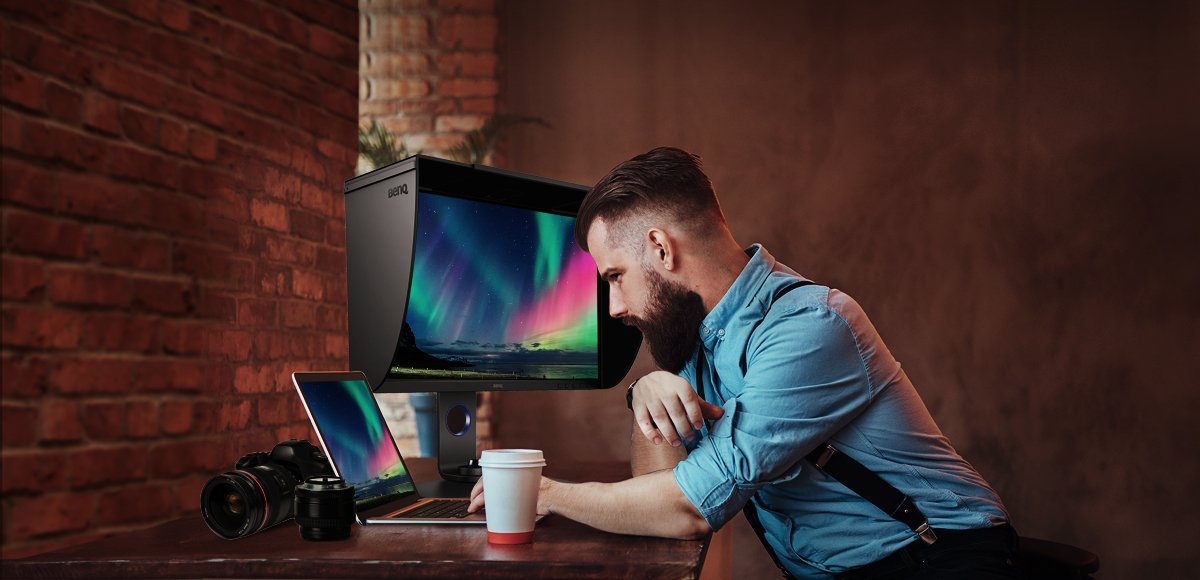
For photographers: When the screen does not have good uniformity at the photoshoot site or during post-production, the photographer may be unable to judge the results of retouching due to color inaccuracy in certain parts of the screen. This will severely affect the quality of photography.
Learn more about how to choose a photographer monitor
For studio managers or creative team leads: Choosing displays with high screen uniformity helps ensure consistent output for all team members and devices. It reduces guesswork, accelerates reviews, and aligns your team around one shared vision.
Tip
How to Tell If Your Screen Has Poor Uniformity
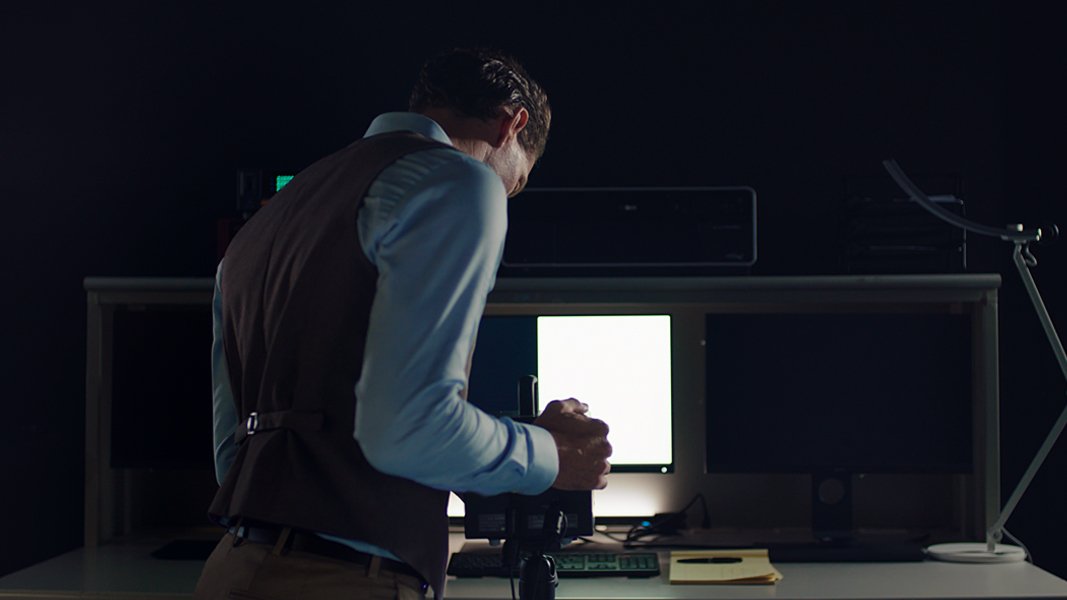
To check your screen, try opening a full-screen white or gray background. Do the corners look darker or tinted compared to the center? Are there subtle shifts in brightness or color tone as you move your eyes across the screen? If yes, your screen may be suffering from non-uniformity, something many creators overlook until it impacts their work.
The "Panel Lottery" ends here. Visible flaws such as dirty screen effect and clouding stem from physical variations in the panel’s structure. While most monitor makers tolerate a certain level of variation, BenQ rejects it. Through stricter panel selection and tighter display area validation, we ensure that what you see remains consistent across the entire screen.
AQCOLOR uniformity is engineered to match how the human eye perceives full-screen consistency. Moving beyond the industry standard of calibrating only at the geometric center, BenQ applies global calibration with micro-corrections to ensure optimal uniformity across the entire screen.
This approach ensures uniformity comes first, not brightness enhancement or eye-catching contrast tricks. The result is a viewing experience that’s not only more faithful to your creative vision but also easier on the eyes, especially during long editing sessions.
Poor screen uniformity can quietly undermine even the most skilled creative work, causing inaccurate color judgment, inconsistent edits, and time-consuming rework. For professionals, this means frustration and uncertainty. In contrast, BenQ uniformity ensures that what you see is what you get. By delivering a corner-to-corner continuum of precise color, it maintains color accuracy, reduces editing bias, and supports a smoother, more efficient workflow. In creative work where every detail matters, uniformity isn’t just a feature, it’s the foundation.
Note
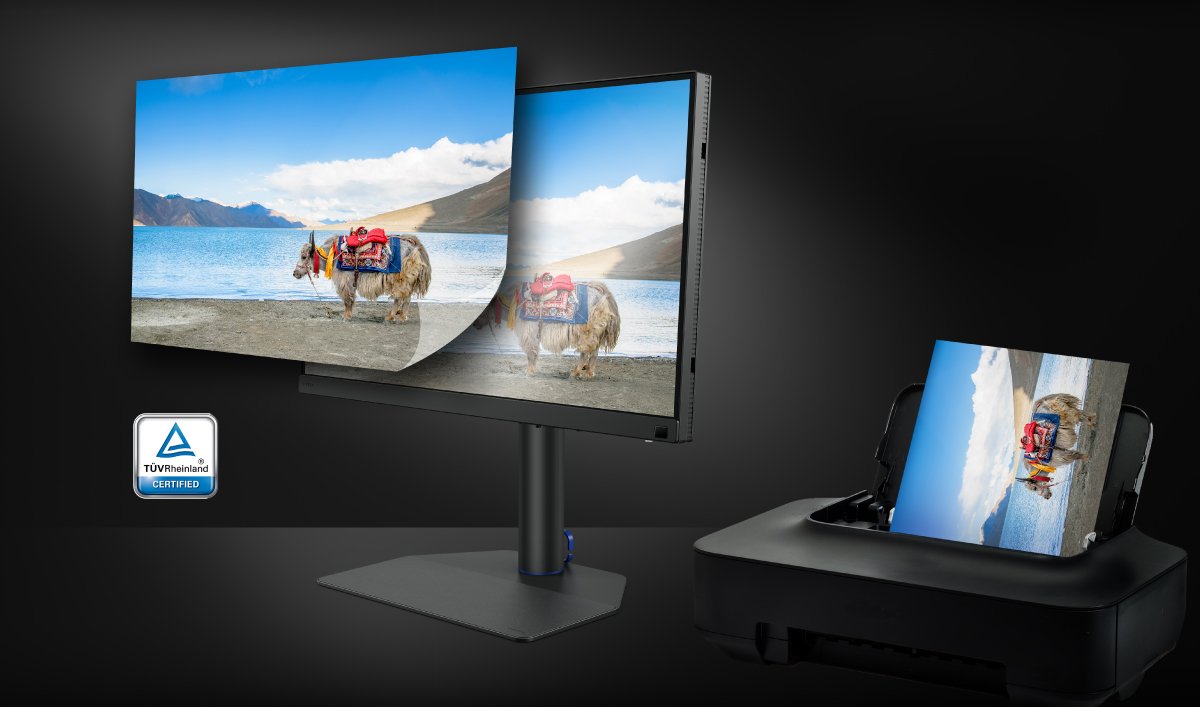
Screen uniformity is just one part of the color workflow. For creators working across digital and print, maintaining consistent color standards is crucial. That’s why BenQ partners with Pantone, so your colors stay true from screen to final output.
Recommended Products
{{item.productWordingTag}}
{{currency}}{{item.finalPrice| numberThousandsCommas | numberDecimalPoint}} Save {{currency}}{{item.saveAmount | numberThousandsCommas | numberDecimalPoint}} Save {{item.savePercent | numberThousandsCommas | numberDecimalPoint}}%
new device price{{currency}}{{item.regularPrice| numberThousandsCommas | numberDecimalPoint}}