Projector
Projector
Monitor
Lighting
Remote Work & Learning
By Series
becreatus-dockInteractive Display & Signage
We use cookies and similar technologies on this website to improve our service for you and bring you a more personalized user experience.
By accepting optional cookies, you can enjoy:
Personalized support and live chat (Functional cookies)
Relevant content via anonymized analytics (Analytics / Performance cookies)
Ads and marketing tailored to your interests (Advertising / Targeting cookies)
By clicking “Accept all”, you consent to the use of cookies, including optional cookies. Click “Reject all” to reject optional cookies or click “Cookie Setting” to manage your preferences. Please note that rejecting optional cookies may affect certain website features and functionality. Find out more in our Cookie Policy and Privacy Policy.
Always active
These cookies are required for the operation of the website and cannot be configured.
These cookies allow us to offer you customized content according to your profile, your interests and your usage. By accepting these cookies, you help us to improve the layout and features of our site.
These cookies allow us to understand how you access the site and your browsing habits (e.g. pages viewed, time spent on a page, content clicked). They allow us to analyze the performance and design of our site and to detect possible errors. Owing to these performance indicators, we are constantly improving our site and our products, content and offers.
These cookies are used for BenQ advertisements displayed on third-party websites, including social media, and are tailored to your preferences and to help us measure the effectiveness of our advertising campaigns. They remember that you have visited our site and share this information with partners, such as advertisers, for the purpose of targeted advertising. If you refuse these cookies, advertising (including ours) will continue to be displayed as you browse the Internet, although they will not be specific to your personal interests, and will therefore be less relevant.
Important Product Recall Notice - GV31
Learn MoreImportant Product Recall Notice - GV31
Learn More
Each AAA game showcases its own unique aesthetic design, yet the preset color modes offered by most gaming monitors fail to capture the nuanced artistry of modern games. For instance, the commonly available "FPS mode" preset may be suitable for certain games but often falls short when facing diverse themes, artistic styles, and design directions of individual titles.
MOBIUZ understands the challenges this poses for open-world AAA gamers who value game art from its spirit to its perfect showcase. Leveraging 20+ years of BenQ color technology expertise and insights from over 100 open-world AAA gamers, MOBIUZ has built the industry’s only Game Art Color Database. This database enables precise color adjustments that ensure visual output directly aligned with the game's aesthetic design. Whether it’s the vibrant hues of a fantasy world or the gritty realism of a military shooter, BenQ MOBIUZ monitors faithfully deliver visuals that stay true to the developer’s artistic vision. Below is the three-step process MOBIUZ employs to construct its Game Art Color Database.
In-depth Study of Game Art: We conducted thorough research on the most popular games from the past five years. By analyzing gameplay footage, artbooks, and developer interviews, we captured the narrative and aesthetic essence of each game. These insights formed the foundation of Game Art Color Database.
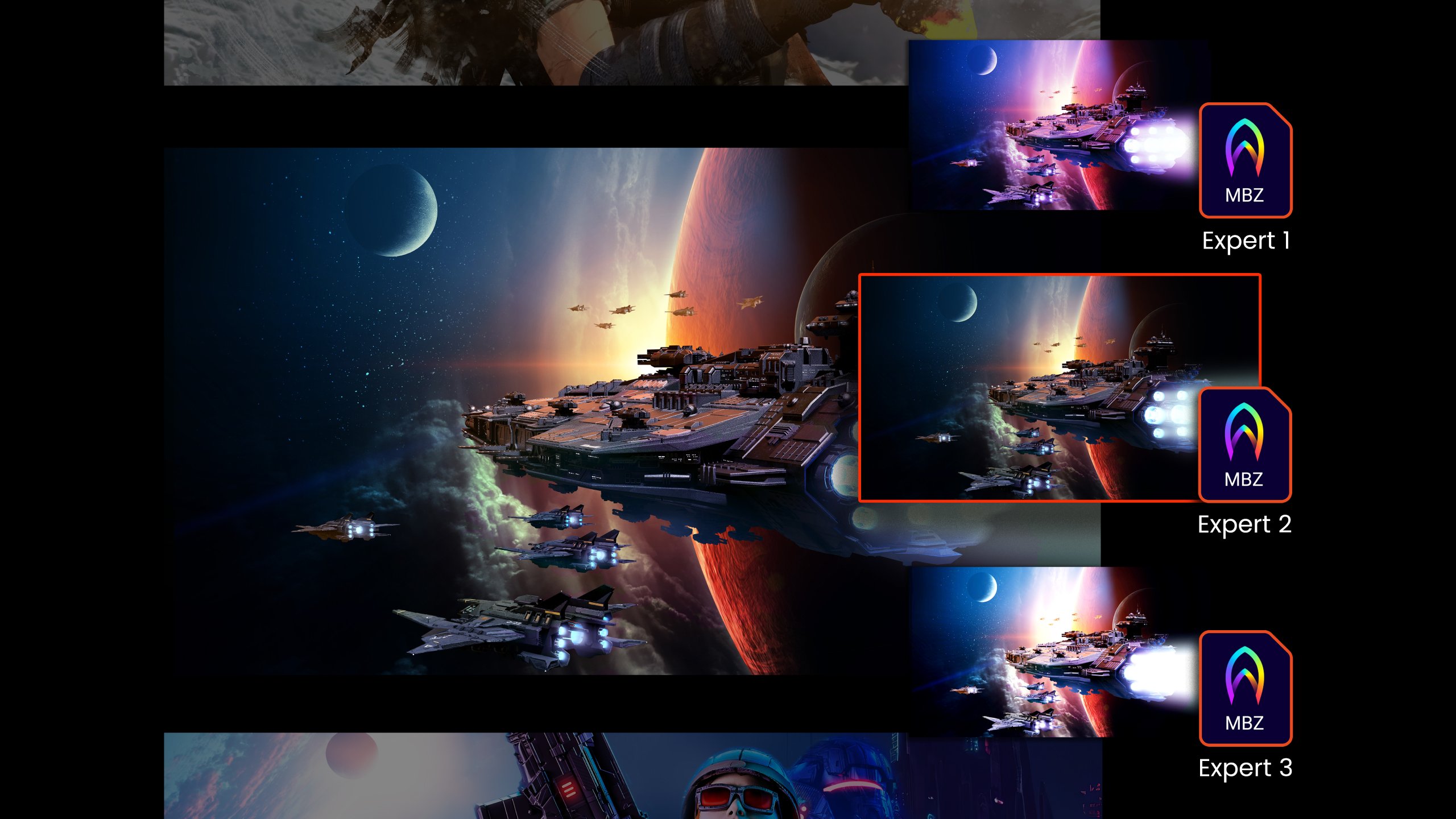
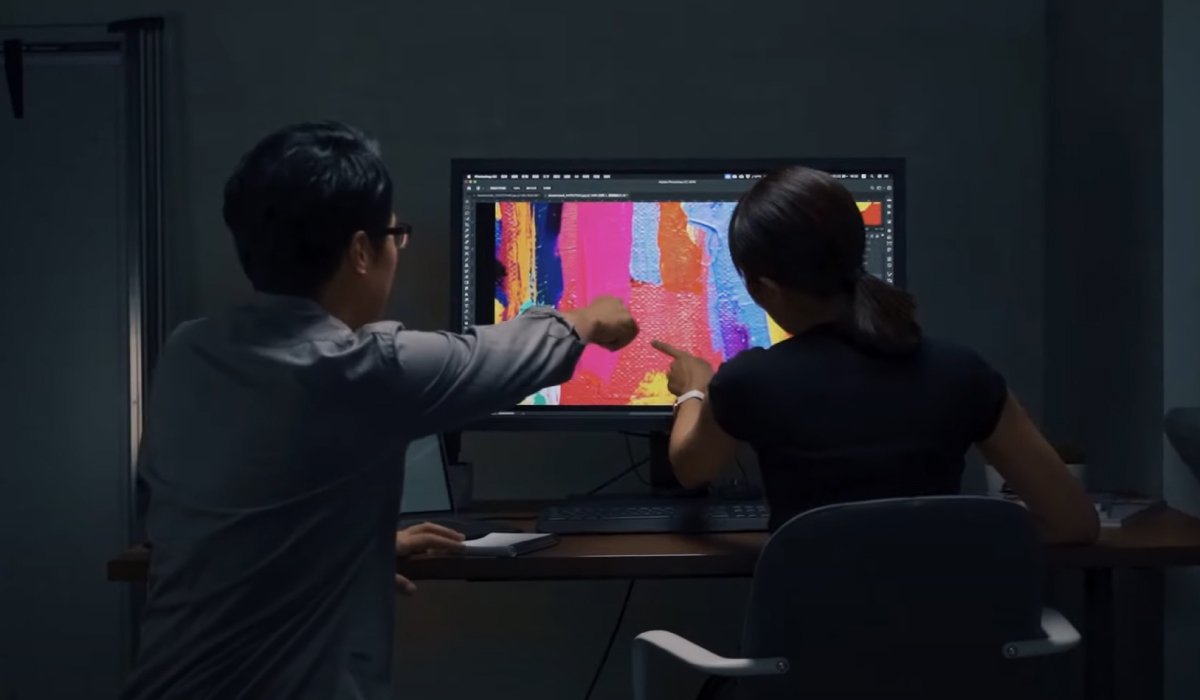
Collaboration with Calibration Experts: These findings were transformed into multiple color presets through collaboration with color experts and engineers. For example, in Like a Dragon: Infinite Wealth, adjusting contrast and color temperature enhances visibility in dark scenes but may slightly diminish the game’s iconic cartoonish art style.
Player Participation in Testing: Quantitative and qualitative analyses, including online surveys and blind tests, were conducted to ensure that the selected color variations resonate strongly with gamer preferences.
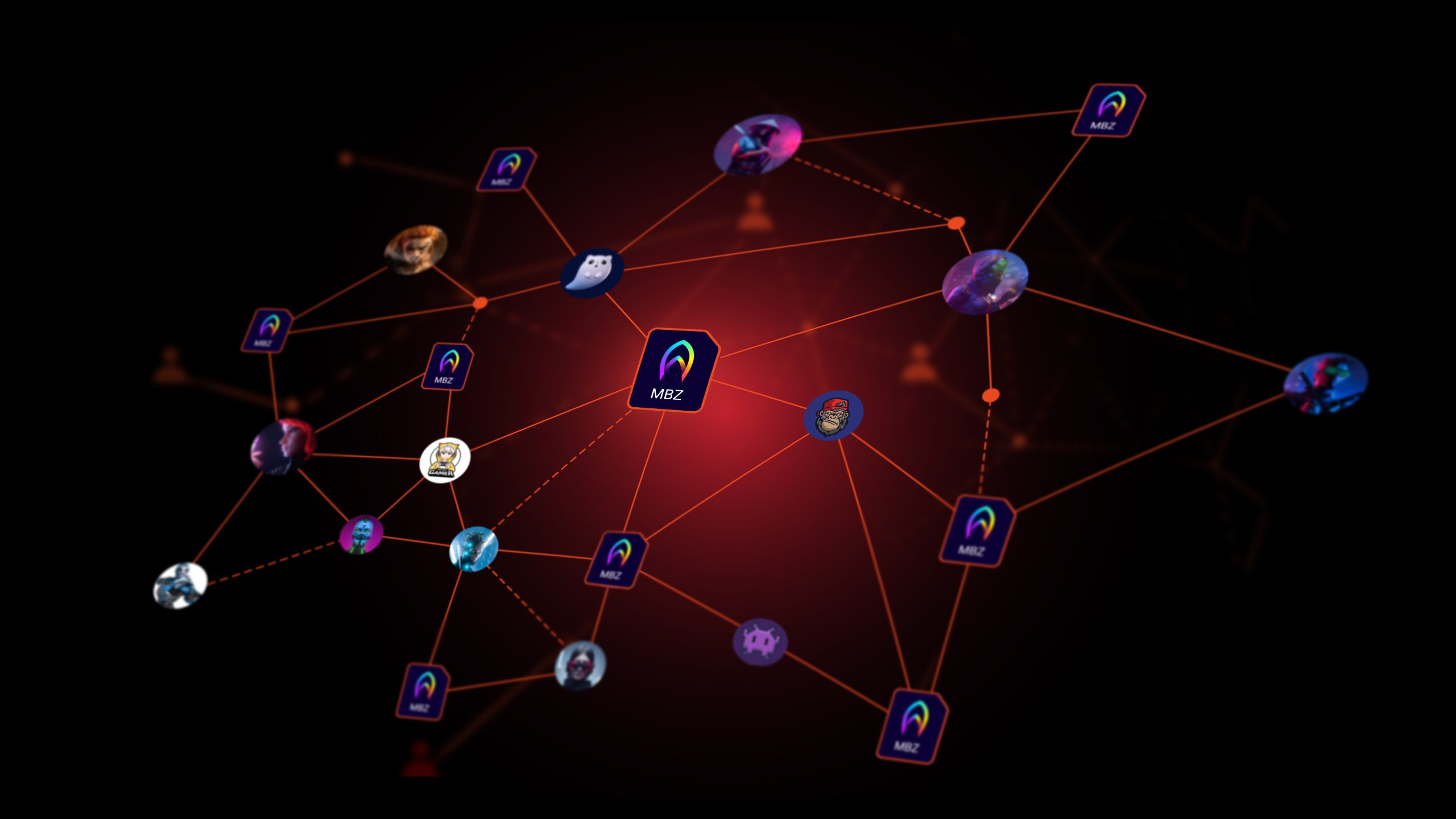
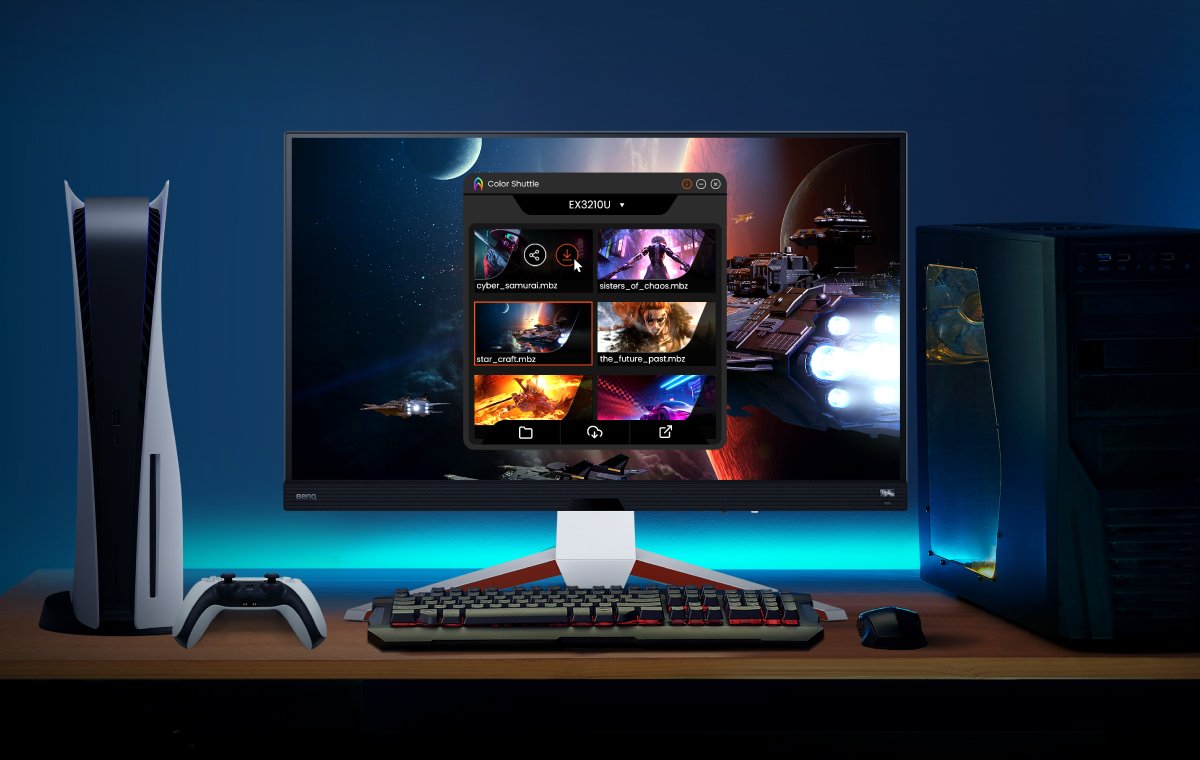
Following the Game Art Color Database color tuning and verification process, we carefully crafted game-specific color profiles available for download via BenQ Color Shuttle.
The insights gained from the color-tuning process were compiled into the creation of three preset color modes integrated into MOBIUZ models EX321UX, EX381U, EX271U, EX271Q, EX271, and EX251 — Sci-Fi, Realistic, and Fantasy — representing the world’s first application of game art-based modes instead of game genre-based modes, a paradigm shift in game visual presets. MOBIUZ players can seamlessly select display settings to match the art style of their favorite games, whether it’s in the style of sci-fi horror in Dead Space, a realistic adventure such as Red Dead Redemption 2, or a classical fantasy like The Witcher 3.
As MOBIUZ looks ahead, our commitment to color-tuning excellence remains unwavering. With over 120 color presets created to date, over 50 one-on-one interviews conducted, and feedback from over 100 open-world AAA players collected, BenQ continues to refine and expand its color-tuning efforts. We continuously invite players to join in the verification process, ensuring MOBIUZ monitors deliver perfectly tuned game visuals that resonate with their preferences.
MOBIUZ Game Art Color Database initiative is not just a technological endeavor; it is a testament to our dedication to delivering unparalleled gaming experiences. In the ever-evolving world of gaming, MOBIUZ stands as a beacon of innovation, pushing the limits of color-tuning technology to provide unmatched visual experiences.
{{item.productWordingTag}}
{{currency}}{{item.finalPrice| numberThousandsCommas | numberDecimalPoint}} Save {{currency}}{{item.saveAmount | numberThousandsCommas | numberDecimalPoint}} Save {{item.savePercent | numberThousandsCommas | numberDecimalPoint}}%
new device price{{currency}}{{item.regularPrice| numberThousandsCommas | numberDecimalPoint}}