Projector
Projector
Monitor
Lighting
Remote Work & Learning
By Series
becreatus-dockInteractive Display & Signage
Small and Middle Sized Businesses
Welcome to BenQ CEE Europe
How can I change my BenQ cookie settings?
Some essential features on BenQ sites just won’t work without cookies. And having other cookies switched off can seriously affect the way you’ll be able to enjoy our services.
Please check your cookie settings below and turn on any cookies you’re happy with.
“Strictly necessary” cookies can’t be turned off. But Functional and Performance cookies can be turned on or off below. You can learn more about cookies and what they do on our other pages.
If you've chosen to block third-party cookies on your browser, your cookie preferences won't carry over from benq.eu to benq.xx and vice versa. Please make sure to set your cookie preferences in both places.
On
Strictly necessary cookies
These cookies are essential so that you can move around the website and use its features. Without these cookies services you have asked for cannot be provided.
On
Off
Functional cookies
These cookies allow the website to remember choices you make to give you better functionality and personal features.
On
Off
Performance cookies
These cookies help to improve the performance of BenQ. If you want to opt-out of advertising cookies, you have to turn-off performance cookies.
Important Product Recall Notice - GV31
Learn MoreImportant Product Recall Notice - GV31
Learn More
Not all screens are created equal. If you've noticed uneven color, dim corners, or brightness shifts, you're not imagining it, these flaws can distort how your work looks. For photographers, designers, and creators, visual accuracy isn’t a luxury, it’s a must. Yet many unknowingly edit on screens that subtly mislead their eyes, impacting both output quality and eye comfort.
“A sharp tool makes better work.” In digital creation, your screen is that tool, and understanding screen uniformity is the first step to creating with clarity and confidence.
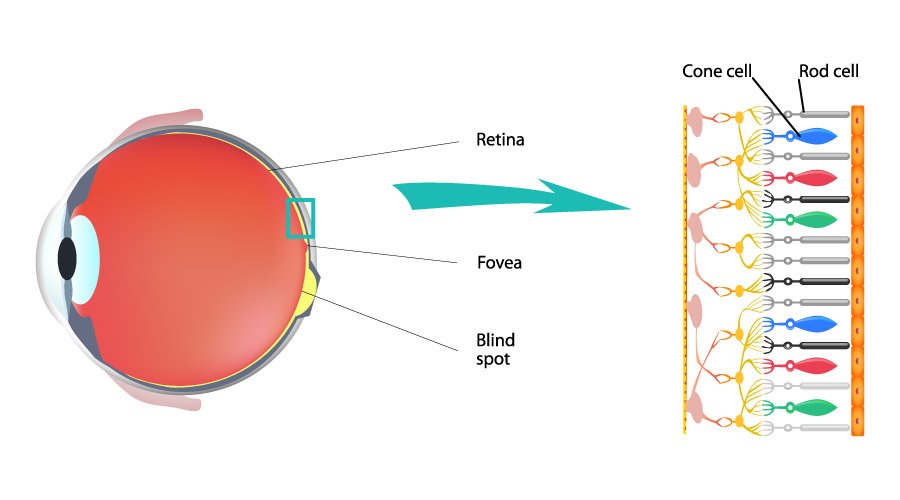
If parts of your screen appear dimmer or off-colored, especially near the edges, you’re likely seeing uneven color or brightness, a common sign of poor screen uniformity. This means color and brightness aren’t consistent across the display, making what you see less reliable. Screen uniformity is the screen’s ability to maintain even brightness and color from corner to corner. Without it, your visual content can look distorted, affecting both creative judgment and output accuracy.
For designers: Similarly, nonuniformity issues for designers can hamper the design and review processes, caused by brightness or color differences at different parts of the screen. Potential misjudgment in design can cause the final output to differ from what’s presented, severely affecting the quality of a design.
For video creators: For video creators, poor screen uniformity can result in inconsistent color grading across scenes. When different areas of the screen display varying brightness or color tones, it becomes difficult to judge skin tones, shadows, or highlight details accurately. This leads to color mismatches in the final video, especially noticeable when content is viewed across multiple devices.
For photographers: When the screen does not have good uniformity at the photoshoot site or during post-production, the photographer may be unable to judge the results of retouching due to color inaccuracy in certain parts of the screen. This will severely affect the quality of photography.
Learn more about how to choose a photographer monitor
For studio managers or creative team leads: Choosing displays with high screen uniformity helps ensure consistent output across team members and devices. It reduces guesswork, accelerates reviews, and brings your team closer to one shared vision.
Tip
How to Tell If Your Screen Has Poor Uniformity
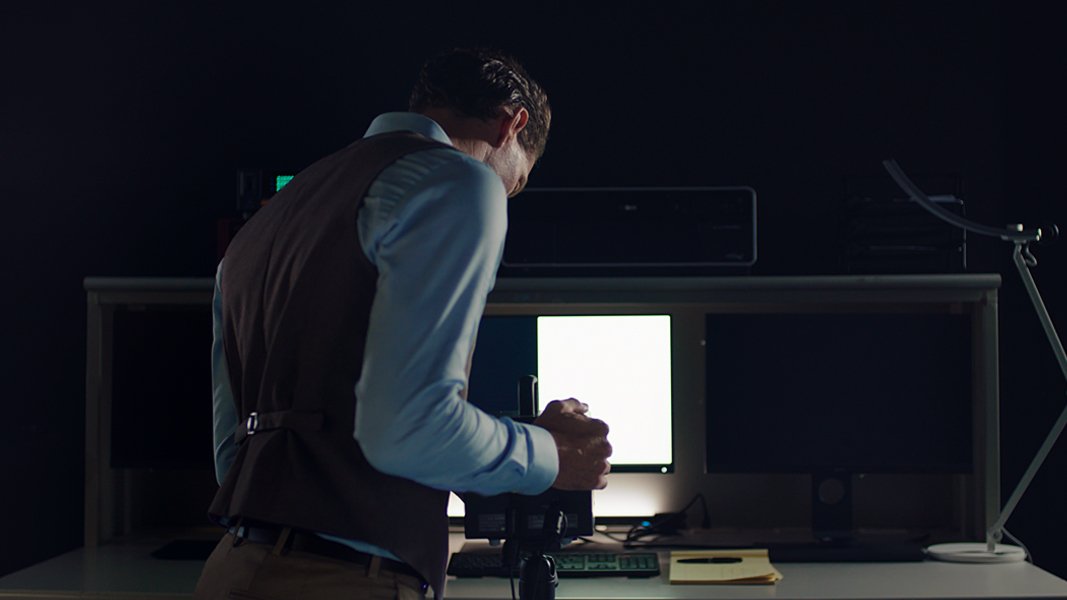
Try opening a full-screen white or gray background. Do the corners look darker or tinted compared to the center? Are there subtle shifts in brightness or color tone as you move your eyes across the screen? If yes, your screen may be suffering from non-uniformity, something many creators overlook until it impacts their work.
These inconsistencies are usually caused by physical variations in the panel itself, such as uneven backlighting or imperfect light diffusion. While most monitor makers tolerate a certain level of variation, BenQ takes a different path: we control what others accept. Through stricter panel selection and tighter display area validation, BenQ ensures that what you see remains consistent across the entire screen.
AQCOLOR uniformity calibration simulates how eyes perceive screen-wide consistency. Rather than only relying on 25-point spot checks, AQCOLOR performs full-frame, high-resolution, area-based luminance and chromaticity calibration to deliver consistent, precise colors faithful to your vision.
For corner-to-corner uniformity, only qualified panels that meet strict baseline criteria are selected for AQCOLOR calibration. Each panel is divided into thousands of micro-zones, including the outer 10% edges often overlooked by conventional processes. Every zone is individually fine-tuned for subtle deviations in brightness and chroma, ensuring consistent color and luminance from corner to corner.
This approach ensures uniformity comes first, not brightness enhancement or eye-catching contrast tricks. The result is a viewing experience that’s not only more faithful to your creative vision but also easier on the eyes, especially during long editing sessions.
In short, poor screen uniformity can quietly undermine even the most skilled creative work, causing inaccurate color judgment, inconsistent editing, and time-consuming rework. For professionals, that means more frustration and less confidence. A display with strong uniformity, on the other hand, ensures that what you see is truly what you get, from corner to corner. It helps maintain color accuracy, reduces editing bias, and supports a smoother, more efficient workflow. In creative work where every detail matters, uniformity isn’t just a feature—it’s your foundation.
Note
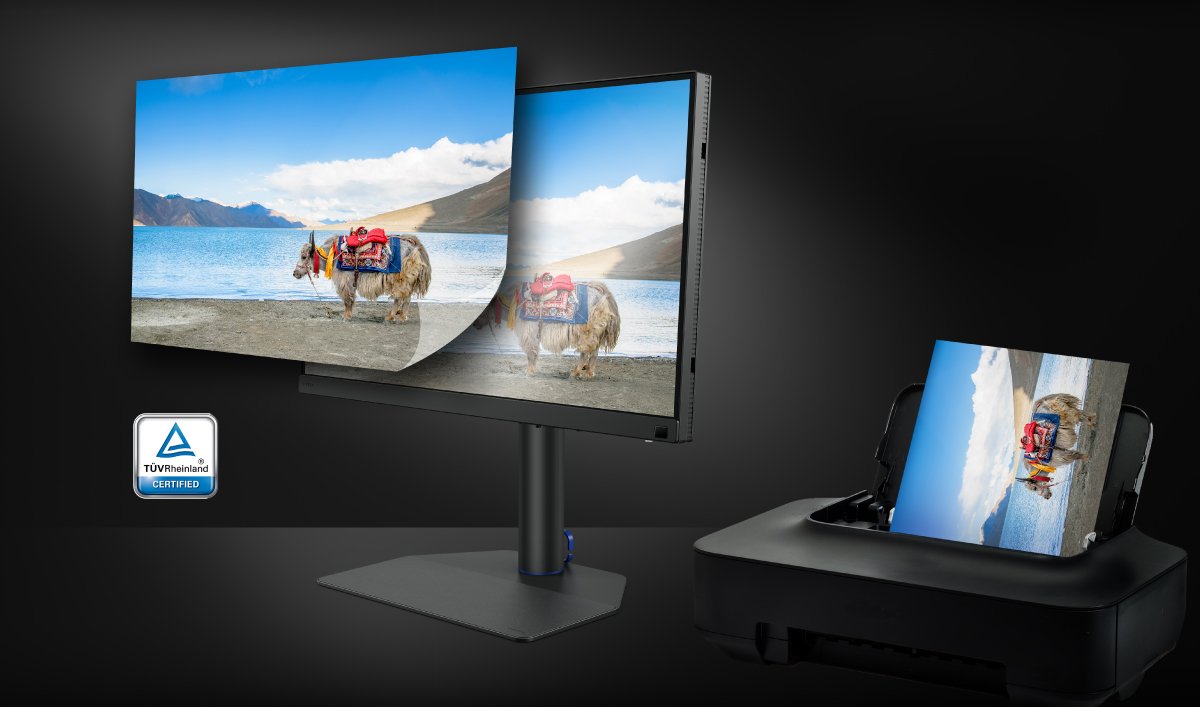
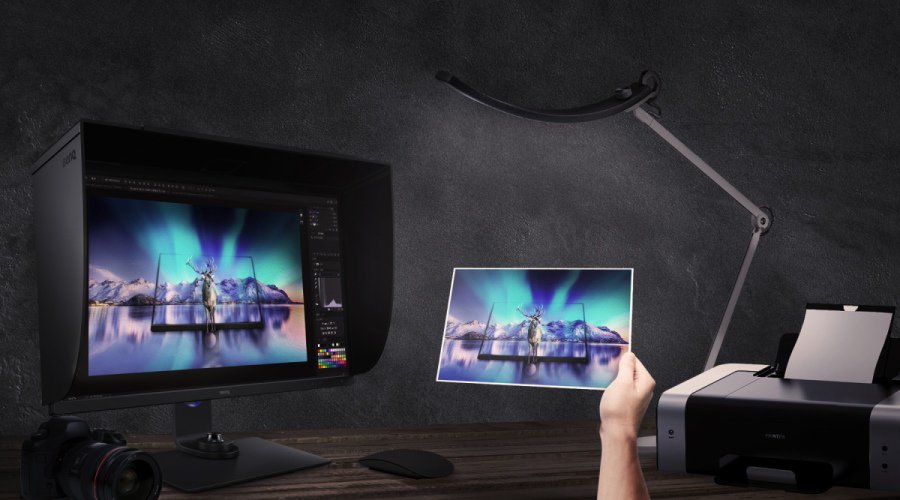
Screen uniformity is just one part of the color workflow. For creators working across digital and print, maintaining consistent color standards is crucial. That’s why BenQ partners with Pantone, so your colors stay true from screen to final output.
{{item.productWordingTag}}
{{currency}}{{item.finalPrice| numberThousandsCommas | numberDecimalPoint}} Save {{currency}}{{item.saveAmount | numberThousandsCommas | numberDecimalPoint}} Save {{item.savePercent | numberThousandsCommas | numberDecimalPoint}}%
new device price{{currency}}{{item.regularPrice| numberThousandsCommas | numberDecimalPoint}}