In this article
  • Why is Monitor Lighting Different from Traditional Desk Lamps?
  • What is Asymmetric Lighting?
  • How BenQ Developed ASYM-Light™ for Monitor Workspaces
  • Why Dual Monitor Workspaces Needed Something More
  • How ASYM-TriZone Light™ Works
  • Which BenQ Monitor Light Is Right for You?
  • Better Lighting Starts with the Right Workspace
  • FAQ
Workspace Lighting Technology: ASYM-Light vs. ASYM-TriZone Light Explained
  • BenQ
  • 2026-08-25

knowledge
knowledge

From single-monitor desks to larger workspaces or dual-monitor setups, today's workspaces look very different from those of the past. As workspaces evolve, lighting is no longer just about brightness, it's about supporting visual comfort for longer hours in front of a screen. 

That's why monitor lighting should be designed differently than traditional desk lamps. By controlling how light is distributed, it can reduce screen glare, prevent direct eye exposure, and deliver precise illumination for screen-based work. 

In this article, we'll explore the principles behind asymmetric lighting, how BenQ's ASYM-Light™ and ASYM-TriZone Light™ work, and why different optical designs are needed for different workspace setups.

Why is Monitor Lighting Different from Traditional Desk Lamps?

Traditional desk lamps are designed to illuminate an entire desk or room. Their symmetrical light distribution creates broad, even illumination, making them ideal for reading, writing, and other general desk activities. But working in front of a monitor introduces a different challenge.

Web
Web

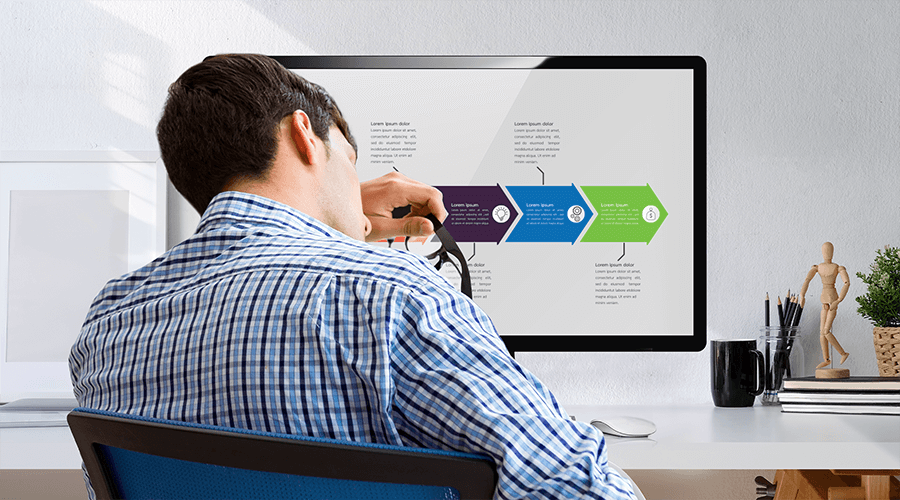
When light reaches the screen instead of the desk, it can create reflections that reduce visibility. At the same time, light shining directly toward your eyes may increase visual discomfort during extended use. Monitor lighting therefore focuses on controlling where light goes, rather than simply producing more light. This is where asymmetric lighting becomes an effective optical solution.

What is Asymmetric Lighting?

Unlike symmetrical lighting, which spreads light evenly in all directions, asymmetric lighting intentionally directs more light toward a specific area while limiting unnecessary light elsewhere. This optical principle is widely used in architectural, commercial, and task lighting whenever illumination needs to be concentrated on a specific surface while reducing glare and light spill.

Asymmetric Lighting

Why It Matters for Monitor Lighting?

Light Distribution

Directs light toward the task area.

Keeps light on the desk instead of the screen.

Optical Design

Uses reflectors and lenses to control the light path.

Minimizes unwanted light spill and improves precision.

Visual Comfort

Reduces glare and direct eye exposure.

More comfortable for prolonged screen use.

How BenQ Developed ASYM-Light™ for Monitor Workspaces

While asymmetric lighting has been used in architectural and task lighting for years, BenQ was the first to apply this optical principle to a monitor light bar. This innovation led to the development of ASYM-Light™, BenQ's proprietary optical technology designed specifically for screen-based work.

Through precise optical simulations and a carefully engineered reflector structure, ASYM-Light™ controls how light is distributed across the workspace. Rather than illuminating the entire desk evenly, it directs light precisely onto the primary task area while minimizing screen glare and preventing direct eye exposure.

knowledge
knowledge

Optimized for single-monitor workspaces, ASYM-Light™ delivers focused illumination where it's needed most, creating a more comfortable lighting environment for everyday screen use.

Why Dual Monitor Workspaces Needed Something More

As dual-monitor setups became increasingly common, workspaces also became wider and more dynamic. Compared to a single-monitor setup, users work across a larger visual area, switch between multiple screens more frequently, and often position their monitors at different angles.

While ASYM-Light™ was designed to provide precise illumination for focused single-monitor workspaces, these evolving setups introduced new lighting requirements. Wider workspaces needed broader coverage, without compromising the glare-free optical principles that define monitor lighting. This led BenQ to further evolve its optical design, resulting in ASYM-TriZone Light™ for dual-monitor workspaces.

How ASYM-TriZone Light™ Works

Unlike a single-monitor light bar, a dual monitor desk lamp is positioned farther from the screens to provide wider coverage. This increased distance changes how light reaches the workspace. If the original ASYM-Light™ distribution were used without adjustment, the area directly in front of the monitors would become under-illuminated.

Web
Web

Why Even Lighting Matters?

Your eyes are constantly adapting to changes in brightness. Uneven lighting and excessive luminance contrast across the workspace require continuous adjustment by your eyes, increasing visual discomfort. International lighting standards therefore emphasize illuminance uniformity, luminance balance, and glare control as key principles for comfortable workplace lighting.


To solve this, BenQ refined the original optical design behind ASYM-Light™ optical and developed ASYM-TriZone Light™ for ScreenBar® Max, its first dual monitor desk lamp. Rather than changing the glare-free principles of ASYM-Light™, ASYM-TriZone Light™ redistributes light farther back across the workspace, illuminating the desk while maintaining precise light control.

Web
Web

The result is wider, more balanced illumination across dual-monitor workspaces while continuing to minimize screen glare and prevent direct eye exposure, even when monitors are positioned at different angles.


Learn more about ScreenBar® Max and see how ASYM-TriZone Light™ is engineered for dual-monitor workspaces.

Which BenQ Monitor Light Is Right for You?

Every BenQ monitor light is built on the same glare-free optical philosophy. The difference lies in the workspace each optical design is optimized for. 

Explore the full BenQ Monitor Light Bar Series

Model

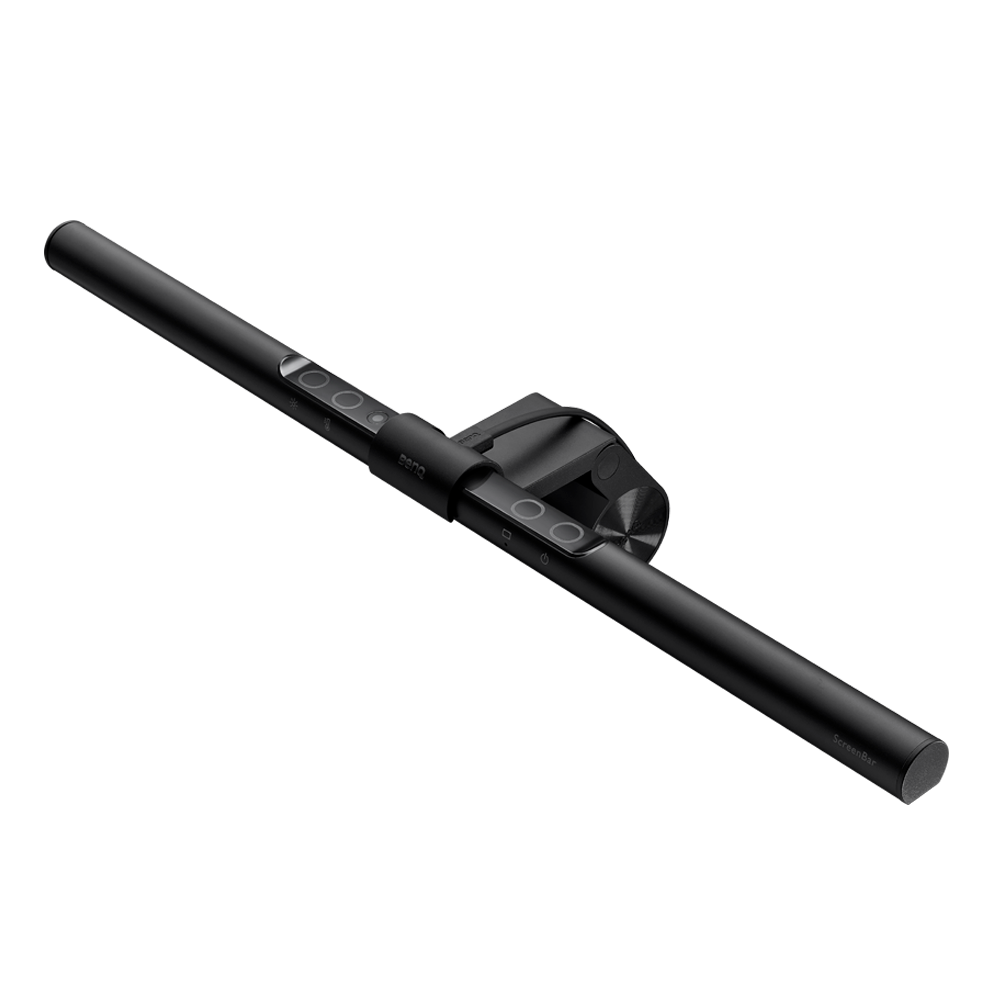
ScreenBar 

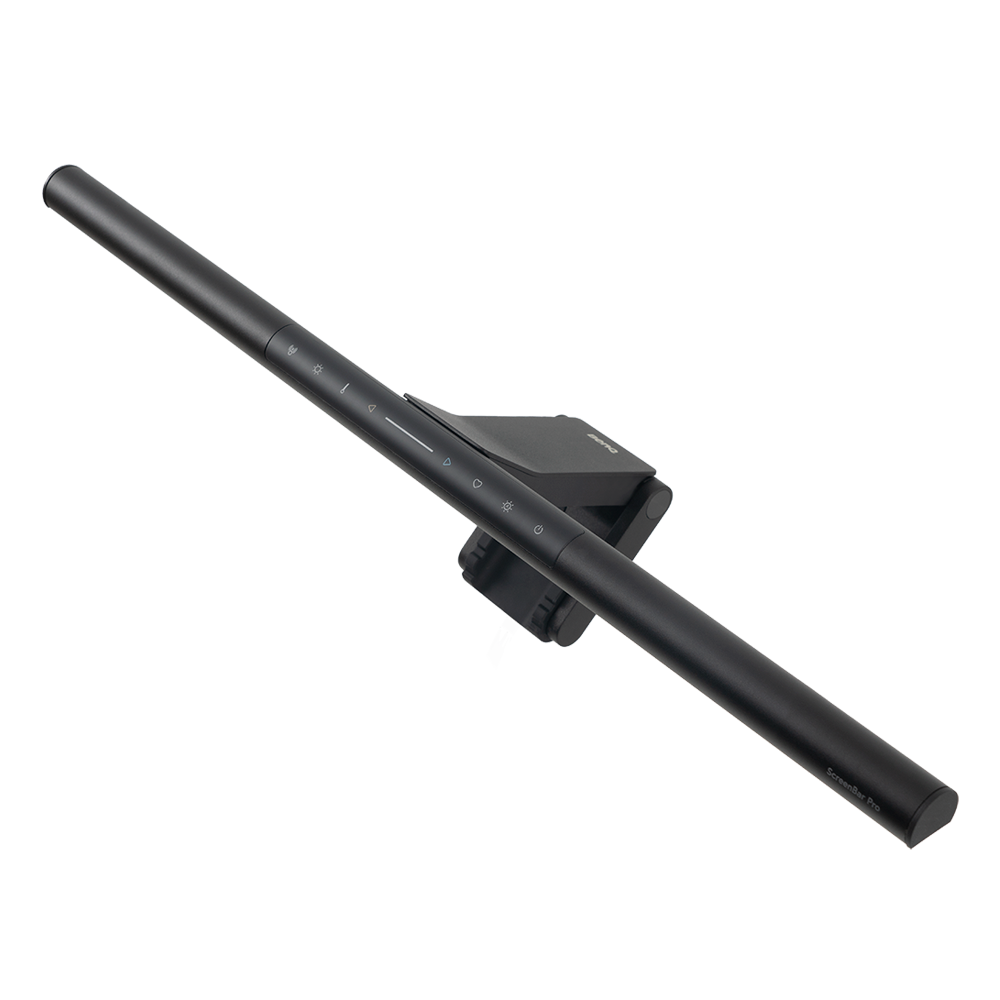
ScreenBar Pro

ScreenBar  Pro

ScreenBar Halo 2

ScreenBar Max

iScreenBar 

Optical Design Technology

1st Gen ASYM-Light™

3rd Gen ASYM-Light™

3rd Gen ASYM-Light™ + Backlight

ASYM-TriZone Light™ + Backlight

3rd Gen ASYM-Light™

Ideal Setup

Single Monitor Setups

Large & Ultrawide Monitor Setups

Dim Environment Setups

Dual Horizontal / Mixed Vertical Monitor Setups

iMac Setup

Recommended Monitor Configuration

1 - 3 cm.

(0.4''- 1.2''); 


Flat 1800R

0.43 - 6.5 cm.

(0.17” - 2.56”);


Flat/Curved 1000R-1800R

0.43 - 6 cm.

(0.17” - 2.56”);


Flat/Curved 1000R-1800R

Dual monitors up to 34"


Curved < 1000R

iMac®

* iMac® is a registered trademark of Apple Inc. This product is not affiliated with, endorsed by, sponsored by, or otherwise associated with Apple Inc. or any of its affiliates.

Better Lighting Starts with the Right Workspace

From ASYM-Light™ to ASYM-TriZone Light™, BenQ continues to evolve monitor lighting alongside the way we work. Whether you use a single monitor, an ultrawide display, or a dual-monitor setup, choosing the right optical design is the first step toward a more comfortable workspace. Explore the BenQ Monitor Light Series and find the monitor light that's designed for your workspace.


FAQ

1. How Does Asymmetric Lighting Reduce Screen Glare and Eye Strain?

Asymmetric lighting controls the direction of light, focusing illumination on the task area rather than allowing it to spill onto the screen or directly into the user's eyes. This helps minimize screen reflections and direct glare, creating a more comfortable visual environment for prolonged screen use. At BenQ, asymmetric lighting goes beyond basic optical principles. Through workspace research, precise optical simulations, and carefully engineered reflector and lens structures, BenQ developed and validated its light distribution designs to ensure that light reaches the intended work area while minimizing unwanted illumination. This research-driven approach led to ASYM-Light™ for single-monitor workspaces and its evolution into ASYM-TriZone Light™ for dual-monitor setups. 

2. What's the difference between ASYM-Light™ and ASYM-TriZone Light™?

Both ASYM-Light™ and ASYM-TriZone Light™ are built on BenQ's asymmetric optical principles to direct light onto the workspace while minimizing screen glare and direct eye exposure. ASYM-Light™ is optimized for single-monitor workspaces, while ASYM-TriZone Light™ extends and redistributes illumination to provide wider, more balanced coverage for dual-monitor setups.

3. What is a dual monitor desk lamp, and how is it different from a monitor light bar?

A dual monitor desk lamp is designed specifically to illuminate the wider workspace created by two monitors. While a traditional monitor light bar is typically optimized for a single screen, a dual monitor desk lamp provides broader coverage across dual-monitor setups while addressing lighting challenges such as uneven illumination.

Learn More: What's Dual Monitor Desk Lamp

4. Can I use two monitor light bars with dual monitors?

Yes, you can use two monitor light bars with a dual-monitor setup, but the result may depend on your monitor positioning and the optical design of each light. Using two separate light bars may create overlapping or uneven illumination. A dedicated dual monitor desk lamp is designed to provide more consistent coverage across the workspace with a single lighting system.

5.What makes BenQ ScreenBar® Max different from other dual monitor desk lamps?

ScreenBar® Max was developed specifically around how dual-monitor users work. By studying dual-monitor workspace behaviors and common screen configurations, BenQ identified the need for wider, more balanced illumination across different monitor arrangements. Rather than simply extending the lamp size for broader coverage, BenQ developed ASYM-TriZone Light™ to redistribute light across the workspace, provide even illumination across a dual-monitor work area, and minimize screen glare and direct eye exposure, even when two monitors are positioned at different angles.

Was this article helpful?

Yes No

Recommended Products

  • Save {{currency}}{{item.saveAmount| numberThousandsCommas | numberDecimalPoint}}
    Save {{item.savePercent| numberThousandsCommas | numberDecimalPoint}}%

    {{item.productWordingTag}}

    {{item.title}}

    • {{point}}

    {{currency}}{{item.finalPrice| numberThousandsCommas | numberDecimalPoint}} Save {{currency}}{{item.saveAmount | numberThousandsCommas | numberDecimalPoint}} Save {{item.savePercent | numberThousandsCommas | numberDecimalPoint}}%

    new device price{{currency}}{{item.regularPrice| numberThousandsCommas | numberDecimalPoint}}