InstaShare Button Solution | TZY61
InstaShare Button Solution


InstaShare Button Solution
- Two InstaShare Buttons, one InstaShare Dock
- Plug and click to instantly share your screen
- Designed for laptops with USB-C
- Built-in Wi-Fi connectivity (IEEE 802.11ac Wave 2)

Share your screen with a single click
-
Seamless support
The InstaShare Button works seamlessly with Windows laptops, MacBook®, and Chromebooks for easy one-click sharing.
*MacBook® is a trademark of Apple Inc.
-
One simple cable
Say goodbye to multiple cables and hello to a single USB-C cable that connects, shares, and powers the InstaShare Button.
-
Stay organized
The InstaShare Dock keeps your space even more clutter-free by holding your InstaShare Buttons, pens, and remotes.


Success stories

Kankakee School District
Melissa Fierro, Technology Integration Specialist
"BenQ Boards help us by allowing our teachers to be more flexible in their instruction."
Learn more
Watch video

SKOV
Mandy Kes, Teacher
“BenQ Boards allow students to learn on their own or with groups. That’s what education is all about."
Learn more
Watch video

PINGUIN Daycare
Mieke Matthes, Pedagogical Assistant
“With the BenQ Board, we’re one more step closer to Kindergarten 4.0... It has fully met, if not exceeded, our expectations.”
Learn more
Watch video

Play & Learn
Julie Watts, Operations Manager
“Technology empowers children to learn and grow because it’s visually appealing… They want to engage... They want to have a go.”
Learn more
Watch video
Specifications

All Specifications

InstaShare Button
Quantity
2
Dimensions (W × H × D)
2.63 × 2.63 × 0.92 in (67 × 67 × 23.5 mm)
Box Size (L × W × H)
13.1 × 8.77 × 3.81 in (334 × 223 × 97 mm)
Gross Weight
0.42 lbs (192 g)
Operating temperature
32°F - 104°F (0°C - 40°C)
Storage temperature
14°F - 140°F (-10°C - 60°C)
Storage humidity
5% to 90% relative humidity
Operating humidity
10% to 80% relative humidity
Wireless screen sharing
InstaShare Button
InstaShare Dock
Color
Black
Dimensions (W × H × D)
5.9 × 3.34 × 4.17 in (150 × 85 × 106 mm)
Net weight
0.8 lbs (366 g)
InstaShare Button loading quantity
4
Product material
PC-ABS, aluminum alloy 6063, and silica gel
Compatibility
Interactive Displays
RP04, RM04, RE04, RP03, RM03, RM03A
Digital Signage
SH04, SL04, ST04
Related products
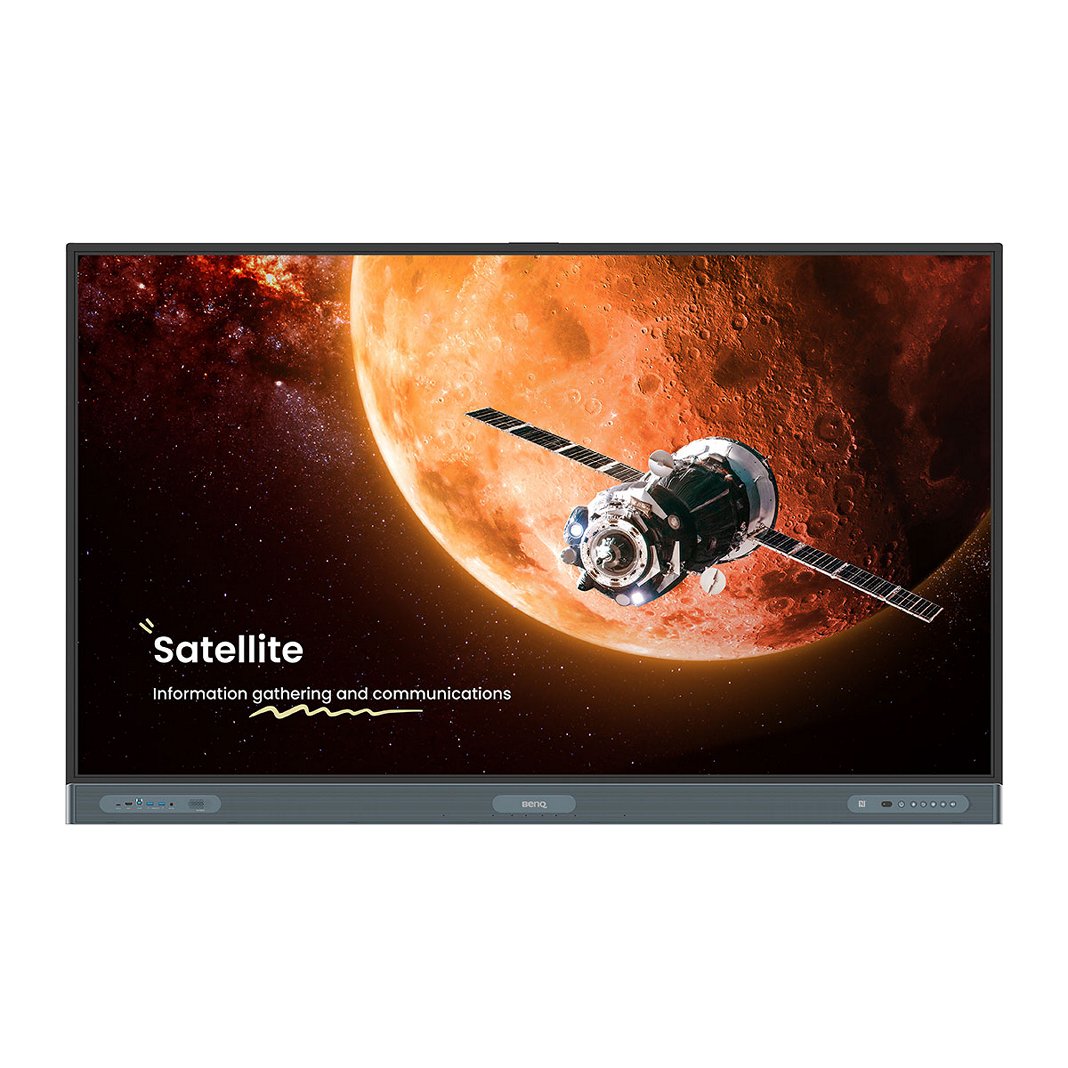
BenQ Board Pro | RP04
Create immersive learning experiences with a powerful EDLA-certified interactive display for education with official Google integration.
Learn More
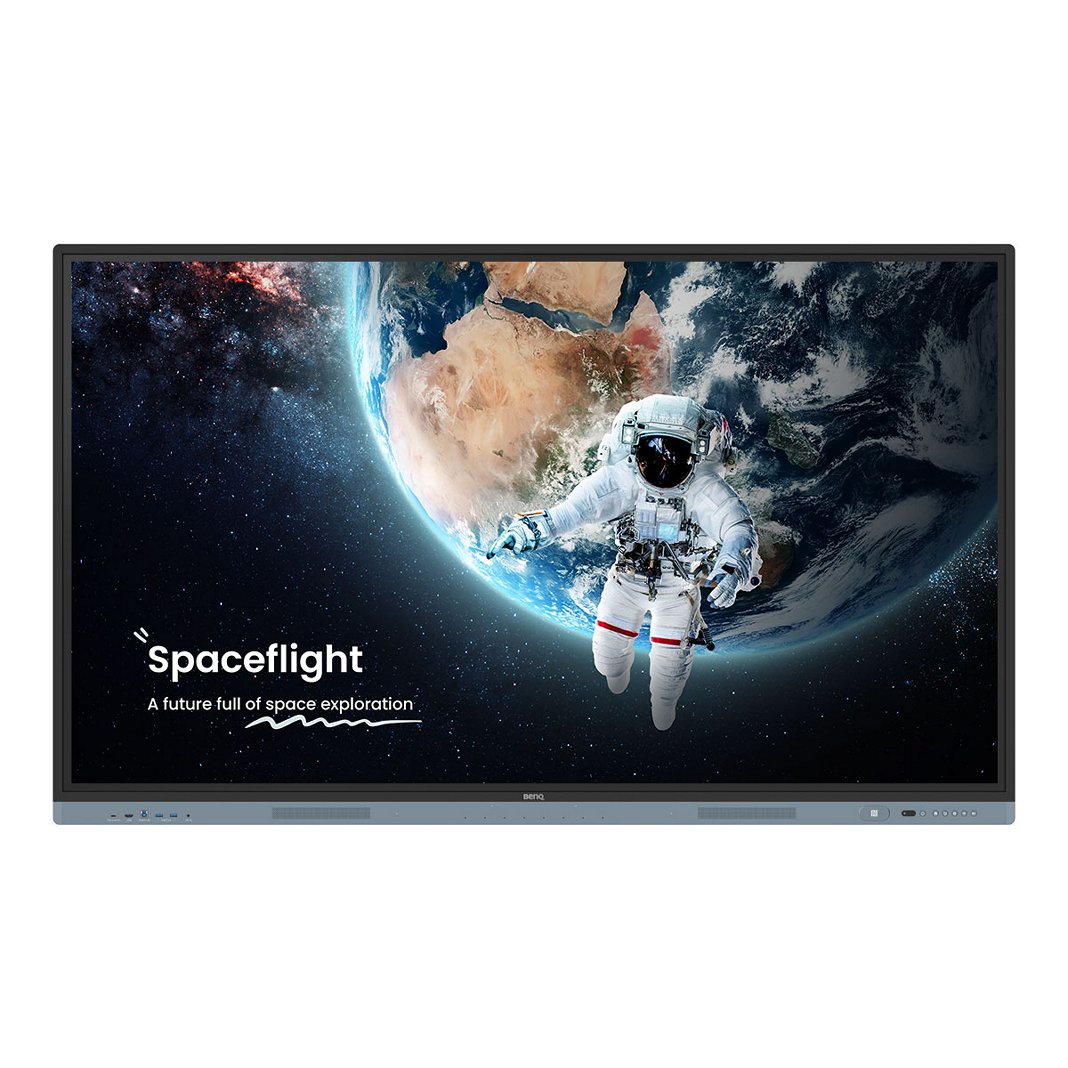
BenQ Board Master | RM04
Create immersive learning experiences with a powerful EDLA-certified interactive display for education with official Google integration.
Learn More

BenQ Board Essential | RE04
Combine all your BenQ teaching essentials with Google tools and services.
Learn More

Talk to an Expert