Projector
Projector
Monitor
Lighting
Remote Work & Learning
By Series
becreatus-dockInteractive Display & Signage
We use cookies and similar technologies on this website to improve our service for you and bring you a more personalized user experience.
By accepting optional cookies, you can enjoy:
Personalized support and live chat (Functional cookies)
Relevant content via anonymized analytics (Analytics / Performance cookies)
Ads and marketing tailored to your interests (Advertising / Targeting cookies)
By clicking “Accept all”, you consent to the use of cookies, including optional cookies. Click “Reject all” to reject optional cookies or click “Cookie Setting” to manage your preferences. Please note that rejecting optional cookies may affect certain website features and functionality. Find out more in our Cookie Policy and Privacy Policy.
Always active
These cookies are required for the operation of the website and cannot be configured.
These cookies allow us to offer you customized content according to your profile, your interests and your usage. By accepting these cookies, you help us to improve the layout and features of our site.
These cookies allow us to understand how you access the site and your browsing habits (e.g. pages viewed, time spent on a page, content clicked). They allow us to analyze the performance and design of our site and to detect possible errors. Owing to these performance indicators, we are constantly improving our site and our products, content and offers.
These cookies are used for BenQ advertisements displayed on third-party websites, including social media, and are tailored to your preferences and to help us measure the effectiveness of our advertising campaigns. They remember that you have visited our site and share this information with partners, such as advertisers, for the purpose of targeted advertising. If you refuse these cookies, advertising (including ours) will continue to be displayed as you browse the Internet, although they will not be specific to your personal interests, and will therefore be less relevant.
Important Product Recall Notice - GV31
Learn MoreImportant Product Recall Notice - GV31
Learn More
Left: Apple Studio Display (for reference) / Center: MacBook® (for reference) / Right: BenQ Nano Gloss Panel
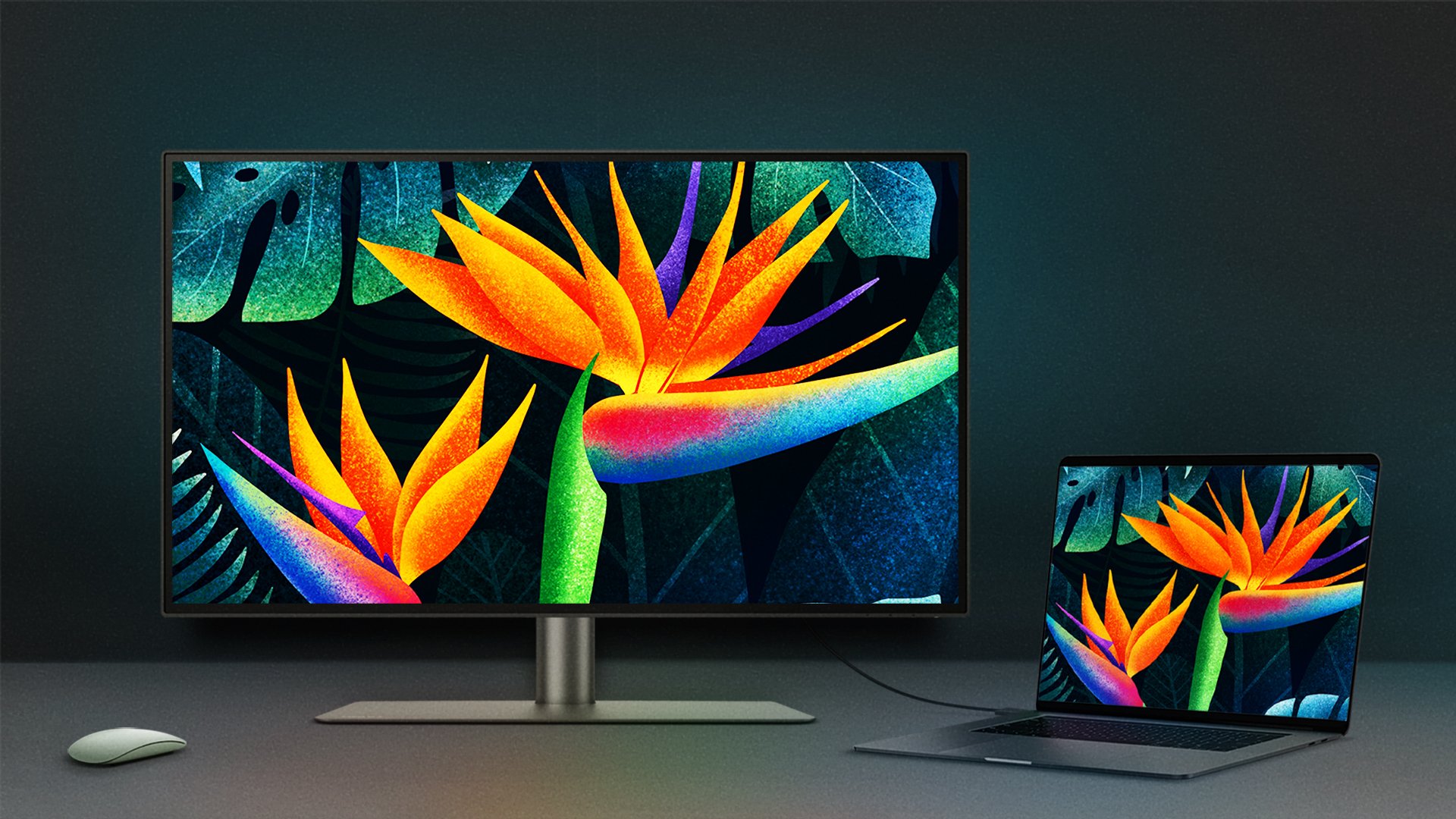
For Mac users, the display is more than a screen, it’s the window through which they create, work, and connect. From MacBook® to Apple® Studio Display, glossy panels have shaped the Mac experience with their clear depth and vivid colors. They make visuals feel real and alive, part of what defines the Apple look and feel.
The trade-off has always been glare. Glossy brilliance can also mean distracting reflections, especially in bright environments. BenQ’s Nano Gloss Panel was developed to address this balance, keeping the vibrant Mac-like look while reducing glare for greater comfort.
Left: Standard Gloss Panel / Center: Apple Studio Display (for reference)/ Right: BenQ Nano Gloss Panel
The BenQ monitors with Nano Gloss were designed to extend the familiar Mac experience to an external monitor. In side-by-side tests with the Apple Studio Display, color tone and saturation were remarkably close. Even when viewed at wide angles, around thirty degrees off-axis, the Nano Gloss Panel maintained contrast and color that stayed consistent with Mac colors, ensuring accuracy whether working flexibly or sharing the screen.
Nano Gloss applies a refined coating that balances transparency with comfort, while reducing distracting glare in both bright and dim environments
By comparison, many monitors marketed as ‘Mac-ready’ do not maintain the same consistency in colors, contrast, and depth, especially at wider viewing angles. Unlike conventional glossy panels that may exaggerate reflections, Nano Gloss applies a refined coating to balance transparency with comfort. The result is a display that preserves vivid clarity while reducing the visual distractions of glare, so the experience feels closer to what Mac users expect.
Not every workspace has ideal lighting. Bright windows, shared offices, or cafés can make reflections hard to avoid. For those conditions, BenQ offers the Nano Matte Panel, designed to minimize glare and provide a paper-like clarity that reduces eye strain. It’s suited for long hours of reading, editing, or working in environments you can’t fully control.
The choice comes down to preference: Nano Gloss for a vivid Mac-like experience, Nano Matte for comfort in complex lighting.
Tip
Questions Mac Users Often Ask
Do glossy screens scratch more easily?
They don’t. The Nano Gloss Panel has the same surface hardness and durability as other premium displays. With proper care, scratches are no more likely.
Which panel should I choose?
It depends on your lighting setup. In studios or offices with stable, indirect light, Nano Gloss delivers vivid color and clarity. In bright or mixed lighting, Nano Matte provides softer visibility and reduced glare.
How about eye comfort?
The Nano Gloss Panel uses a low-reflection coating to reduce visual distractions while keeping images sharp and natural. For longer hours in bright or variable light, Nano Matte offers an even gentler view.
*Apple®, MacBook®, macOS® are registered trademarks of Apple Inc.
{{item.productWordingTag}}
{{currency}}{{item.finalPrice| numberThousandsCommas | numberDecimalPoint}} Save {{currency}}{{item.saveAmount | numberThousandsCommas | numberDecimalPoint}} Save {{item.savePercent | numberThousandsCommas | numberDecimalPoint}}%
new device price{{currency}}{{item.regularPrice| numberThousandsCommas | numberDecimalPoint}}