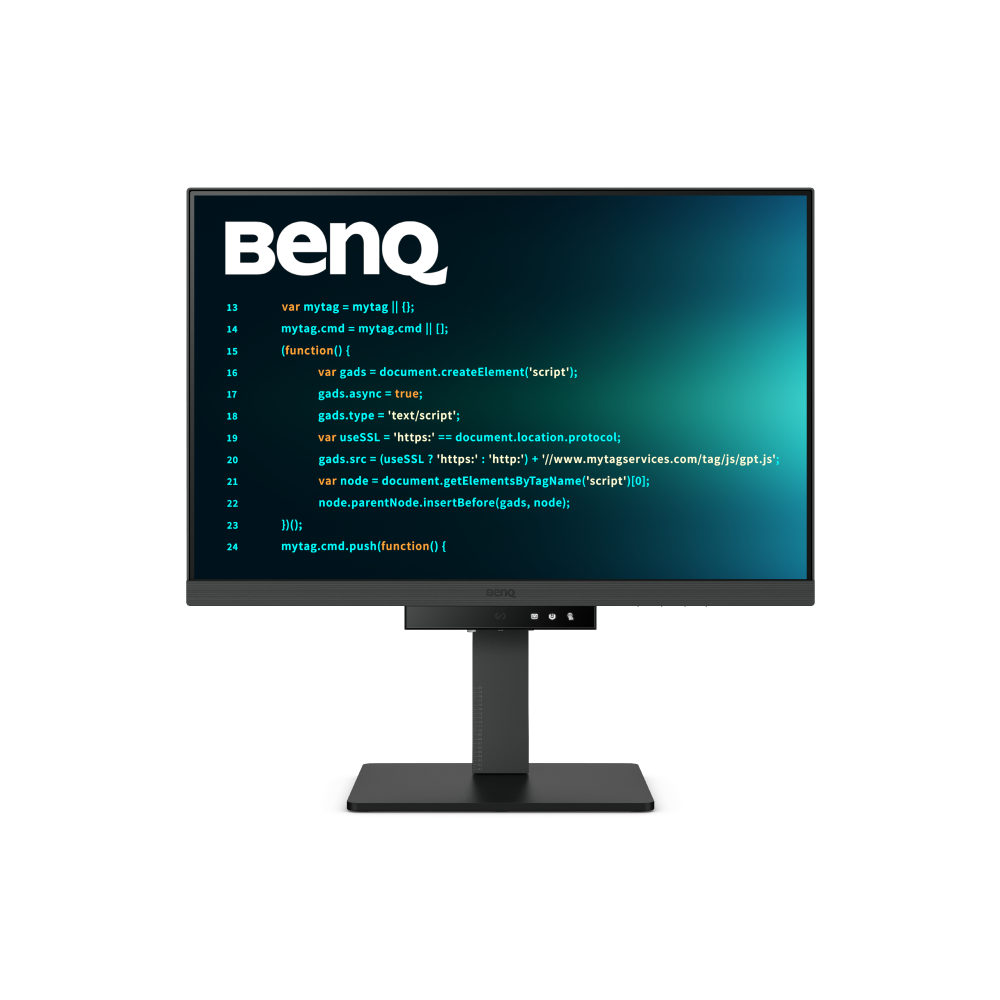
A big screen with high resolution can look impressive. But for programmers, visual comfort depends on more than just sharp icons or pixel count. What matters is how clearly you can read code, hour after hour, without fatigue.
When shopping for a monitor, “4K resolution” often tops the spec sheet. Still, higher resolution alone doesn’t always guarantee a better coding experience.
Not necessarily. While 4K displays can deliver sharper visuals, text clarity is influenced by more than just resolution. Factors like font rendering, anti-aliasing, panel type, and firmware tuning all play a role in how crisp and comfortable code looks on-screen.
It’s easy to assume that upgrading to 4K will solve eye strain. But if the display isn’t tuned for text-heavy workflows, you may still find yourself adjusting font sizes, squinting at symbols, or struggling with contrast.
Ultimately, what developers need isn’t just a higher pixel count. It’s a screen that keeps text sharp, stable, and easy to read across long sessions. That’s why purpose-built coding monitors focus on clarity instead of chasing raw resolution. Deep focus doesn’t come from numbers alone. If your monitor lacks feature that enhance text clarity, your setup may be holding you back. Clearer text means less eye strain, fewer coding errors, and more hours of focused work.