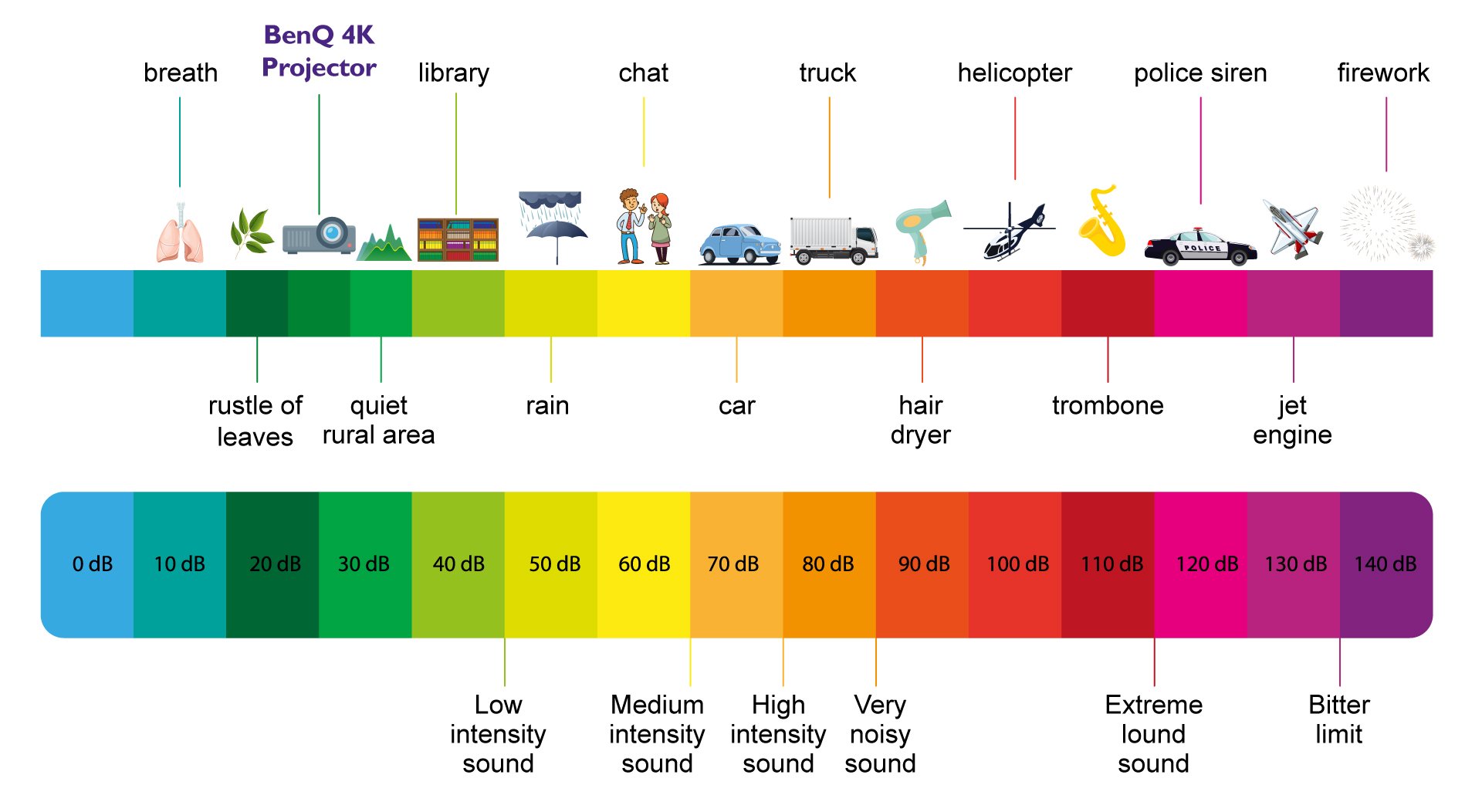
1. Refer to the product’s specification sheet and check the "Acoustic Noise (Typ./Eco.)(dB)" section. Compare it with the decibel ranges listed earlier in this article to confirm if the unit is performing within expected noise levels.
2. Review the following:
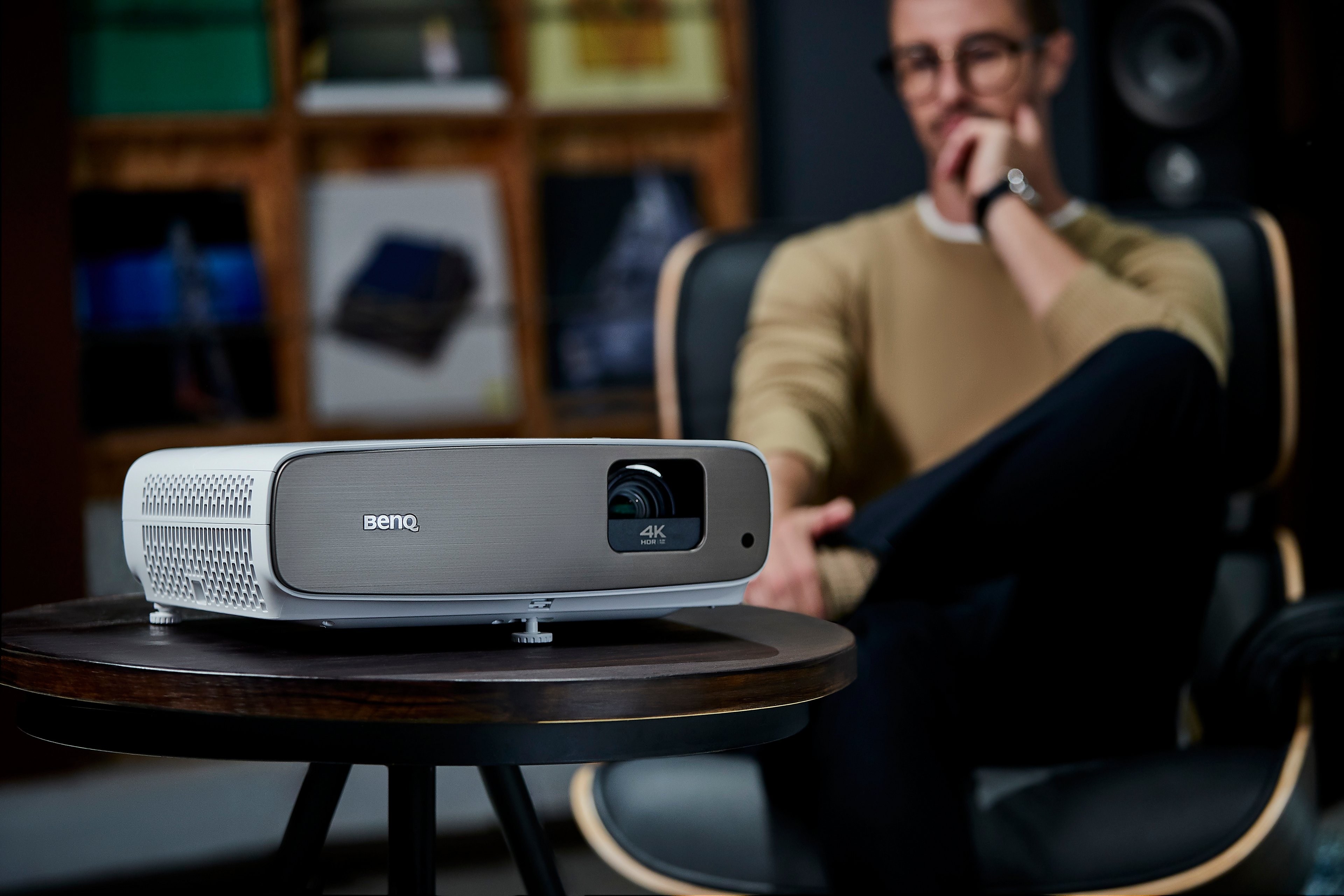
A. Placement location: Avoid placing the projector in enclosed or tight spaces. Allow at least 50cm of clearance on all sides, and do not place it on soft surfaces such as rugs, beds, or sofas, which may obstruct ventilation.
B.Ventilation needs: Ensure the air vents are not blocked, and that the underside of the projector has adequate clearance provided by its feet.
3. If the noise still affects your viewing experience, we recommend contacting your local BenQ service center.