azure-location

localNavigation.type = g6-product-overview-page

RD270Q

{{currency}}{{finalPrice.final | numberThousandsCommas | numberDecimalPoint}}

{{currency}}{{regularPrice.final | numberThousandsCommas | numberDecimalPoint}}

Kaufen
BenQ RD270Q boosts programming productivity through its Nano Matte Panel, 144Hz refresh rate, and exclusive coding modes. It delivers crystal-clear fonts for improved code differentiation, seamlessly adapting to both light and dark themes across diverse development environments.

RD270Q|27" 2K 144Hz BenQ Programmier Monitor

Smarter coden mit ganztägiger Klarheit

Code mit Präzision. Behalte den Fokus und lass deine Gedanken fließen.

RD270Q|27" 2K 144Hz BenQ Programmier Monitor

Smarter coden mit ganztägiger Klarheit

Code mit Präzision. Behalte den Fokus und lass deine Gedanken fließen.

BenQ RD270Q boosts programming productivity through its Nano Matte Panel, 144Hz refresh rate, and exclusive coding modes. It delivers crystal-clear fonts for improved code differentiation, seamlessly adapting to both light and dark themes across diverse development environments.

Drück den Hotkey und leg mit deinem „Hello, World!" los!

Drück den Coding HotKey und tauche direkt ins Coden ein. Aktiviere sofort Coding-Modi, passe Helligkeit, Kontrast und Augen-Schutz-Einstellungen an und schalte den Night Hours Protection ein – damit du deine Augen auch in dunklen Umgebungen schützt, ohne deinen Flow zu unterbrechen.

Every Great Project Begins with Code Clarity

In the exclusive Coding Modes, displays are finely tuned for optimal clarity in both dark and light themes. The new Paper Color Mode simulates the look and feel of printed media and is an additional way to read while being easy on the eyes.

In the RD270Q exclusive Coding Modes, displays are finely tuned for optimal clarity in both dark and light themes. The new Paper Color Mode simulates the look and feel of printed media and is an additional way to read while being easy on the eyes.

  • Das Dark Theme verbessert die Lesbarkeit, steigert die Coding-Geschwindigkeit und erhöht die Präzision beim Debuggen.

    Coding - Dark Theme

    Das Dark Theme verbessert die Lesbarkeit, steigert die Coding-Geschwindigkeit und erhöht die Präzision beim Debuggen.

  • Der RD270Q ist TÜV-zertifiziert für Flicker-Free, Reflection-Free, Low Blue Light, Eye Comfort 2.0 und Eyesafe 2.0

    Coding – Light Theme

    Das Light Theme sorgt für klare Sicht ohne Augenbelastung.

  • Der neue Coding Paper Color Mode lässt dich in den Genuss von papierähnlichem, entspanntem Lesen kommen.

    Coding – Paper Color

    Der neue Coding Paper Color Mode lässt dich in den Genuss von papierähnlichem, entspanntem Lesen kommen.

Nano-Matte-Panel: Weniger Reflexionen für puren Fokus

Die entspiegelte Oberfläche minimiert Ablenkungen. Diese fortschrittliche Technologie schärft den Fokus und steigert die Produktivität – für unvergleichliche Klarheit und maximale Leistung.

RD270Q features a low reflection finish that minimizes distractions, this advanced technology enhances focus and boosts productivity, delivering unparalleled clarity for peak performance. RD270Q features a low reflection finish that minimizes distractions, this advanced technology enhances focus and boosts productivity, delivering unparalleled clarity for peak performance.

High Pixel Contrast: Jede Zeile gestochen scharf

Der RD270Q bietet herausragende Kontrast-Performance dank mehrschichtiger High Pixel Contrast Technology. Statische und dynamische Kontrastanpassung in Kombination mit Local Contrast Optimization bringt feine Details und verbesserte Klarheit in dunklen Bildbereichen – ob in deiner IDE, beim Filmschauen oder beim Zocken nach der Arbeit.

BenQ RD270Q features high-contrast performance with multi-layered High Pixel Contrast Technology. Static and dynamic contrast tuning, combined with Local Contrast Optimization, reveal fine details and enhanced dark-area clarity, for your IDE, movies, or games after work. BenQ RD270Q features high-contrast performance with multi-layered High Pixel Contrast Technology. Static and dynamic contrast tuning, combined with Local Contrast Optimization, reveal fine details and enhanced dark-area clarity, for your IDE, movies, or games after work.

Ganztägiger Augenkomfort – von morgens bis abends

Wir wissen, wie wichtig deine Augen sind – deshalb stehen sie bei jedem Design an erster Stelle.

Flüssiges und reaktionsschnelles Coden mit 144 Hz

Die 144-Hz-Bildwiederholrate sorgt für verzögerungsfreie Performance, beendet flimmerbedingten Stress und Kopfschmerzen und garantiert maximalen Augenkomfort – vom ersten Scroll bis zum letzten.

Night Hours Schutz für Nacht-Coder

Behalte die Inspiration, vergiss den Stress. Die Ultra-Low-Brightness-Technologie von Night Hours Protection schützt deine Augen vor lichtbedingter Ermüdung und sorgt für ein sanftes Seherlebnis – damit du die ganze Nacht coden kannst, ohne dass es brennt.

Rundum-Augenschutz – alles abgedeckt!

Der RD270Q ist TÜV-zertifiziert für Flicker-Free, Reflection-Free, Low Blue Light, Eye Comfort 2.0 und Eyesafe 2.0 – für minimale Ablenkungen, reduzierten schädlichen Blauanteil und ein angenehmes, sicheres Seherlebnis ohne Abstriche bei lebendigen, naturgetreuen Farben. Mit dem Visual Optimizer, der Helligkeit und Farbtemperatur automatisch anpasst, fügt sich der RD270Q nahtlos in jeden Arbeitsplatz ein.

BenQ RD270Q is TÜV-certified for Flicker-Free, Reflection-Free, Low Blue Light, Eye Comfort 2.0, and Eyesafe 2.0. BenQ RD270Q is TÜV-certified for Flicker-Free, Reflection-Free, Low Blue Light, Eye Comfort 2.0, and Eyesafe 2.0.

Dein Körper verdient dieselbe Fürsorge wie dein Code

Ergonomischer Komfort, der Belastungen reduziert und die Produktivität unterstützt.

BenQ RD270Q knows the importance of eyes and ergonomics, so we prioritize them in every design.

  • BenQ RD270Q knows the importance of eyes and ergonomics, so we prioritize them in every design.

    Pivot

  • BenQ RD280UG knows the importance of eyes and ergonomics, so we prioritize them in every design.

    Swivel

  • BenQ RD280UG knows the importance of eyes and ergonomics, so we prioritize them in every design.

    Tilt

  • BenQ RD280UG knows the importance of eyes and ergonomics, so we prioritize them in every design.

    Height Adjustable Stand

Einfacher Zugang für smarte Konnektivität

Maximiere deine Effizienz durch intuitive Software-Steuerung und eine durchdachte Auswahl an Anschlüssen – perfekt konfiguriert für jeden Setup-Bedarf.

Weniger Platzbedarf. Dein Innovations-Hub.

Schlank und leicht reduziert der RD270Q das Chaos auf dem Schreibtisch – mit kompaktem Standfuß und VESA-Mount-Unterstützung für flexible Aufstellmöglichkeiten. Mach deinen Schreibtisch zu einem Produktivitäts-Hub. Mit dem BenQ Programming Monitor erlebst du einen Arbeitsplatz, der für Komfort, Fokus und Inspiration gemacht ist.

Transform your desk into a productivity hub. With BenQ Programming Monitor, experience a workspace designed for comfort, focus, and inspiration. Transform your desk into a productivity hub. With BenQ Programming Monitor, experience a workspace designed for comfort, focus, and inspiration.

Maximale Produktivität, einfach gemacht – mit USB-C

Halte deinen Arbeitsplatz aufgeräumt und deinen Fokus scharf: Der USB-C-Anschluss überträgt blitzschnell Video, Audio und Daten und liefert dabei bis zu 65 W Ladeleistung. Alles, was du brauchst – ohne Kabelsalat.

With BenQ RD280UG's versatile ports, front or back within easy reach, connecting your devices is effortless, quick, and simple. With BenQ RD280UG's versatile ports, front or back within easy reach, connecting your devices is effortless, quick, and simple.

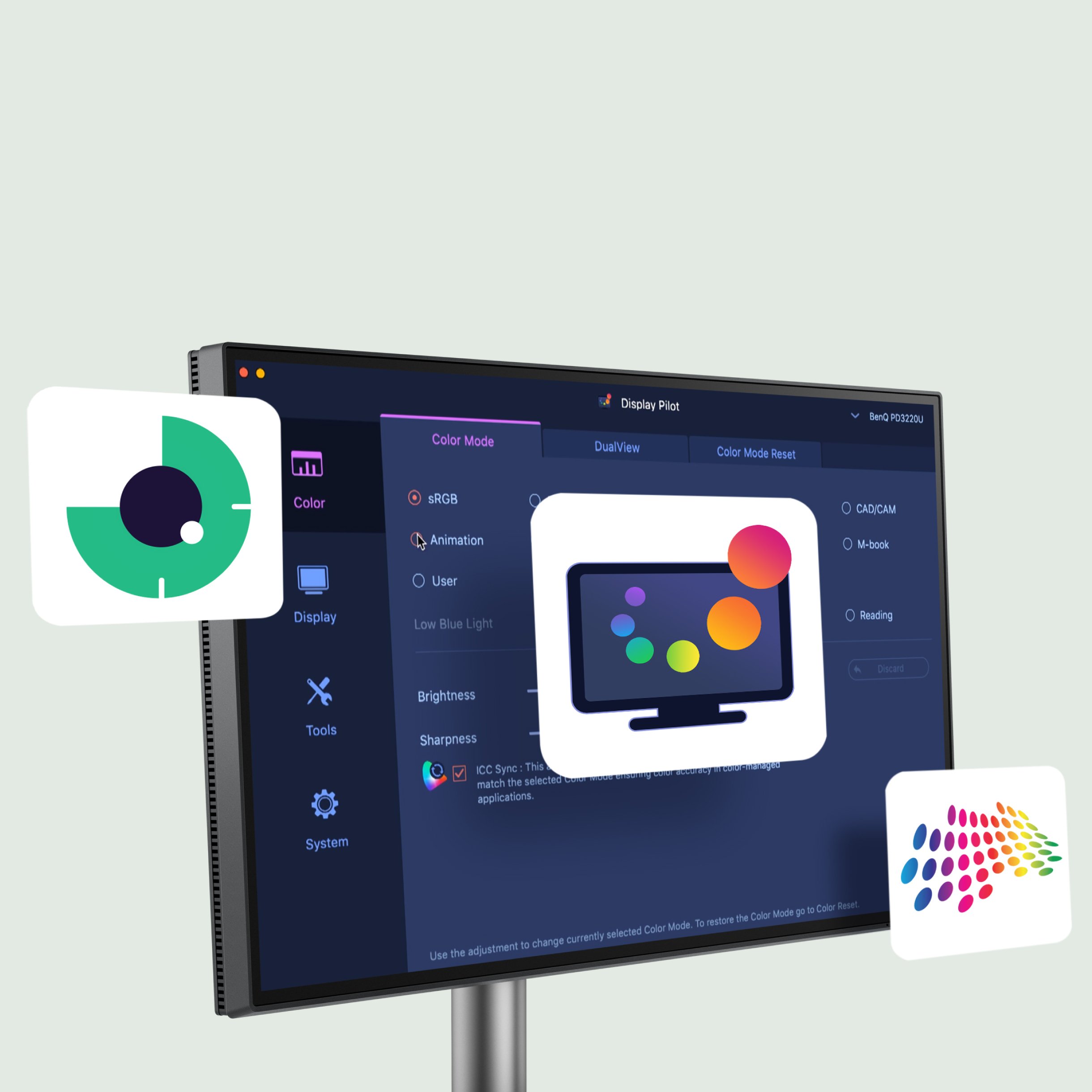
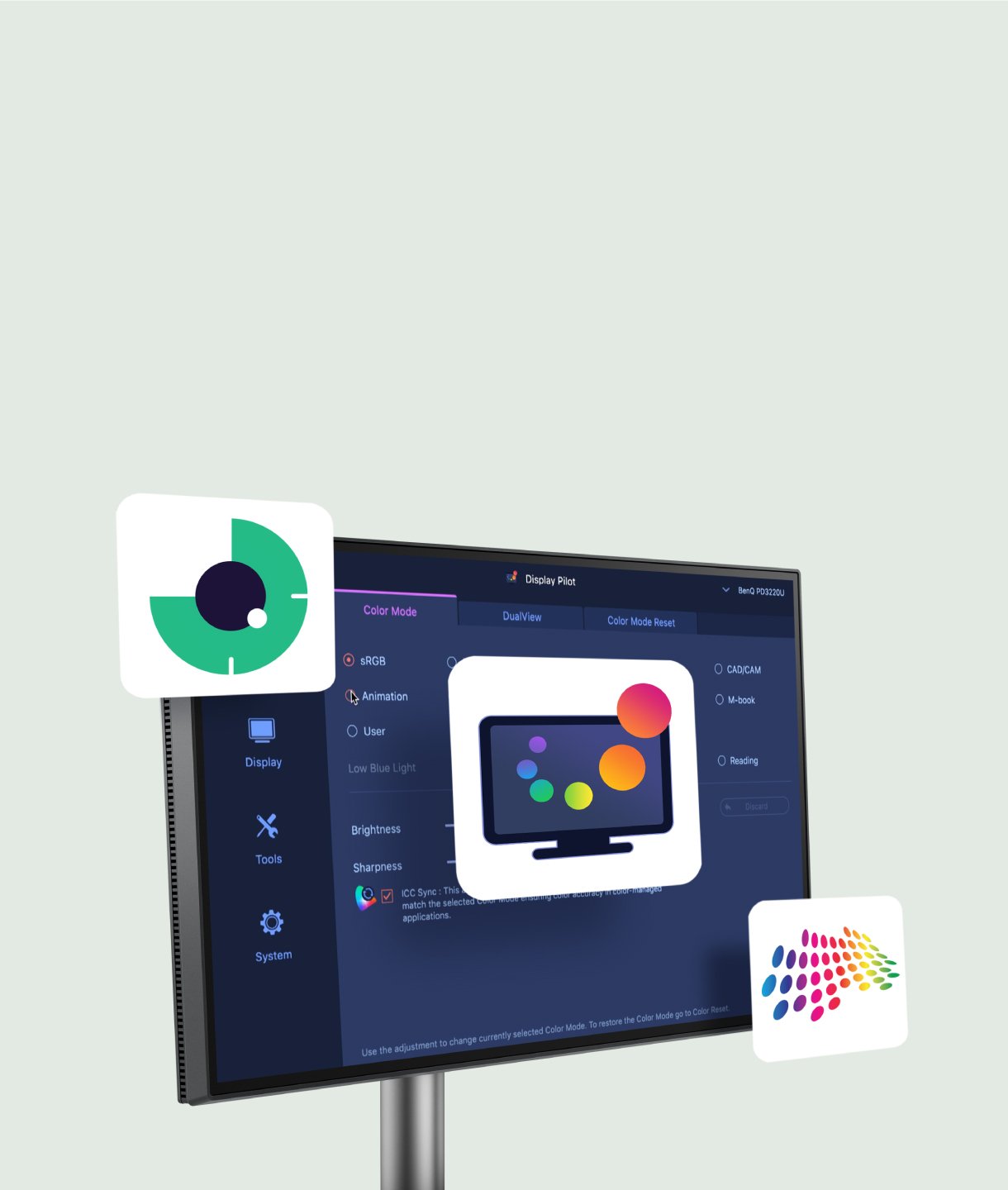
Display Pilot 2 für macOS, Windows und Linux

Nicht nur für macOS und Windows – Display Pilot 2 unterstützt jetzt auch Linux! Die Software der BenQ Programming Series erfüllt deine Anforderungen mit intuitiver Steuerung von Funktionen wie Night Hours Protection und Visual Optimizer. Außerdem bietet sie programmerspezifische Tools wie FloW, Shortcuts, Desktop Partition, Application Mode, Software Dimming und Circadian Mode – alles, um deinen Workflow smarter und effizienter zu gestalten.

Not only for macOS and Windows, now supporting Linux as well! The BenQ Programming Series software makes your workflow smarter and more efficient. Not only for macOS and Windows, now supporting Linux as well! The BenQ Programming Series software makes your workflow smarter and more efficient.
  • The BenQ Programming Series software caters to your needs with intuitive control of features like MoonHalo, Night Hours Protection, and KVM onscreen control.

    FloW

  • The BenQ Programming Series software offers programmer-focused tools such as FloW, Shortcuts, Desktop Partition, Application Mode, Software Dimming, and Circadian Mode.

    Pivot Adapts to Your Screen

  • The BenQ Programming Series software offers programmer-focused tools such as FloW, Shortcuts, Desktop Partition, Application Mode, Software Dimming, and Circadian Mode.

    Dual Copy & Paste Shortcuts

  • The BenQ Programming Series software offers programmer-focused tools such as FloW, Shortcuts, Desktop Partition, Application Mode, Software Dimming, and Circadian Mode.

    Color Modes Binding

  • Intelligent Circadian Mode

lcd-page-1-white-v4.jpg

lcd-page-2-white-v2.jpg

Empfohlen

ScreenBar Halo 2

Für konzentriertes Programmieren

Empfohlen

ScreenBar Halo 2

Für konzentriertes Programmieren

FAQ

Finde deine Antworten!

Herunterladen

Finde die passenden Handbücher