Projector
Projector
Monitor
Lighting
Remote Work & Learning
By Series
becreatus-dockInteractive Display & Signage
Welcome to BenQ CEE Europe
How can I change my BenQ cookie settings?
Some essential features on BenQ sites just won’t work without cookies. And having other cookies switched off can seriously affect the way you’ll be able to enjoy our services.
Please check your cookie settings below and turn on any cookies you’re happy with.
“Strictly necessary” cookies can’t be turned off. But Functional and Performance cookies can be turned on or off below. You can learn more about cookies and what they do on our other pages.
If you've chosen to block third-party cookies on your browser, your cookie preferences won't carry over from benq.eu to benq.xx and vice versa. Please make sure to set your cookie preferences in both places.
On
Strictly necessary cookies
These cookies are essential so that you can move around the website and use its features. Without these cookies services you have asked for cannot be provided.
On
Off
Functional cookies
These cookies allow the website to remember choices you make to give you better functionality and personal features.
On
Off
Performance cookies
These cookies help to improve the performance of BenQ. If you want to opt-out of advertising cookies, you have to turn-off performance cookies.
Important Product Recall Notice - GV31
Learn MoreImportant Product Recall Notice - GV31
Learn More
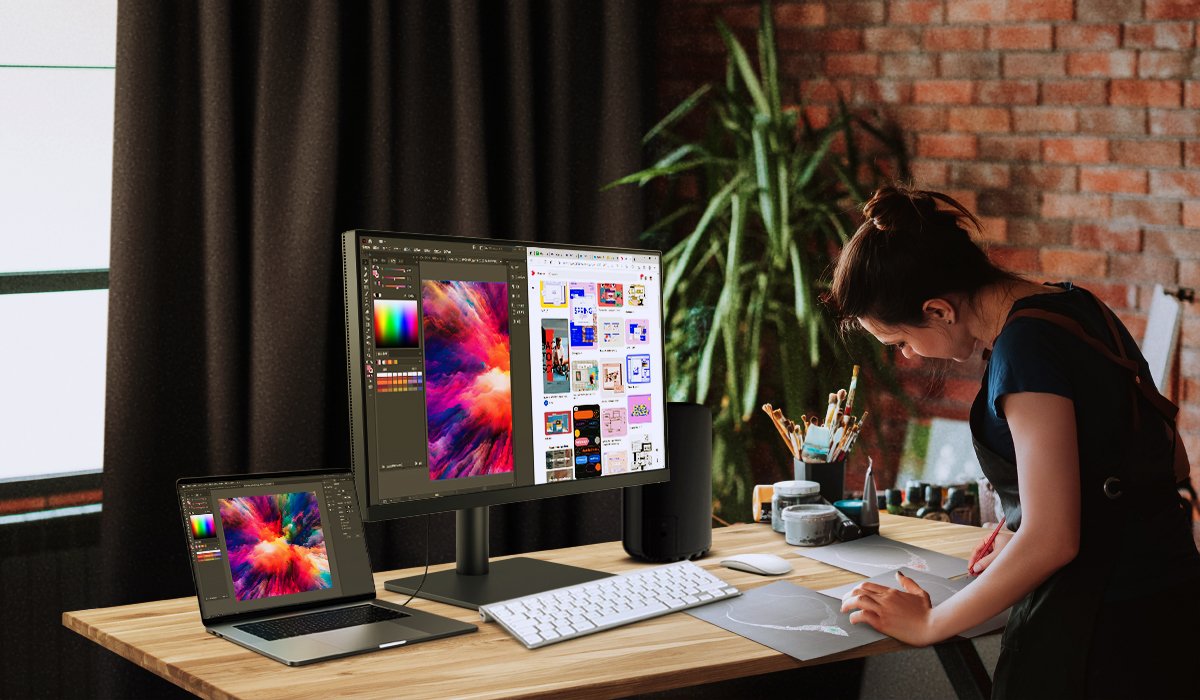
Creatives can be tough to buy gifts for and if you’re a creator, then you know. We recommend shopping for a Mac® compatible monitor to give the best gift any creator can ask for! But with a wide variety of monitors available, which one do you choose? Well, look no further because we've got you covered! Here are some important features to shop for when looking for the best Mac® compatible monitors:
1. Convenient Connection
2. Color Accuracy
3. Monitor Specs
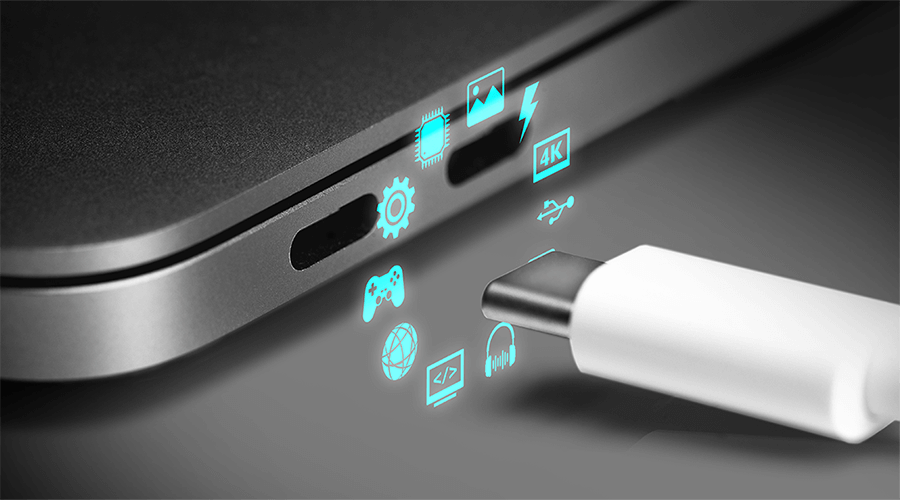
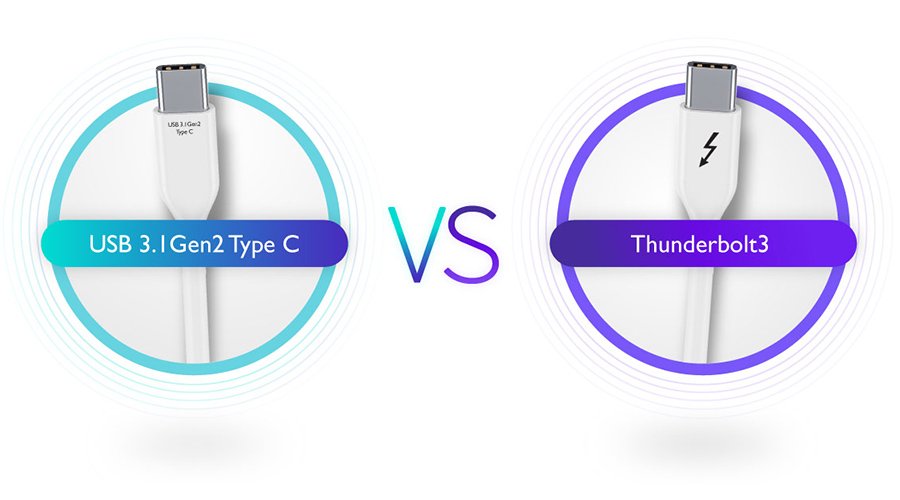
First, we recommend looking for a monitor with a USB-C ports, because most Mac® devices require an external adapter. These adapters are an extra cost and can be inconvenient when traveling from place to place. By having a USB-C port available on your monitor, you can conveniently save space and will help increase efficiency in your workflow. You can also charge your laptop at the same time with a USB-C port since it can deliver up to 90 watts of power. USB-C also allows you to move between different work places with only one cable!
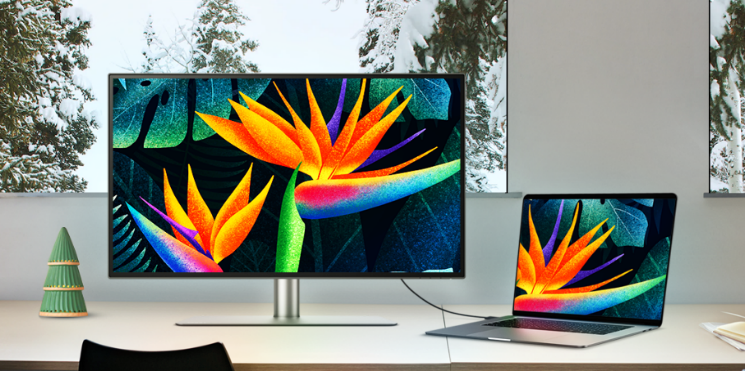
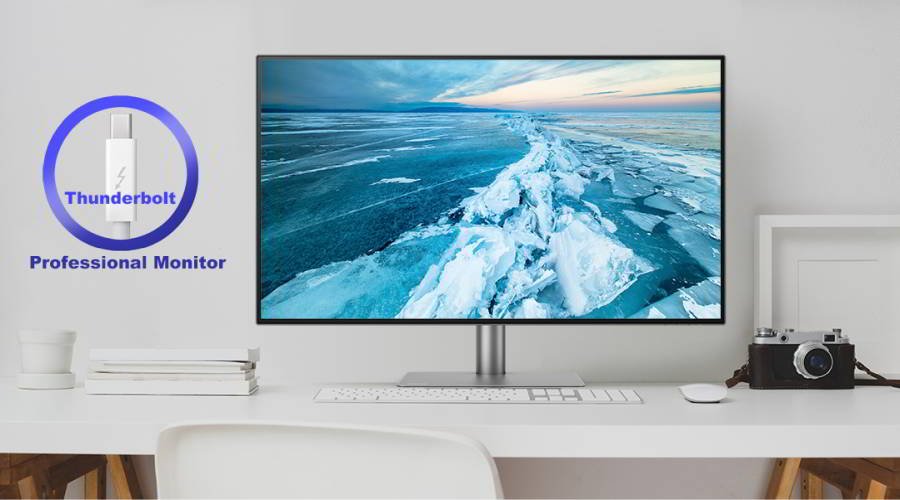
USB-C is not the only important port you need on your monitor! Your monitor should at least have a HDMI port, DisplayPort, and USB hub. Check out this PD2725U monitor! It features all the necessary ports, including USB-C and a built-in USB hub so you can easily connect multiple devices to the monitor.
Be consistent with your design by having a color accurate monitor! Color gamut and ICC profiles is one of the important features to see if your monitor is color accurate. Color gamut is the color range that is produced on a display. The higher or wider the color gamut, the more colors the monitor can display. We recommend selecting a monitor with a wider range of colors.
ICC profile is a set of data that defines the color space. Traditionally, you would have to adjust the settings to match the ICC profiles between the computer and monitor. To simplify the process, our PD series monitors includes ICCsync, an integrated software that instantly matches the ICC profiles. All you would need to do is activate ICCsync in the Display Pilot. Now you can create with confidence!
This PD3420Q monitor checks all the boxes when it comes to color accuracy thanks to AQCOLOR Technology available in our PD series monitors! It is equipped with 98% Display P3 and 100% Rec. 709 color space. Each monitor is out-of-the-box ready with Delta E ≤ 3 to ensure color accuracy and confidence.
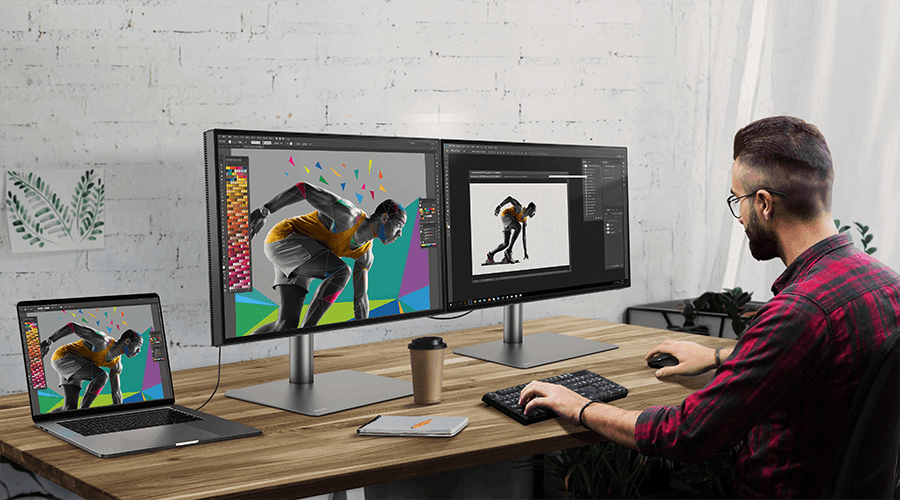
The best monitors for Mac® devices need to have good resolution and be a decent size. We recommend having the highest resolution possible as it helps when the design is comprehensive or meticulous. A larger monitor also allows more space for other apps and windows on the screen. Make sure to check out this PD3220U monitor! It is a 32-inch monitor featuring 4K resolution and daisy chain capabilities. Daisy chain allows you to seamlessly connect two monitors with your Mac® device. The monitor also features M-Book mode which allows you to recreate Mac Color on it.
Now you can shop with confidence when picking out the perfect monitor for creators! Learn more about our mac-compatible features here.
Mac®, iMac Pro® , iMac® 2017, Mac Mini® 2018, MacBook Air® 2018, MacBook Pro® are trademarks of Apple Inc.
{{item.productWordingTag}}
{{currency}}{{item.finalPrice| numberThousandsCommas | numberDecimalPoint}} Save {{currency}}{{item.saveAmount | numberThousandsCommas | numberDecimalPoint}} Save {{item.savePercent | numberThousandsCommas | numberDecimalPoint}}%
new device price{{currency}}{{item.regularPrice| numberThousandsCommas | numberDecimalPoint}}