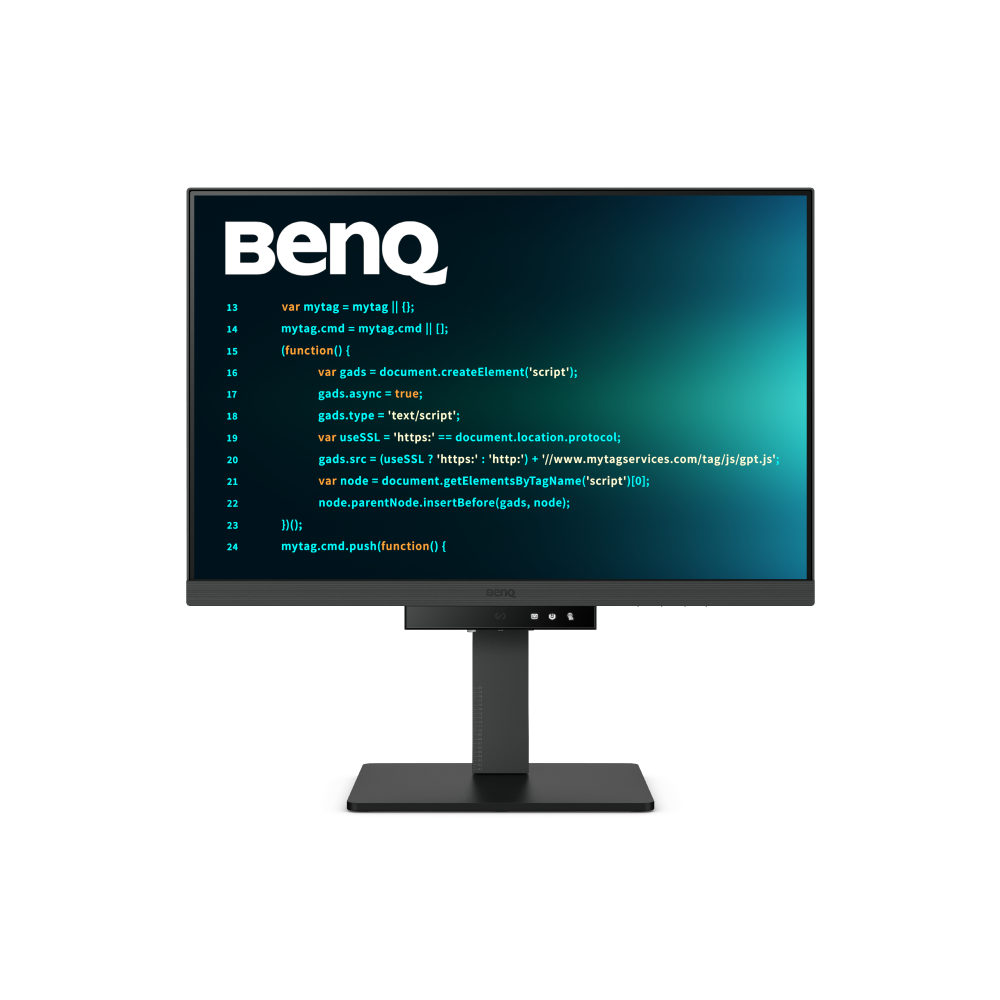
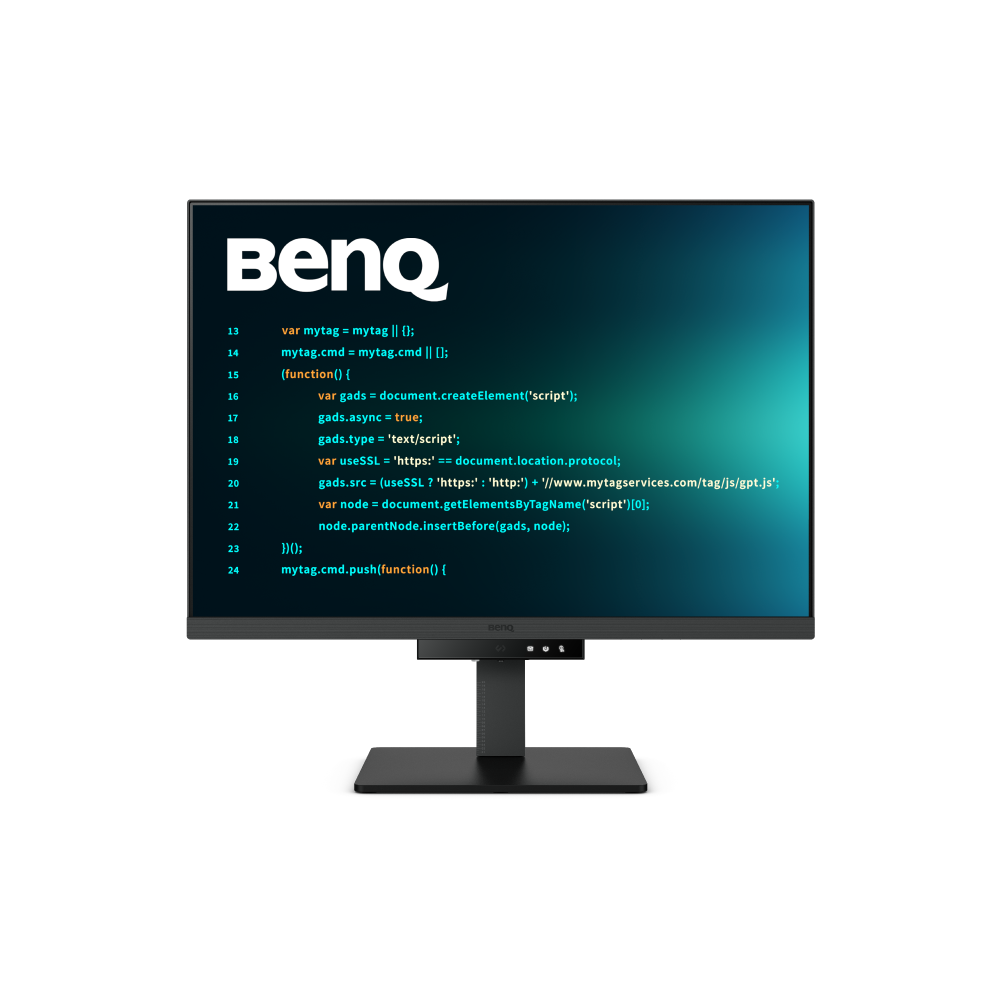
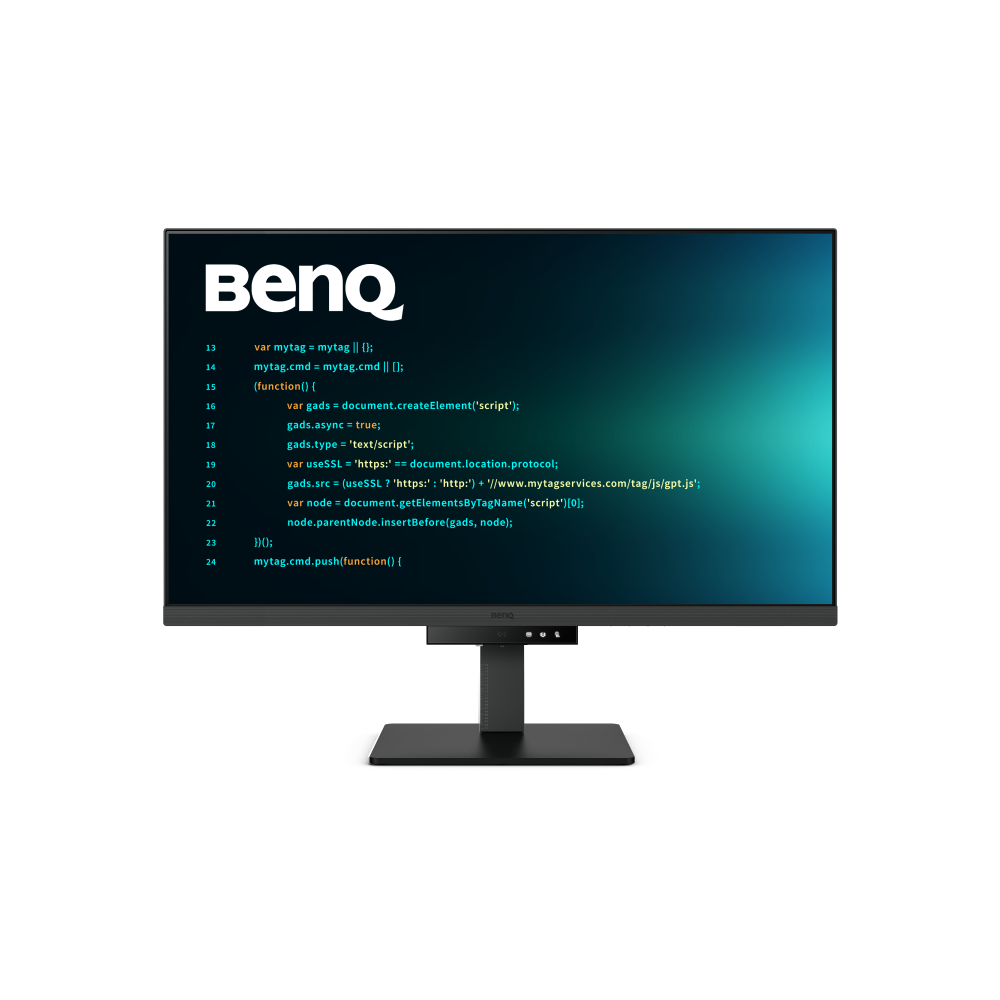
For many programmers, a single large monitor may be sufficient to create a focused and efficient coding environment. Monitors over 28 inches, often featuring resolutions from Full HD to 4K, provide ample space to view multiple panes, such as a code editor, database, and results, without switching contexts.
The question often arises: Is a 32" monitor too big for programming? The answer largely depends on your personal preference and workspace configuration. If you have a deep enough desk, a 32" monitor like the BenQ RD320U/UA can be a great choice without feeling cramped, offering expansive screen real estate that enhances multitasking and reduces the need to switch between windows. Just make sure to maintain an arm’s length distance for comfortable viewing.
Alternatively, if you prefer a more compact option with extra vertical space, the BenQ RD280U/UA, with its 3:2 aspect ratio, is a great alternative. This unique aspect ratio allows for more lines of code to be displayed at once, minimizing scrolling and improving workflow efficiency. Whether you opt for a 32" screen for immersive multitasking or the RD280U/UA for its vertical space advantage, both options can significantly enhance your programming experience.
Additionally, with tools like virtual desktops on macOS or Windows, you can efficiently manage multiple tasks by switching between virtual desktops rather than relying on physical screens. This approach can be particularly useful when working with complex or multiple datasets, keeping your workflow organized and distraction-free.