


MA320U|32" 4K-Monitor mit Nano-Matt-Display für MacBooks
Farbpräzision für dein Mac-Setup

Produktserie
Gaming Beamer Heimkino Beamer Laser TV Beamer Portable Mini Beamer Golfsimulator BeamerAnwendung
Beamer für Zuhause Outdoor Beamer Kurzdistanz Beamer Beste 4K Beamer Die besten Projektoren, um zu Hause Sport zu schauen GolfProduktserie
e-Reading Schreibtischlampen BenQ ScreenBar - Die Innovative Monitor Lampe für jeden Bildschirm LaptopBar PianoLight Dual MonitorlampeMonitor Lampen
Die Monitorlampe für Programmierer ScreenBar ScreenBar Pro ScreenBar Halo 2 ScreenBar Halo iScreenBarEigenschaft
Mit Hintergrundbeleuchtung Ohne Hintergrundbeleuchtung Curved Monitor Flacher Monitor Nach hinten gewölbter Monitor Kabellose Steuerung IntegriertFür Unternehmen
ArbeitsplatzbeleuchtungZubehör


Farbpräzision für dein Mac-Setup

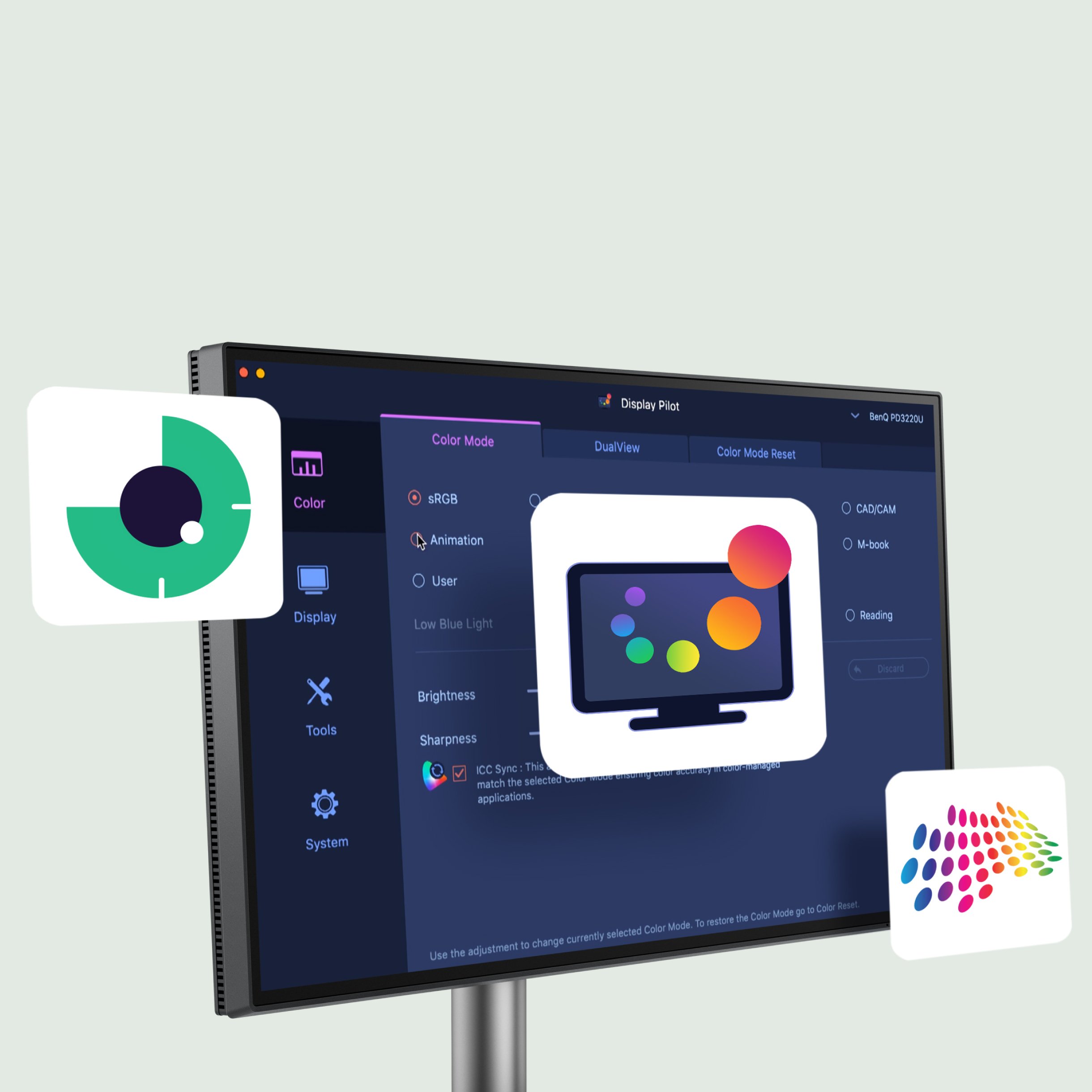
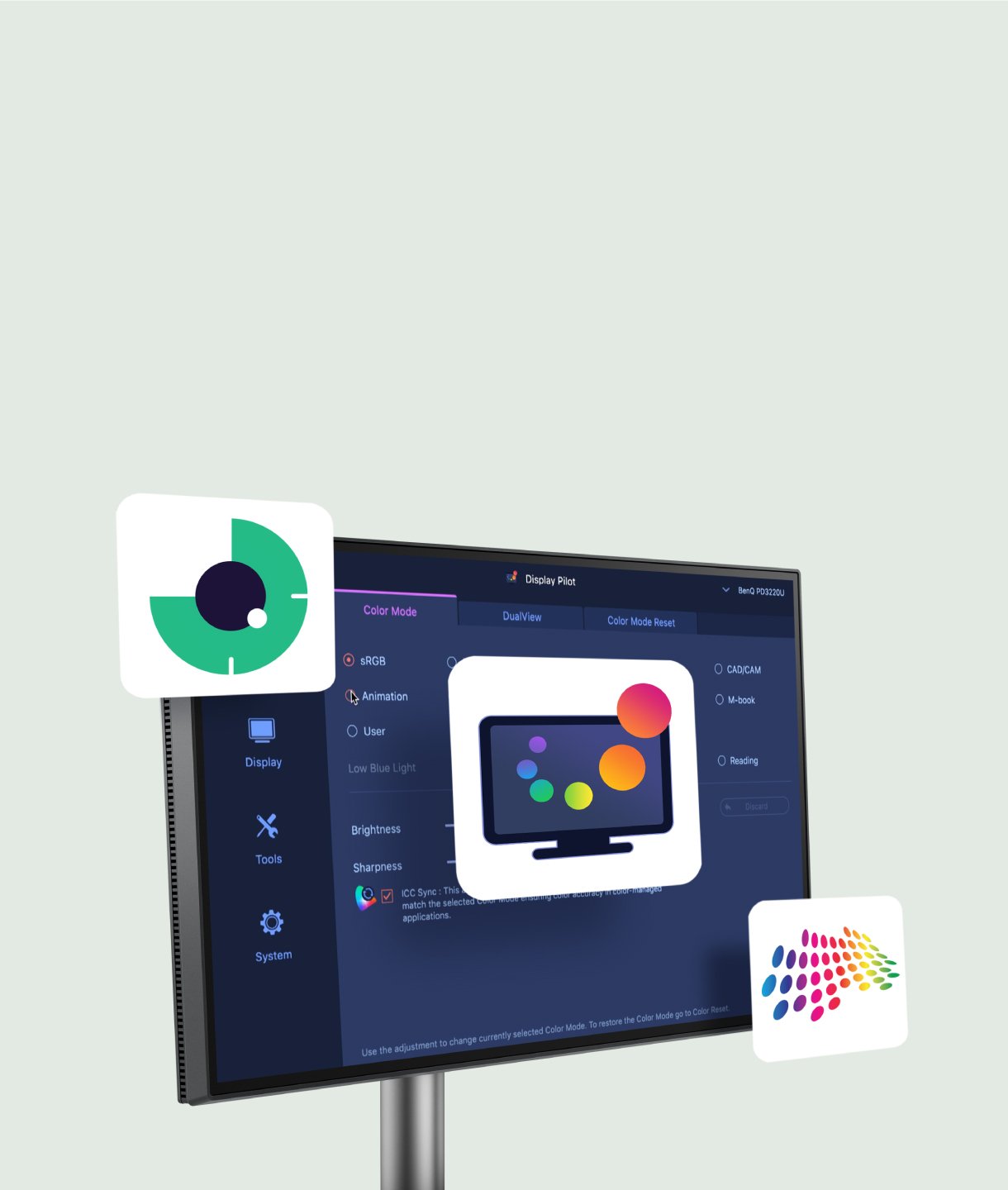
Passe deine Display-Einstellungen mit der BenQ Display Pilot 2 Software ganz einfach wie auf dem Mac an.
Effizient arbeiten mit Display Pilot 2
Passe deine Display-Einstellungen mit der BenQ Display Pilot 2 Software ganz einfach wie auf dem Mac an.
Augenschonende Displays
BenQ entwickelt Monitore, die besonders augenschonend sind. Das innovative Nano-Matte-Panel und die BenQ Eye-Care-Technologie reduzieren störende Reflexionen und Blendeffekte.
TÜV-zertifizierte Reflexionsfreiheit
Die TÜV-Zertifizierung für Reflexionsfreiheit sorgt dafür, dass du beim Multitasking weniger abgelenkt wirst. Außerdem bestätigt TÜV Rheinland, dass die MA-Serie dank Low Blue Light-Technologie besonders augenschonend ist und schädliches blaues Licht reduziert.
Der Monitor ist nicht nur ein stylischer Begleiter für dein MacBook, sondern wird zugleich zum zentralen Hub für dein gesamtes Apple-Setup. Über die integrierten USB-C-Ports mit 90 W und 15 W versorgst du beispielsweise dein iPhone oder iPad während der Arbeit bequem mit Strom*.
*USB-IF-zertifizierte USB-C-Anschlüsse gewährleisten sicheres Laden und zuverlässige Konnektivität, ohne dass Apple-Geräte beschädigt werden.
MacBook
iPad
iPhone
Mac mini
Spielkonsole
Verbinde dich mit verschiedenen Geräten für Multitasking.
Die integrierten USB-C-Anschlüsse mit 90 W und 15 W laden deine Geräte* und erweitern die Anschlussmöglichkeiten.
*Mit Always-On-Power-Charging bleiben deine Geräte sogar dann mit Strom versorgt, wenn der Monitor ausgeschaltet ist.
Schluss mit ungesunder Körperhaltung: Die BenQ-Monitore für MacBook Pro und MacBook Air geben dir mehr Bewegungsfreiheit. Dank flexibler Höhen- und Neigungsverstellung richtest du den Bildschirm genau so aus, wie es für dich angenehm ist – für ein deutlich komfortableres Seherlebnis.


FAQ
Herunterladen
Häufig gestellte Fragen
Browse all related FAQsHow do BenQ monitors for MacBooks achieve high color consistency?
The BenQ Color Lab experts, renowned for their authority in color science, apply meticulous Mac color-tuning technology to BenQ MA series monitors to ensure high color consistency with MacBooks. According to test data, MA monitors closely match the MacBook Pro* regarding color gamut volume, area coverage, and color difference, providing users with a consistent color experience. (*The measurements were benchmarked against the MacBook Pro 13” M2 2022. While the results are ensured to be within a reasonable range, they do not represent identical measurement data for every MA model)
What should I do if I cannot find the settings to adjust in the OSD menu?
To adjust more display settings or enable functions, such as color modes, audio modes, B.I.+ Gen2, and Low Blue Light, please download Display Pilot 2 software to manage the display settings and functions of your MA series monitor. Please click and check the download page below.
Why can't I adjust the brightness or volume of my BenQ monitor using the keyboard of my MacBook?
To adjust the brightness or volume of your BenQ monitor using the keyboard of your MacBook, please download the Display Pilot 2 software and enable the iKeyboard Control function. Additionally, ensure that you switch the audio output option to the monitor in your MacOS system settings.
Can the monitor keep charging devices when turned off? How do I enable this feature?
Yes, the monitor has an Always-on Power Charging feature, allowing it to charge your devices through USB-C and USB hubs (including USB-C (15W) and USB-A ports) even when in sleep mode or turned off.
How do the five audio modes differ and how are they individually optimized?
- Standard mode sound everyday video.
- Dialogue mode human voices.
- Music mode live music concerts.
- Cinema mode impactful sounds.
- Game mode sound localization.
Please click and follow the instructions below, or read on to learn more about this topic.
Can I use USB-C to charge my MacBook or Windows laptop or USB-C devices?
The monitor's USB-C port delivers 90W which is sufficient for MacBook/ Windows laptops /USB-C devices. However, you still need to check if your laptop supports. Please click and follow the instructions below, or read on to learn more about this topic.


