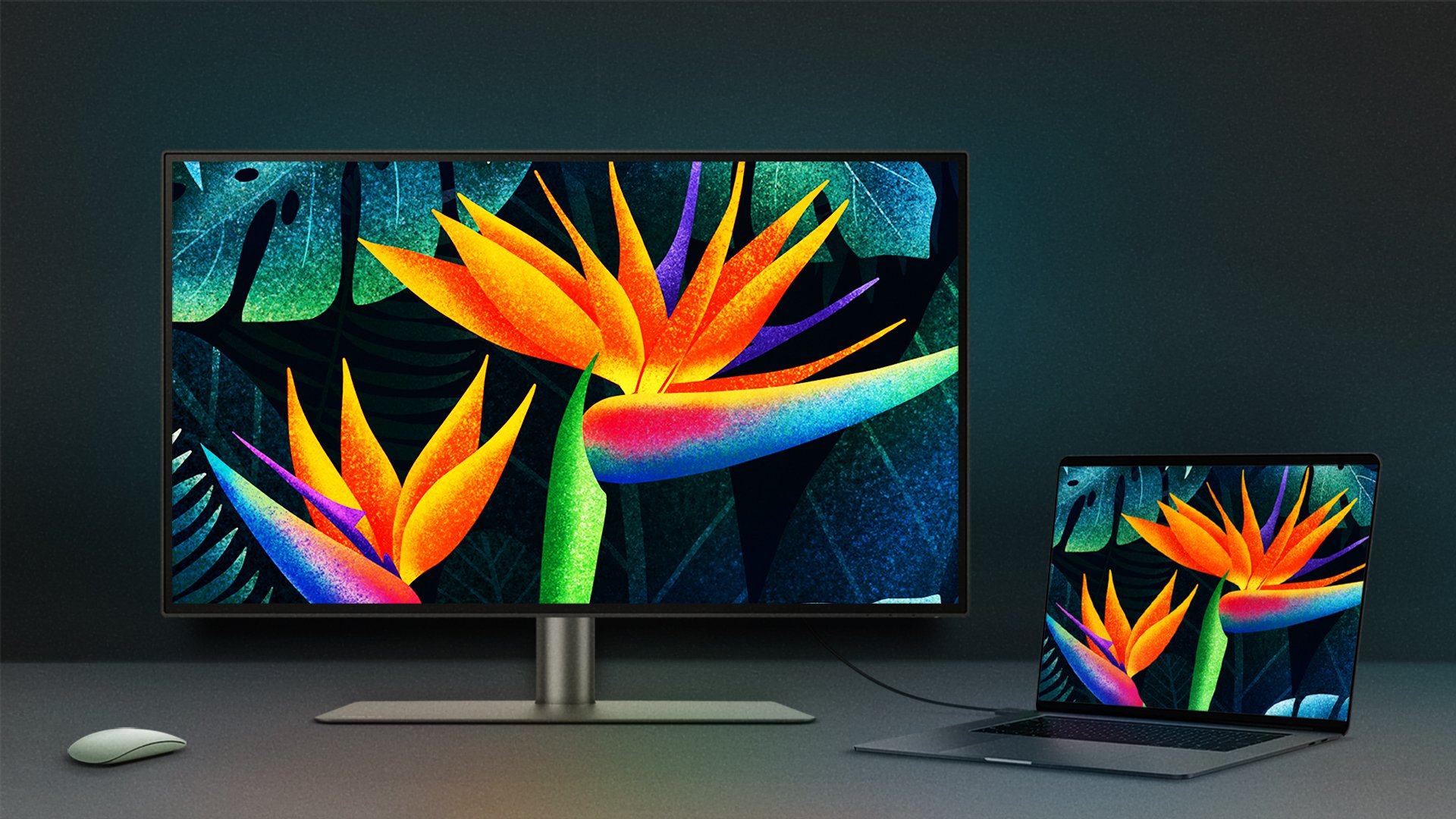
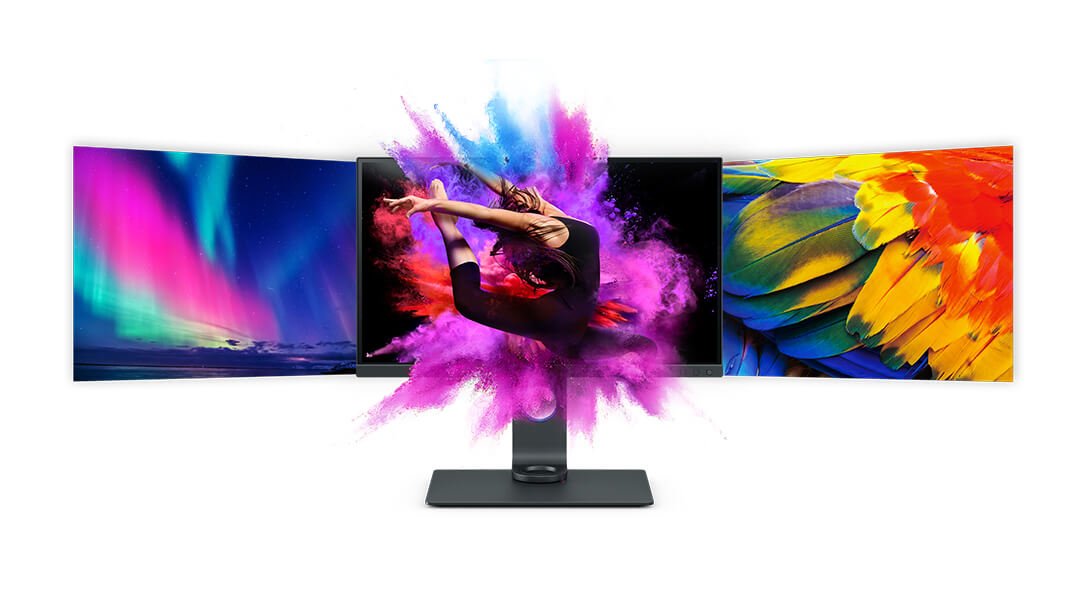
Since 2015 Apple has been using the Display P3 color gamut in most of their displays, including the built-in displays on their MacBook. But beyond supporting the P3 color gamut, your MacBook’s built-in display is also fine-tuned by Apple to ensure accurate, rich, and consistent color. As a result, while many external monitors claim to support P3, their color temperature, gamma curves (which control contrast), and color rendering often don’t match Apple’s standards. It is this mismatch that causes the colors to appear differently on most external monitors.
One key factor is white point, i.e., the way the monitor defines the color “white.”
MacBooks use a different white point from most PC monitors, which is why you might feel your external monitor looks too yellow or too blue.