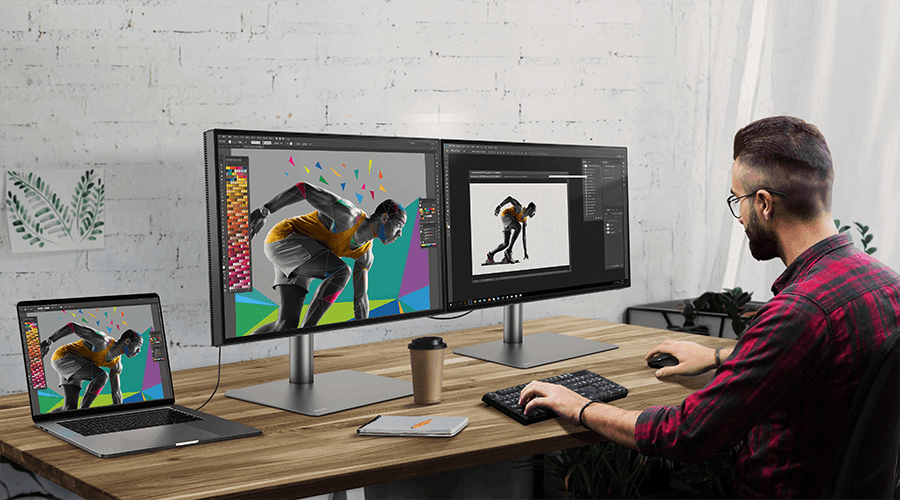
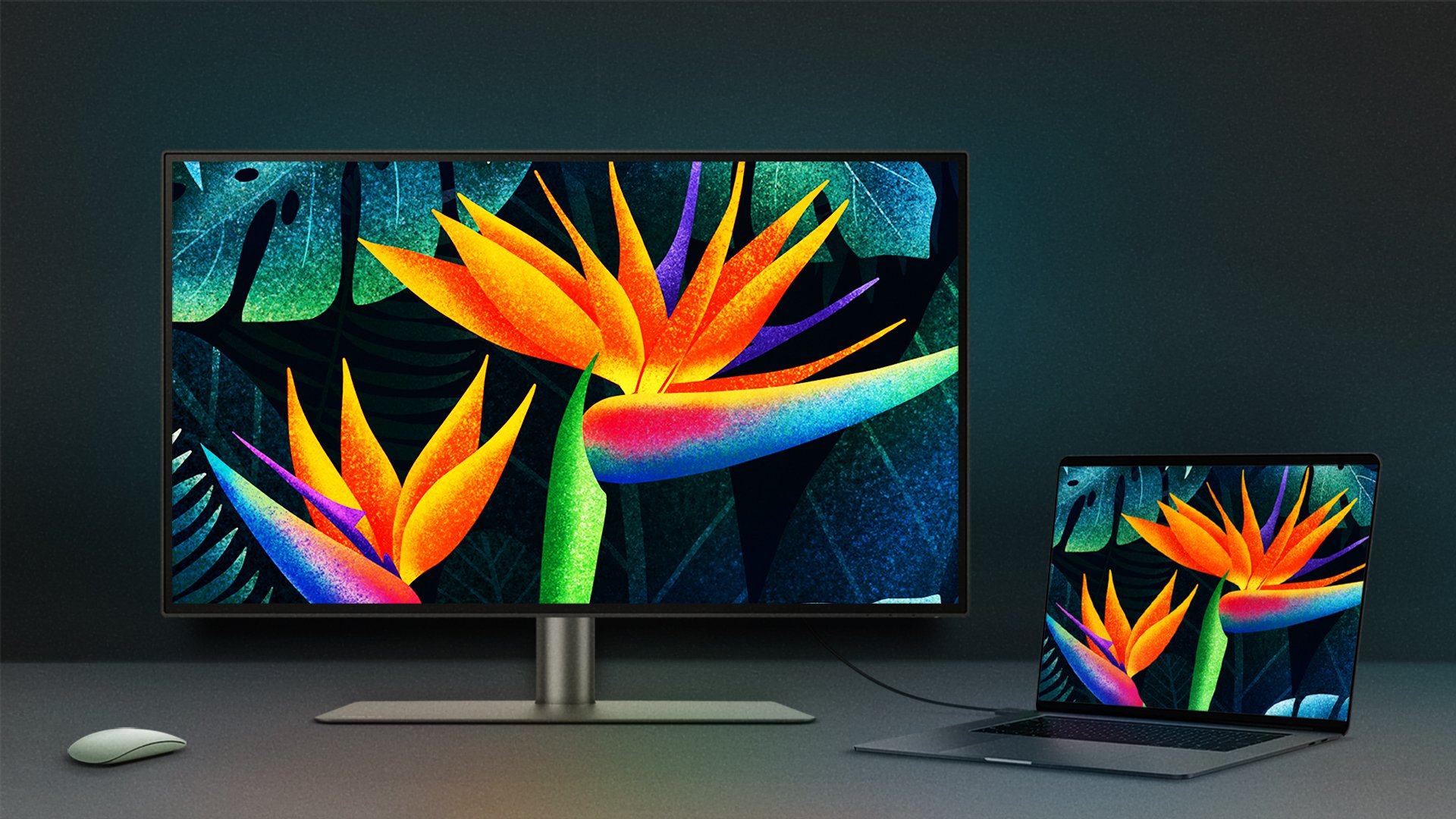
Despite the difference in transmission protocols, Thunderbolt™ 3, Thunderbolt™ 4, USB 3.1 Gen2 Type C can share the same USB-C™ port. For example, if users connect a USB-C™ laptop to a Thunderbolt™ 3 or Thunderbolt™ 4 monitor, they can still be used as a set. Various USB standards, including USB 3.2 and USB4, also use the USB-C connector type, and these cables and ports are cross-compatible with Thunderbolt™ 4. When devices with different capabilities are connected, the connection will only support the lowest common data rate. For example, you can plug a USB 3.2 cable into a Thunderbolt™ 4 port, and the port will negotiate data, power, and video signal capabilities with the connected device at a USB 3.2 level.
Though they may seem similar, Thunderbolt™ 4 is an upgrade from Thunderbolt™ 3 that is noticeable for designers. If using USB 3.1 Gen 2 however, due to its bandwidth limitation, the transmission bandwidth will go down from 40 Gbps to 10 Gbps.
When selecting the right cord, users need to make sure that their laptop’s USB-C port supports DisplayPort Alt mode. That is a mode that allows their USB-C-equipped laptop to connect directly to a Thunderbolt™ 3, Thunderbolt™ 4, or USB-C™ monitors. Additionally, since there are several protocols for USB-C ports, users then must make sure what their laptop’s USB Type C port supports, to guarantee the monitor or laptop can enjoy the convenience that comes with the USB-C one cable solution.






![How Can I Connect a Mac® M1/M2/M3 to BenQ Monitors? [Updated]](https://image.benq.com/is/image/benqco/thumbnail-m1-solution?$ResponsivePreset$)