• How do I know if my USB-C supports DP Alt Mode?
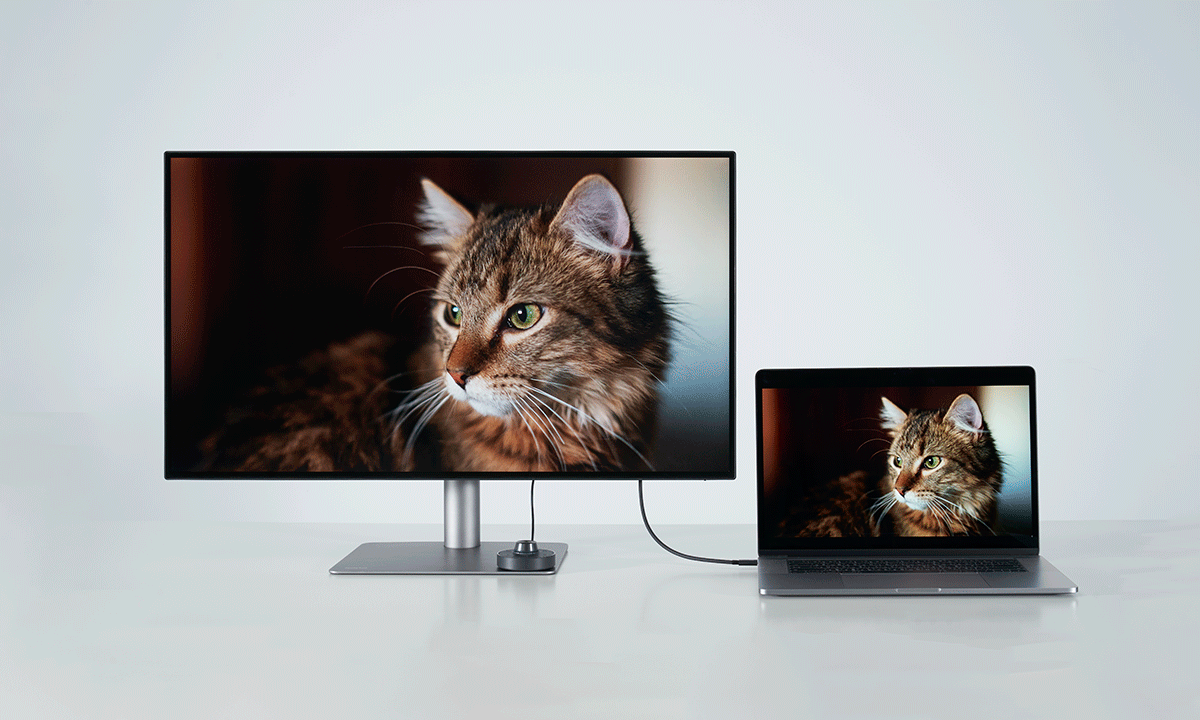
To confirm if your MacBook supports DisplayPort Alt Mode over USB-C:
1. Check Apple’s official specs: Most MacBook Air and Pro models with M1, M2, M3, or M4 chips support video output via USB-C. Look for “Display Support” or “Thunderbolt / USB 4” in the technical specs.
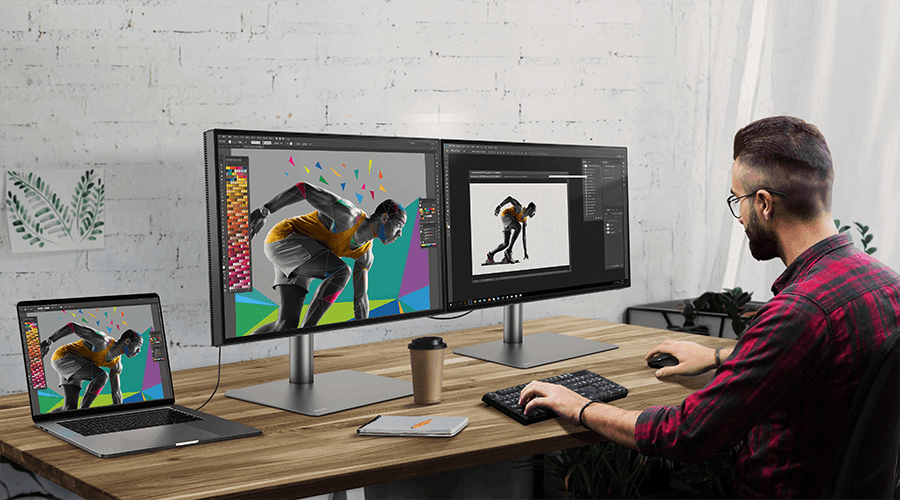
2. Use a USB-C monitor and a known good cable: If your monitor doesn't display anything, make sure the cable supports both power and video (DP Alt Mode), and that you're using the correct USB-C port on your MacBook (some hubs have data-only ports).
3. Avoid charge-only cables: These won’t transmit video, even if the devices support it.
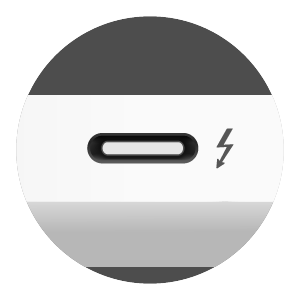
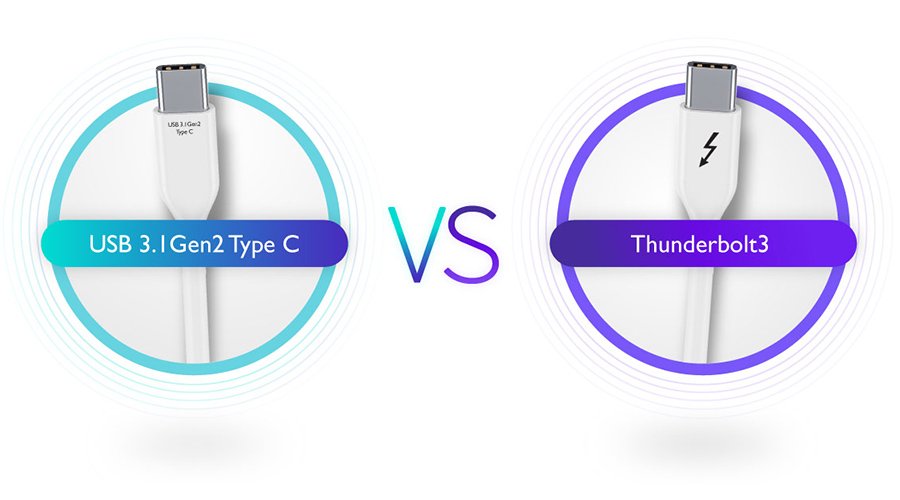
If your MacBook is from 2020 or later, it's very likely to support DP Alt Mode via USB-C. The most common issue is using a cable that only charges but doesn’t support video transmission. All MacBooks with Thunderbolt 3 / 4 or USB 4 ports support DisplayPort Alt Mode.