- Topics
X-Sign User Manual
In this section, we'll explain how to manage content in X-Sign, control the player, and set up playlists.
X-sign 2.0 / X-sign 2.6.0 / Manager
Pairing the device with X-Sign Manager
2020 / 08 / 21
If you want to play the content from Internet or control multiple devices remotely, you have to pair the device with X-Sign Manager. Click here to watch the demonstration video.
1. Launch X-Sign Player.
2. Press Esc button on Windows Player or MENU on the device remote controller to see the menu bar.
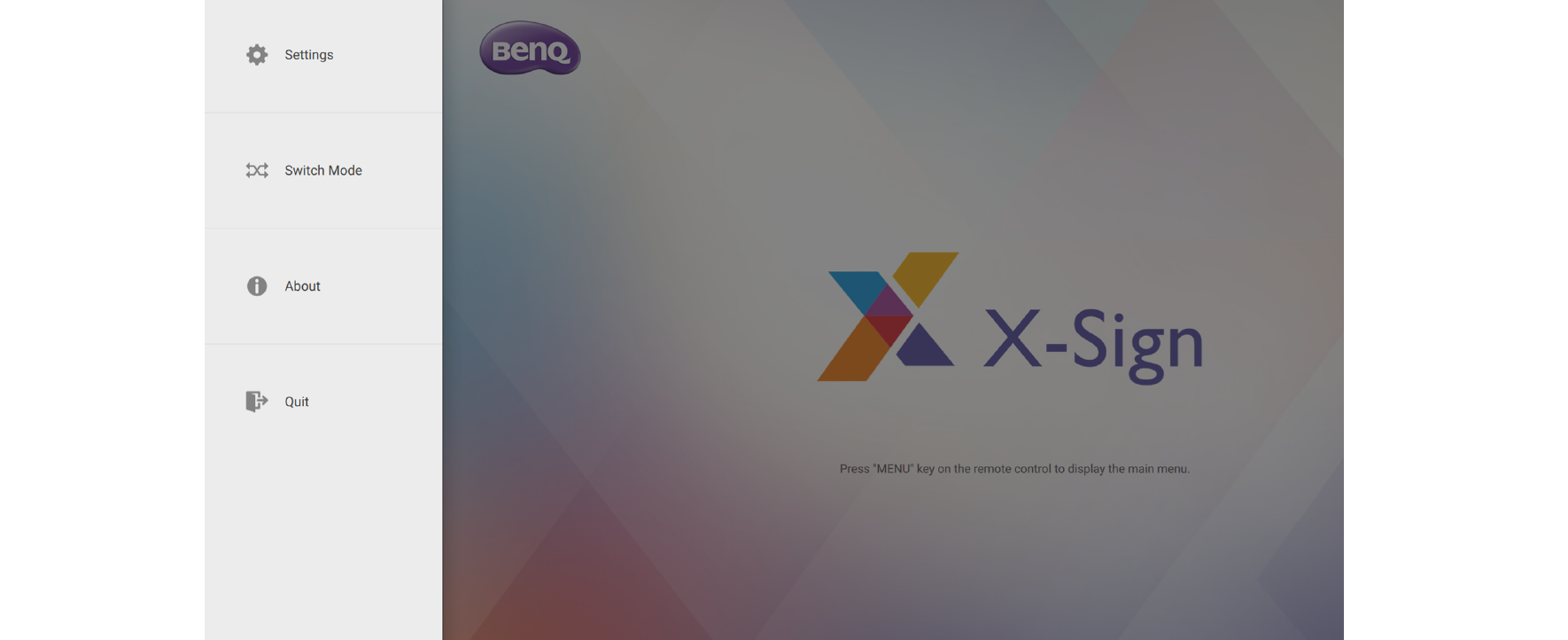
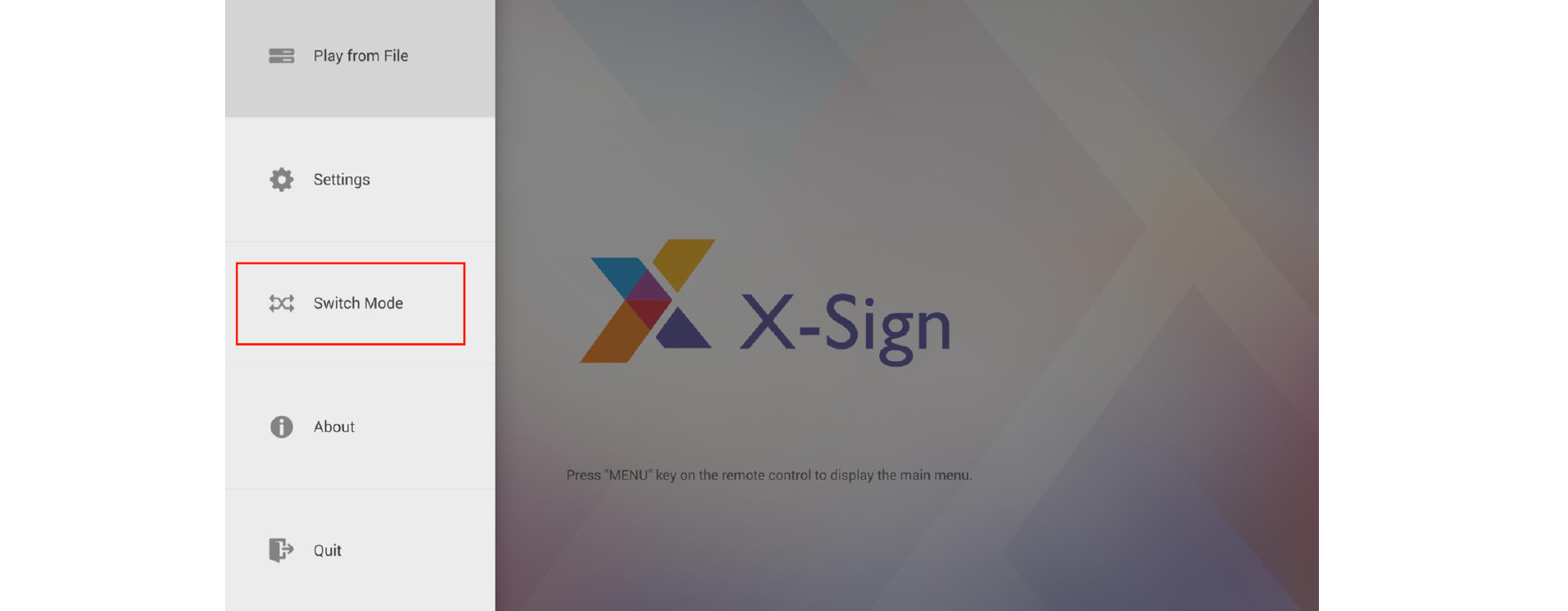
3. Choose Switch Mode to switch to Manager mode.
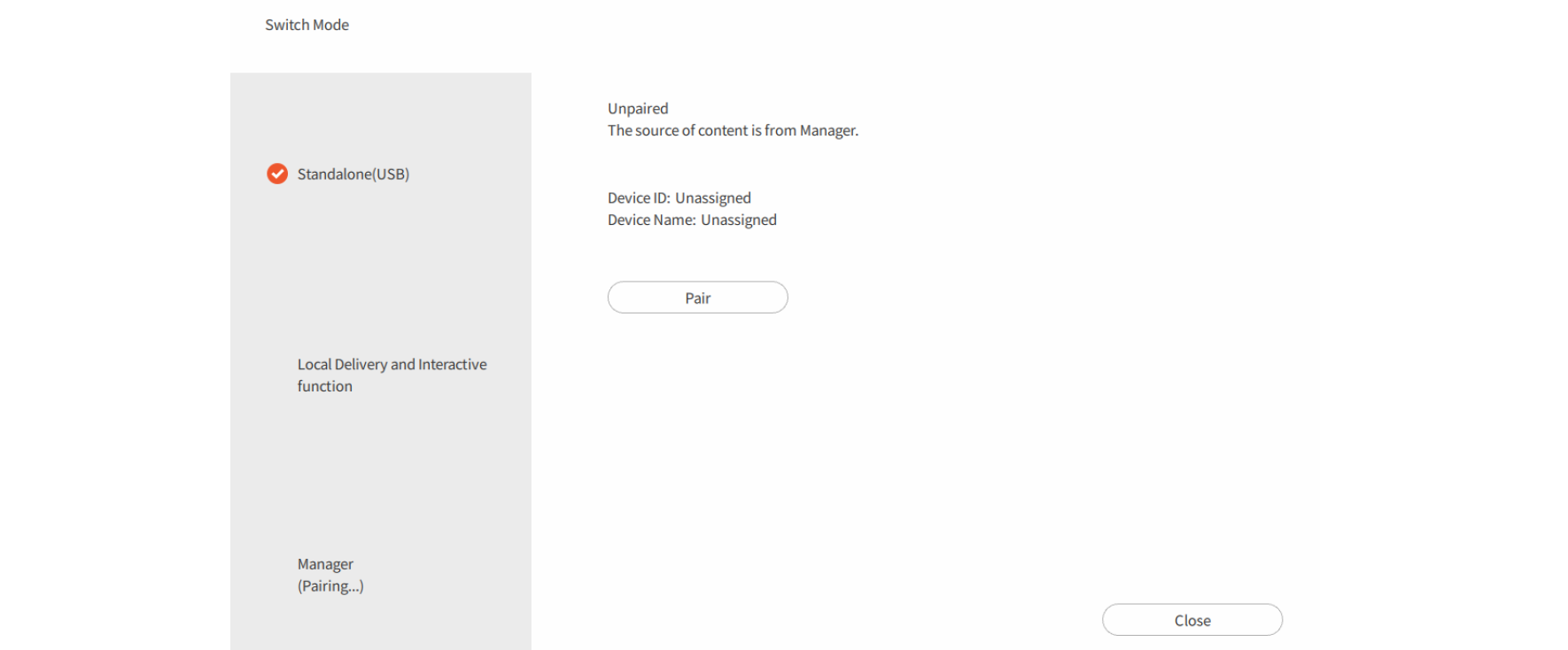
4. Choose Pair to start pairing.
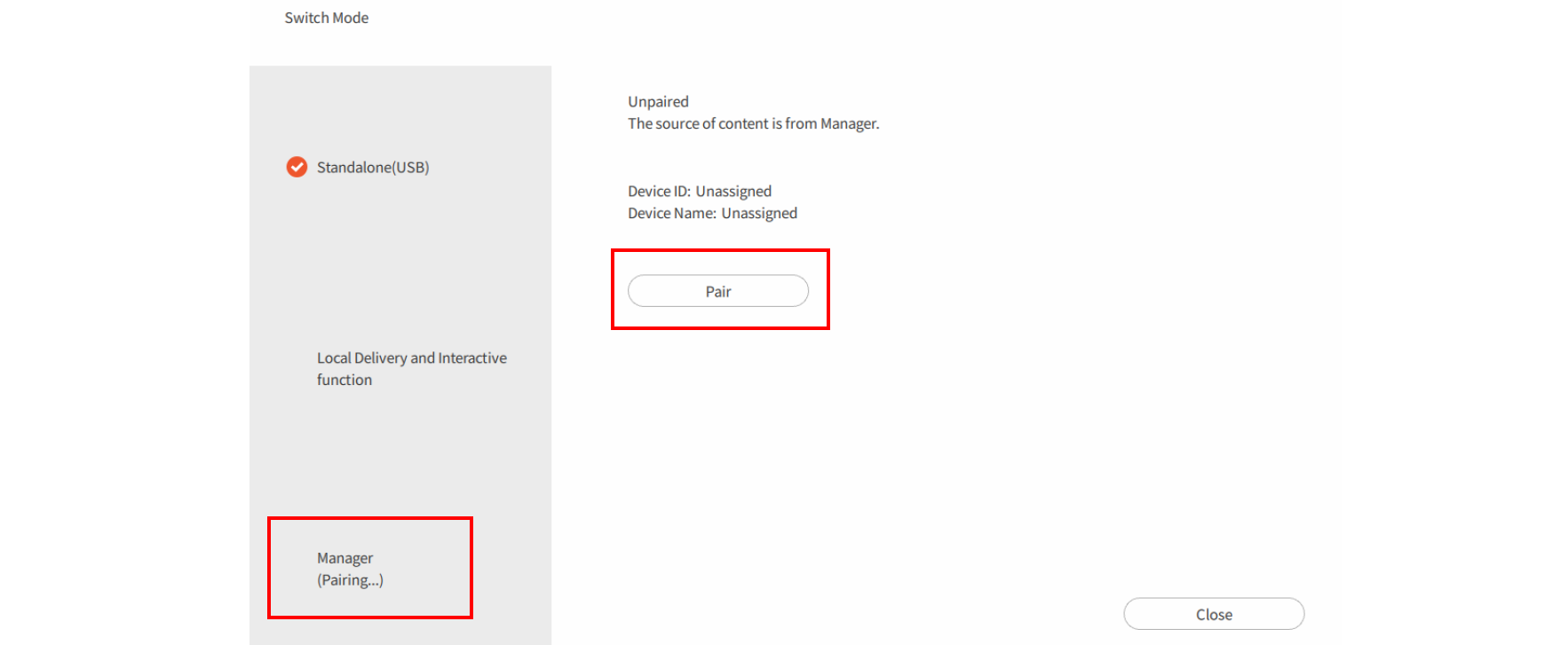
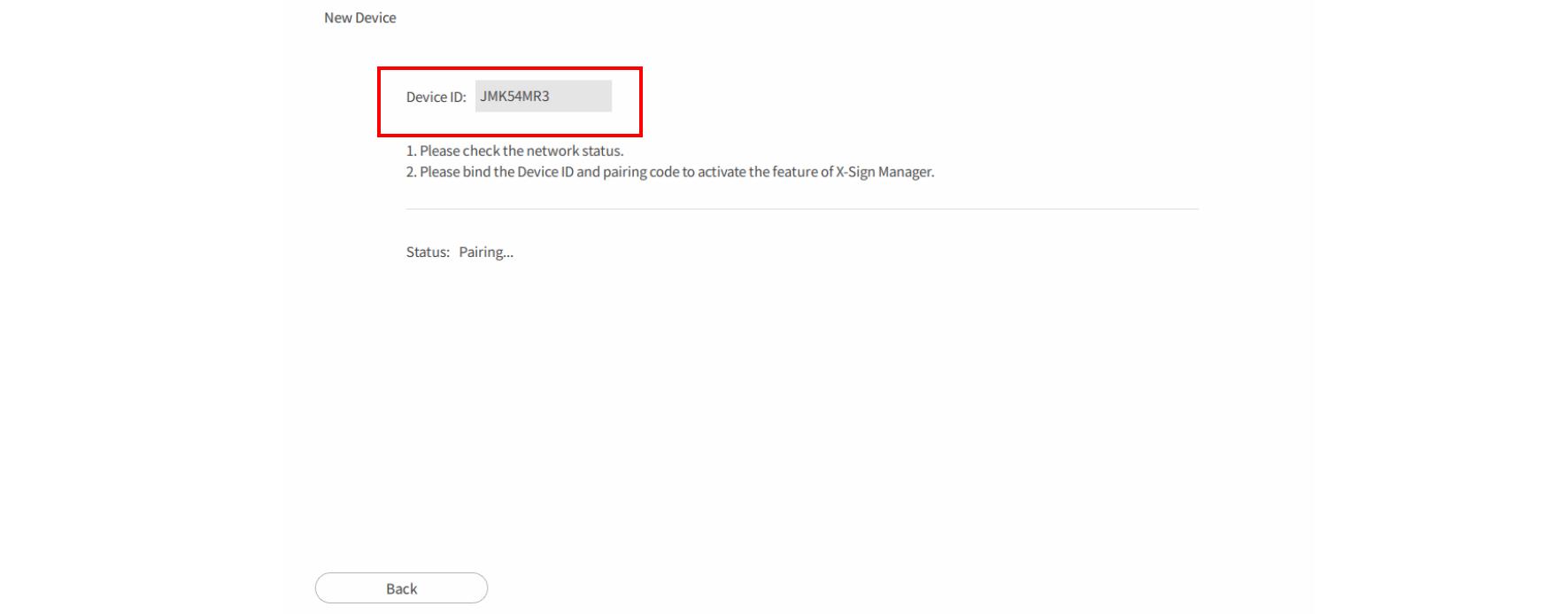
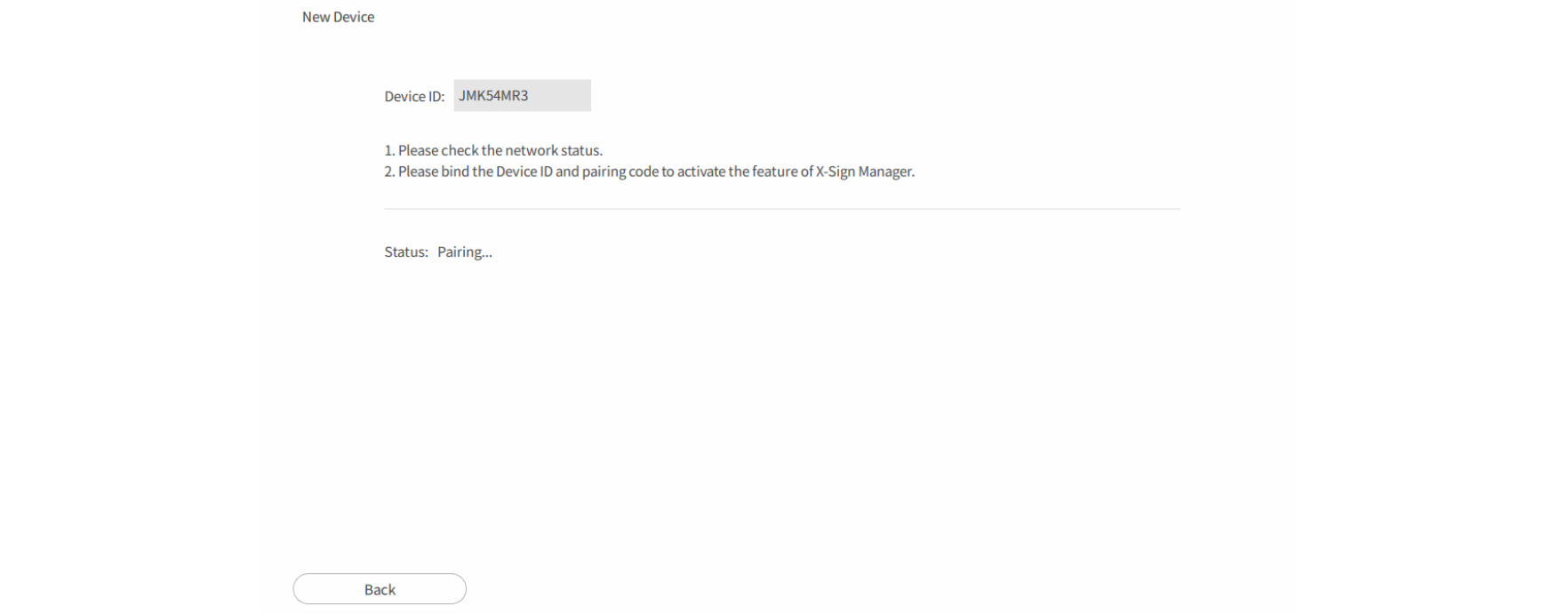
5. Get the Device ID on this page then go to X-Sign Manager to pair the license.
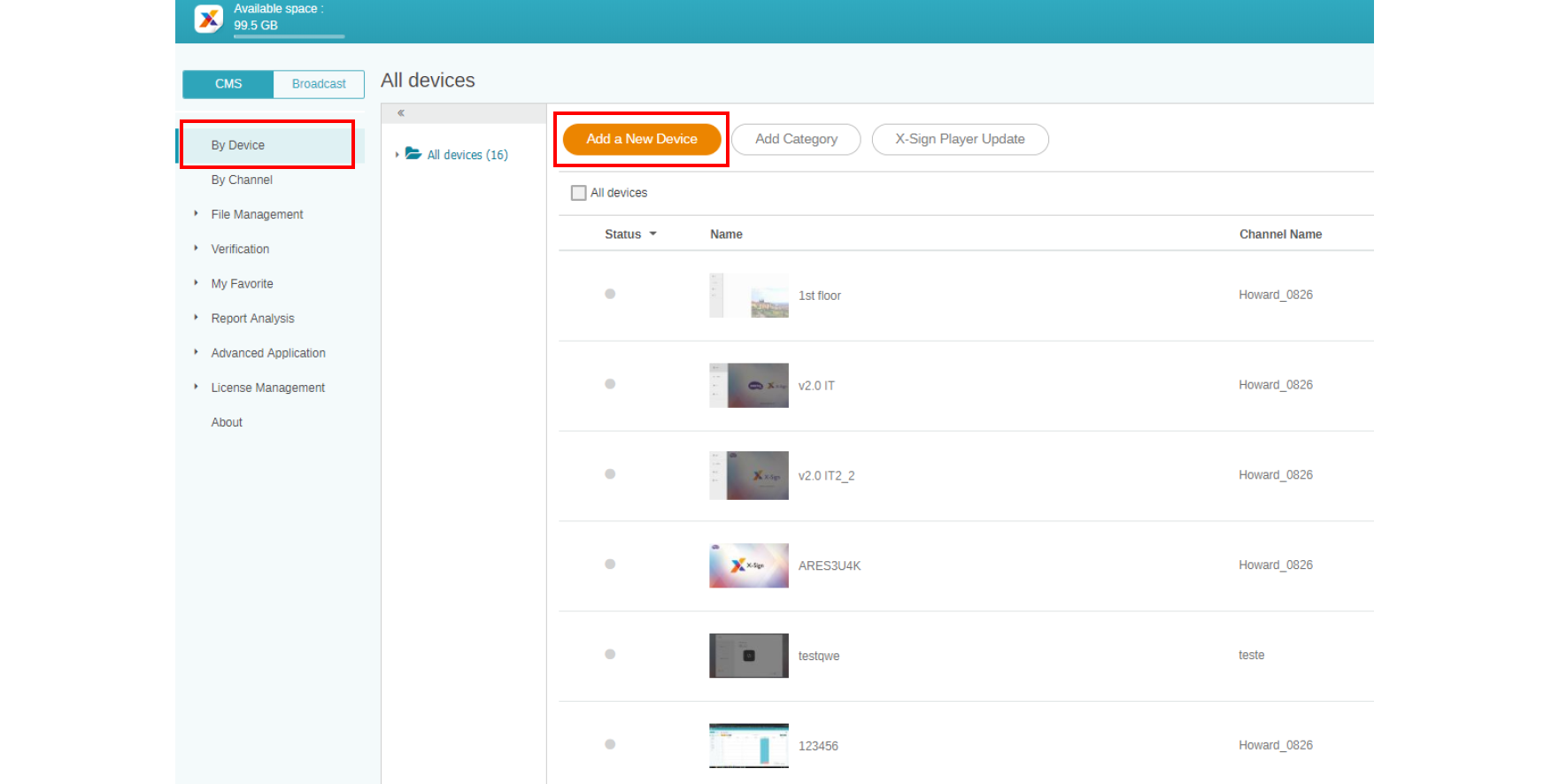
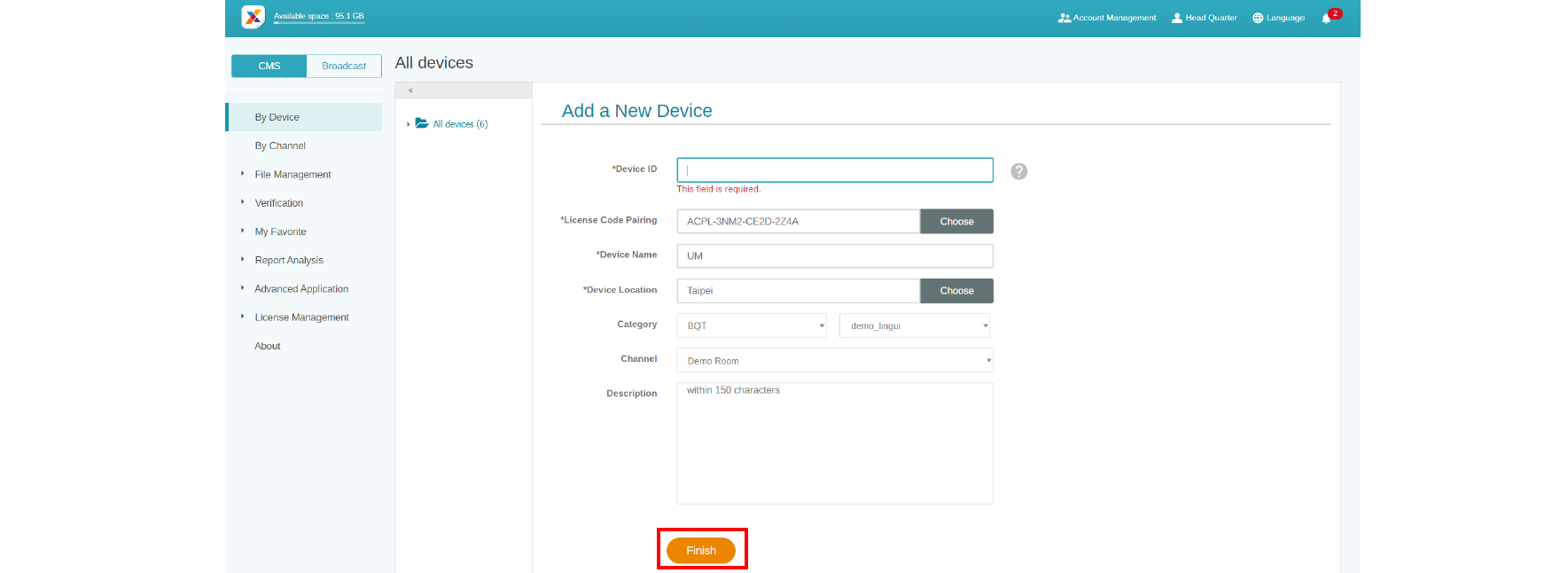
6. Go to X-Sign Manager. Then go to By Device and choose Add a new Device.
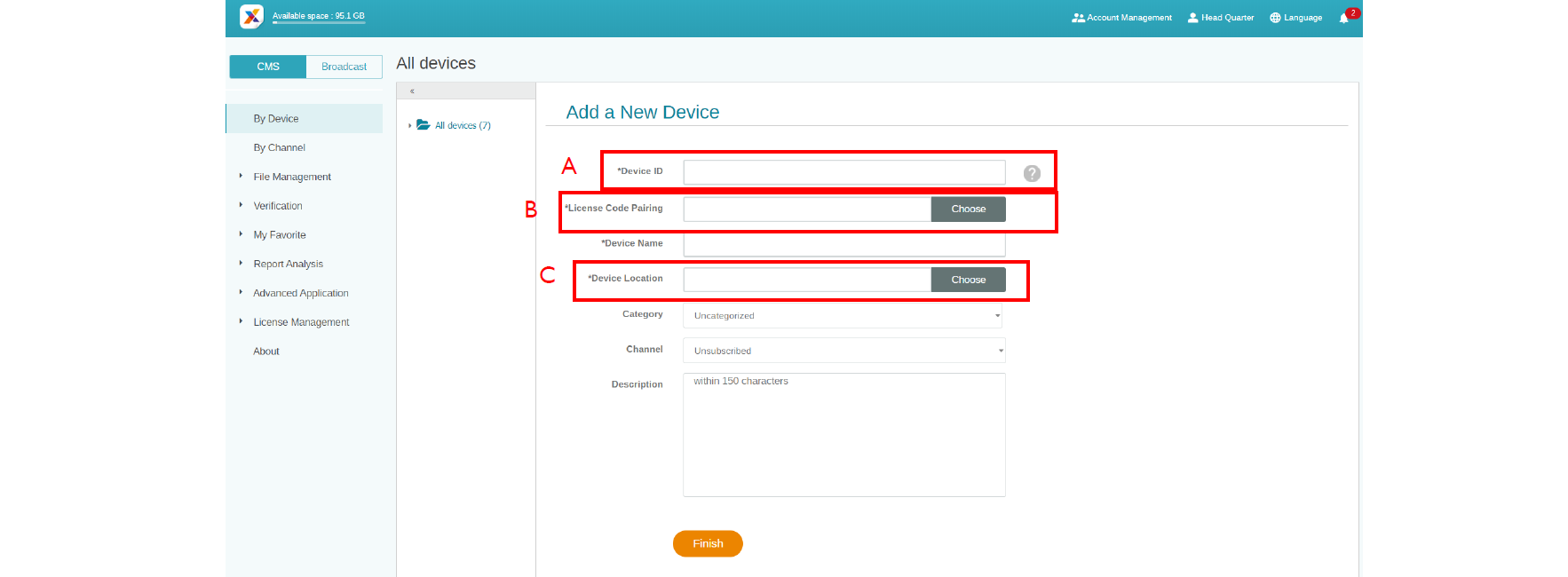
7. Enter required information as below.
- Device ID: the device information from X-Sign Player.
- Mapping license code: Choose the license you want to pair with the device. You have to make sure you already buy the license and import to X-Sign Manager.
- Device location: Choose the city where your device lies in. Time zone of the device (Android) needs to be the same as you set here.
8. After you finish the setting, click Finish to continue.
9. A message, “New device has been created”, will show up on the screen when the signage is successfully paired with X-Sign Manager.

10. You will also see the message shown on the signage.