azure-location
In dit artikel
  • If Your Monitor Already Emits Light, Why Do You Need a Monitor Light Bar
  • What is a monitor light bar?
  • Monitor Light Bar vs Desk Lamp: What’s the Difference?
  • Is a monitor light bar worth it?
  • What is the Purpose of Using a Monitor Light Bar? 3 Main Benefits of Monitor Light Bars
  • How to Use or Install Monitor Light Bars?
  • Final Thoughts
  • FAQ
What's the Purpose of Using a Monitor Light Bar?
  • BenQ
  • 2026-08-25

Do your eyes often feel dry, tired, or strained after spending hours in front of a screen? You might assume it is simply caused by screen time, but the lighting around your workspace can also affect how comfortable screen use feels.

A room that is too dim can leave the bright display surrounded by darkness, while a poorly positioned desk lamp may create distracting reflections on the screen. In both situations, simply adding more light may not solve the problem.

What you need is lighting designed for the way you work on a screen. That is exactly why monitor light bars exist. But if your monitor already produces light, why would you need another one? 

A guide to the benefits of using monitor light bars.

If Your Monitor Already Emits Light, Why Do You Need a Monitor Light Bar

Your monitor produces light, but it only illuminates the image on the screen. It does not create a balanced lighting environment around the area where you actually work.

Your monitor lights the image, not the workspace.

The screen directs light toward your eyes, while the keyboard, desk, and surrounding area may remain much darker. This means the space directly in front of you can still feel visually unbalanced, even when the screen itself looks bright.

A bright screen can still create uncomfortable contrast.

When a bright display is surrounded by a dark desk or room, your eyes need to continually adapt between different brightness levels. This strong contrast, known as contrast glare, can make long hours in front of the screen feel more tiring. 

A monitor light bar helps balance the area around your screen.

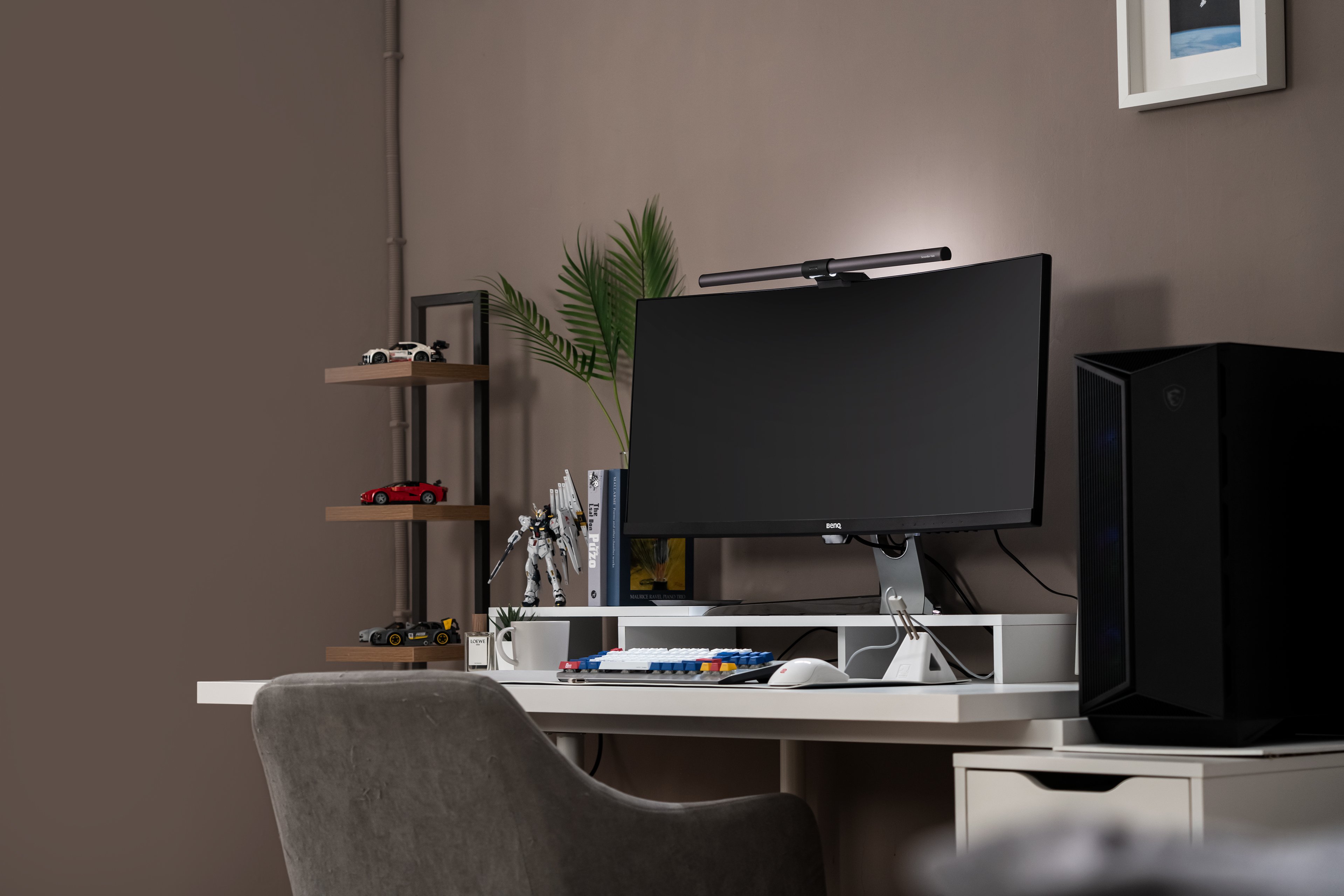
Its front light softly illuminates the desk area around the monitor without shining into your eyes or reflecting off the display. Models with bias lighting behind the monitor can further soften the brightness difference between the screen and its surroundings.


In other words, a monitor light bar is not simply there to make your desk brighter. It helps create a more balanced and comfortable visual environment around the screen.

What is a monitor light bar?

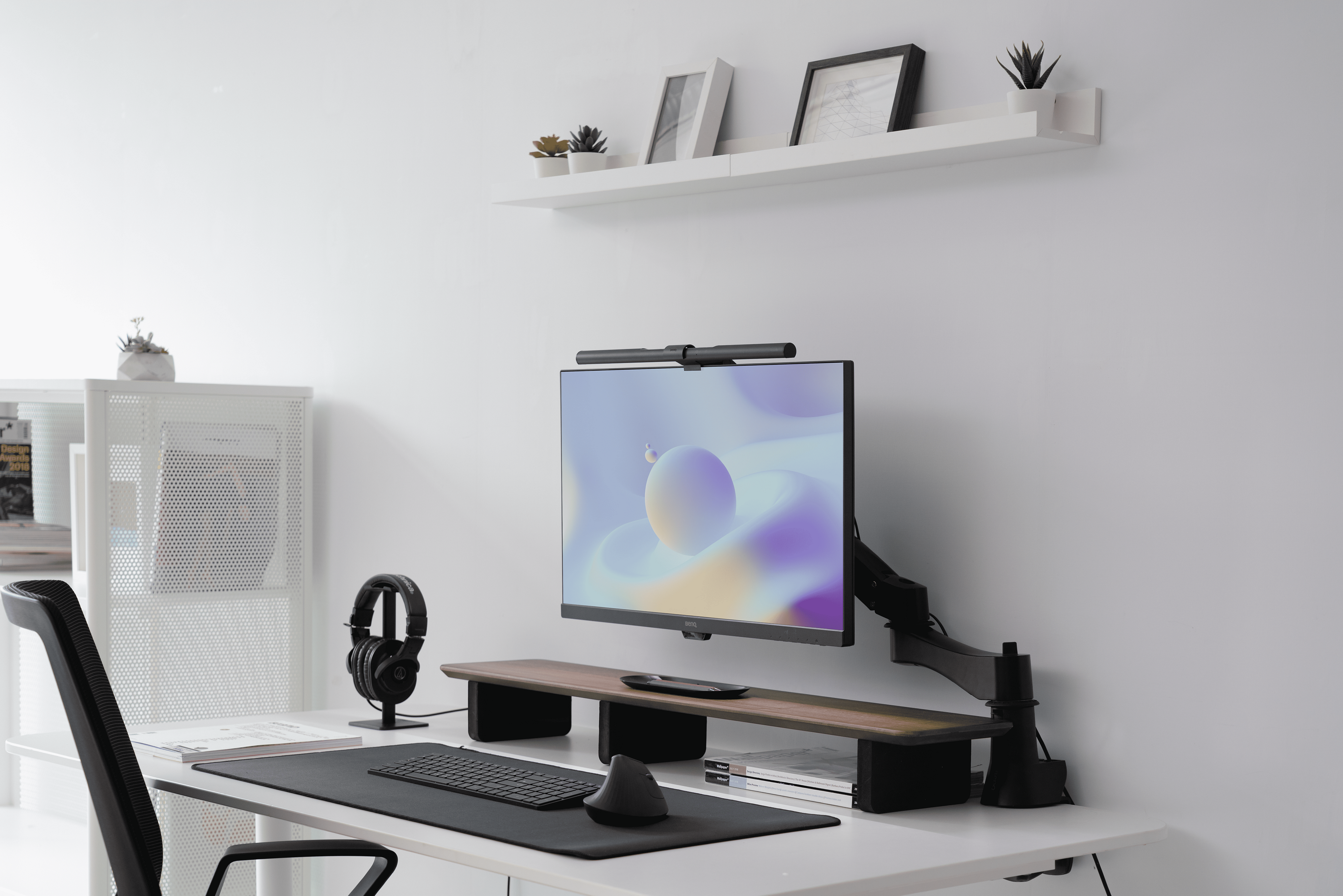
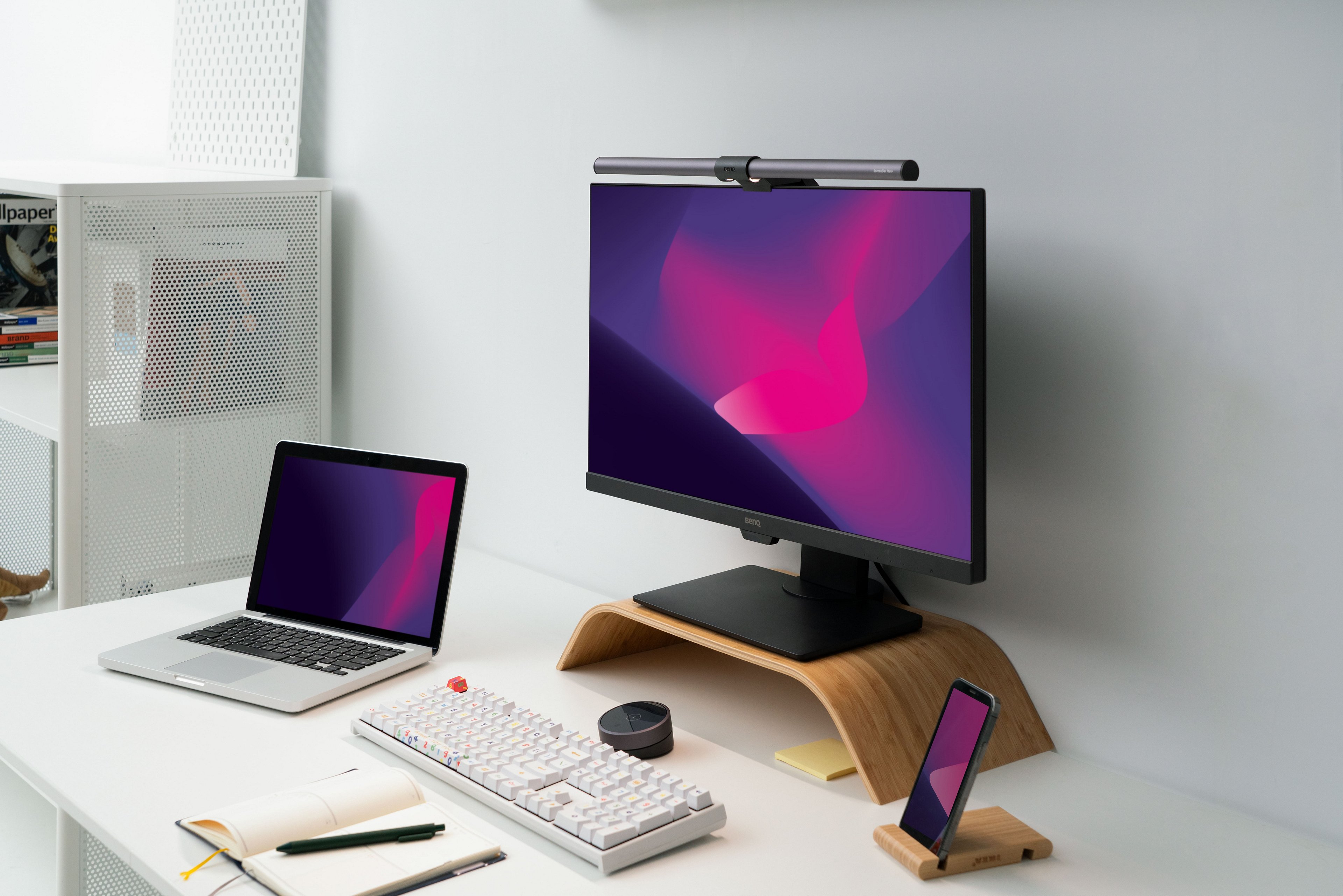
A monitor light bar is a task light designed specifically for screen-based work. Mounted on top of your monitor, it directs light onto the desk and work area without taking up valuable desk space. 

Unlike a conventional desk lamp, a well-designed monitor light bar uses asymmetrical optics to keep light away from your eyes and the screen, helping reduce direct and reflected glare. 

When you first see one, you might think, “Wow, this is exactly what I’ve always wanted but didn’t know existed: a solution to the lighting problems I’ve had with conventional lamps.” But how is it different from a conventional desk lamp?

Monitor light bars are worthy as they feature wide illuminance, low blue light, space-saving, adjustability, and its sleek appearance.

Monitor Light Bar vs Desk Lamp: What’s the Difference?

One of the most common questions people ask is: What’s the real difference between a monitor light bar and a traditional desk lamp? 

Both can illuminate your workspace, but they are designed for different lighting needs. A desk lamp provides flexible, general-purpose lighting for activities such as reading, writing, or working with documents. A monitor light bar, on the other hand, is designed specifically for screen-based work, directing controlled light onto the desk while minimizing screen reflections and preserving valuable desk space.

The best choice depends on how you use your workspace, how much desk space you have, and where you need the light. Below, we compare the two options across space utilization, light distribution, adjustability, design, power source, and ideal use cases.

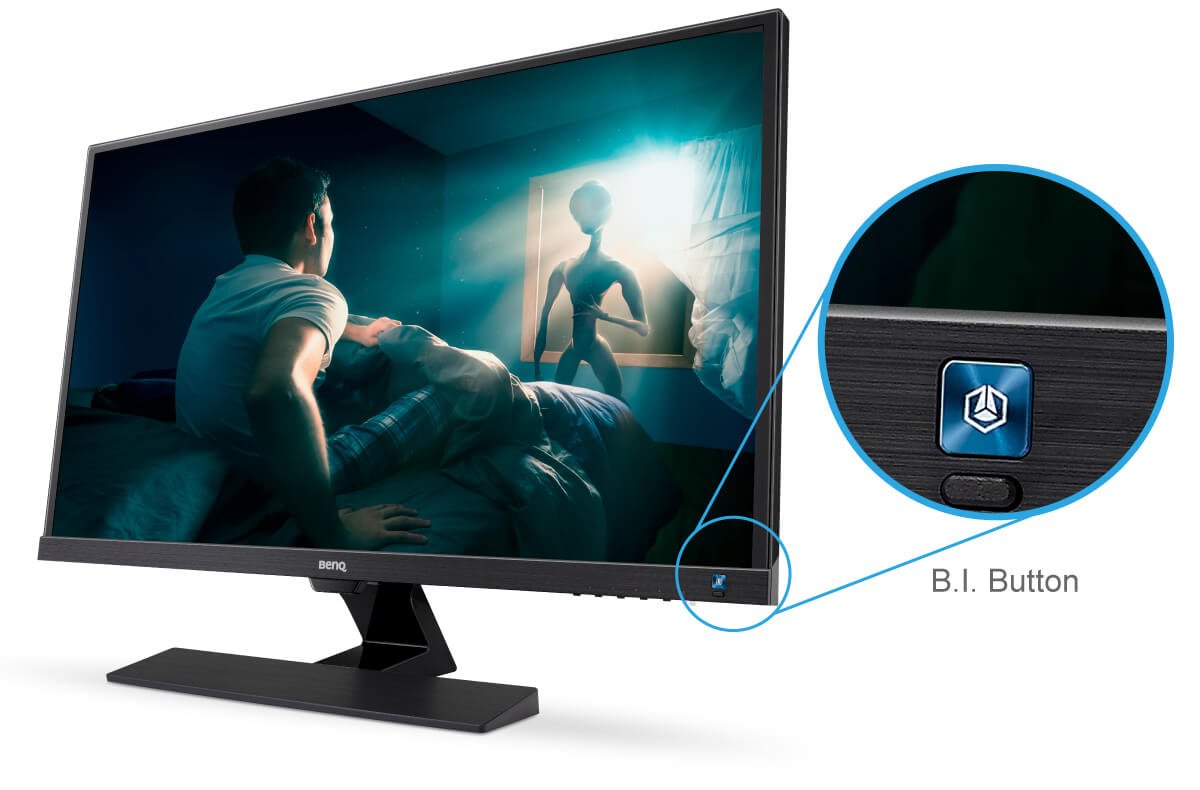
BenQ Programming monitors feature an innovative built-in backlight, MoonHalo, that enhances ambient lighting to reduce contrast glare and reflection, creating an immersive coding atmosphere and ensuring a more comfortable coding experience.

Features

Monitor Light Bar

Desk Lamp

Space Utilization

Mounts on the monitor, helping keep the desk surface clear

Usually requires desk space for the base

Light Distribution

Directs controlled light toward the desk and screen-use area

Provides broader or more flexible illumination; may cause screen glare depending on placement

Adjustability

Adjustable brightness and color temperature; auto-dimming on supported models

Adjustability varies by model, from basic controls to flexible lamp arms and multiple light settings

Design Aesthetic

Compact, streamlined, and designed to integrate with the monitor setup

Typically powered through a wall outlet or USB connection, depending on the model

Power Source

Typically USB-powered

Require power outlet, may add to desk clutter

Best For

- Screen-focused work 
- Compact workspaces 
- Long hours at a monitor 
- Users concerned about screen glare


- General-purpose lighting 
- Reading and paperwork 
- Broader desk illumination 
- Users who need flexible light positioning

Is a monitor light bar worth it?

After comparing monitor light bars with traditional desk lamps, it’s clear that while both serve the purpose of lighting your workspace, monitor light bars offer a more modern, efficient, and ergonomic solution, especially for digital-heavy users. But does that mean it’s worth the investment?

For many people, the answer is yes, especially if you're spending hours on a screen every day. A monitor light bar isn't just about aesthetics; it’s about comfort, eye protection, and smarter use of space.  

If you're still on the fence, consider the following common issues and how a monitor light bar directly addresses them:

Common Problem

What to Look for in a Monitor Light Bar

Why It Helps

Do you work in a brightly lit environment?

Sufficient Illuminance

At least 500 lux to reduce eyestrain

Do you suffer from eye strain or fatigue?

Asymmetrical Optics

Directs light away from your eyes and screen to reduce direct glare and reflections

Is your desk always feeling a bit too cramped?

Monitor-Mounted Design

Frees up desk space and keeps the workspace clear

Is your workspace affected by changes in natural light throughout the day?

  • Auto-dimming  
  • Adjustable color temperature

Adapts brightness and color temperature to changing lighting conditions

Do you have a preferred design or color?

Appearance

Helps the light bar blend naturally into your monitor and overall desk setup

What is the Purpose of Using a Monitor Light Bar? 3 Main Benefits of Monitor Light Bars

The purpose of a monitor light bar is not simply to make your desk brighter. It is designed to create a more balanced and comfortable lighting environment around your screen, especially when the display is much brighter than the desk or surrounding room. 

By directing light precisely onto the work area, a well-designed monitor light bar helps illuminate your keyboard and desk without shining directly into your eyes or reflecting off the screen. Its monitor-mounted design also keeps the workspace clear, while adjustable lighting helps maintain comfort as ambient light changes throughout the day. 

Here are the three main benefits of using a monitor light bar:

Benefits of Monitor Light Bar

Features

Why It Matters

Reduce Eye Strain

Asymmetrical Optics

Softens the brightness difference between a bright display and a darker workspace while reducing direct and reflected glare

Save Desk Space

Monitor-mounted design

Keeps the work area clear and organized, especially in compact or equipment-heavy setups

Adaptive & Comfortable Lighting

  • Auto dimming   
  • Adjustable brightness and color temperature

Helps maintain consistent lighting as ambient light changes throughout the day

How to Use or Install Monitor Light Bars?

Installing a monitor light bar usually takes only a few steps:

① Mount it above your monitor 
Place the light bar on top of your monitor and make sure it sits securely and horizontally.

② Adjust the lighting angle 
Position the light so it illuminates your keyboard, documents, and main work area without shining into your eyes or reflecting on the screen.

③ Fine-tune brightness and color temperature 
Adjust the brightness and color temperature based on your room lighting, screen brightness, and time of day. 

Learn More: Monitor Light Bar Quick Start Guide

Before choosing a model, confirm its compatibility with your monitor, including screen thickness, curvature, built-in webcam, and workspace setup. You can also refer to this monitor light bar buying guide to find the best fit for your setup.

Final Thoughts

Poorly planned lighting can contribute to visual discomfort, fatigue, and a less comfortable workspace, especially when you spend long hours in front of a screen. A well-designed monitor light bar helps create a more balanced lighting environment by illuminating the work area without adding direct glare or screen reflections. 

The right model should offer sufficient brightness, adjustable color temperature, and lighting controls that fit your daily routine. More importantly, it should match your monitor and workspace rather than simply add more brightness.

Before choosing a model, confirm its compatibility with your monitor, including screen thickness, curvature, built-in webcam, and workspace setup. You can also refer to this monitor light bar buying guide to find the best fit for your setup.

Monitor light bars bring you great benefits and provide great illumination and a better working environment.

FAQ

Why do I need a monitor light bar if my monitor already emits light?

Your monitor lights the image, not the workspace around it. A monitor light bar helps balance the light around the screen and illuminate the desk, making long hours of screen use more comfortable.

Do monitor lights help with eye strain?


Yes. A well-designed monitor light bar can help reduce eye strain by minimizing direct glare, screen reflections, and harsh brightness contrast around the monitor. 


BenQ monitor light bars use ASYM-Light™ technology to direct light precisely onto the desk while keeping it away from your eyes and display. This helps create a more balanced lighting environment around the screen, making long hours of screen use more comfortable. 

Should the light be in front or behind my monitor?

Front light illuminates the desk and work area, while backlight helps balance the brightness between the screen and its surroundings. Some monitor light bars like ScreenBar Halo 2 combine both for a more balanced setup.

Can I use a light bar with any computer monitor?

Compatibility varies by model. Check your monitor’s thickness, curvature, bezel design, built-in webcam, and setup before buying. See this monitor light bar buying guide for more guidance. 

Can I plug the monitor light bar into my PC?

Any USB outlet can power BenQ monitor light bars. Once you turn the light on, it switches back to the brightness and color temperature settings you last used to welcome you back to work energetically. 
 
A power supply with an output of 5V/1A or more is required to ensure that the light bar can function correctly. For BenQ ScreenBar Halo 2, use 5V/1.3A power adapters or USB ports.

Was dit artikel nuttig?

Ja Nee

Recommended Products

  • Bespaar {{currency}}{{item.saveAmount| numberThousandsCommas | numberDecimalPoint}}
    Bespaar {{item.savePercent| numberThousandsCommas | numberDecimalPoint}}%

    {{item.productWordingTag}}

    {{item.title}}

    • {{point}}

    {{currency}}{{item.finalPrice| numberThousandsCommas | numberDecimalPoint}} Bespaar {{currency}}{{item.saveAmount | numberThousandsCommas | numberDecimalPoint}} Bespaar {{item.savePercent | numberThousandsCommas | numberDecimalPoint}}%

    new device price{{currency}}{{item.regularPrice| numberThousandsCommas | numberDecimalPoint}}