azure-location

localNavigation.type = g6-product-overview-page

RD270Q

{{currency}}{{finalPrice.final | numberThousandsCommas | numberDecimalPoint}}

{{currency}}{{regularPrice.final | numberThousandsCommas | numberDecimalPoint}}

BenQ RD270Q boosts programming productivity through its Nano Matte Panel, 144Hz refresh rate, and exclusive coding modes. It delivers crystal-clear fonts for improved code differentiation, seamlessly adapting to both light and dark themes across diverse development environments.

RD270Q|27” 2K 144Hz BenQ programmeer scherm

Slimmer coderen met helderheid en focus, de hele dag door

Codeer met precisie. Zorg dat je focus blijft stromen, zodat je altijd efficiënt aan de slag kunt.

RD270Q|27” 2K 144Hz BenQ programmeer scherm

Slimmer coderen met helderheid en focus, de hele dag door

Codeer met precisie. Zorg dat je focus blijft stromen, zodat je altijd efficiënt aan de slag kunt.

BenQ RD270Q boosts programming productivity through its Nano Matte Panel, 144Hz refresh rate, and exclusive coding modes. It delivers crystal-clear fonts for improved code differentiation, seamlessly adapting to both light and dark themes across diverse development environments.

Druk op de hotkey en begin met coderen

Activeer de Coding HotKey en ga direct aan de slag met coderen. Zet in een oogwenk codeer modi aan, pas helderheid en contrast aan, kies Eye-Care instellingen en schakel Night Hours Protection in. Zo bescherm je je ogen in donkere omgevingen zonder onderbrekingen.

Elk geweldig project begint met heldere code

In de exclusieve codeer modi worden schermen optimaal afgesteld voor maximale helderheid, zowel in donkere als lichte thema's. De nieuwe papierkleur modus simuleert het uiterlijk en gevoel van gedrukt papier en maakt lezen extra comfortabel voor je ogen.

In the RD270Q exclusive Coding Modes, displays are finely tuned for optimal clarity in both dark and light themes. The new Paper Color Mode simulates the look and feel of printed media and is an additional way to read while being easy on the eyes.

  • BenQ RD270Q's Dark Theme enhances readability, boosts coding speed, and improves debugging precision.

    Codeer modus - donker thema

    Donker thema vergroot de leesbaarheid, verhoogt je codeersnelheid en verbetert de precisie bij het debuggen.

  • BenQ RD270Q's Light Theme for clear viewing without eye strain.

    Codeer modus - licht thema

    Licht thema voor helder zicht zonder vermoeide ogen.

  • BenQ RD270Q's  new Coding - Paper Color Mode lets you enjoy the comfort of paper-like reading.

    Codeer modus - papierkleur

    Met de nieuwe codeer modus - papierkleur geniet je van het comfort van lezen op papier.

Nano matte paneel - Minder reflecties, maximale focus

Met een lage reflectieafwerking die afleidingen vermindert, zorgt deze geavanceerde technologie voor meer focus en hogere productiviteit. Zo krijg je ongeëvenaarde helderheid voor de beste prestaties.

RD270Q features a low reflection finish that minimizes distractions, this advanced technology enhances focus and boosts productivity, delivering unparalleled clarity for peak performance. RD270Q features a low reflection finish that minimizes distractions, this advanced technology enhances focus and boosts productivity, delivering unparalleled clarity for peak performance.

High Pixel Contrast: elke regel scherper in beeld

De RD270Q biedt hoge contrastprestaties met multi-layered High Pixel Contrast Technology. Dankzij zowel statische als dynamische contrastafstemming en Local Contrast Optimization zie je zelfs de kleinste details duidelijker, zowel tijdens coderen in je IDE als bij het bekijken van films of bij het gamen na het werk.

BenQ RD270Q features high-contrast performance with multi-layered High Pixel Contrast Technology. Static and dynamic contrast tuning, combined with Local Contrast Optimization, reveal fine details and enhanced dark-area clarity, for your IDE, movies, or games after work. BenQ RD270Q features high-contrast performance with multi-layered High Pixel Contrast Technology. Static and dynamic contrast tuning, combined with Local Contrast Optimization, reveal fine details and enhanced dark-area clarity, for your IDE, movies, or games after work.

Comfort voor je ogen, de hele dag door

We weten hoe belangrijk je ogen zijn. Daarom staan ze bij elk ontwerp centraal.

Soepele en snelle codeerervaring met 144Hz

De vernieuwingsfrequentie van 144Hz zorgt voor vloeiende, schokvrije prestaties en helpt vermoeidheid en hoofdpijn door flikkeringen te voorkomen. Zo geniet je van optimaal kijkcomfort, vanaf het eerste tot het laatste scrollmoment.

Night Hours Protection voor nachtelijke programmeurs

Blijf geïnspireerd zonder overbelasting. Dankzij de ultra-lage helderheid technologie van Night Hours Protection worden je ogen beschermd tegen lichtvermoeidheid. Zo bekijk je alles op een zachte manier en kun je de hele nacht comfortabel coderen.

Complete Eye-Care, volledig geregeld!

De RD270Q is TÜV-gecertificeerd voor Flicker-Free, Reflection-Free, Low Blue Light, Eye Comfort 2.0 en Eyesafe 2.0. Zo ervaar je minimale afleiding, is er minder schadelijk blauw licht, en geniet je van een veilig en prettig kijkmoment zonder levendige, natuurgetrouwe kleuren te verliezen. Met Visual Optimizer past het scherm zich bovendien automatisch aan qua helderheid en kleurtemperatuur, perfect voor jouw werkplek.

BenQ RD270Q is TÜV-certified for Flicker-Free, Reflection-Free, Low Blue Light, Eye Comfort 2.0, and Eyesafe 2.0. BenQ RD270Q is TÜV-certified for Flicker-Free, Reflection-Free, Low Blue Light, Eye Comfort 2.0, and Eyesafe 2.0.

Je lichaam verdient net zoveel zorg als je code

Ergonomisch comfort ontworpen om vermoeidheid te verminderen en je productiviteit te ondersteunen.

BenQ RD270Q knows the importance of eyes and ergonomics, so we prioritize them in every design.

  • BenQ RD270Q knows the importance of eyes and ergonomics, so we prioritize them in every design.

    Draaien

  • BenQ RD280UG knows the importance of eyes and ergonomics, so we prioritize them in every design.

    Draaien

  • BenQ RD280UG knows the importance of eyes and ergonomics, so we prioritize them in every design.

    Kantelen

  • BenQ RD280UG knows the importance of eyes and ergonomics, so we prioritize them in every design.

    In hoogte verstelbare standaard

Slim verbinden, eenvoudig toegankelijk

Maximaliseer je efficiëntie met intuïtieve softwarebediening en een handige selectie poorten, altijd passend bij jouw setup.

Neem minder ruimte in. Maak er jouw innovatiehub van.

Slank en lichtgewicht: de RD270Q neemt weinig ruimte in beslag. Dankzij de compacte standaard en VESA-montage breng je eenvoudig flexibiliteit en orde op je bureau.

Transform your desk into a productivity hub. With BenQ Programming Monitor, experience a workspace designed for comfort, focus, and inspiration. Transform your desk into a productivity hub. With BenQ Programming Monitor, experience a workspace designed for comfort, focus, and inspiration.

Productiviteit op z’n best, nog eenvoudiger met usb-c

Houd je werkplek netjes en blijf geconcentreerd: de usb-c-poort verzorgt razendsnelle overdracht van beeld, geluid en data, plus tot wel 65W aan stroom. Alles wat je nodig hebt, zonder rommel.

With BenQ RD280UG's versatile ports, front or back within easy reach, connecting your devices is effortless, quick, and simple. With BenQ RD280UG's versatile ports, front or back within easy reach, connecting your devices is effortless, quick, and simple.

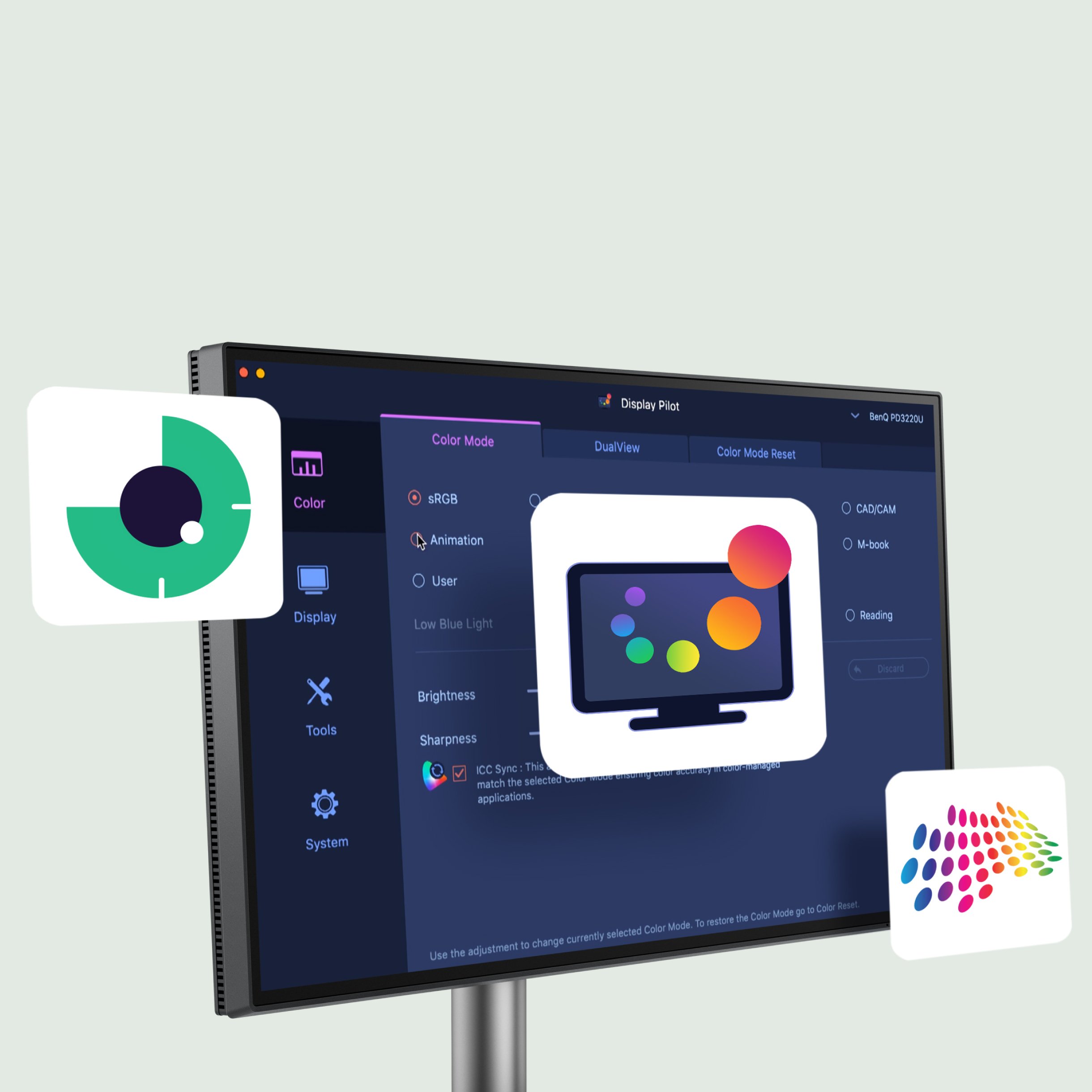
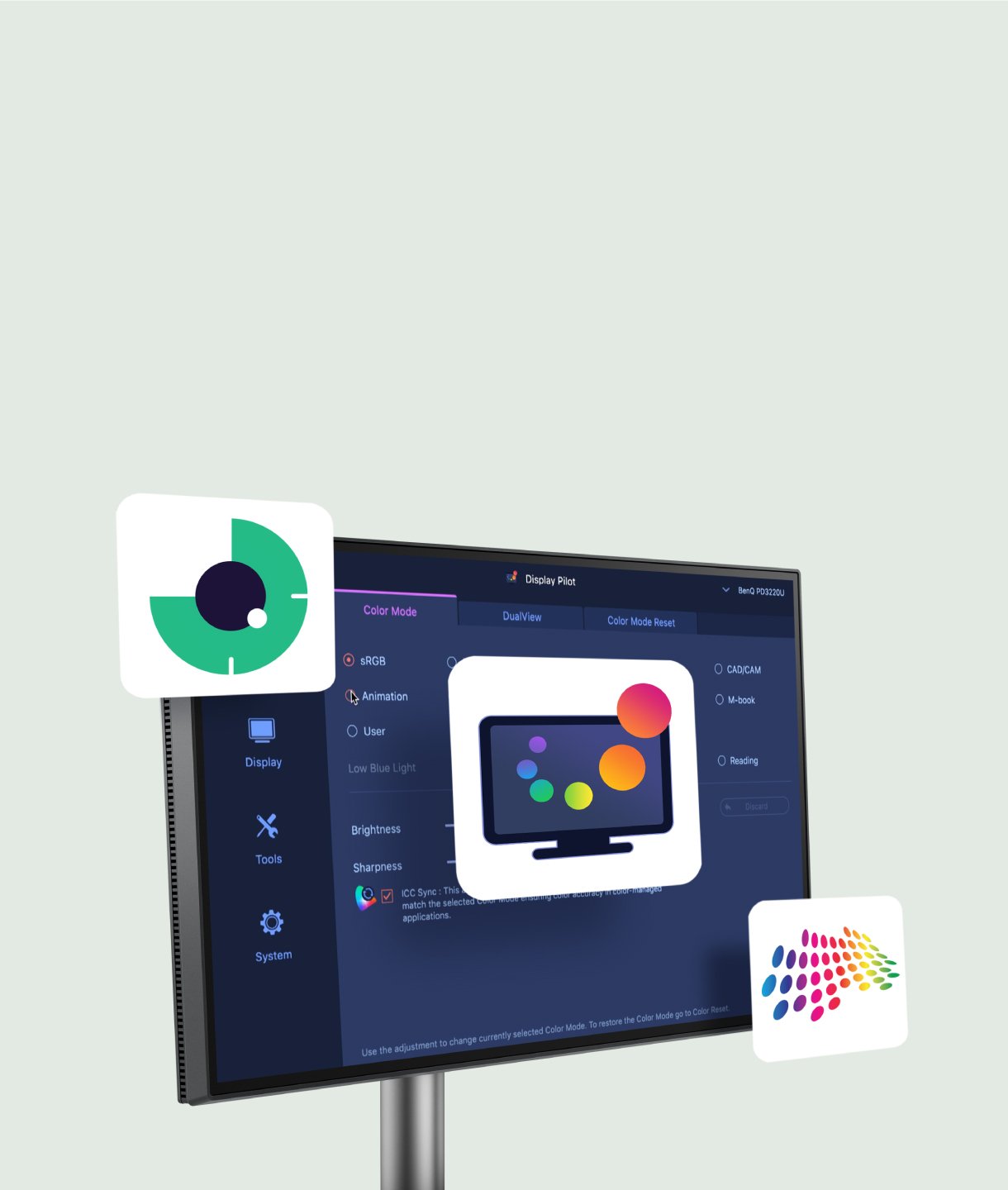
Display Pilot 2 voor macOS, Windows en Linux

Niet alleen voor macOS en Windows, nu ondersteunt Display Pilot 2 ook Linux! De BenQ Programming Series software biedt je intuïtieve bediening van functies zoals Night Hours Protection en Visual Optimizer. Ook krijg je handige tools speciaal voor programmeurs zoals FloW, Sneltoetsen, Desktop Partition, Applicatie modus, Software Dimming en Circadiane modus, zodat jouw workflow slimmer en efficiënter verloopt.

Not only for macOS and Windows, now supporting Linux as well! The BenQ Programming Series software makes your workflow smarter and more efficient. Not only for macOS and Windows, now supporting Linux as well! The BenQ Programming Series software makes your workflow smarter and more efficient.
  • The BenQ Programming Series software caters to your needs with intuitive control of features like MoonHalo, Night Hours Protection, and KVM onscreen control.

    FloW

  • The BenQ Programming Series software offers programmer-focused tools such as FloW, Shortcuts, Desktop Partition, Application Mode, Software Dimming, and Circadian Mode.

    Pivot past zich aan jouw scherm aan

  • The BenQ Programming Series software offers programmer-focused tools such as FloW, Shortcuts, Desktop Partition, Application Mode, Software Dimming, and Circadian Mode.

    Dubbele kopieer- en plak sneltoetsen

  • The BenQ Programming Series software offers programmer-focused tools such as FloW, Shortcuts, Desktop Partition, Application Mode, Software Dimming, and Circadian Mode.

    Kleur modus koppeling

  • Intelligente circadiane modus

Recommended

ScreenBar Halo 2

Gerichte verlichting voor gefocust coderen

Recommended

ScreenBar Halo 2

Gerichte verlichting voor gefocust coderen

FAQ

FAQ

Heb je een vraag?

Download

Downloaden

Vind de gebruiksaanwijzing