azure-location

Houd er rekening mee dat verzendingen mogelijk vertraagd zijn door weersomstandigheden.

Houd er rekening mee dat verzendingen mogelijk vertraagd zijn door weersomstandigheden.

localNavigation.type = g6-product-overview-page

RD280UG

{{currency}}{{finalPrice.final | numberThousandsCommas | numberDecimalPoint}}

{{currency}}{{regularPrice.final | numberThousandsCommas | numberDecimalPoint}}

Bestel dit Product
BenQ RD280UG combines a 28.2" 4K+ display, 120Hz refresh rate, 3:2 aspect ratio, Nano Matte Panel, MoonHalo backlight, exclusive Coding Modes, 2000:1 contrast ratio, ergonomic design, and Eye-Care technology to deliver effortless coding sessions.

RD280UG|28” 4K+ 120Hz BenQ Programming Monitor met MoonHalo-achtergrondverlichting

Ontspan en codeer helder

Elke codeersessie met helderheid en comfort

RD280UG|28” 4K+ 120Hz BenQ Programming Monitor met MoonHalo-achtergrondverlichting

Ontspan en codeer helder

Elke codeersessie met helderheid en comfort

BenQ RD280UG combines a 28.2" 4K+ display, 120Hz refresh rate, 3:2 aspect ratio, Nano Matte Panel, MoonHalo backlight, exclusive Coding Modes, 2000:1 contrast ratio, ergonomic design, and Eye-Care technology to deliver effortless coding sessions.

Druk op de HotKey en begin met coderen

Met de Coding HotKey activeer je de functiebalk en start je direct met coderen. Pas meteen codeermodus toe, stel helderheid, contrast en Eye-Care in, activeer Night Hours Protection, of regel het MoonHalo-achtergrondlicht voor koude/warme tinten en 360° of 270° verlichtingsopties.

Wij zorgen voor jouw ogen en lichaam, zoals jij om je code geeft

We weten hoe belangrijk gezonde ogen en ergonomie zijn en zetten dat centraal in elk ontwerp.

BenQ RD280UG knows the importance of eyes and ergonomics, so we prioritize them in every design.

  • BenQ RD280UG knows the importance of eyes and ergonomics, so we prioritize them in every design.

    Draaien

  • BenQ RD280UG knows the importance of eyes and ergonomics, so we prioritize them in every design.

    Zwenken

  • BenQ RD280UG knows the importance of eyes and ergonomics, so we prioritize them in every design.

    Kantelen

  • BenQ RD280UG knows the importance of eyes and ergonomics, so we prioritize them in every design.

    Verstelbare standaard

Verlicht je setup met MoonHalo

Met de veelgeprezen MoonHalo achtergrondverlichting is de RD280UG meer dan een monitor! Met instelbare kleurtemperatuur, helderheid en lichtmodi, plus automatische dimming zorgt MoonHalo altijd voor optimale oogbescherming en focus.

Vloeiend coderen met 120Hz precisie

Met 120Hz verversingssnelheid geniet je van ultravloeiende beelden, moeiteloos scrollen en een prettige kijkervaring die je ogen de hele dag comfortabel houdt.

Night Hours Protection voor nachtelijke programmeurs

Dat gevoel kennen we allemaal — als laat op de avond coderen gewoon nét even lekker gaat. Night Hours Protection met ultralage helderheidstechniek beschermt je ogen zodat je inspiratie blijft stromen.

BenQ RD280UG is TÜV-certified for Flicker-Free, Reflection-Free, Low Blue Light, Eye Comfort 2.0, and Eyesafe 2.0, perfect for coding as well as movies, images, or games after work.

Eye-Care, goed geregeld

Voorzien van Visual Optimizer, automatische helderheid en kleurtemperatuur, past zich moeiteloos aan je werkomgeving aan. De RD280UG is TÜV-gecertificeerd voor Flicker-Free, Reflection-Free, Low Blue Light, Eye Comfort 2.0 en Eyesafe 2.0. Zo ervaar je minimale afleiding, minder schadelijk blauw licht en een comfortabele, veilige kijkervaring zonder levendige kleuren te verliezen — ideaal voor zowel coderen als films, foto's of games.

RD280UG is TÜV-certified for Flicker-Free, Reflection-Free, Low Blue Light, Eye Comfort 2.0, and Eyesafe 2.0, perfect for coding as well as movies, images, or games after work. RD280UG is TÜV-certified for Flicker-Free, Reflection-Free, Low Blue Light, Eye Comfort 2.0, and Eyesafe 2.0, perfect for coding as well as movies, images, or games after work.

Elk groot project begint met heldere code

Elk detail — van anti-schitteringstechnologie tot pixel-per-pixel lokale dimming — is ontworpen om codehelderheid opnieuw te definiëren. In de exclusieve codeermodus worden beelden optimaal afgestemd voor de beste helderheid in zowel donkere als lichte thema's. De geheel nieuwe Paper Color Modus biedt weer een andere manier om je codecomfort te verhogen.

In BenQ RD280UG exclusive Coding Modes, displays are finely tuned for optimal clarity in both dark and light themes. The all-new Paper Color Mode adds another way to refine your code-reading experience.

  • BenQ RD280UG's Dark Theme enhances readability, boosts coding speed, and improves debugging precision.

    Coding - Dark Theme

    Donker thema verbetert de leesbaarheid, verhoogt je codesnelheid en maakt het debuggen nauwkeuriger.

  • BenQ RD280UG's Light Theme is for clear viewing without eye strain.

    Coding - Light Theme

    Licht thema voor helder beeld zonder vermoeide ogen.

  • BenQ RD280UG's new Coding - Paper Color Mode lets you enjoy the comfort of paper-like reading.

    Coding - Paper Color

    De nieuwe Coding - Paper Color Modus biedt het comfortabele, papierachtige lezen.

Geweldig Nano Matte Paneel – helderheid zonder schittering

Uitgerust met lage reflectie om afleiding te minimaliseren, verbetert deze geavanceerde technologie je focus en verhoogt je productiviteit. Zorgt voor ongeëvenaarde helderheid voor topprestaties.

Featuring a low reflection property to minimize distractions, BenQ RD280UG Nano Matte Panel enhances focus and boosts productivity, delivering unparalleled clarity for peak performance. Featuring a low reflection property to minimize distractions, BenQ RD280UG Nano Matte Panel enhances focus and boosts productivity, delivering unparalleled clarity for peak performance.

Hoog Pixel Contrast, elk detail zichtbaar

De RD280UG heeft een contrastverhouding van 2000:1 met multi-layered Hoog Pixel Contrast Technology. Statische en dynamische contrastafstemming in combinatie met lokale contrastoptimalisatie onthullen fijne details en heldere donkere gebieden. Duidelijke schaduwen en verfijnde details maken coderen moeiteloos, terwijl het scherm een hoogwaardige visuele ervaring biedt voor films, beelden of games.

BenQ RD280UG's  Clear shadows and refined details make coding in your IDE readability and effortless, while the screen also delivers a high-quality visual experience for movies, images, or games after work. BenQ RD280UG's  Clear shadows and refined details make coding in your IDE readability and effortless, while the screen also delivers a high-quality visual experience for movies, images, or games after work.

Maak je ideale setup!

Maak van je bureau een productiviteitshub. Met de BenQ Programming Monitor krijg je een werkplek die is ingericht op comfort, focus en inspiratie.

Transform your desk into a productivity hub. With BenQ Programming Monitor, experience a workspace designed for comfort, focus, and inspiration. Transform your desk into a productivity hub. With BenQ Programming Monitor, experience a workspace designed for comfort, focus, and inspiration.
  • Transform your desk into a productivity hub. With BenQ Programming Monitor, experience a workspace designed for comfort, focus, and inspiration.

    Beeld-bij-beeld

  • Transform your desk into a productivity hub. With BenQ Programming Monitor, experience a workspace designed for comfort, focus, and inspiration.

    Beeld-in-beeld

  • Transform your desk into a productivity hub. With BenQ Programming Monitor, experience a workspace designed for comfort, focus, and inspiration.

    DualView Plus

Meer productiviteit door 3:2 verhouding

Bereik meer en scroll minder. Met de 3:2 beeldverhouding is de RD280UG speciaal ontwikkeld voor coders en biedt ruim zicht zodat multitasken en code nakijken efficiënter en prettiger gaat.

Slimme connectiviteit

Met veelzijdige poorten aan de voor- of achterkant koppel je je apparaten moeiteloos, snel en eenvoudig.

With BenQ RD280UG's versatile ports, front or back within easy reach, connecting your devices is effortless, quick, and simple. With BenQ RD280UG's versatile ports, front or back within easy reach, connecting your devices is effortless, quick, and simple.
  • Maximum efficiency with BenQ RD280UG through unified integration with diverse devices and built-in KVM (keyboard, video, mouse) for seamless source switching.

    KVM Switching

    Maximale efficiëntie door eenheid in integratie van verschillende apparaten en ingebouwde KVM (keyboard, video, mouse) voor soepel schakelen tussen bronnen.

  • Expand your view with BenQ RD280UG's Multi-Stream Transport via USB Type-C. A single 90W cable handles visuals, data, and charging simultaneously—streamlined and effortless.

    Daisy Chain

    Breid je zicht uit met Multi-Stream Transport via USB Type-C. Eén enkele 90W-kabel regelt beeld, data en opladen tegelijk — efficiënt en eenvoudig.

.

*Let op: Mac- en MacBook-apparaten ondersteunen Daisy Chain alleen via Thunderbolt. Daisy Chain is niet beschikbaar via HDMI of via reguliere USB-poorten op een apparaat. Je kunt ook slechts één extern scherm aansluiten op een Mac met M1- of M2-chips. Meer informatie over het aansluiten van verschillende Mac-modellen vind je op de Apple-website.

Display Pilot 2 voor macOS, Windows en Linux

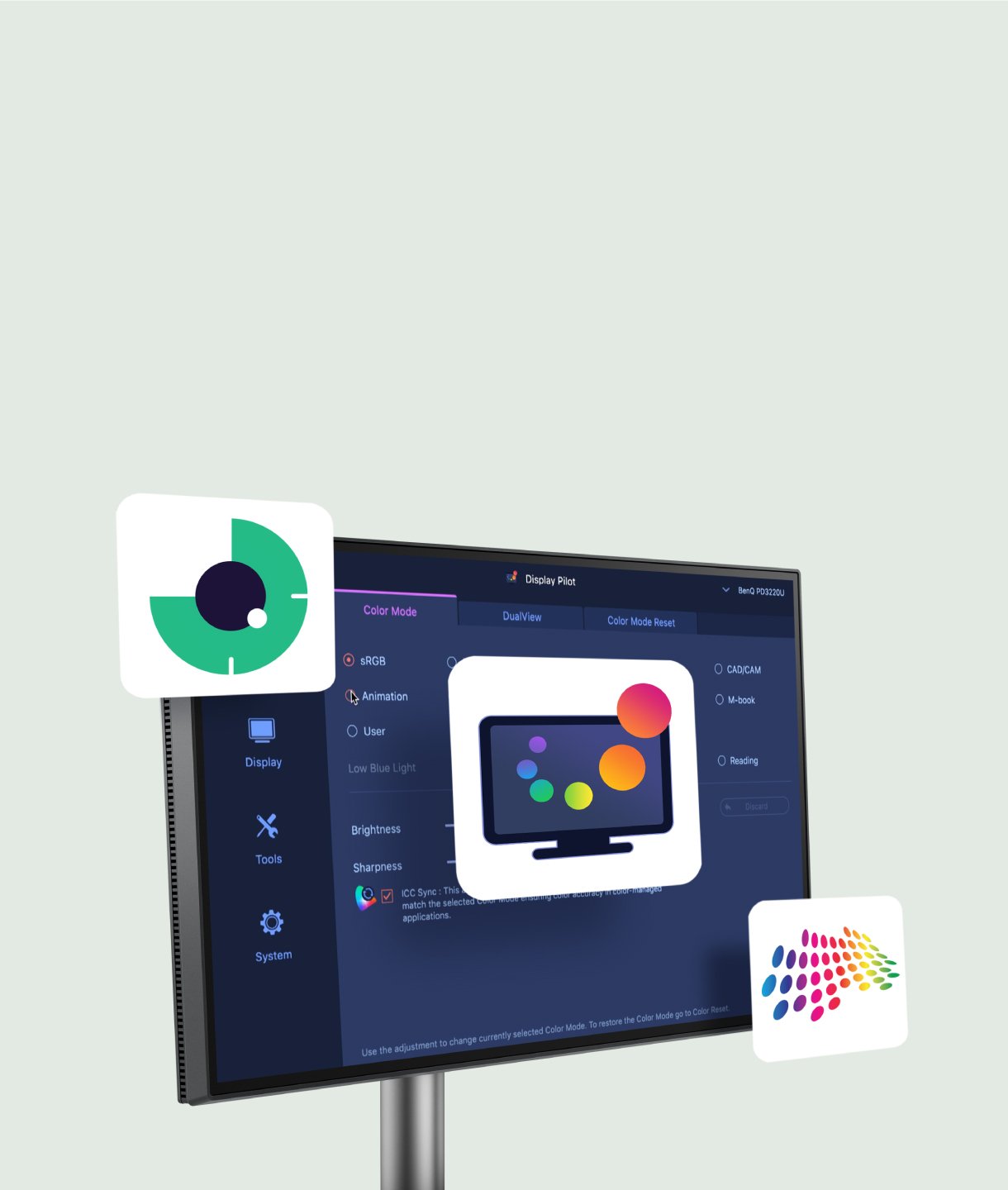
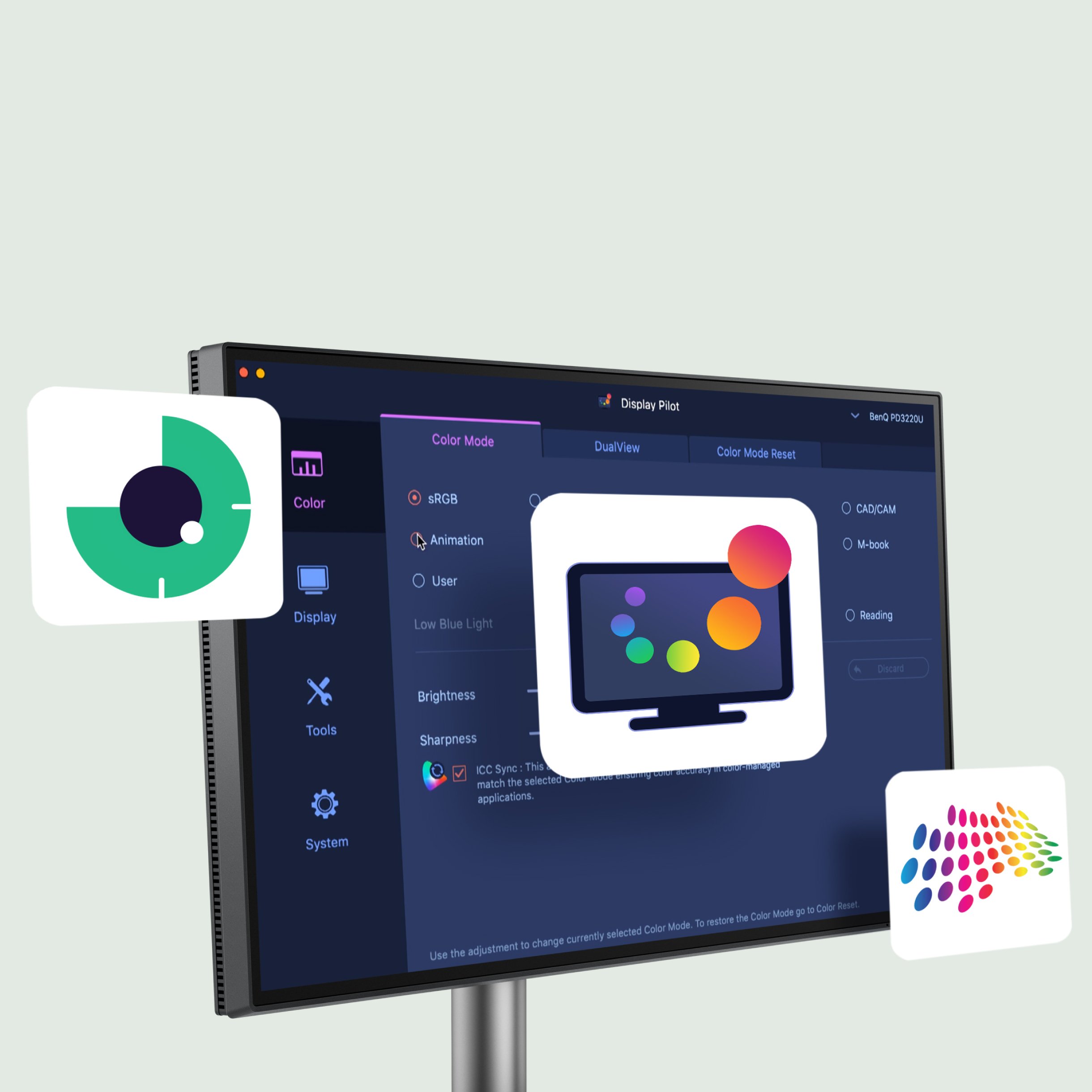
Nu met ondersteuning voor Linux! De BenQ Programming Series software voorziet in jouw behoeften met intuïtieve bediening van functies zoals MoonHalo, Night Hours Protection en KVM-aansturing op het scherm. Ook biedt het tools gericht op programmeurs, zoals snelkoppelingen, Desktop Partition, Application Modus, Software Dimming en Circadian Modus. Zo werk je slimmer en efficiënter.

Not only for macOS and Windows, now supporting Linux as well! The BenQ Programming Series software makes your workflow smarter and more efficient. Not only for macOS and Windows, now supporting Linux as well! The BenQ Programming Series software makes your workflow smarter and more efficient.
  • The BenQ Programming Series software caters to your needs with intuitive control of features like MoonHalo, Night Hours Protection, and KVM onscreen control.

    MoonHalo-instelling

  • The BenQ Programming Series software offers programmer-focused tools such as FloW, Shortcuts, Desktop Partition, Application Mode, Software Dimming, and Circadian Mode.

    Kleurenmodus-koppeling

  • The BenQ Programming Series software offers programmer-focused tools such as FloW, Shortcuts, Desktop Partition, Application Mode, Software Dimming, and Circadian Mode.

    Desktop Partition-instelling

  • The BenQ Programming Series software offers programmer-focused tools such as FloW, Shortcuts, Desktop Partition, Application Mode, Software Dimming, and Circadian Mode.

    Dual kopiëren & plakken sneltoetsen
FAQ

FAQ

Heb je een vraag?

Download

Downloaden

Vind de gebruiksaanwijzing