{{item.name}}
Price: {{currency}}{{item.price| numberThousandsCommas | numberDecimalPoint}}
Qty: {{item.amount}}


Projectors

Monitors
Lighting
Interactive Displays & Signage
Remote Work & Learning
Shop
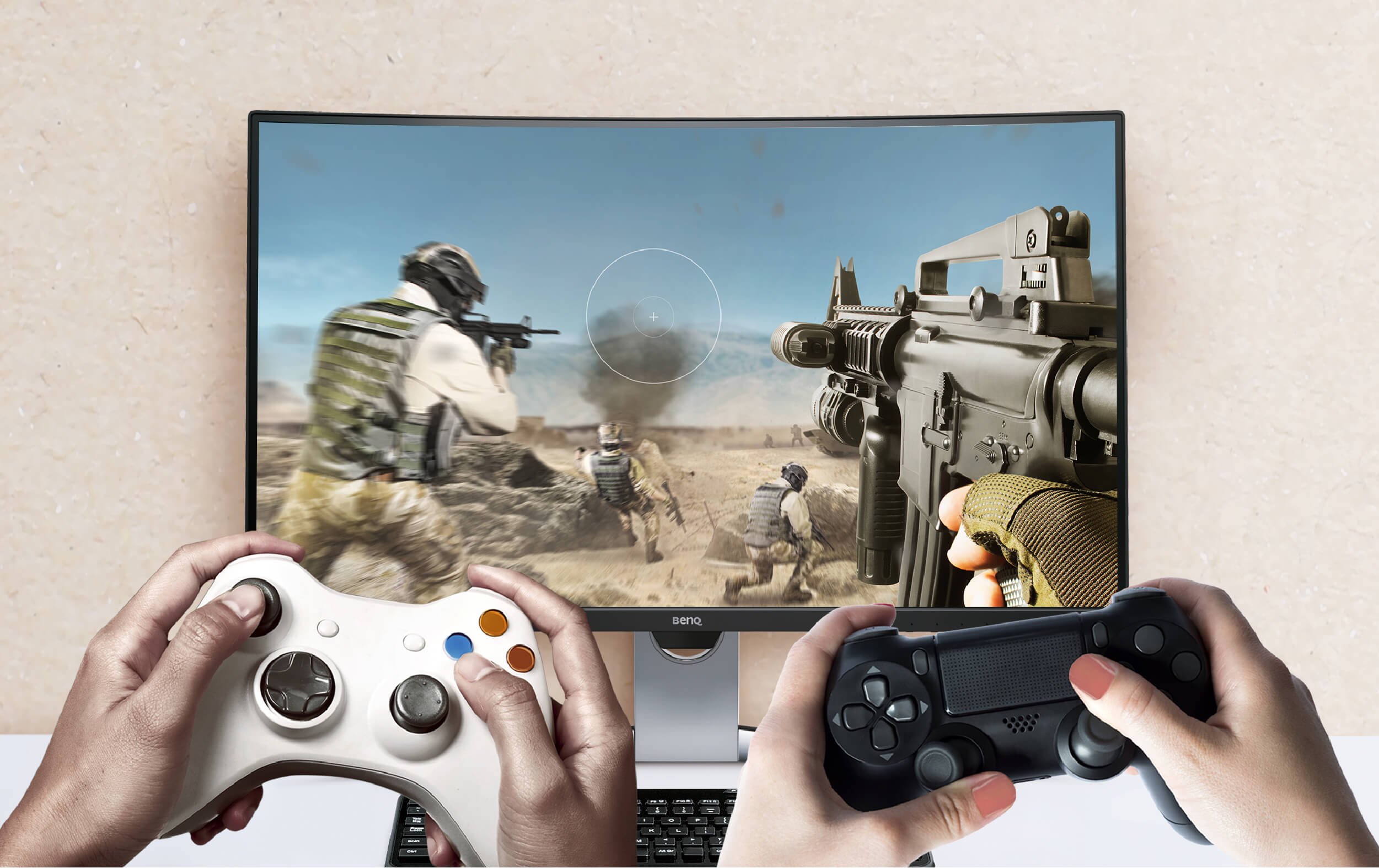
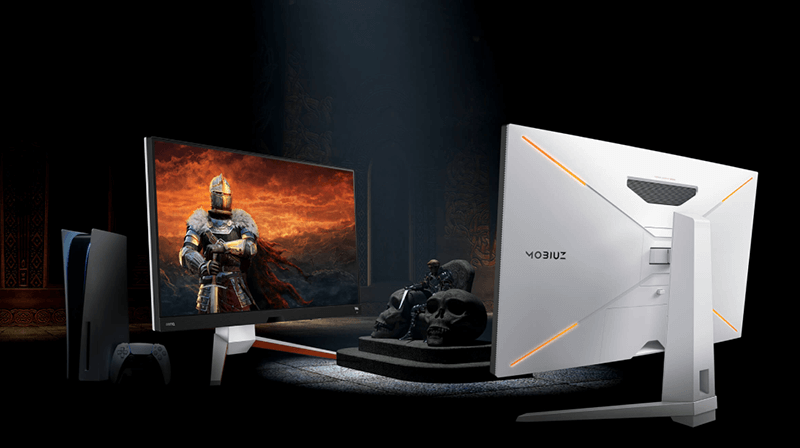
If you have decided to improve your console gaming experience with a gaming monitor, this article is for you. After reading this article, you will know how to choose the best monitor for the most powerful consoles currently available from Xbox and PlayStation.
Your choice of gaming monitor may be influenced by a lot of factors: the games you play, the console you use, and your budget. In any case, the main gaming monitor specs that you should keep in mind are resolution, refresh rate, and HDMI bandwidth.
A general rule when buying a gaming monitor is that you should not buy anything with fewer than 1920 x 1080 pixels, also known as Full HD or 1080p. Many competitive gamers these days prefer 1080p since it is not too demanding for PCs to run and allows them to play more effectively. Quad HD (QHD) or 1440p and 4K (2160p) are significant graphical quality upgrades compared to 1080p, though 1440p isn't overly demanding, meaning it's a good middle ground between 1080p and 4K. Ultra HD 4K features a resolution of 3840 x 2160 pixels and it is currently the highest resolution offered by mainstream displays. If you are looking for a crisp image, then 4K is for you. With 4K the image quality is simply outstanding. However, 4K demands great hardware resources to run properly in addition to more costly monitors. .
If graphics are important for you, make your visual experience even greater with HDR. Both PlayStation 4 (Slim and Pro) and the Xbox One (standard, S, and X) support HDR10, and you will want to choose a monitor supporting this function. With High Dynamic Resolution or HDR, the colors you see on your screen will be more vibrant and the image as a whole will be more dynamic and closer to what it looks like in real life. This is because this technology is capable of capturing a wider colors gamut and a variety of shades. It captures details in both darker and brighter parts of the picture without subtle detail loss. It prevents brighter parts from being too bright and the darkest parts from blackening out.
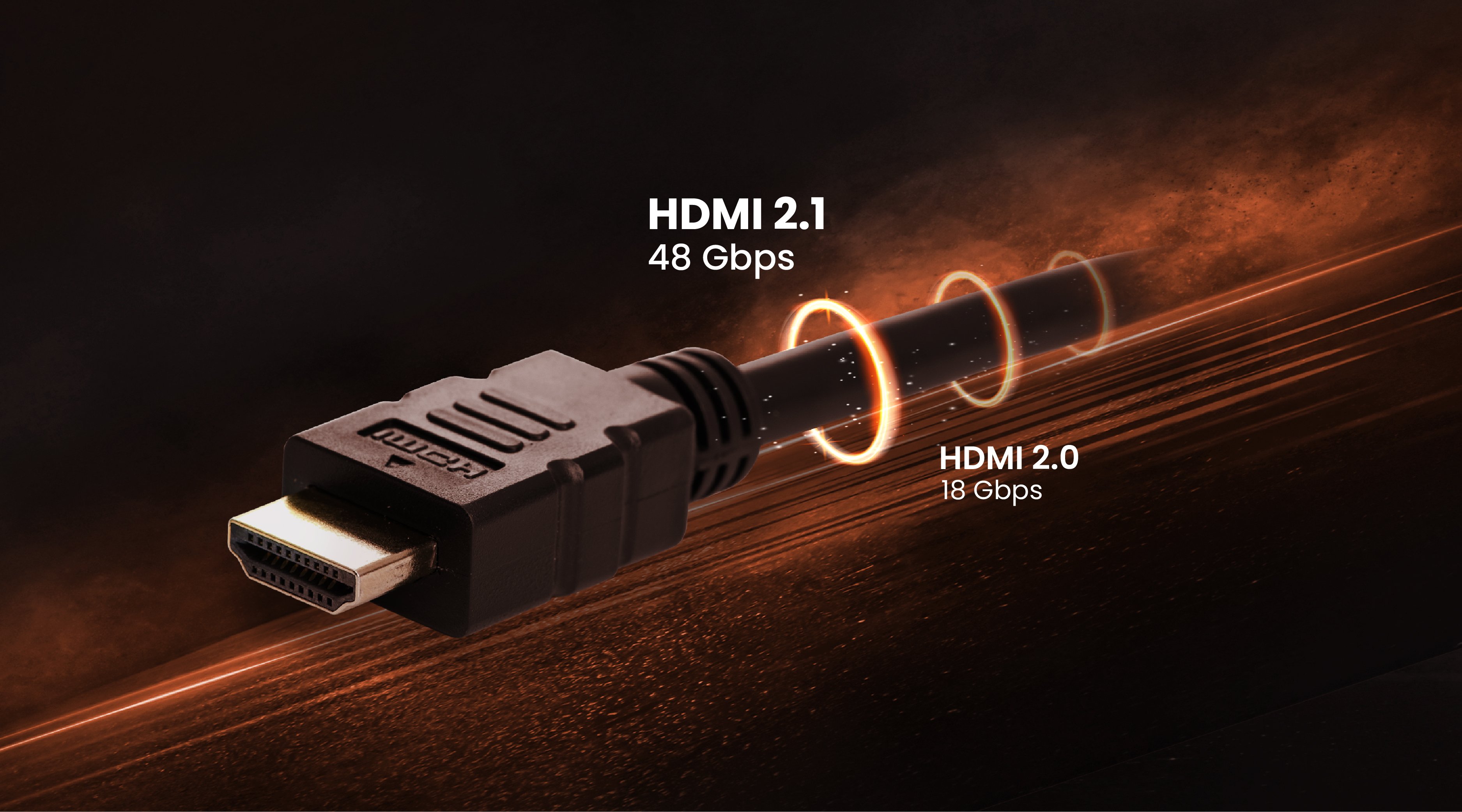
The Xbox One X and PS4 Pro are technically 4K-capable consoles. If you want to truly enjoy their capabilities, it is crucial to choose a monitor with HDMI 2.0 or later version. HDMI version 2.0 provides bigger bandwidth and can transfer more data. HDMI 2.0 can deliver up to 60 frames of 4K content without compromising quality. That is something older versions of HDMI cannot do.
If you are playing first person shooter, fighting, or racing games, the speed of refreshing images on your screen is crucial. The faster the screen refreshes the images, the better you perform because the image on the screen to keep up with your fastest movements. For these highly competitive kinds of games like Call of Duty, Battlefield or FIFA, faster refresh rate is usually believed to be beneficial. But the truth is that for most of modern consoles, a refresh rate of 60 Hz is just enough. Modern machines are only capable of transferring 60 frames per second. That is why in most cases paying extra and buying a monitor with 120 or 144 Hz simply does not give you any extra benefit. BenQ EW3270U and EL2870U monitors feature all of the characteristics mentioned above for a better gaming experience.
For owners of Xbox One X or Xbox One S who enjoy competitive gameplay, it is possible now to play at a higher refresh rate of 120 Hz per second with the newest update from May 2018. At the same time, Xbox is equipped with HDMI 2.0 that is currently not capable of transferring 120 Hz with 4K
In this case, a good choice will be a 1440P monitor with a higher refresh rate. For example, BenQ's gaming monitor has a higher refresh rate of 165 Hz. It also has 1440P resolution that is a good balance between graphics and performance.
It also supports FreeSync to avoid choppy playing experience and image tearing due to differences in refresh rates of console and monitor.
Furthermore, you can also check out 165Hz gaming monitor which has been a spec usually without costing more than 144Hz.
Recommended Products
{{item.productWordingTag}}
{{currency}}{{item.finalPrice| numberThousandsCommas | numberDecimalPoint}} Save {{currency}}{{item.saveAmount | numberThousandsCommas | numberDecimalPoint}} Save {{item.savePercent | numberThousandsCommas | numberDecimalPoint}}%
new device price{{currency}}{{item.regularPrice| numberThousandsCommas | numberDecimalPoint}}