Projectors
Accessories
BenQ Europe respect your data privacy. We use cookies and similar technologies to ensure you get the best experience when visiting our website. You can either accept these cookies by clicking “Accept Cookies”, or click “Only Required Cookies” to refuse all non-essential technologies. You can customise your cookie settings here at any time. For further information, please visit our Cookie Policy and our Privacy Policy.
Some essential features on BenQ sites just won’t work without cookies. And having other cookies switched off can seriously affect the way you’ll be able to enjoy our services.
Please check your cookie settings below and turn on any cookies you’re happy with.
“Strictly necessary” cookies can’t be turned off. But Functional and Performance cookies can be turned on or off below. You can learn more about cookies and what they do on our other pages.
If you've chosen to block third-party cookies on your browser, your cookie preferences won't carry over from benq.eu to benq.xx and vice versa. Please make sure to set your cookie preferences in both places.
On
These cookies are essential so that you can move around the website and use its features. Without these cookies services you have asked for cannot be provided.
On
Off
These cookies allow the website to remember choices you make to give you better functionality and personal features.
On
Off
These cookies help to improve the performance of BenQ. If you want to opt-out of advertising cookies, you have to turn-off performance cookies.
BenQ Europe respect your data privacy. We use cookies and similar technologies to ensure you get the best experience when visiting our website. You can either accept these cookies by clicking “Accept Cookies”, or click “Only Required Cookies” to refuse all non-essential technologies. You can customise your cookie settings here at any time. For further information, please visit our Cookie Policy and our Privacy Policy.
Accessories
Projectors
Monitors
Lighting
Accessories

Interactive Displays & Signage
Shop
Win a MOBIUZ OLED Monitor
Enter NowWin a MOBIUZ OLED Monitor
Enter Now
Important Product Recall Notice - GV31
Read moreImportant Product Recall Notice - GV31
Read more
Need advice? Our online chat connects you with real experts instead of bots
Chat with us todayNeed advice? Our online chat connects you with real experts instead of bots
Chat with us today
Leave it to the compatible software of Eye-CareU to set timers, light reminders, and distance reminders to correct your posture as you focus on what you do best. The pop-up works as an assistant, allowing for quick navigation and settings via its quick on-screen control.
Global safety authority TÜV Rheinland certifies BenQ Monitors' Flicker-Free and Low Blue Light as truly friendly to the human eye. Eyesafe certification ensures that the display reduces blue light while maintaining vivid colour.
The Brightness Intelligence Technology (B.I.Tech.) detects content intensity to avoid overexposure of bright scenes while enhancing dark areas to maintain a clear visibility, protecting your vision with superb image quality.
The technology keeps vivid colour while filtering out shorter, higher energy blue-violet radiation harmful to the eyes.
The exclusive BenQ Flicker-Free Technology eliminates flickering at all brightness levels to reduce eye strain, fatigue, and headaches.
The red and green filters on the monitor help individuals with colour deficiency distinguish colours more easily.
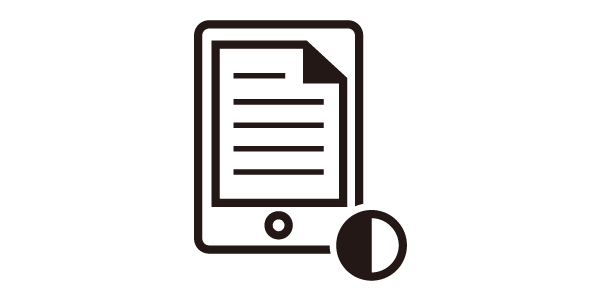
The simulated e-book effect with clear black and white reading layout makes a better reading experience.
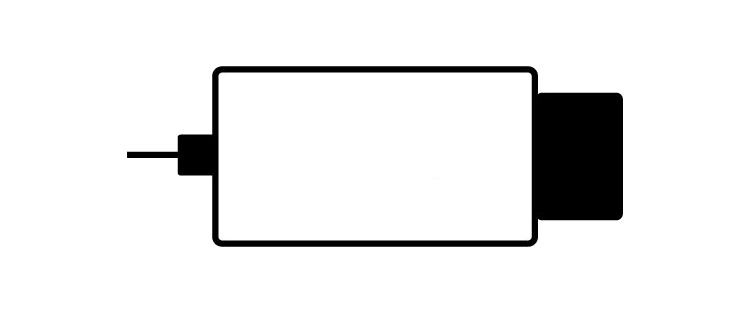
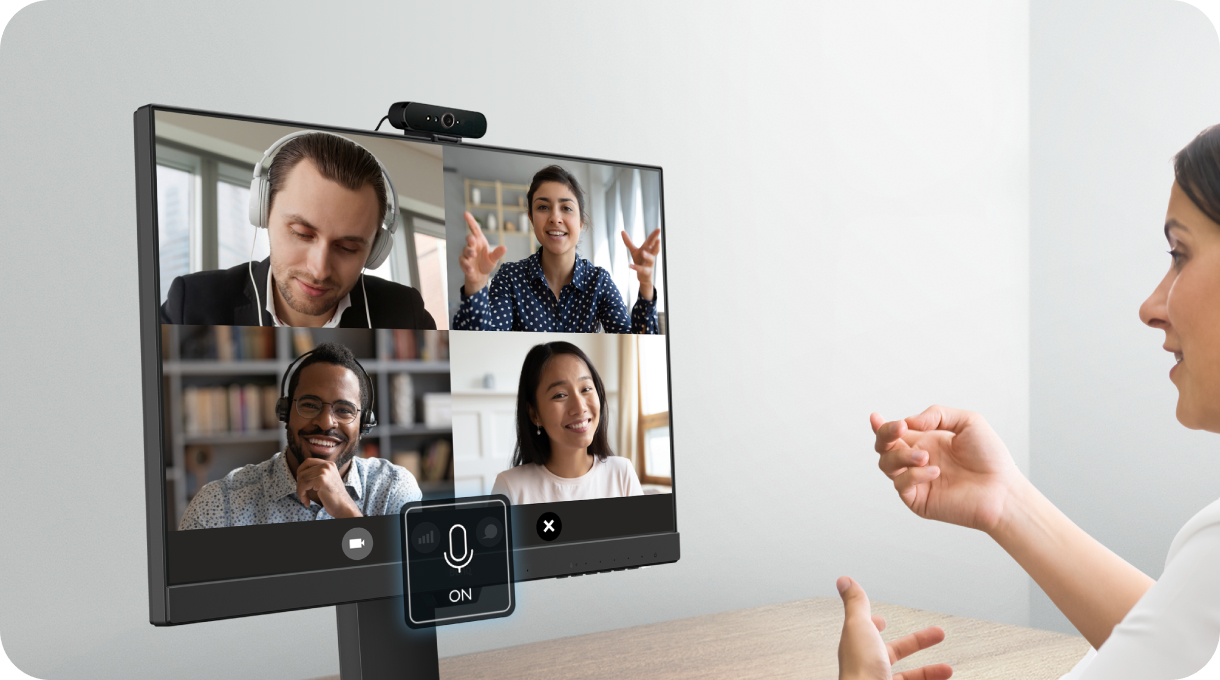
The built-in noise cancellation microphone* filters ambient sound. For office meetings in noisy environments, the mic brings out important vocal cues for coworkers and clients to hear you with clarity.
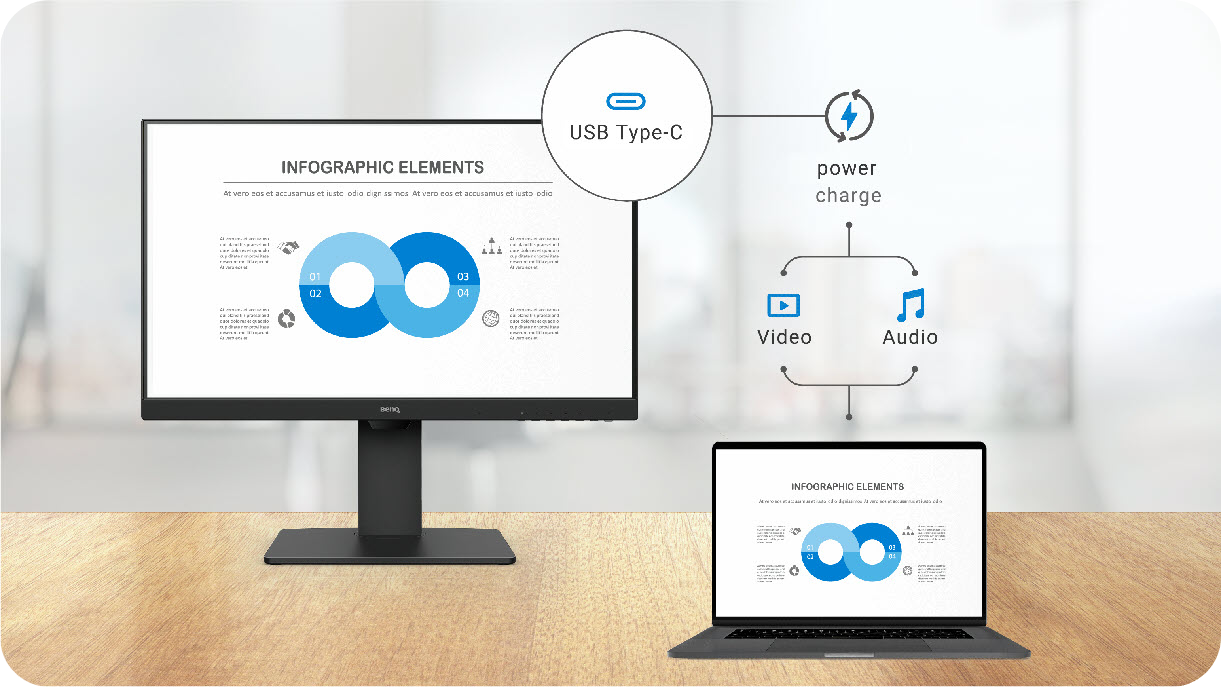
*Note: the microphone only works on laptops and other external PCs when connected via USB-C
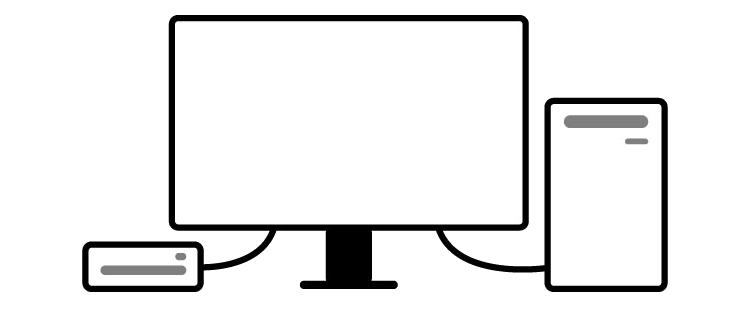
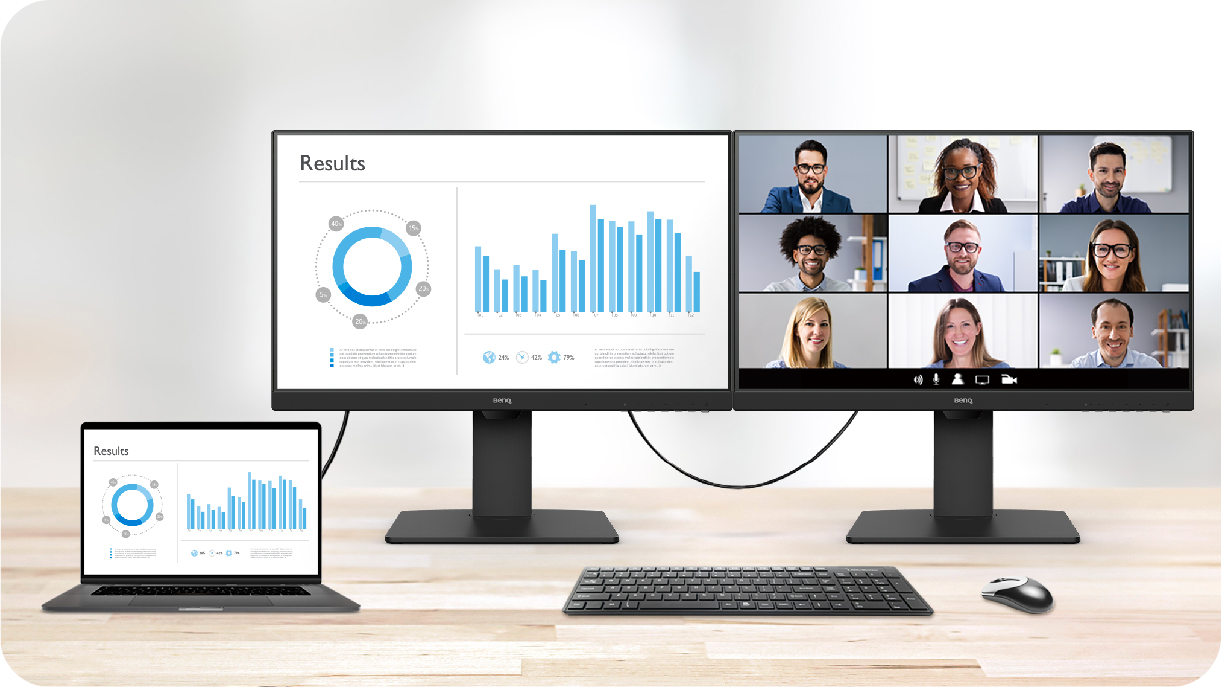
Creating a multi-monitor setup for extra screen real estate and a decluttered workspace.
Being bombarded with switching between various settings makes you tired. Display Pilot simplifies workflows by offering support tools to make design work more convenient and flexible. Get the same user experience whether you are working at home or the office.
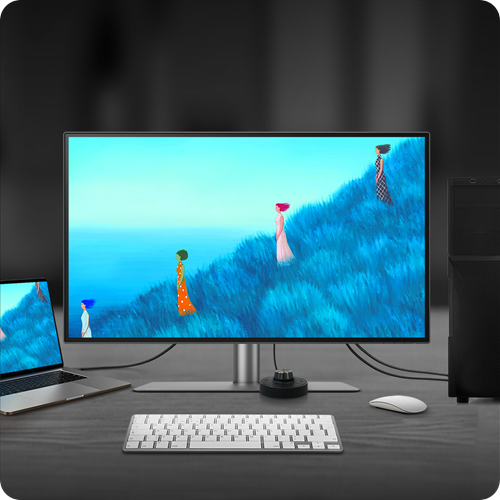
Built-in KVM (keyboard, video, mouse) switch functionality allows users to control two systems from one keyboard and mouse set. Click to switch between systems via Hotkey Puck G2 to boost efficiency.
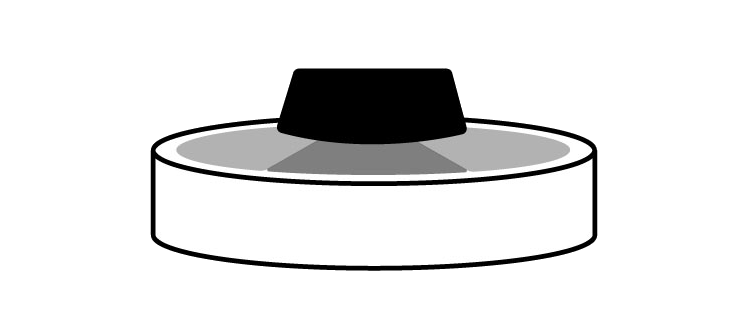
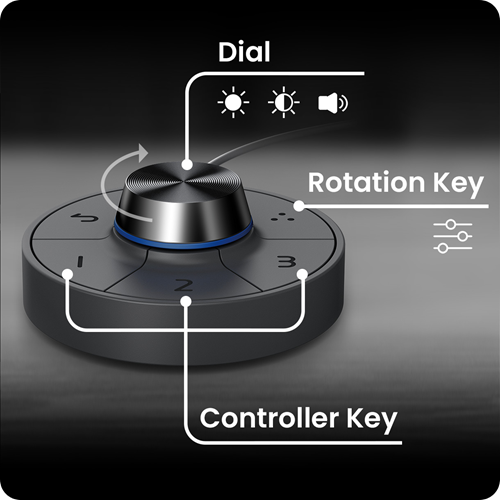
BenQ Hotkey Puck G2 offers users the flexibility to customise and access their most-used features. Press and switch the dial to access brightness, contrast, and volume adjustment, plus assign shortcuts to feature sets using the three function keys. Additionally, the rotation key allows users to assign custom shortcuts to settings.