


BenQ Home Entertainment Projectors
Bring Everyone Into the Moment
Create a 150-inch big-screen experience for movies, gaming and sports at the touch of a button.

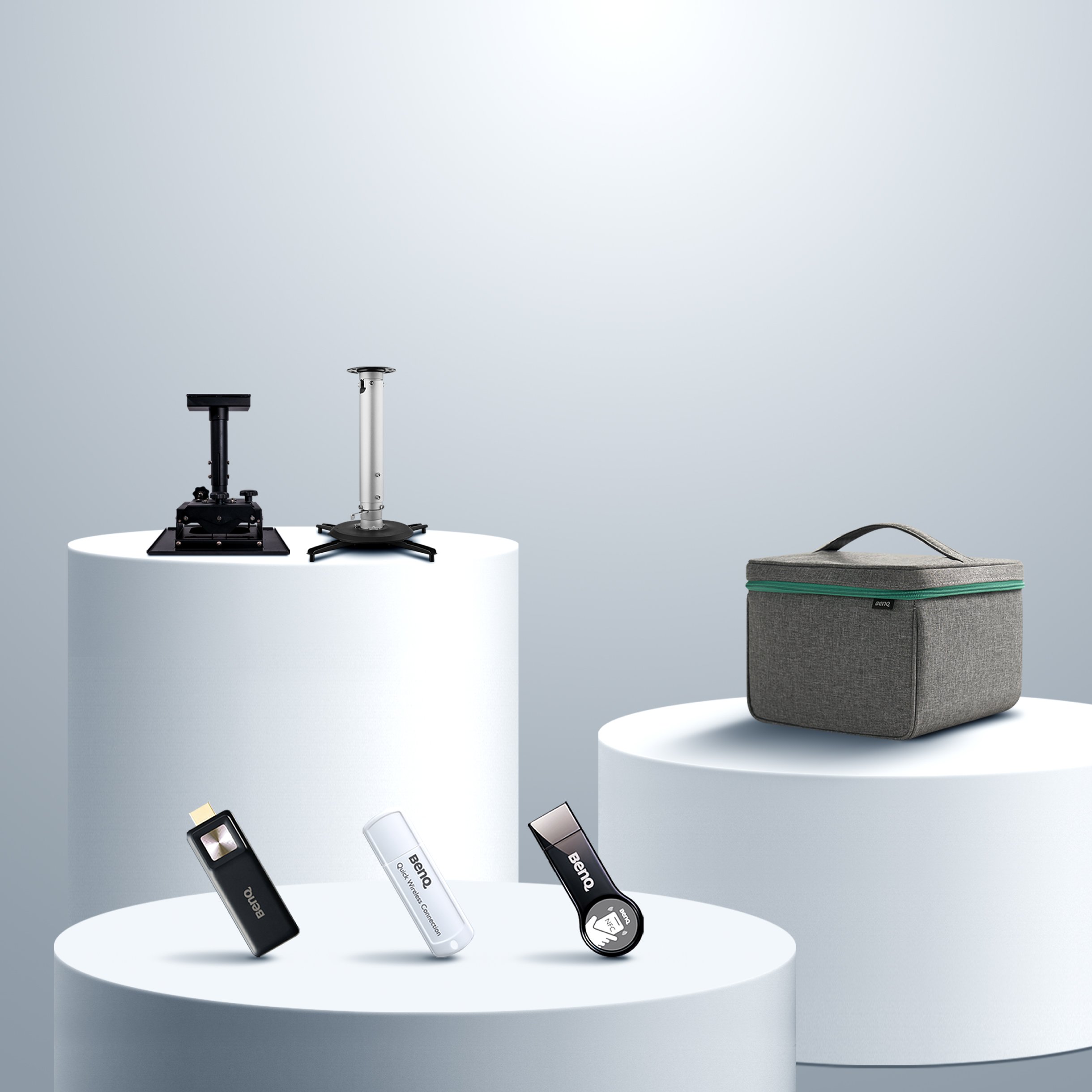
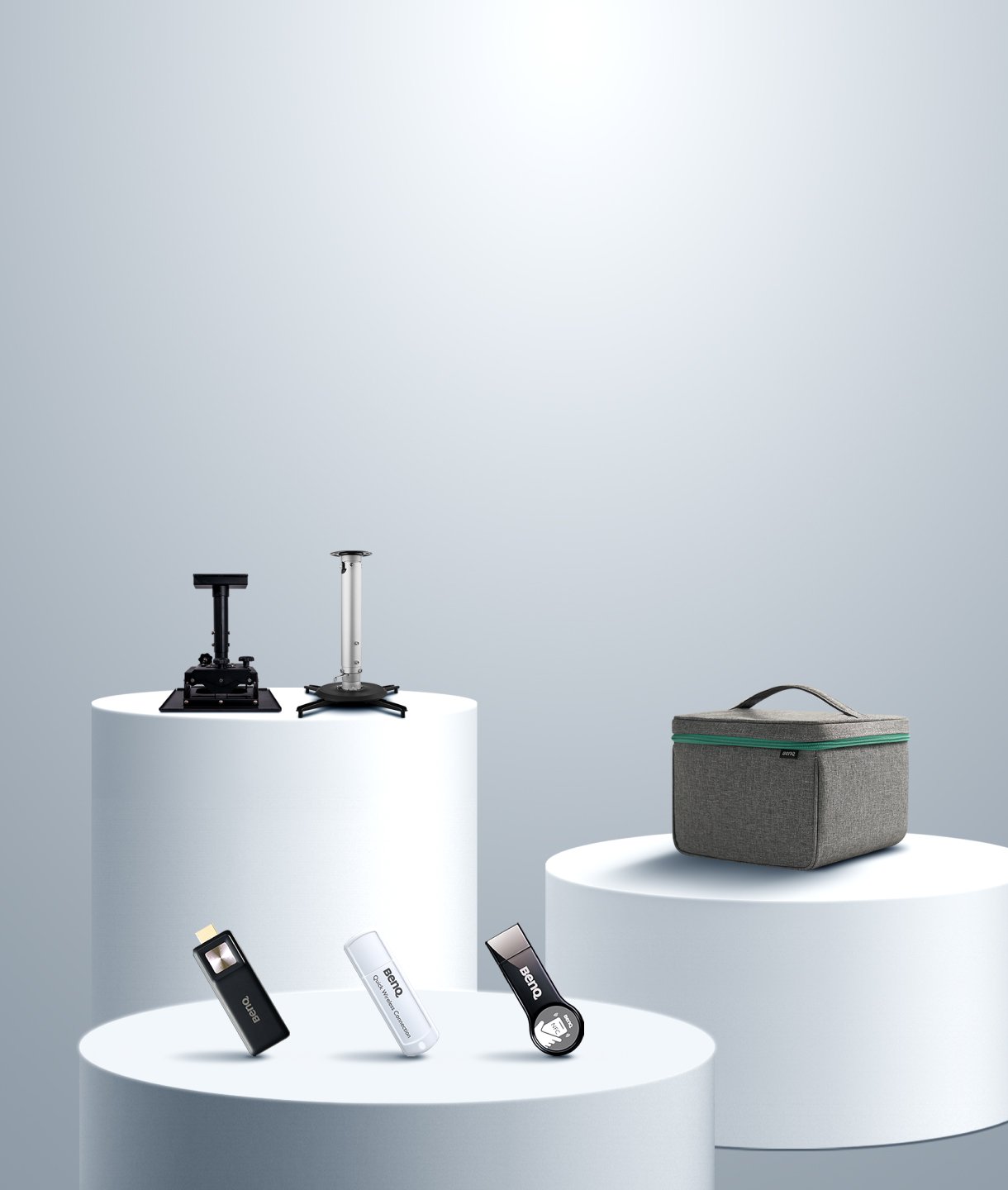
Accessories


A Small Screen Makes You Miss the Moment.
Awkward viewing angles? Strained necks? A small screen can make it harder for everyone to enjoy the action.
Stuck to One Wall. Stuck in One Spot.
Want to change your viewing angle or rearrange the seating? A wall-mounted TV makes it harder to switch things up.
Too Many Wires, Not Enough Fun.
Want to stream a film or play a game? Too many wires, remotes and settings can get in the way before the fun even begins.
BenQ CinematicColor and HDR-PRO, enhanced by 3000 ANSI lumens of high brightness, deliver vivid contrast, rich tones, and immersive detail, even in well-lit rooms. Whether you’re watching movies, cheering for your team, or diving into gameplay, the visuals stay sharp and vibrant, day or night.
Cinematic Brilliance with 3000 ANSI Lumens
BenQ CinematicColor and HDR-PRO, enhanced by 3000 ANSI lumens of high brightness, deliver vivid contrast, rich tones, and immersive detail, even in well-lit rooms. Whether you’re watching movies, cheering for your team, or diving into gameplay, the visuals stay sharp and vibrant, day or night.
Front, side, or ceiling-mounted, the projector auto-adjusts for perfectly aligned images with 8-Way Smart Image Adaptation—no setup stress, just seamless viewing.
Optical / Digital Zoom
Auto 2D Keystone
Auto Focus in Seconds
Auto Cinema Mode
Auto Screen Fit
Auto Obstacle Avoidance
Digital Shift
Auto Eye Protection
The image quality in both movies/shows and games is fantastic…showing everything in crisp detail.
- J.W., USA
Colors and crispness are incredible, couldn't be happier with this purchase. Very easy to setup and scale to the screen size.
- T.S., USA
This projector is super bright. Can see this one in full daylight without any issues. Blacks are dark and there is no blurring in high motion action scenes.
- J.G., USA
Ease of setup. No lag. Good video quality. Short projection distance makes it practical for many different room layouts.
- L.H., USA
Pick a wall, position your projector and plug it in.
Switch it on. The image automatically aligns and focuses for you.
Open your favourite streaming app and press play.
Want to enjoy a 150-inch big-screen experience in your living room, garden or by the pool? Pair your projector with a portable screen and enjoy flexible viewing wherever you are. Simply set it up and let the image adjust automatically for easy viewing, indoors or out, day or night.


TK705i
Standard Throw, Built for Bigger Spaces
Ideal for projection distance over 2m 150“ @ 3.3~4.3m / 10.9~14.2ft 3000 ANSI Lumens
TK705STi
Short Throw, Made for Small Rooms
Ideal for projection distance under 2m 150“ @ 2.7m/8.7ft 3000 ANSI Lumens
Use BenQ AR Planner to preview your setup and get AI-powered recommendations for screen size and projector placement.
Enjoy Netflix, YouTube, Prime Video, and more, all built-in. No extra devices needed. Just press play.


HDMI 2.1 and ALLM automatically detect gameplay signals and minimise input delay, delivering ultra-responsive visuals and smooth control in every match.
Ultra-Fast Low Input Lag: 5 ms (4K/60Hz)
Experience ultra-responsive gameplay with 5ms input lag at 4K/60Hz, keeping your reactions quick and your controls responsive.
HDR Game Modes
Unlock optimised visuals with HDR-RPG and HDR-FPS modes, fine-tuned to deliver richer contrast, greater depth and enhanced detail.
*These models support both front and side projection:TK705i, TK705STi, TK710i, TK710STi, TK700, TK700ST, GP520
Prefer a fixed installation? Mount it once and enjoy an always-ready setup. *Compatible models: TK705i, TK705STi, GP520, TK710, TK710STi, TK700, TK700ST, TH671ST, TH685p, TH575, TH585p
Create a seamless aesthetic by placing it on a shelf or tall cabinet. *Compatible models: TK705i, TK705STi, GP520
Need flexibility? Set it anywhere - super easy to move and reposition. *Compatible models: TK705i, TK705STi, GP520,TK710STi, TK700ST, TK700 TH671ST
Start by choosing a projector to suit your throw distance. Then decide whether you prefer ceiling mounting or the flexibility of tabletop placement. Whatever your room size or viewing preferences, there's a BenQ home entertainment projector to suit your needs.
Distances shown above are based on a 120-inch screen. For accurate throw distance recommendations by model, please check AR Projector Planner app.


Discover other projectors designed for the way you watch, play, and enjoy.
Cinema Projectors
Portable Projectors
Gaming Projectors
Golf Simulator Projectors
Home Projector Series
Compare all home projectors
Standard Throw
120" screen > 2.5m
From {{currency}}{{ formatPrice(n[1]) }} -
Learn more2600lm~3200lm
Brightness
Up to
98% Rec.709
Colour Coverage
Up to
(Auto) Vertical, (Auto) Horizontal
Keystone
Up to
5 ms (4K@60Hz)
Input Lag
Up to
Google TV with Certified Netflix
Streaming
1.0x/1.3x
Zoom Ratio
Up to
USB-A x2,HDMI x2,USB-C (DP Alt Mode/ PD in & PD out)
Connectivity
Lamp/LED/Laser
Light Source

Short Throw
120" screen < 2.5m
From {{currency}}{{ formatPrice(n[1]) }} -
Learn more3000lm~3200lm
Brightness
Up to
98% Rec.709
Colour Coverage
Up to
(Auto) Vertical, (Auto) Horizontal
Keystone
Up to
5 ms (4K@60Hz)
Input Lag
Up to
Google TV with Certified Netflix
Streaming
1.0x/1.2x
Zoom Ratio
Up to
USB-A,HDMI x2,USB-C (DP Alt Mode/ PD in)
Connectivity
Lamp/LED/Laser
Light Source
Rec.709 Colour Space
Rec.709 uses specific red, green, and blue colours and illuminant D65 (6500k) for the white point to build a standardised colour space and reproduce accurate colour gamut and grayscale, and the percentage higher, the colour gamut wider.
Input Lag
Input lag or input latency is the amount of time it takes to display a signal on the screen from when the source sends it.
Zoom Ratio
The zoom ratio is used to indicate the zoom range of the lens, you will see it listed with an "X". The zoom ratio does not equate to the total zoom power of the lens, simply the zoom range of the lens.
Rec.709 Colour Space
Rec.709 uses specific red, green, and blue colours and illuminant D65 (6500k) for the white point to build a standardised colour space and reproduce accurate colour gamut and grayscale, and the percentage higher, the colour gamut wider.
Input Lag
Input lag or input latency is the amount of time it takes to display a signal on the screen from when the source sends it.
Zoom Ratio
The zoom ratio is used to indicate the zoom range of the lens, you will see it listed with an "X". The zoom ratio does not equate to the total zoom power of the lens, simply the zoom range of the lens.
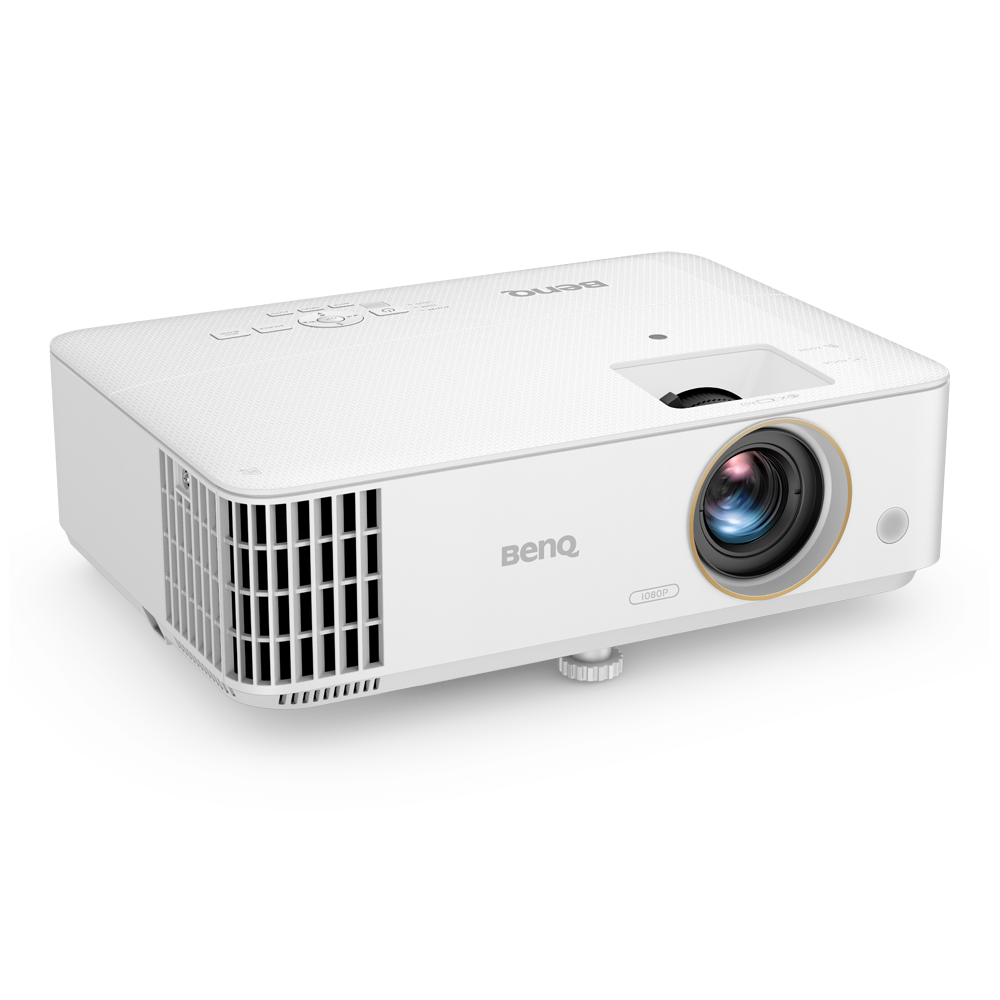
Standard Throw
120" screen > 2.5m
From {{currency}}{{ formatPrice(n[1]) }} -
Learn more3500lm~3800lm
Brightness
Up to
95% Rec.709
Colour Coverage
(Auto) Vertical
Keystone
16 ms (1080p@60Hz)
Input Lag
1.1x/1.3x
Zoom Ratio
USB-A
Connectivity
Lamp
Light Source
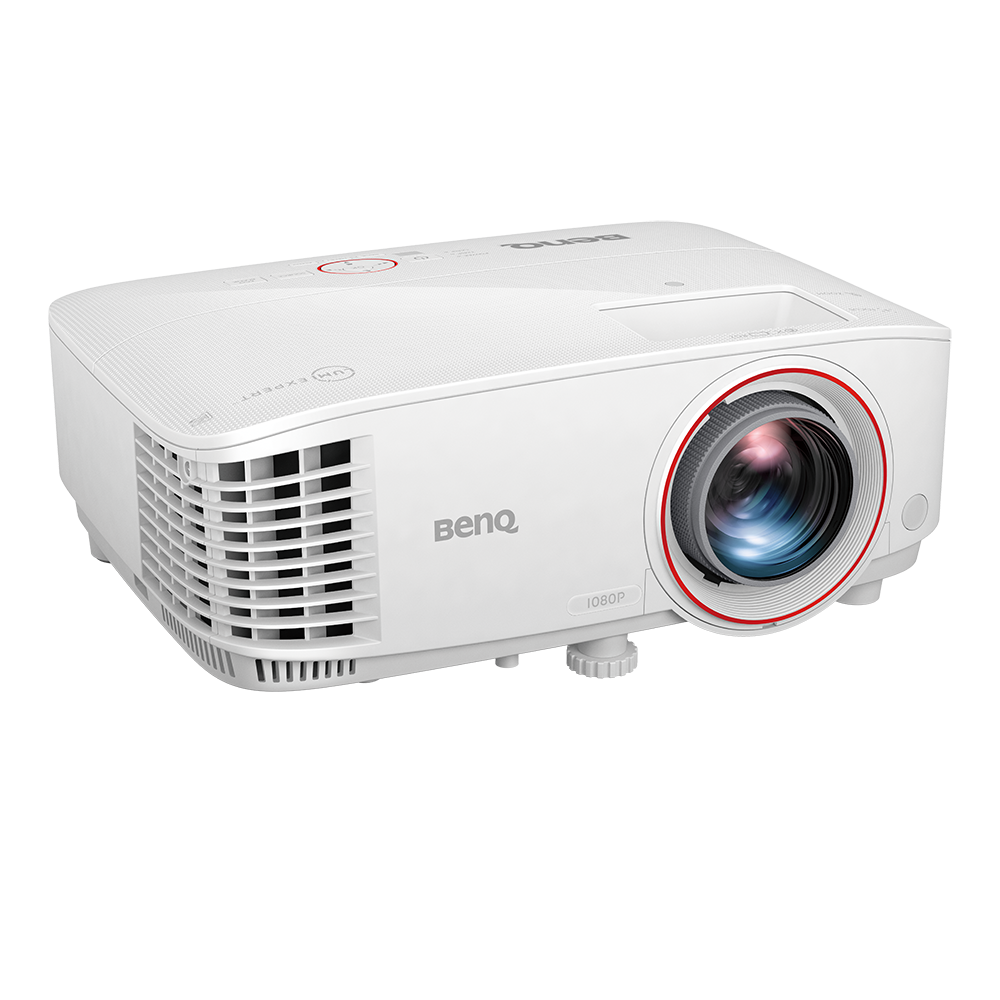
Short Throw
120" screen < 2.5m
{{currency}}{{ formatPrice(n[1]) }} -
Learn more3000lm
Brightness
92% Rec.709
Colour Coverage
(Auto) Vertical
Keystone
16 ms (1080p@60Hz)
Input Lag
1.2x
Zoom Ratio
USB-A
Connectivity
Lamp
Light Source
Rec.709 Colour Space
Rec.709 uses specific red, green, and blue colours and illuminant D65 (6500k) for the white point to build a standardised colour space and reproduce accurate colour gamut and grayscale, and the percentage higher, the colour gamut wider.
Input Lag
Input lag or input latency is the amount of time it takes to display a signal on the screen from when the source sends it.
Zoom Ratio
The zoom ratio is used to indicate the zoom range of the lens, you will see it listed with an "X". The zoom ratio does not equate to the total zoom power of the lens, simply the zoom range of the lens.
Rec.709 Colour Space
Rec.709 uses specific red, green, and blue colours and illuminant D65 (6500k) for the white point to build a standardised colour space and reproduce accurate colour gamut and grayscale, and the percentage higher, the colour gamut wider.
Input Lag
Input lag or input latency is the amount of time it takes to display a signal on the screen from when the source sends it.
Zoom Ratio
The zoom ratio is used to indicate the zoom range of the lens, you will see it listed with an "X". The zoom ratio does not equate to the total zoom power of the lens, simply the zoom range of the lens.

Support Center
Contact Us


