{{item.name}}
Price: {{currency}}{{item.price| numberThousandsCommas | numberDecimalPoint}}
Qty: {{item.amount}}


Projectors

Monitors
Lighting
Interactive Displays & Signage
Remote Work & Learning
Shop
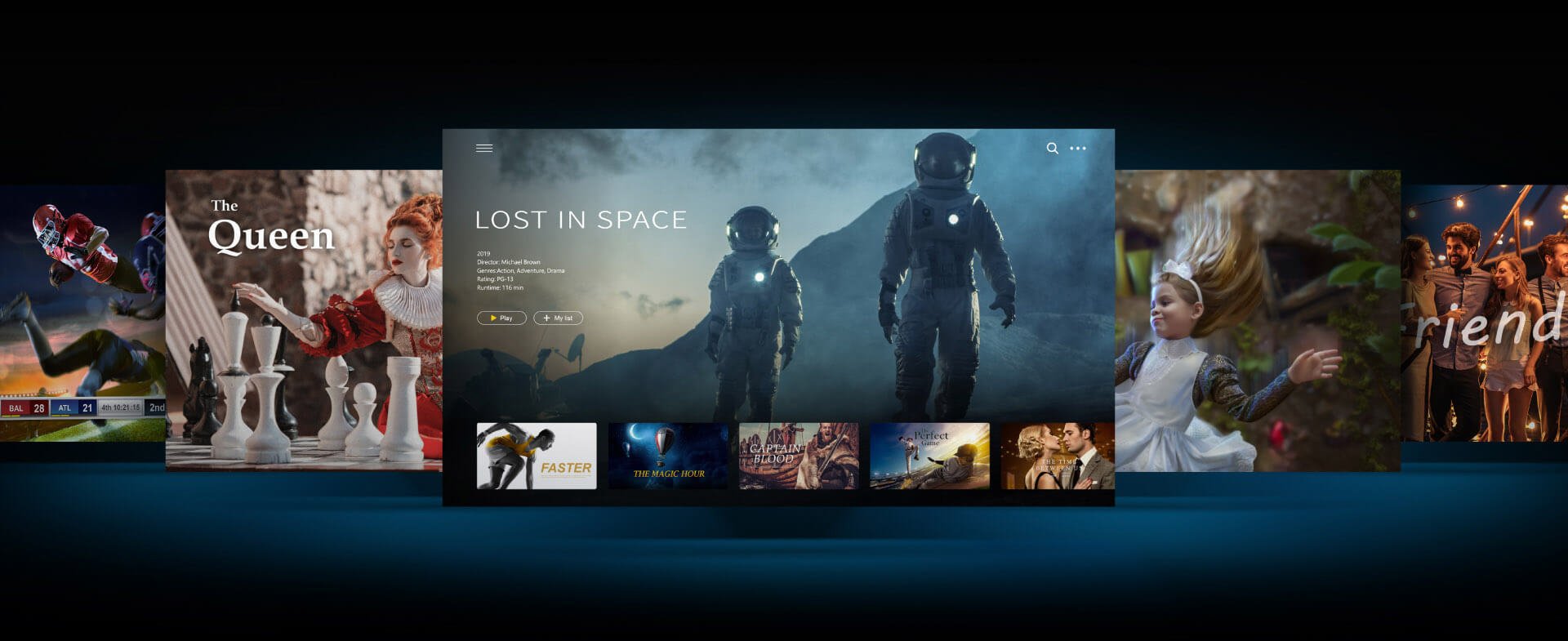
Whether you want to watch movies, TV shows, sports, or live TV, BenQ Android smart projectors have the most extensive entertainment library available. Featuring an easy-to-use interface, BenQ’s smart projectors provide easy access to Google Play for full family fun.
Initial Setup with iOS Device
How to Connect BenQ Portable and Smart Home Projector with Mobile Device
Cast & Mirror via iOS Devices
Enjoy Netflix by either casting from a Google Chrome browser, connecting your device with an HDMI cable, or manually installing compatible apps directly from Google Play*.
*The quality of service and level of technical support for apps that are installed from Google Play are entirely subject to the respective app’s publishers.
To enhance your streaming experience, it is recommended that you install the Apps Manager so that you can enjoy popular streaming apps. Please be sure to install “BenQ Smart Control” app for better navigation.
How to Start the BenQ FamiLand
• Google-certified Android TV
• 500,000+ TV shows and movies from Google Play
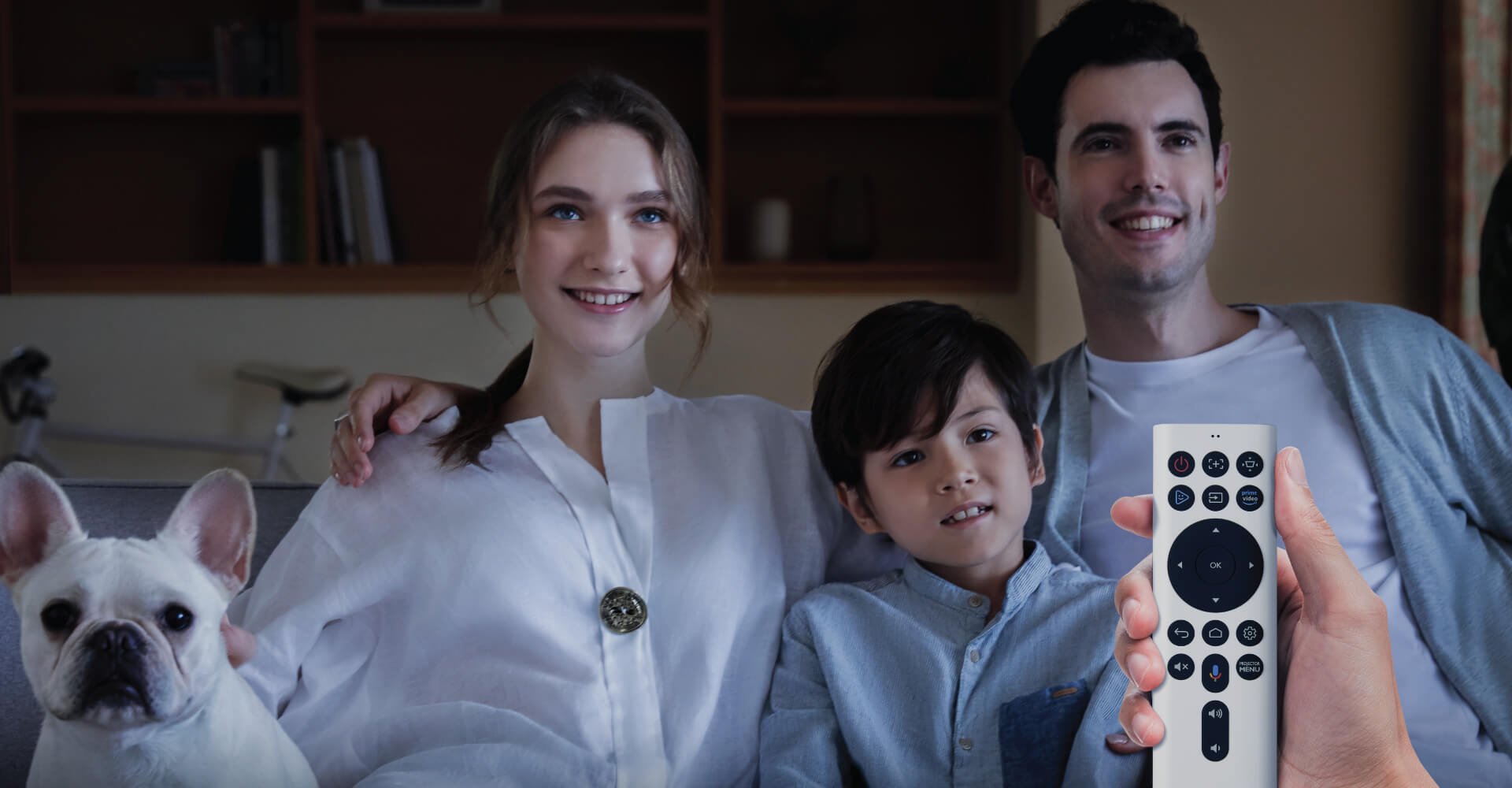
• One button to enjoy Amazon Prime’s content
• Amazon Prime & YouTube embedded
• In-browser entertainment, like Netflix, from your laptop
• Google Voice search & Google assistant enabled
• Chromecast built-in supported
• Kid-friendly content & parental controls
Recommended Products
{{item.productWordingTag}}
{{currency}}{{item.finalPrice| numberThousandsCommas | numberDecimalPoint}} Save {{currency}}{{item.saveAmount | numberThousandsCommas | numberDecimalPoint}} Save {{item.savePercent | numberThousandsCommas | numberDecimalPoint}}%
new device price{{currency}}{{item.regularPrice| numberThousandsCommas | numberDecimalPoint}}