{{item.name}}
Price: {{currency}}{{item.price| numberThousandsCommas | numberDecimalPoint}}
Qty: {{item.amount}}


Projectors

Monitors
Lighting
Interactive Displays & Signage
Remote Work & Learning
Shop
Are you a PC gamer with a 1440p 144Hz monitor? Do you crave an Xbox Series X? No worries, we confirm full support from day one so you’re good to go
Like many people around the world, we got our Xbox Series X on November 10 and the first thing we did was of course figure out if the new Microsoft console indeed offers a good fit for PC gamers. As expected, it sure does. Microsoft show their Windows-leaning legacy by including a few very useful resolutions popular among PC aficionados. Of course we mainly mean 1440p. So if you have a high speed 144Hz QHD monitor you’re good to go. If you have 4K IPS monitor with nice HDR, well, you’re also good to go.
Let’s start with the basics, though.
Technically the first major HDMI 2.1 products for consumers are the new RTX 30 cards from NVIDIA. But the Xbox Series X inches out its PS5 friend as the first full on HDMI 2.1 console. Sure, the amazing Xbox One X already had most HDMI 2.1 features like variable refresh rate and auto low latency mode, but now it’s official.
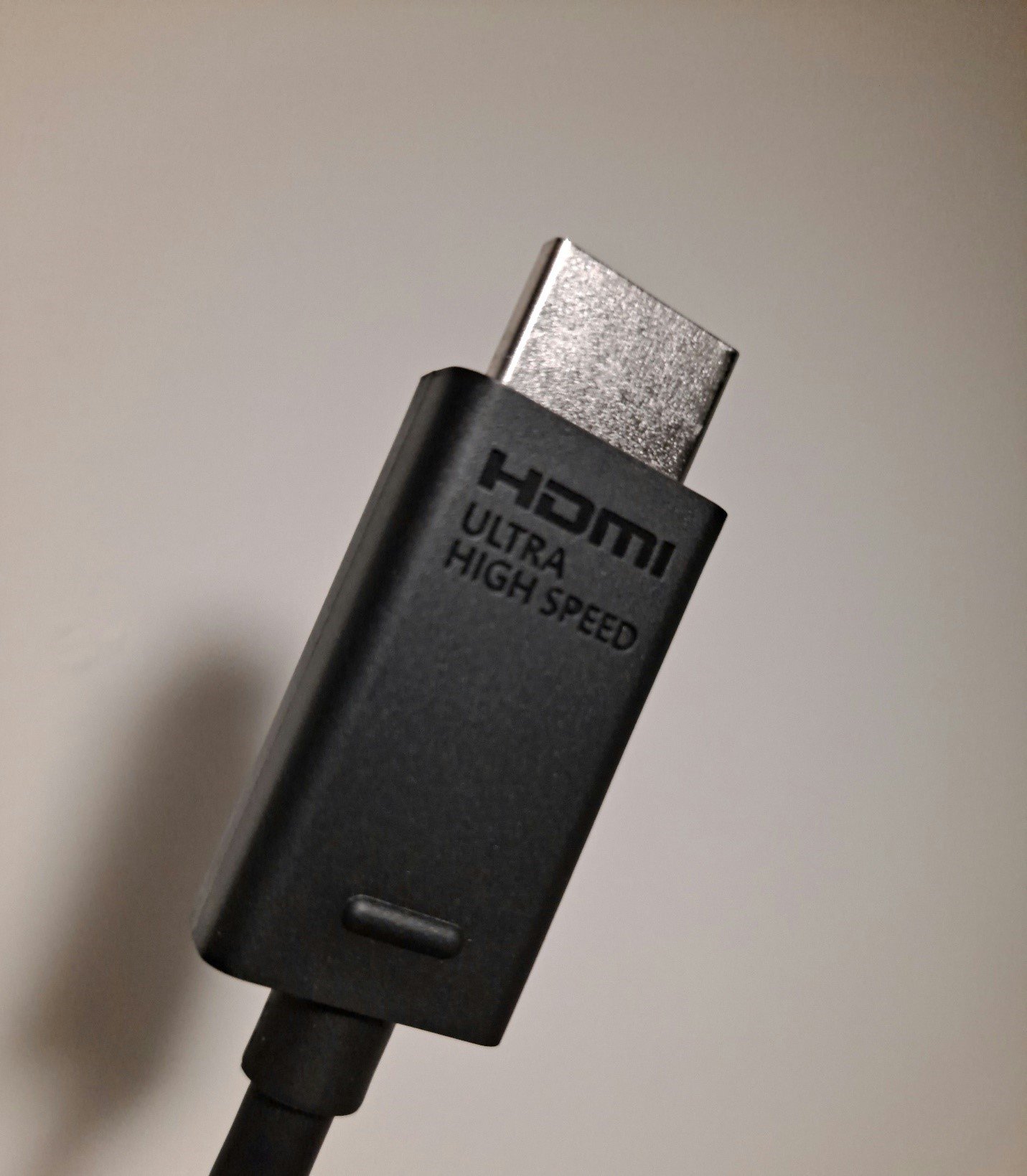
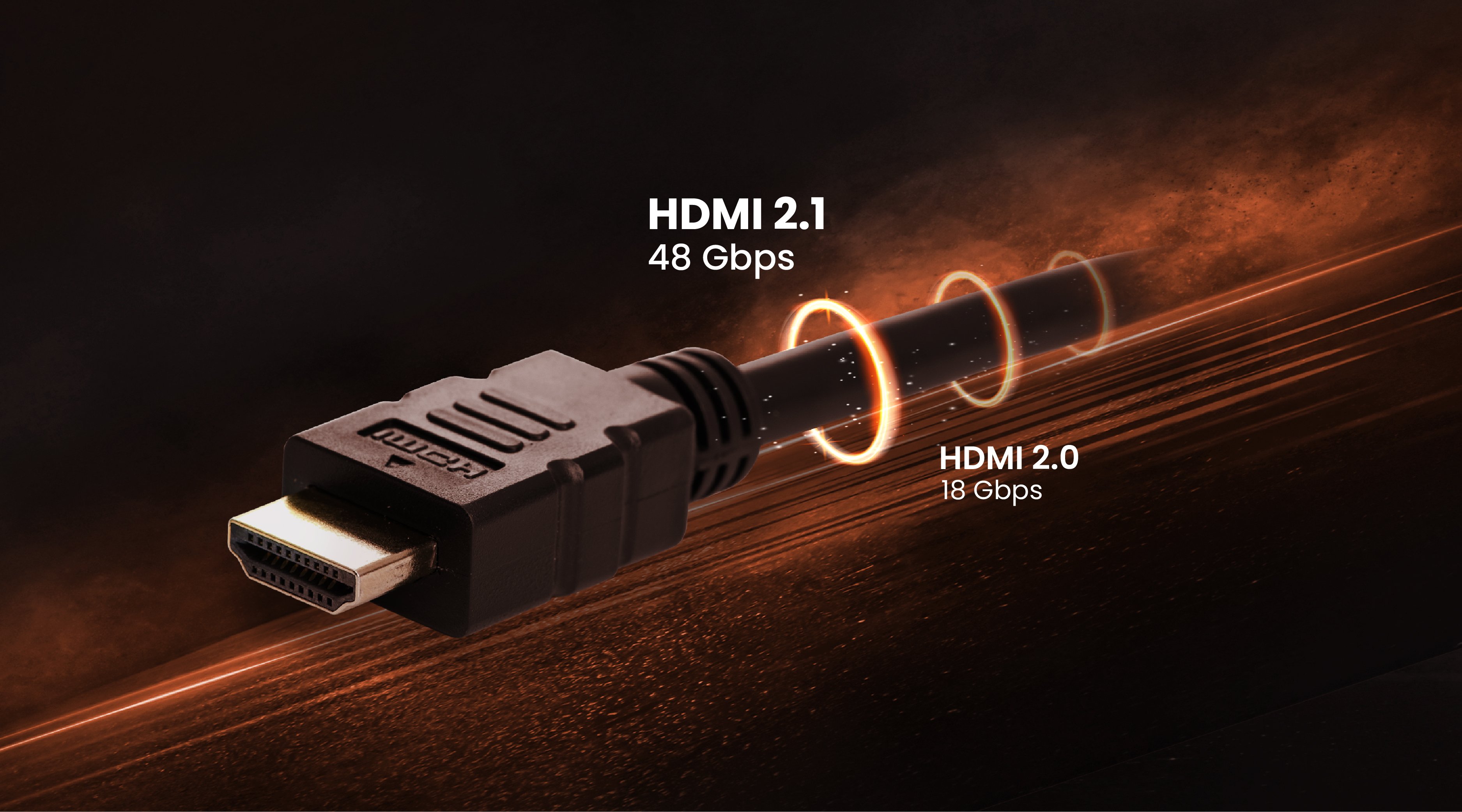
Sadly, Xbox Series X doesn’t support DisplayPort, which remains relegated to the PC enclosure. However, the console ships with a fine ultra high speed HDMI cable with a 48Gbps bandwidth, which is more than enough for 4K 120Hz and 8K 60. We don’t expect the latter to become normative in games, but 8K video sure is on the cards, so to speak.
We recommend you use the included HDMI cable, though it’s not necessary for 1440p 120Hz as an HDMI 2.0 cable will do just fine. There’s no reason not to use the one Microsoft provide.
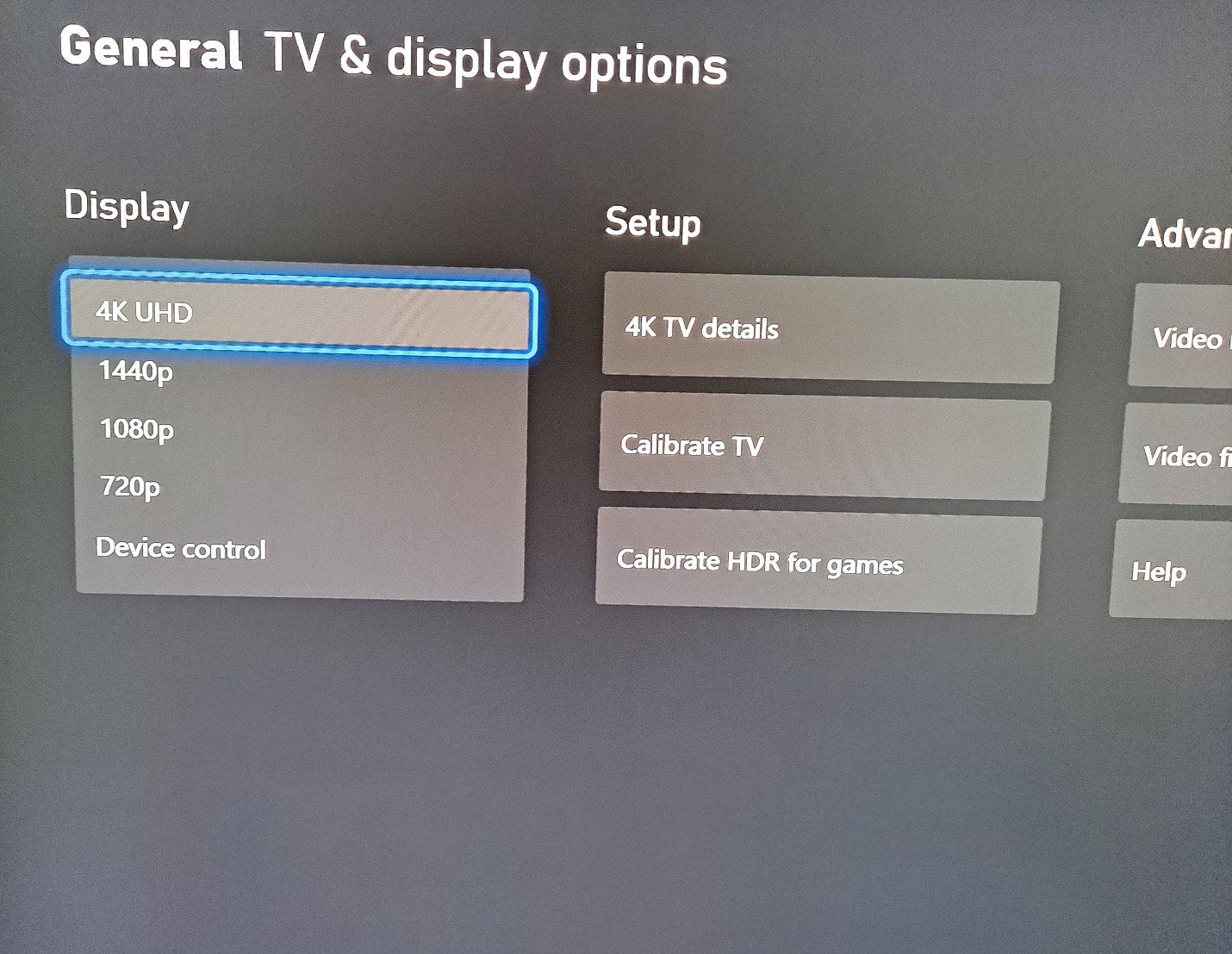
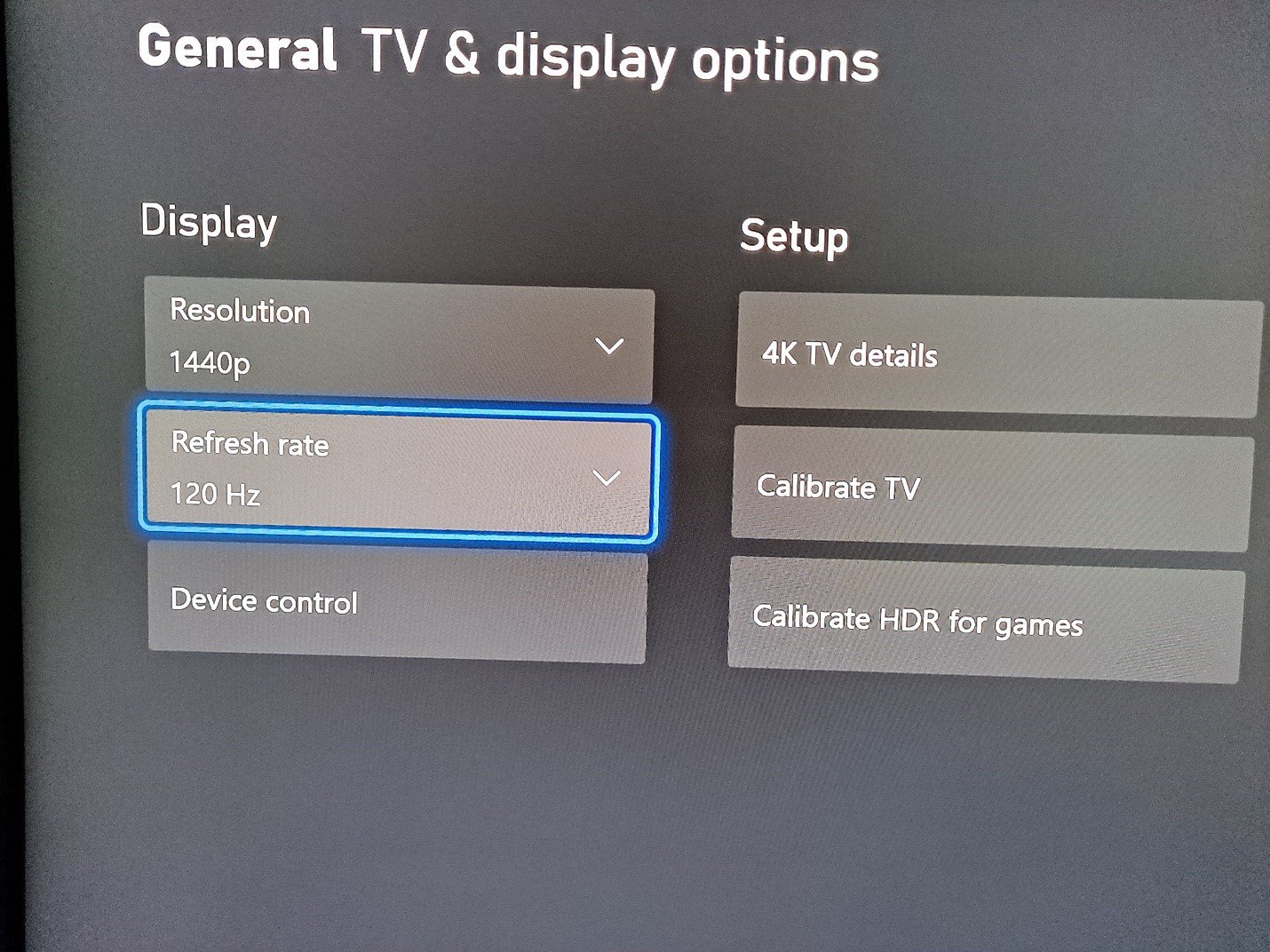
Right out the gate, Xbox Series X supports a nice selection of resolutions, from 720p to 2160p – more commonly known as 4K. The much asked about 2560 x 1440 is also officially supported from day one. No more waiting for a firmware update, as you can clearly see in the image below.
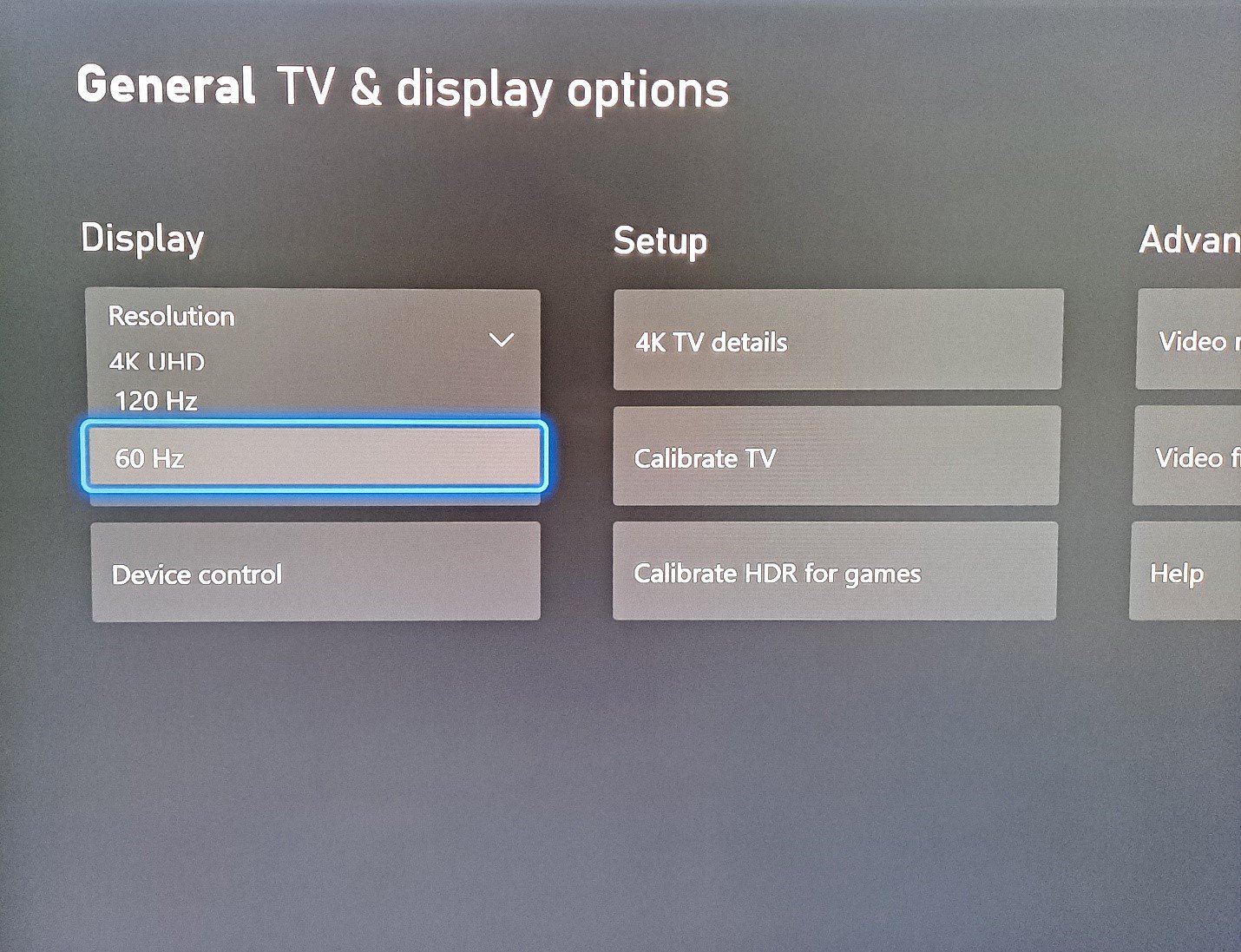
More importantly for high frame rate buffs, the added power of the Xbox Series X now means 120Hz is effectively universal to all supported resolutions. Remember that it’s up to individual games to accept these framerate and resolution settings. The console can upscale pixel counts, but framerates are a different matter. You may select 120Hz in the UI but that doesn’t mean every game will run at that rate. Any game that can, will. From our experience, The Falconeer for example is supposed to run at 120Hz but appears to revert to 60Hz regardless. We’re certain these are early days and such issues will get worked out.
Take a look below, 120Hz is now fully supported in 4K and 1440p, the most important resolutions for contemporary PC gamers we think.
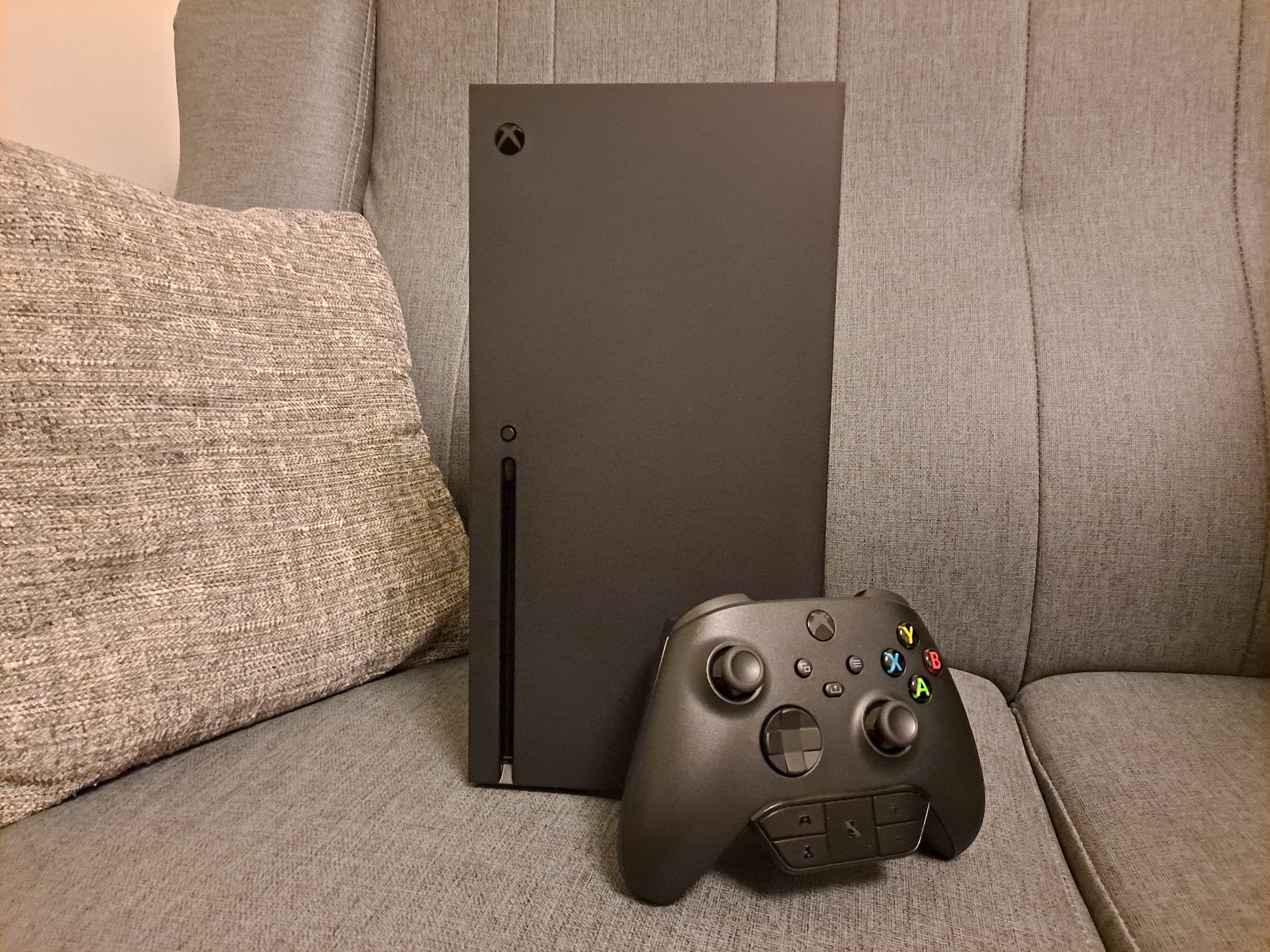
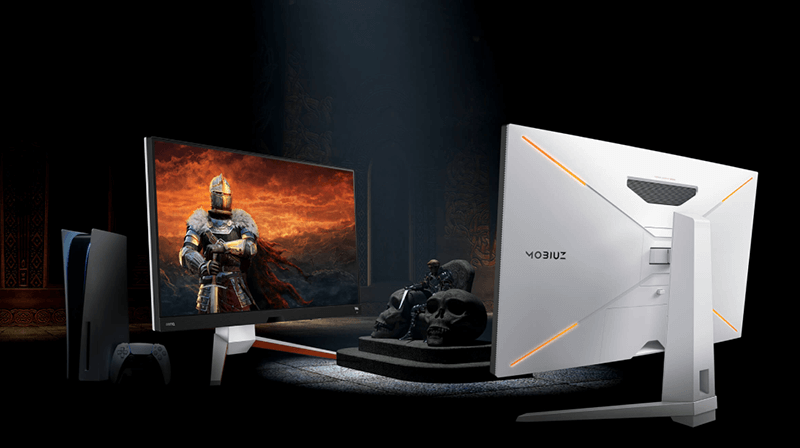
One of the first things we thought upon getting our Xbox Series X was that the console is a lot smaller than we expected based on images shared by Microsoft. That’s not a bad thing, it’s a good thing. The Xbox Series X fits very nicely and elegantly on a desktop next to a PC and monitor setup, and with its subtle boxy design it’s quite pleasing to look at. We definitely think PC gamers who want to also enjoy high end console gaming would do well to get an Xbox Series X, especially since support for 1440p is so seamless via the simplicity of an HDMI cable.
To wrap this quick look at the Xbox Series X, take a look at just how compact this lovely console is in the picture at the top of the article, or the one at the bottom for comparison. Bear in mind the new controller is ever so slightly smaller than the Xbox One controller. We even added the old school 3.5mm adapter from the 2013-2016 era, because we like the extra heft it provides. The console still looks small, because it is!
Have fun everyone!
Recommended Products
{{item.productWordingTag}}
{{currency}}{{item.finalPrice| numberThousandsCommas | numberDecimalPoint}} Save {{currency}}{{item.saveAmount | numberThousandsCommas | numberDecimalPoint}} Save {{item.savePercent | numberThousandsCommas | numberDecimalPoint}}%
new device price{{currency}}{{item.regularPrice| numberThousandsCommas | numberDecimalPoint}}