BenQ Creative Pro PD2705Q| 27" 2K Designer Monitor
Color Accuracy to Make Inspirations Comes Alive

Remote Work & Learning


Projector
Monitor
Lighting
Interactive Display | Signage
Remote Work & Learning
Wireless PresentationStore
Uniformity Control
Full Screen Calibration via Micro-Zone Correction
Color Tolerance Management
High-Precision Instrument Alignment
Industry Standards Compliance
From Rec.709, DCI-P3 to Adobe RGB and Beyond
Uneven color and dim corners aren’t just annoying, they distort your work. BenQ tackles what others overlook. Through full screen calibration, we ensure consistent brightness and color across the entire screen. So whether you're editing center frame or checking the edges, you can create with total confidence.
Non-Uniformity

BenQ Color Uniformity

PD2705Q covers 100% sRGB and 100% Rec.709 color spaces and has amazing Delta E ≤ 3 color reproduction to ensure superb accuracy and absolute color confidence.
Delivering corner-to-corner authentic colors and consistent luminescence. The display is divided into hundreds of sub-regions and rigorously fine-tuned for precision. This innovative tech assures ultra-dependable image fidelity.
Without

With

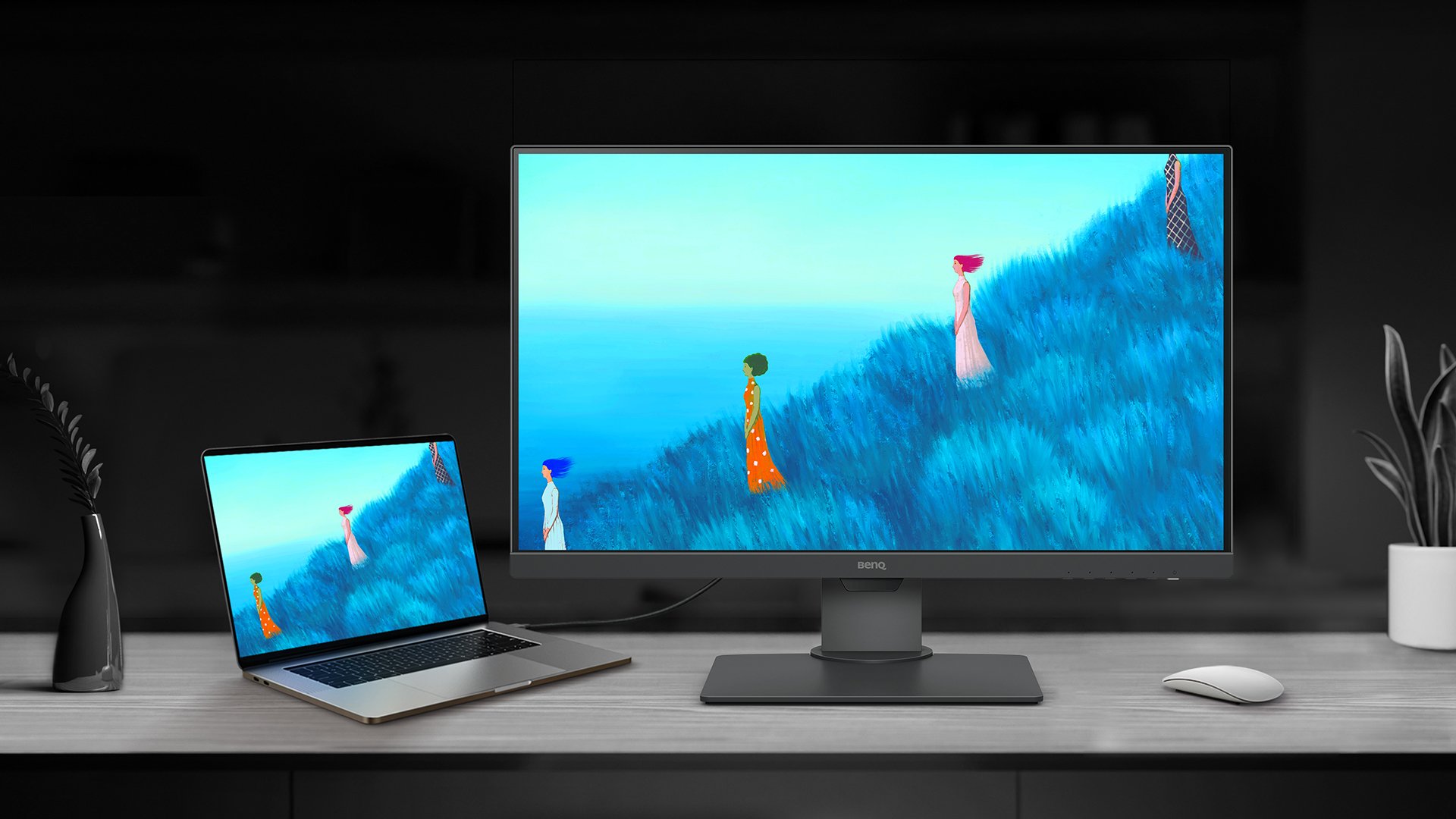
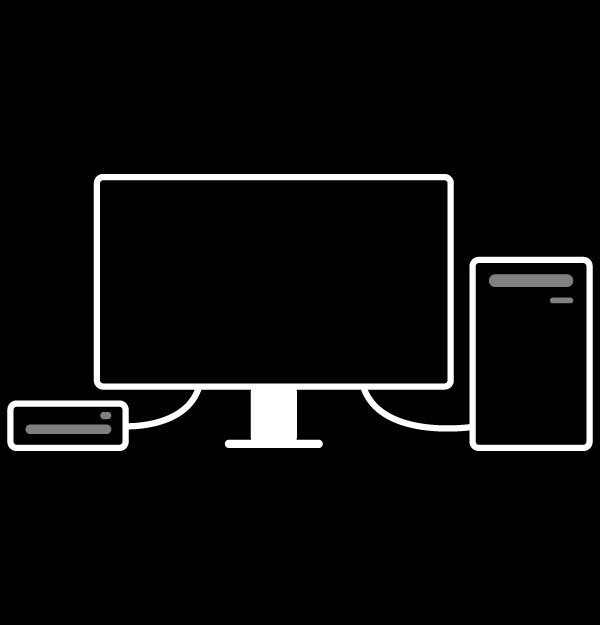
KVM Switch
KVM switch design auto-pairs with input signals. Click once to switch systems to boost efficiency.
USB-C
The USB-C port provides lightning-fast video/audio/data transmission and 65W power delivery.
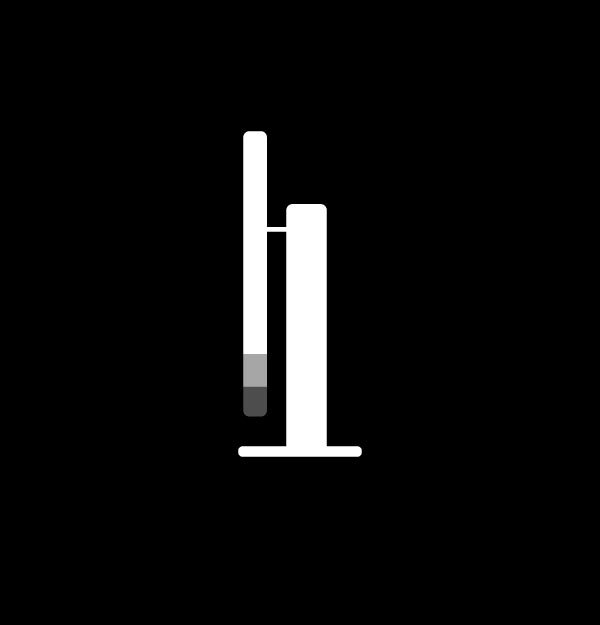
Ergonomic Design
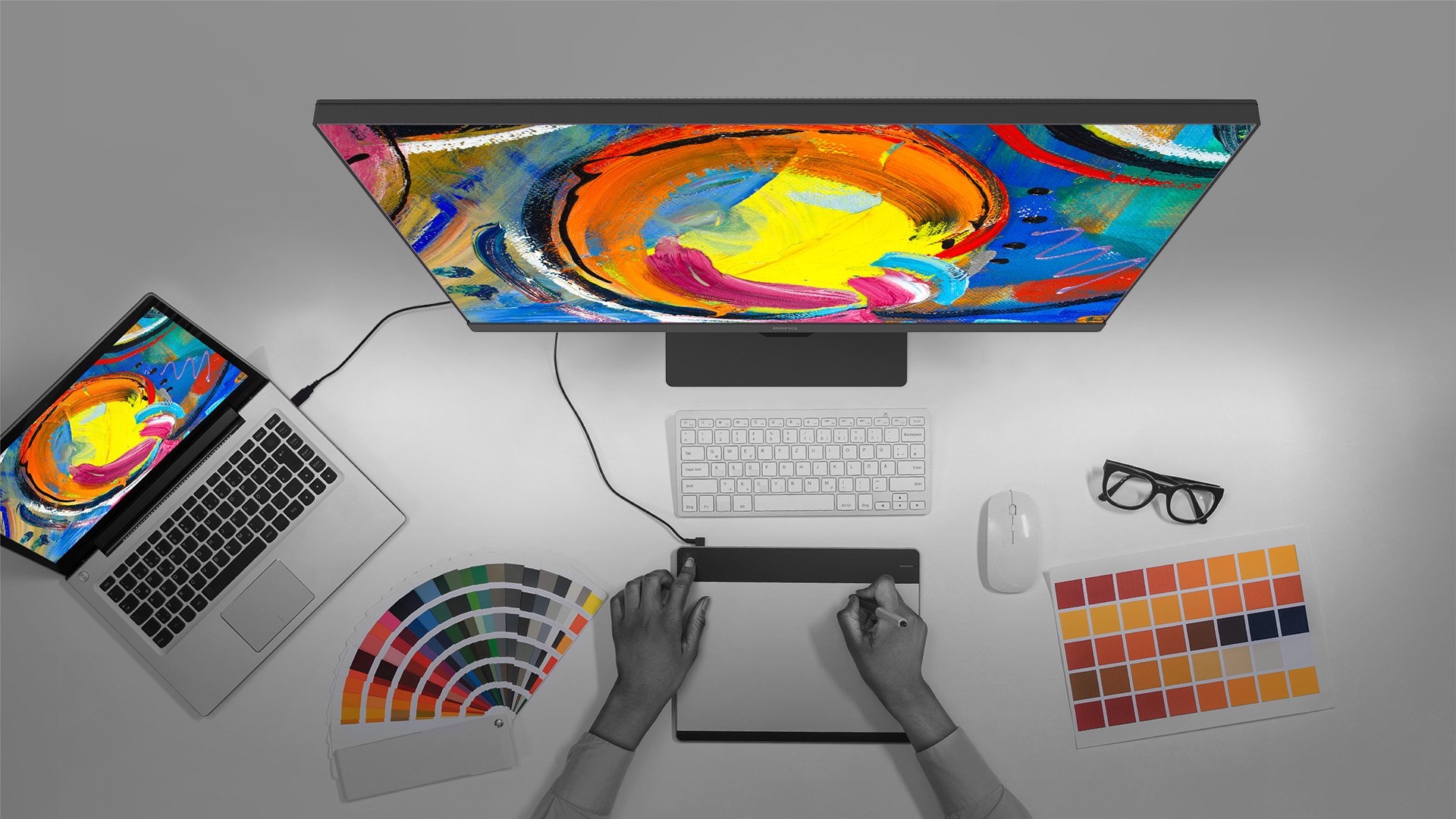
Create in comfort with your monitor in the ideal position.
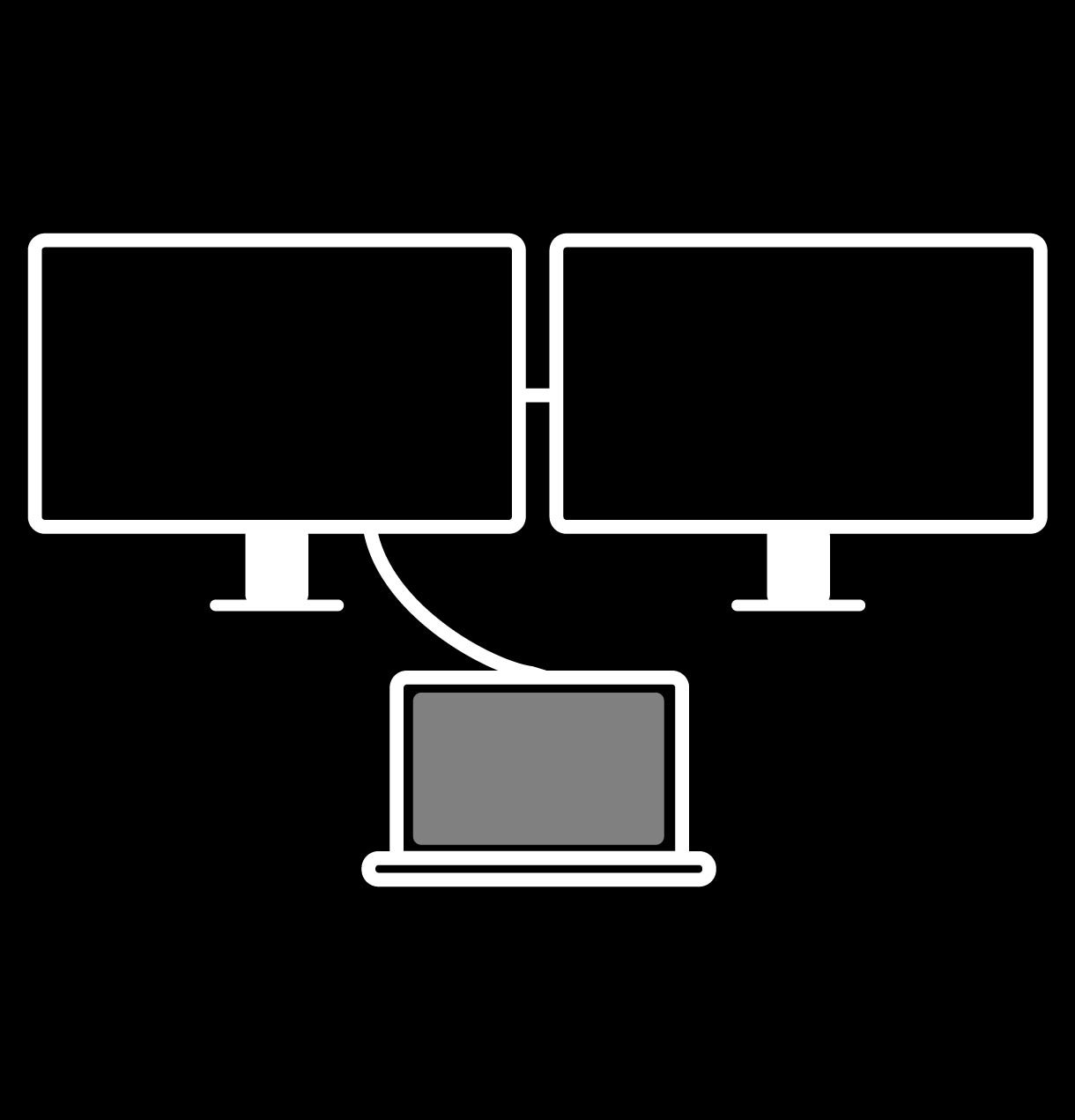
DisplayPort MST
Multi-Stream Transport Technology allows you to extend screens across multiple displays using the DisplayPort output.
Mac® devices do not support DisplayPort MST
Display Pilot
Display Pilot software lets you access designer-friendly features for ease and efficiency. *Apple M1 platform supported
TÜV Rheinland Certification
TÜV Rheinland certifies Flicker-Free and Low Blue Light, resulting in a truly human eye-friendly monitor.
Low Blue Light
Low blue light technology filters harmful blue light to protect your eyes and increase comfort.
Flicker-Free™
Flicker-Free™ eliminates screen flicker found in traditional monitors for vastly improved comfort during extended usage.
AQCOLOR Pilot
More accurate and faster calibration with a calibrator
*Formerly Palette Master Ultimate
Display ColorTalk
Matching colors across displays without a calibrator
Display Pilot 2
Take control of your display settings efficiently
Professional monitors designed for precision and reliability across all creative workflows
Trusted Colors for Every Deliverable
Professional monitors designed for precision and reliability across all creative workflows
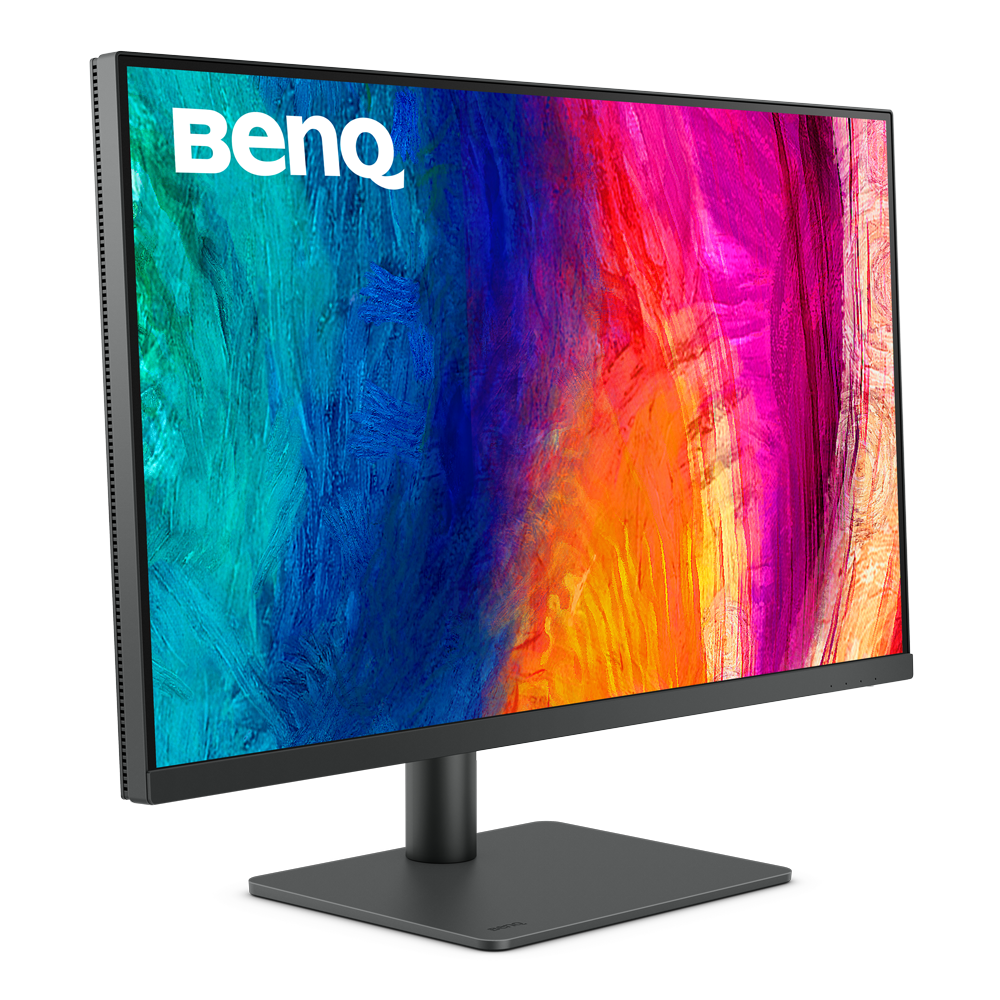
Screen Size
27 inch
27 inch
31.5 inch
27 inch
31.5 inch
Color Gamut
99% sRGB, 99% Rec.709
100% sRGB, 100% Rec.709
99% sRGB, 99% Rec.709
99% sRGB, 99% Rec.709
99% sRGB, 99% Rec.709
Resolution (max.)
3840x2160
2560x1440
3840x2160
3840x2160
3840x2160
Delta E(avg)
≤3
≤3
≤3
≤3
≤3
HDR
HDR10
HDR10
HDR10
HDR10
HDR10
FAQ
Download
FAQs
Browse all related FAQsHow to reproduce a MacBook Pro’s colors on my BenQ monitor?
BenQ has developed a new M-Book mode to simulate the color specifications of the MacBook Pro on our monitors. Please click and follow the instructions below, or read on to learn more about this topic.
What is Delta E?
Delta E is used to evaluate perceived color differences. A delta less than 3.00 means that there is no big difference an average person could perceive. Please click and follow the instructions below, or read on to learn more about this topic.
How does KVM switch function?
Connect Computer 1 and Computer 2 to your monitor and the Computer 1 and Computer 2 will be identified. Then to switch the input video source is possible. Please click and follow the instructions below, or read on to learn more about this topic.