


Trusted Colours for Every Deliverable
Consistent colours for your screen and for your whole team

Accessories


Trusted Colours for Every Deliverable
Consistent colours for your screen and for your whole team
Trusted Colours for Every Deliverable
Consistent colours for your screen and for your whole team
For enquiries or projects of 10+ units, our team is here to provide tailored support.
Designed for professionals, we help you take full control of your work with precision you can rely on.
No Colour Shifts & Lost Detail
Accuracy from day one and for the long term.
No Colour Mistakes or Client Doubts
Deliver consistent precision.
No Endless Reworks or Revisions
Deliver consistent output without rework.
Uniformity Control
Full Screen Calibration via Micro-Zone Correction
Colour Tolerance Management
High-Precision Instrument Alignment
Industry Standards Compliance
From Rec.709, DCI-P3 to Adobe RGB and Beyond
With BenQ’s free calibration software, effortlessly calibrate your display with no prior experience needed. Follow visual menus and clear prompts for calibration that meets international standards for various kinds of design workflows, including graphic design, web design, 3D design, video editing, photo editing, etc.
*Calibrator Suggestions: X-Rite i1 Display Pro, X-Rite i1 Display Pro Plus, Datacolor Spyder X, Datacolor Spyder X2
Achieve More Precise Colour Matching
With BenQ’s free calibration software, effortlessly calibrate your display with no prior experience needed. Follow visual menus and clear prompts for calibration that meets international standards for various kinds of design workflows, including graphic design, web design, 3D design, video editing, photo editing, etc.
*Calibrator Suggestions: X-Rite i1 Display Pro, X-Rite i1 Display Pro Plus, Datacolor Spyder X, Datacolor Spyder X2
See why creative professionals trust BenQ Creative Pro monitors

Read more

Read more

Read more

Read more

Read more
Select
BenQ Creative Pro monitors that fit your creative needs with out-of-box colour accuracy
Calibrate
Calibration software maintains colour fidelity over time, intuitively and effortlessly.
Deliver
Consistent, uniform colour ensures predictable, reliable results.
PD2730S
27” | 5K UHD
Suitable for professionals who want the sharpest details in their colour-sensitive work.
PD3226G
32” | 144Hz 4K UHD
Ideal for professionals who benefit from a larger screen, as well as a fast refresh rate for animations and working with tablets.
PD2770U
27” | 4K UHD
For creative professionals and teams who require built-in hardware calibration and Adobe RGB in their workflows.
Pivot 90°
Swivel 30°/30°
Tilt -5°~20°
Height Adjustable
AQCOLOR Pilot
More accurate and faster calibration with a calibrator
Display Pilot 2
Take control of your display settings efficiently
Display QuicKit
Easily update your monitor’s firmware to stay up to date


View detailed product carbon footprint report
Find nearest product recycling info


BenQ Creative Pro Monitors
Compare all Creative Pro Monitors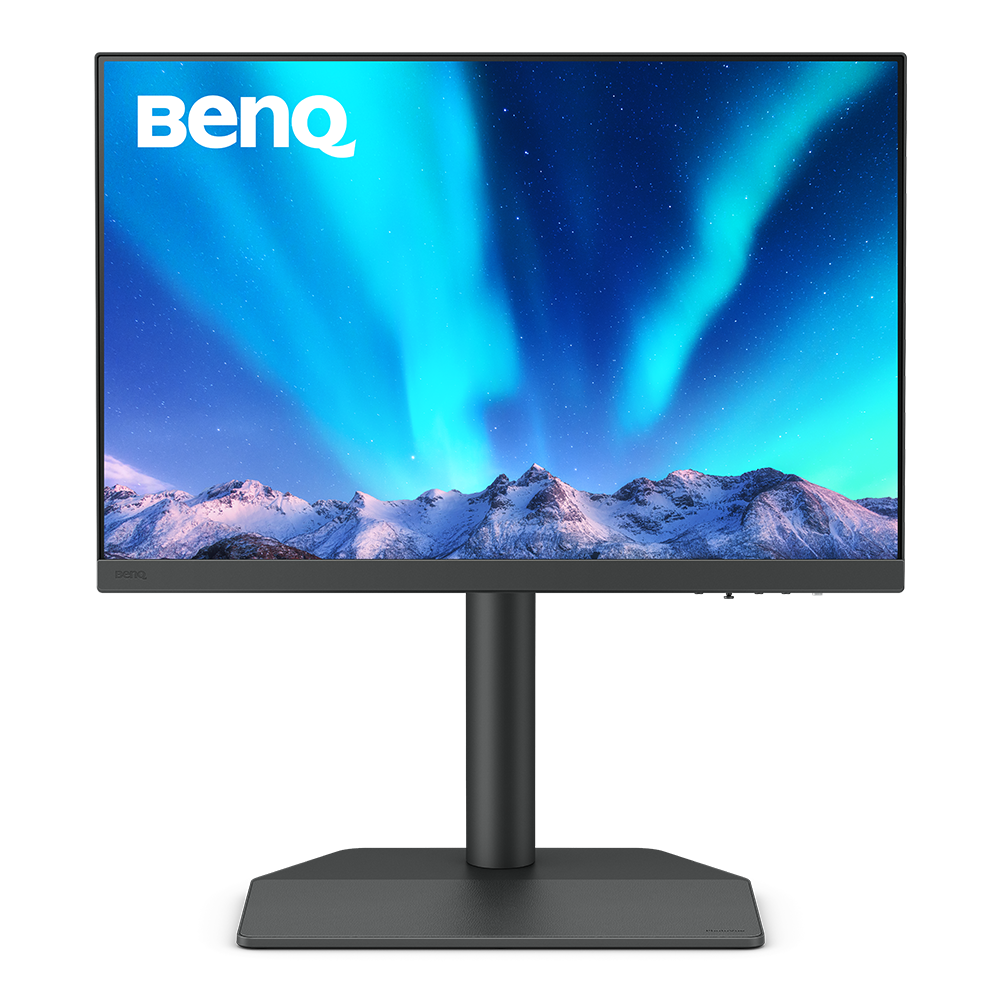
Hardware Calibration
with calibrators and BenQ software PME/PMU
{{currency}}{{ formatPrice(n[1]) }} -
Learn moreUp to
99% AdobeRGB
Color Gamut
Up to
1200p (1920x1200)
Resolution
Delta E ≤ 2
Color Accuracy
Color Certification
-
High Dynamic Range
Anti-Reflection Technology
Anti-Reflection Technology
-
All-in-One Connection
Paper Color Sync
Assistant Tool
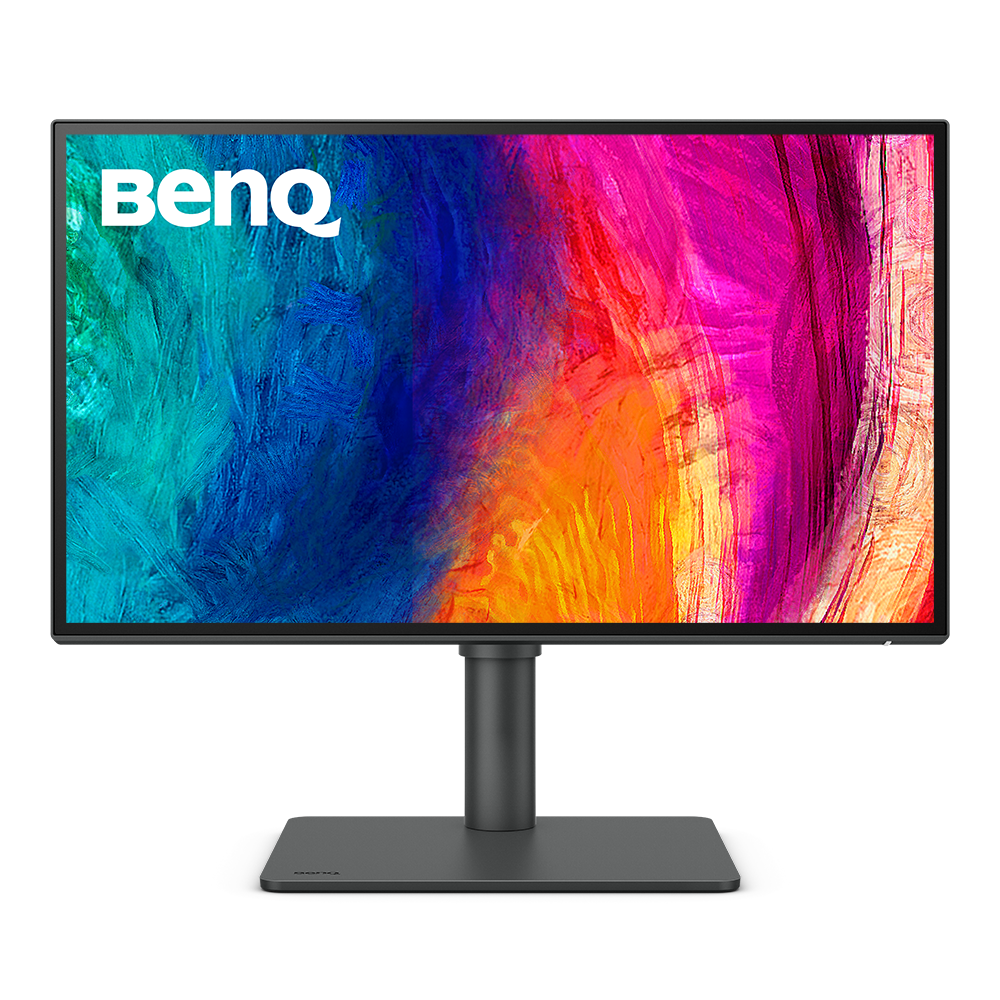
Factory Calibration
is done to ensure highest color accuracy
{{currency}}{{ formatPrice(n[1]) }} -
Learn moreUp to
95% P3
Color Gamut
Up to
2K (2560x1440)
Resolution
Delta E ≤ 3
Color Accuracy
Color Certification
VESA DisplayHDR 400
High Dynamic Range
Anti-Reflection Technology
Anti-Reflection Technology
USB-C
All-in-One Connection
Display Pilot
Assistant Tool
Color Gamut
Color gamut is defined as the range of colors which a particular device can produce or record , with some commonly used standards such as Rec.2020, DCI-P3, AdobeRGB, sRGB, and NTSC.
Color Accuracy
Delta E is often used to evaluate perceived color differences. A delta of less than 1.00 means that there is no perceivable difference for color experts when two colors are compared side by side.
Color Certification
Certifications that test, evaluate, or verify the monitor's ability to accurately reproduce Pantone colors and lifelike skin tones that match and include all consumers,or whether a display has met the criteria for video post-production editing and reviewing purposes.
Assistant Tool
BenQ Assistant Tool enables photographers and designers to facilitate their workflow while doing color management, screen-to-print adjustment and color gamuts switching in color critical projects.
Color Gamut
Color gamut is defined as the range of colors which a particular device can produce or record , with some commonly used standards such as Rec.2020, DCI-P3, AdobeRGB, sRGB, and NTSC.
Color Accuracy
Delta E is often used to evaluate perceived color differences. A delta of less than 1.00 means that there is no perceivable difference for color experts when two colors are compared side by side.
Color Certification
Certifications that test, evaluate, or verify the monitor's ability to accurately reproduce Pantone colors and lifelike skin tones that match and include all consumers,or whether a display has met the criteria for video post-production editing and reviewing purposes.
HDR
High Dynamic Range (HDR) is a technology that produces images with a large perceptible difference between bright and dark regions for realistically bright or dark pictures without subtle detail loss.
Assistant Tool
BenQ Assistant Tool enables photographers and designers to facilitate their workflow while doing color management, screen-to-print adjustment and color gamuts switching in color critical projects.
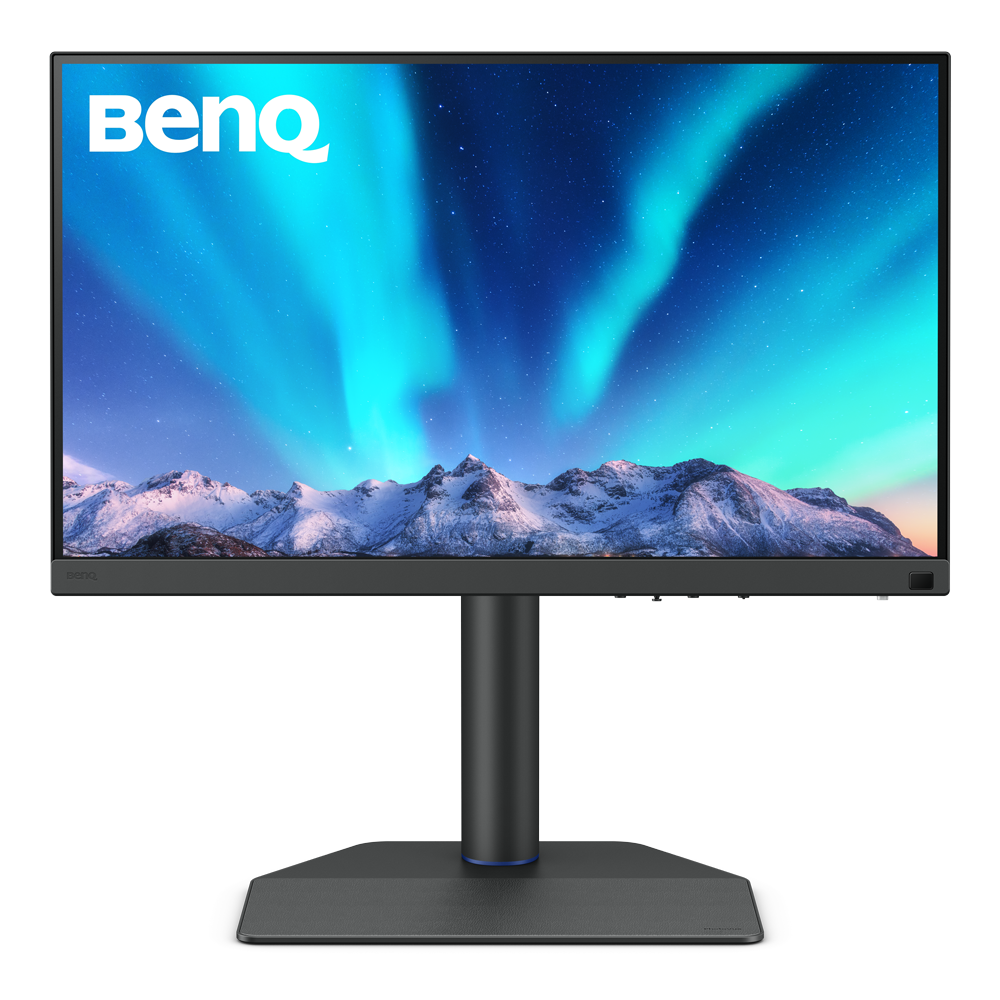
Hardware Calibration
with calibrators and BenQ software PME/PMU
From {{currency}}{{ formatPrice(n[1]) }} -
Learn moreUp to
99% AdobeRGB
Color Gamut
Up to
4K (3840x2160)
Resolution
Delta E ≤ 2
Color Accuracy
Color Certification
HDR10,HLG
High Dynamic Range
Anti-Reflection Technology
Anti-Reflection Technology
USB-C
All-in-One Connection
Paper Color Sync
Assistant Tool

Factory Calibration
is done to ensure highest color accuracy
From {{currency}}{{ formatPrice(n[1]) }} -
Learn moreUp to
95% P3
Color Gamut
Up to
4K (3840x2160)
Resolution
Delta E ≤ 3
Color Accuracy
Color Certification
VESA DisplayHDR 400
High Dynamic Range
Anti-Reflection Technology
Anti-Reflection Technology
Thunderbolt 3
All-in-One Connection
Display Pilot
Assistant Tool
Color Gamut
Color gamut is defined as the range of colors which a particular device can produce or record , with some commonly used standards such as Rec.2020, DCI-P3, AdobeRGB, sRGB, and NTSC.
Color Accuracy
Delta E is often used to evaluate perceived color differences. A delta of less than 1.00 means that there is no perceivable difference for color experts when two colors are compared side by side.
Color Certification
Certifications that test, evaluate, or verify the monitor's ability to accurately reproduce Pantone colors and lifelike skin tones that match and include all consumers,or whether a display has met the criteria for video post-production editing and reviewing purposes.
HDR
High Dynamic Range (HDR) is a technology that produces images with a large perceptible difference between bright and dark regions for realistically bright or dark pictures without subtle detail loss.
Assistant Tool
BenQ Assistant Tool enables photographers and designers to facilitate their workflow while doing color management, screen-to-print adjustment and color gamuts switching in color critical projects.
Color Gamut
Color gamut is defined as the range of colors which a particular device can produce or record , with some commonly used standards such as Rec.2020, DCI-P3, AdobeRGB, sRGB, and NTSC.
Color Accuracy
Delta E is often used to evaluate perceived color differences. A delta of less than 1.00 means that there is no perceivable difference for color experts when two colors are compared side by side.
Color Certification
Certifications that test, evaluate, or verify the monitor's ability to accurately reproduce Pantone colors and lifelike skin tones that match and include all consumers,or whether a display has met the criteria for video post-production editing and reviewing purposes.
HDR
High Dynamic Range (HDR) is a technology that produces images with a large perceptible difference between bright and dark regions for realistically bright or dark pictures without subtle detail loss.
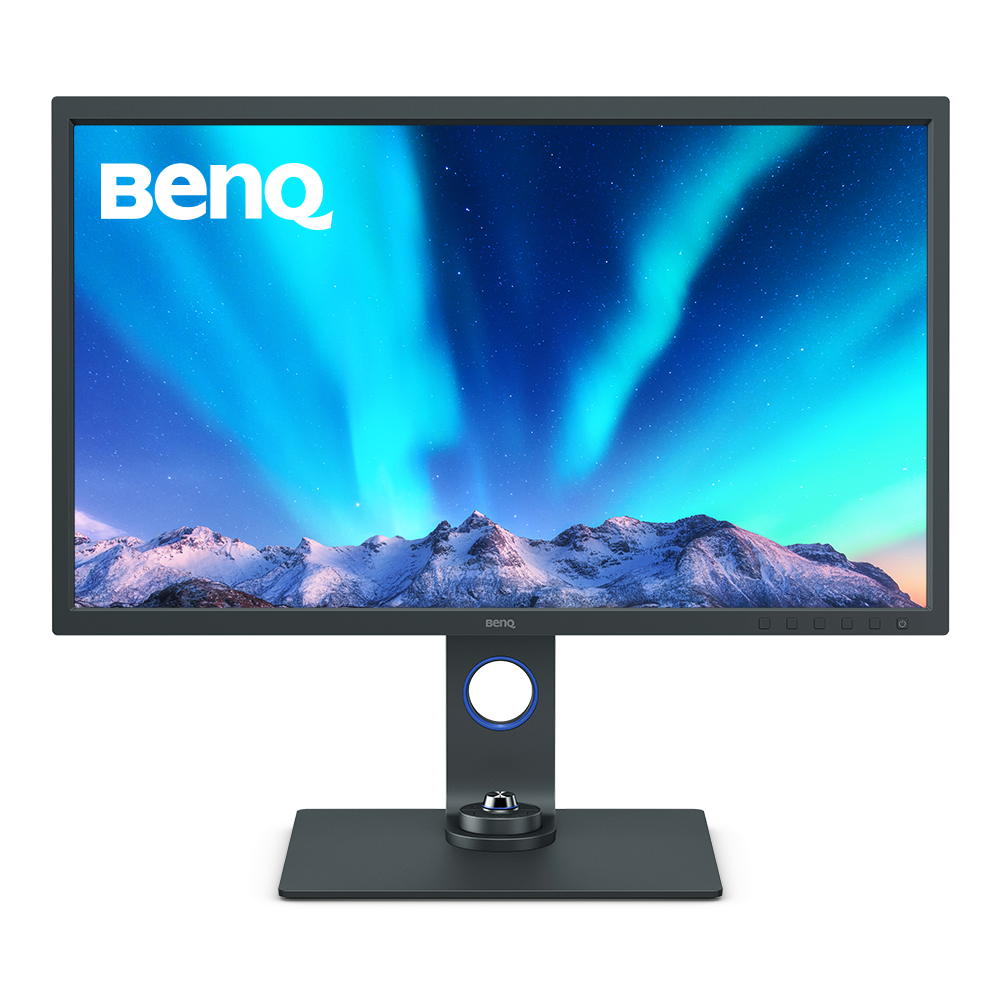
Hardware Calibration
with calibrators and BenQ software PME/PMU
From {{currency}}{{ formatPrice(n[1]) }} -
Learn moreUp to
99% AdobeRGB
Color Gamut
Up to
4K (3840x2160)
Resolution
Delta E ≤ 2
Color Accuracy
Color Certification
HDR10,HLG
High Dynamic Range
Anti-Reflection Technology
Anti-Reflection Technology
USB-C
All-in-One Connection
Paper Color Sync
Assistant Tool

Factory Calibration
is done to ensure highest color accuracy
From {{currency}}{{ formatPrice(n[1]) }} -
Learn moreUp to
95% P3
Color Gamut
Up to
4K (3840x2160)
Resolution
Delta E ≤ 3
Color Accuracy
Color Certification
HDR10
High Dynamic Range
Anti-Reflection Technology
Anti-Reflection Technology
Thunderbolt 3
All-in-One Connection
Display Pilot
Assistant Tool
Color Gamut
Color gamut is defined as the range of colors which a particular device can produce or record , with some commonly used standards such as Rec.2020, DCI-P3, AdobeRGB, sRGB, and NTSC.
Color Accuracy
Delta E is often used to evaluate perceived color differences. A delta of less than 1.00 means that there is no perceivable difference for color experts when two colors are compared side by side.
Color Certification
Certifications that test, evaluate, or verify the monitor's ability to accurately reproduce Pantone colors and lifelike skin tones that match and include all consumers,or whether a display has met the criteria for video post-production editing and reviewing purposes.
HDR
High Dynamic Range () is a technology that produces images with a large perceptible difference between bright and dark regions for realistically bright or dark pictures without subtle detail loss.
Assistant Tool
BenQ Assistant Tool enables photographers and designers to facilitate their workflow while doing color management, screen-to-print adjustment and color gamuts switching in color critical projects.
Color Gamut
Color gamut is defined as the range of colors which a particular device can produce or record , with some commonly used standards such as Rec.2020, DCI-P3, AdobeRGB, sRGB, and NTSC.
Color Accuracy
Delta E is often used to evaluate perceived color differences. A delta of less than 1.00 means that there is no perceivable difference for color experts when two colors are compared side by side.
Color Certification
Certifications that test, evaluate, or verify the monitor's ability to accurately reproduce Pantone colors and lifelike skin tones that match and include all consumers,or whether a display has met the criteria for video post-production editing and reviewing purposes.
HDR
High Dynamic Range (HDR) is a technology that produces images with a large perceptible difference between bright and dark regions for realistically bright or dark pictures without subtle detail loss.
Assistant Tool
BenQ Assistant Tool enables photographers and designers to facilitate their workflow while doing color management, screen-to-print adjustment and color gamuts switching in color critical projects.
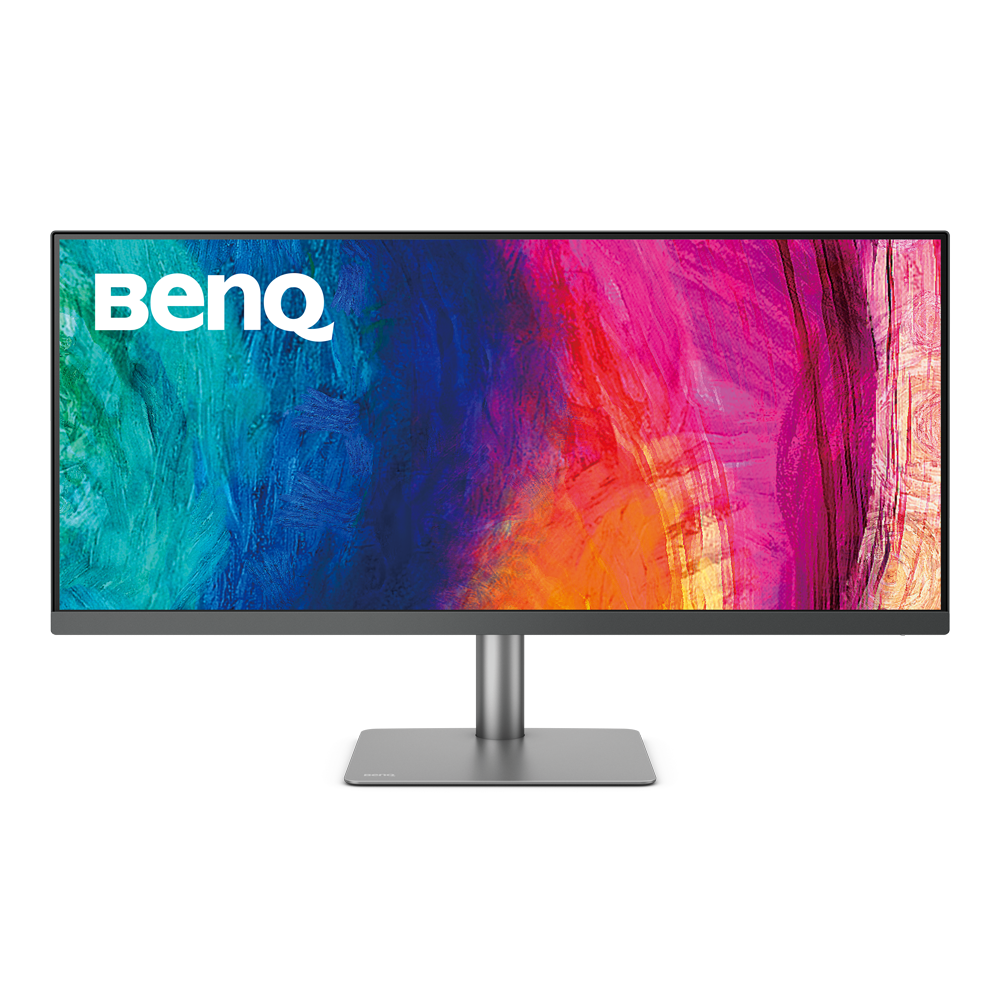
Factory Calibration
is done to ensure highest color accuracy
{{currency}}{{ formatPrice(n[1]) }} -
Learn moreUp to
98% P3
Color Gamut
Up to
WQHD (3440x1440)
Resolution
Delta E ≤ 3
Color Accuracy
Color Certification
VESA DisplayHDR 400
High Dynamic Range
Anti-Reflection Technology
Anti-Reflection Technology
USB-C
All-in-One Connection
Display Pilot
Assistant Tool
Color Gamut
Color gamut is defined as the range of colors which a particular device can produce or record , with some commonly used standards such as Rec.2020, DCI-P3, AdobeRGB, sRGB, and NTSC.
Color Accuracy
Delta E is often used to evaluate perceived color differences. A delta of less than 1.00 means that there is no perceivable difference for color experts when two colors are compared side by side.
Color Certification
Certifications that test, evaluate, or verify the monitor's ability to accurately reproduce Pantone colors and lifelike skin tones that match and include all consumers,or whether a display has met the criteria for video post-production editing and reviewing purposes.
HDR
High Dynamic Range (HDR) is a technology that produces images with a large perceptible difference between bright and dark regions for realistically bright or dark pictures without subtle detail loss.
Assistant Tool
BenQ Assistant Tool enables photographers and designers to facilitate their workflow while doing color management, screen-to-print adjustment and color gamuts switching in color critical projects.


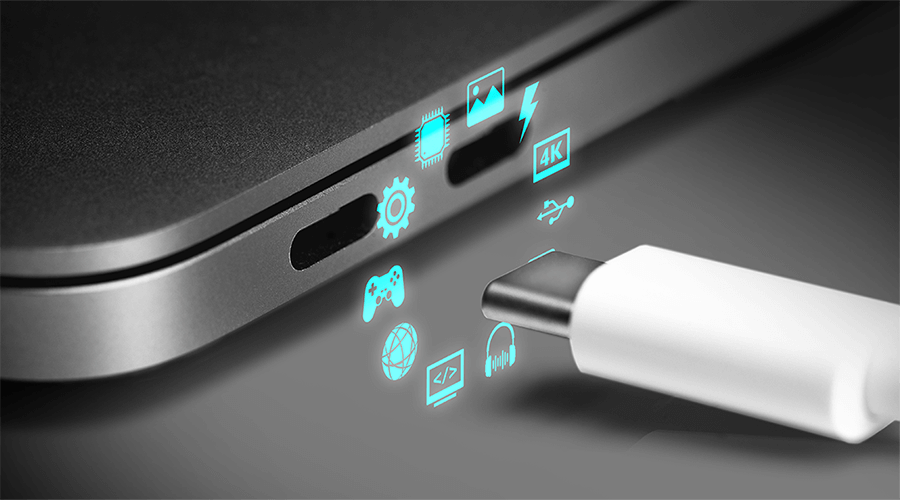
USB-C Introduction: What is USB-C DisplayPort (DP Alt Mode)
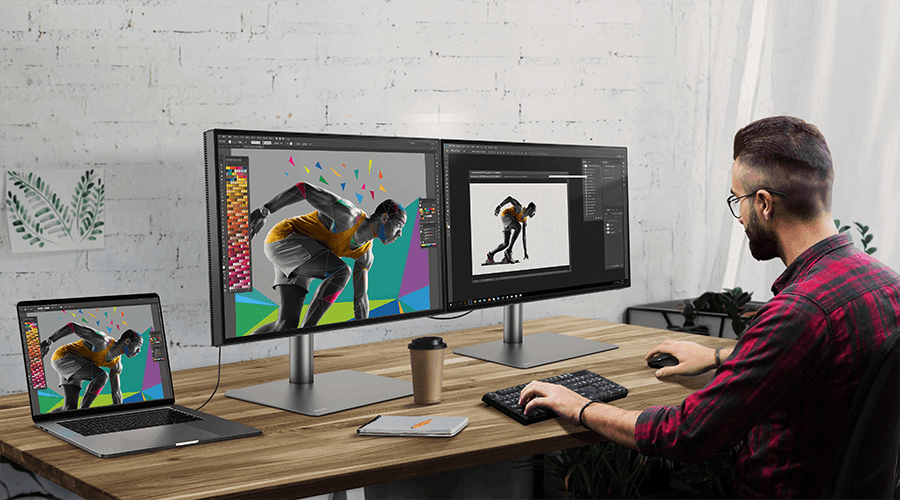
How to Daisy Chain Monitors Using Thunderbolt or DisplayPort

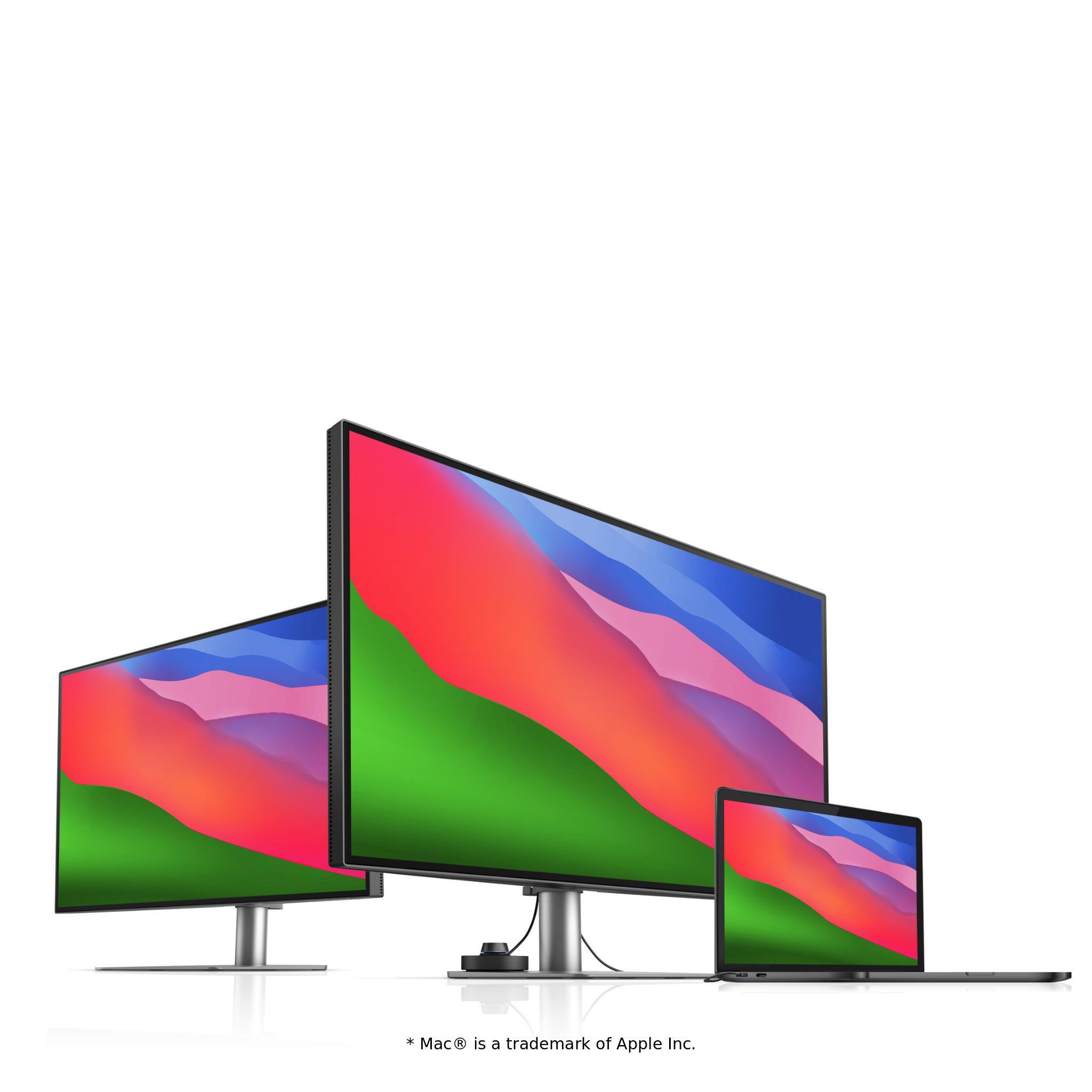
How Can I Connect My Mac M1/M2 to a BenQ Monitor?
Support Center
Contact Us


