{{item.name}}
Price: {{currency}}{{item.price| numberThousandsCommas | numberDecimalPoint}}
Qty: {{item.amount}}


Projectors

Monitors
Lighting
Interactive Displays & Signage
Remote Work & Learning
Shop
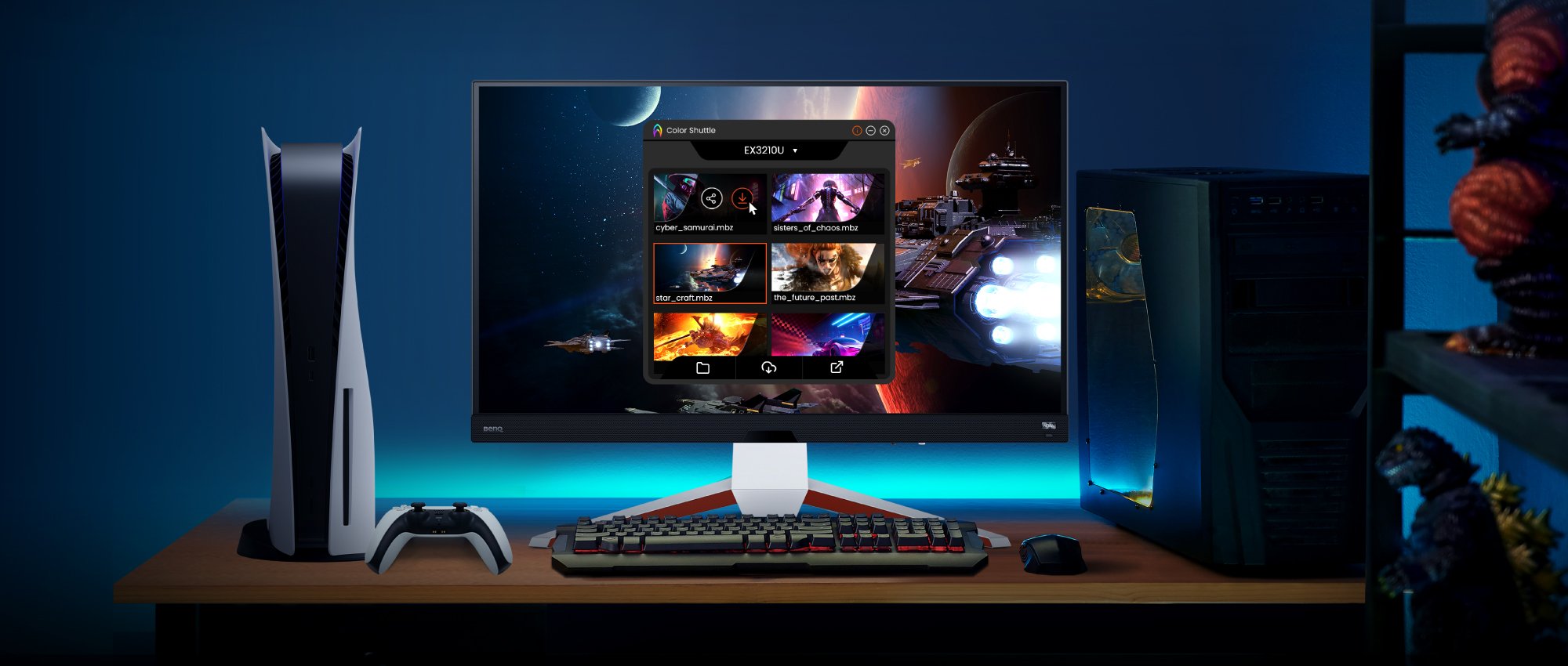
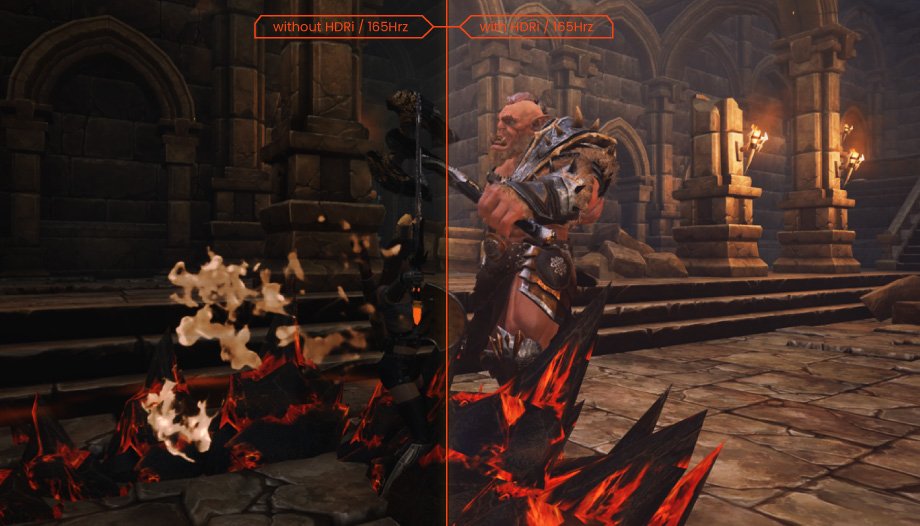
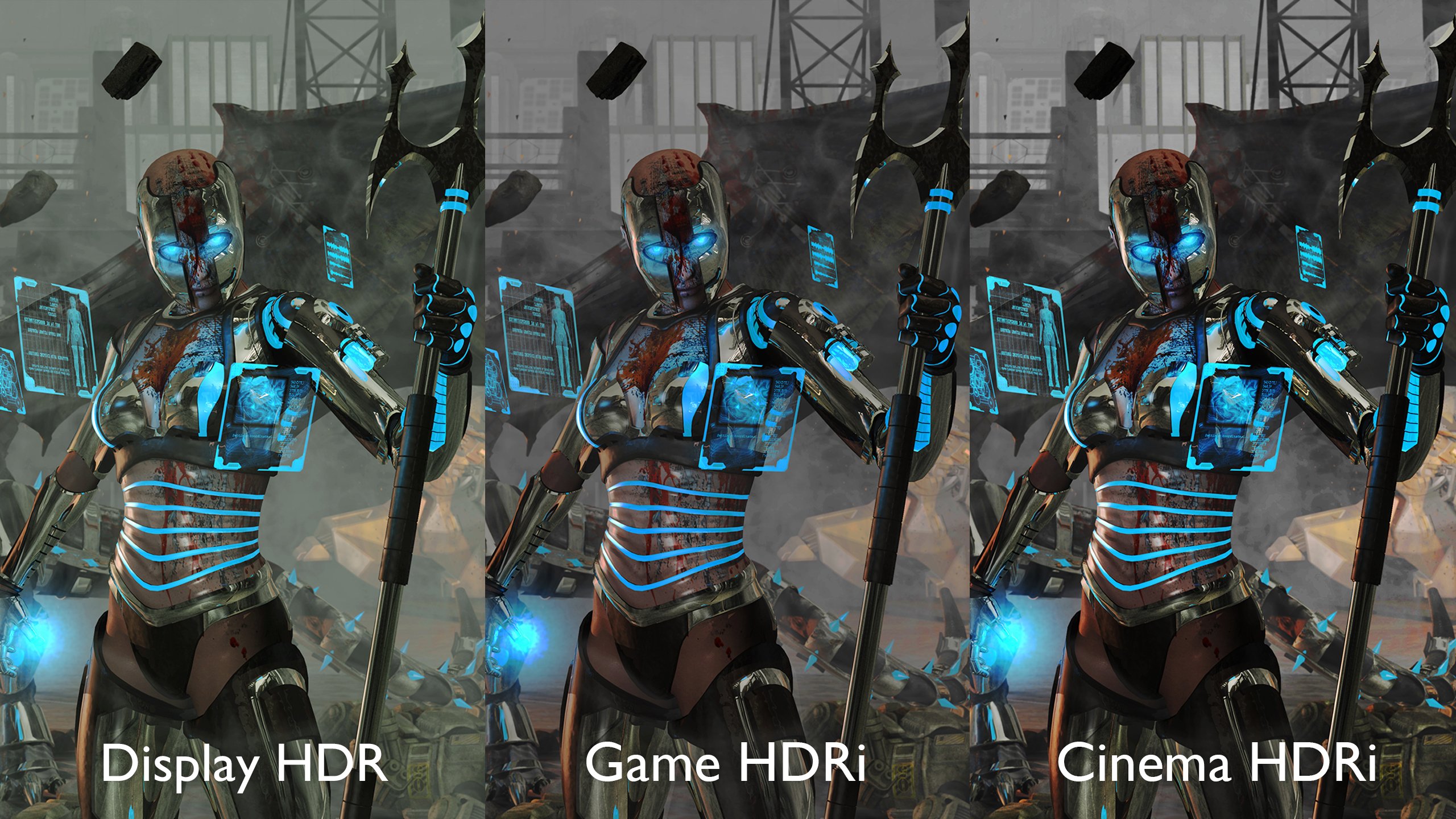
Today’s games push the boundaries of visual quality and color performance. Each new title has its own visual style and unique gaming experience. The right settings can take image quality from average to outstanding and instantly boost your enjoyment. But who wants to postpone a game to make these adjustments? With BenQ Color Shuttle profiles just download the profile for your favorite game, customize it if you want, and save it for future sessions.
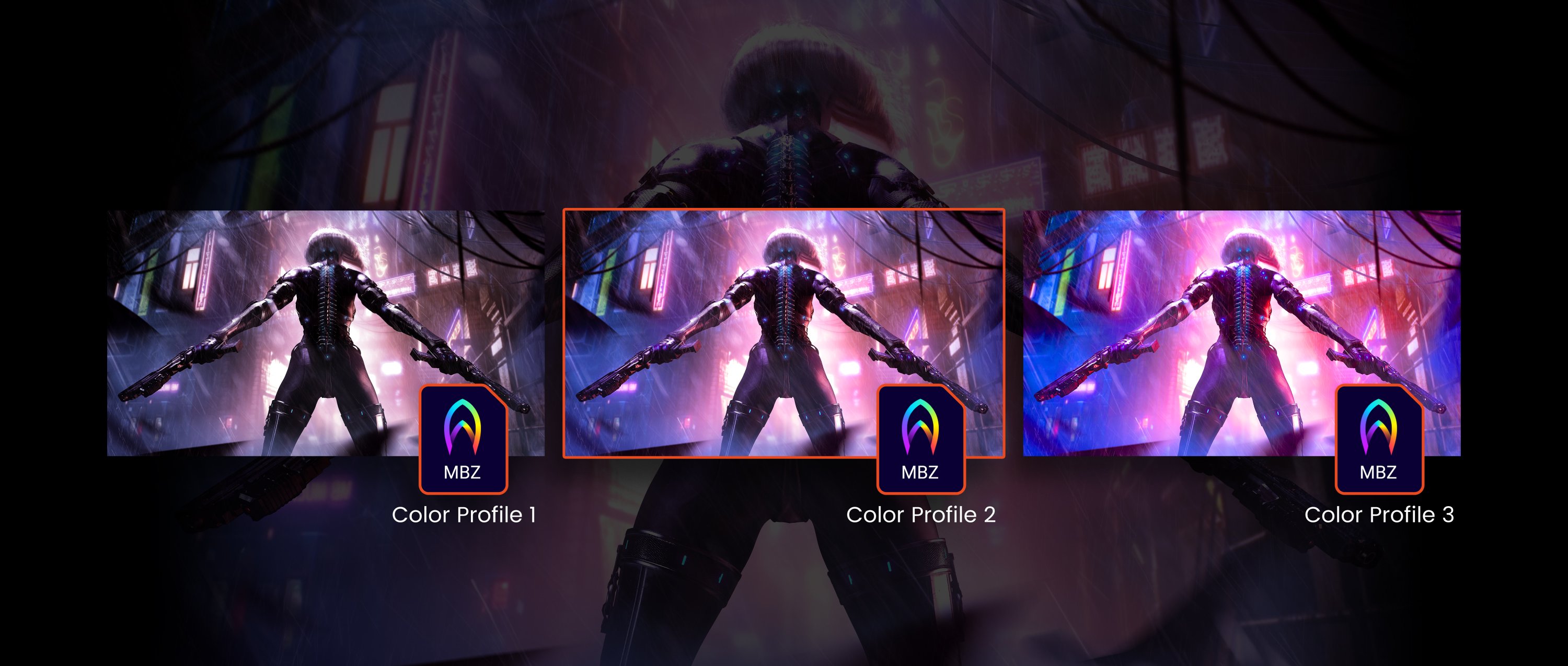
A color profile includes the monitor settings that impact visual display: brightness, contrast, gamma, etc. BenQ developed Color Shuttle software so gamers can enjoy a fully optimized visual experience without needing the time, knowledge, or desire to refine their MOBIUZ monitor themselves. Let your MOBIUZ gaming monitor do the work for you. Enjoy the game.
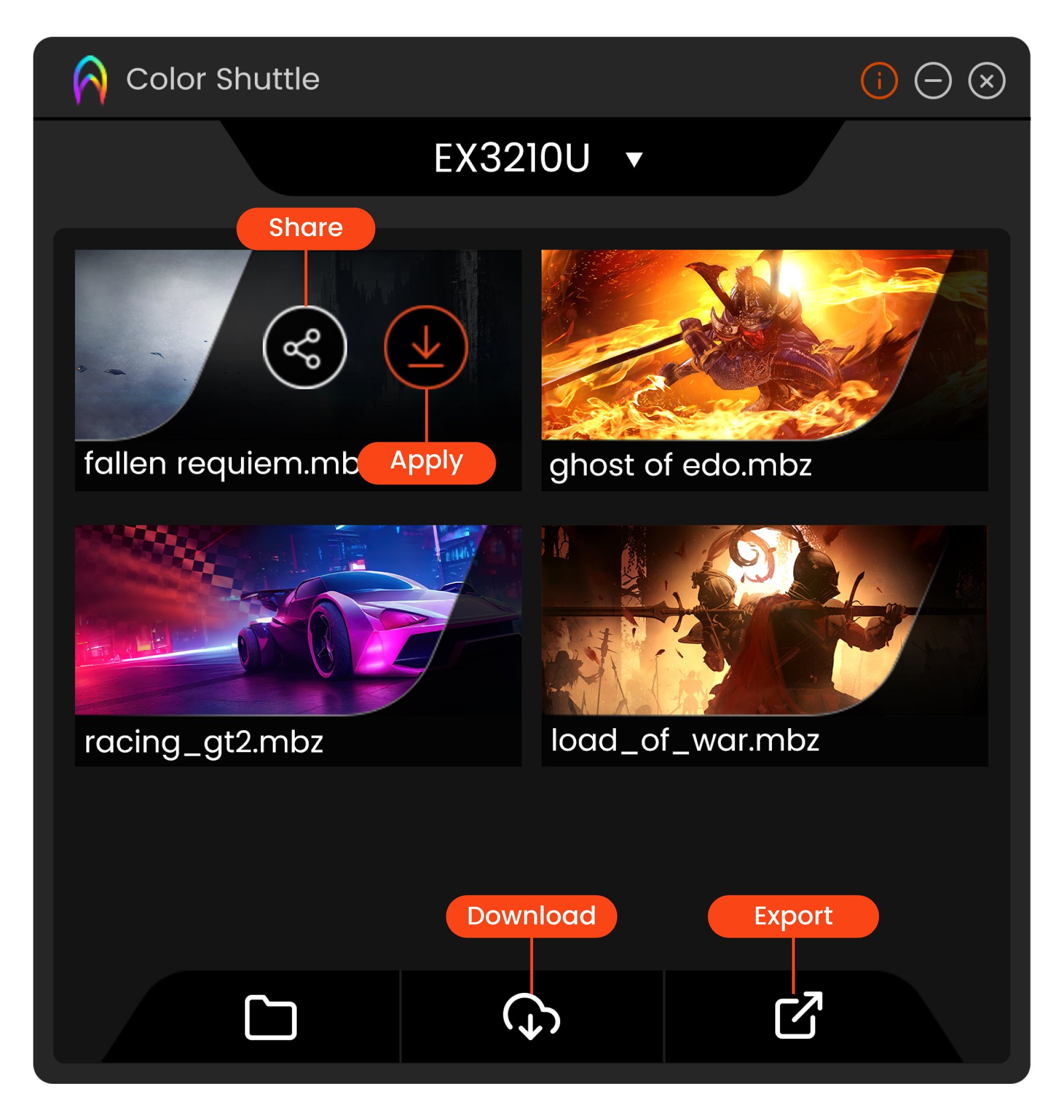
Color Shuttle lets you quickly apply, save, and share color profiles or apply game experts’ color profiles on your MOBIUZ monitor. Download a color profile for a specific game title from BenQ.com, modify it to your preference, if desired, and save it locally or to the cloud. Here’s how you can spend more time gaming and less time messing with settings and still get the best color profile for every game :
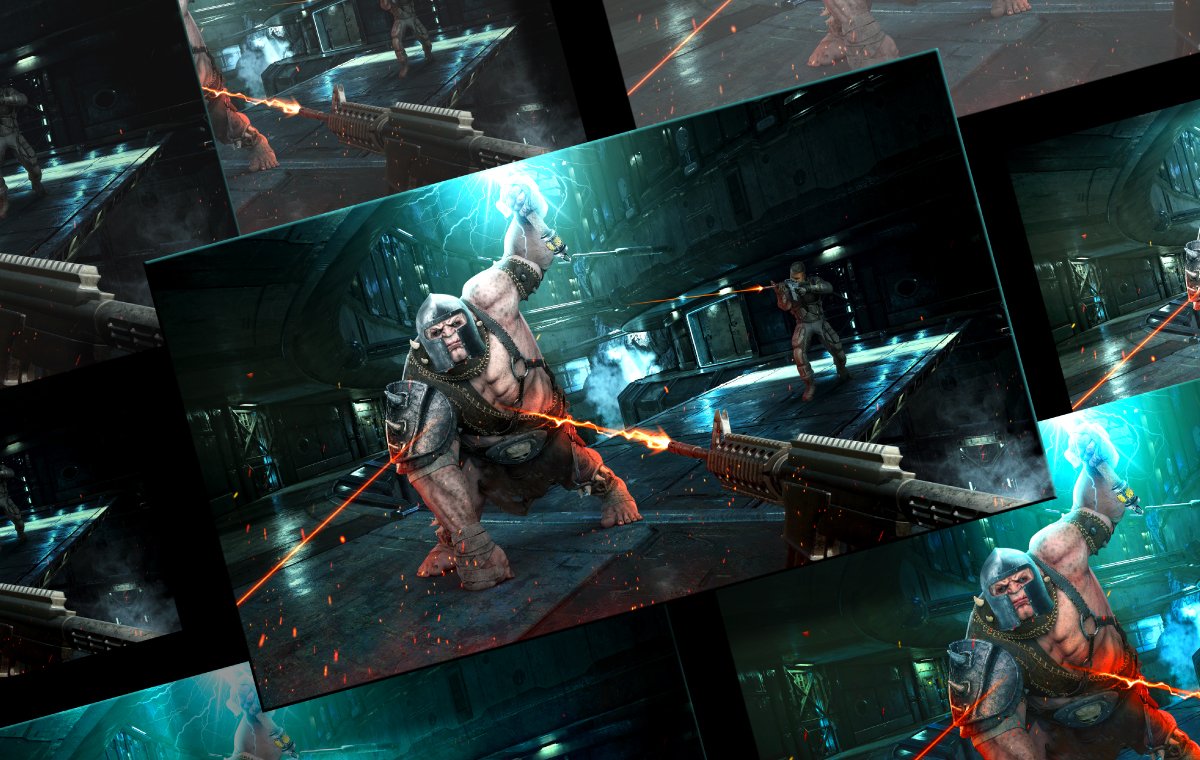
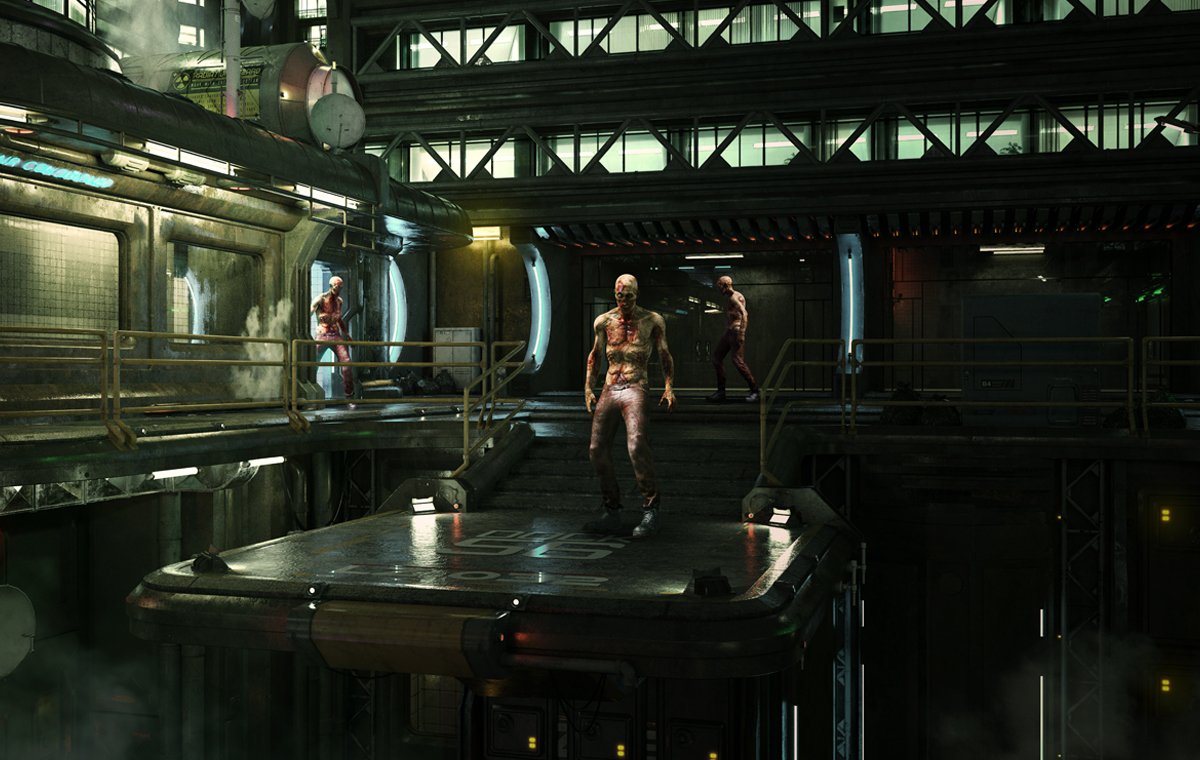
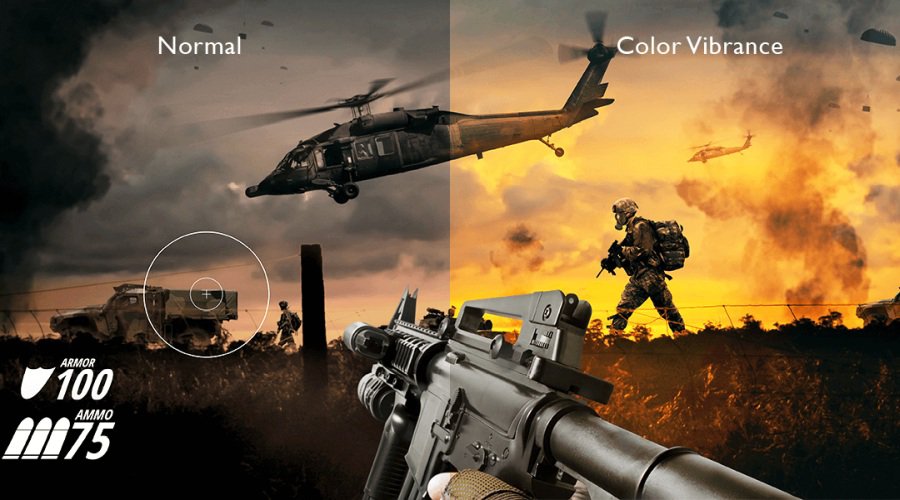
Image performance impacts in-game experience two ways: atmosphere and performance. Survival horror games need precise contrast to maintain the right, scary vibe to keep you on the edge of your seat. Switch to an online shooter and you need well-defined color performance to distinguish friend from foe. Every Color Shuttle profile factors in each game title’s unique demands. Once applied, the color performance and your visual experience are instantly enhanced. You’ll delve into gaming worlds that look and feel more intense than ever.
It's easy to get started.
1. Download and install Color Shuttle – sign in with your Google account for up to 50 profiles on the cloud for free.
2. Visit colorshuttle.benq.com to browse profiles for the latest, most popular games and download the ones you want.
3. Apply the profile settings with the Color Shuttle feature.
4. Want to share a profile? Export your settings to an .mbz file, save, and share.
Learn more in this helpful video

Recommended Products
{{item.productWordingTag}}
{{currency}}{{item.finalPrice| numberThousandsCommas | numberDecimalPoint}} Save {{currency}}{{item.saveAmount | numberThousandsCommas | numberDecimalPoint}} Save {{item.savePercent | numberThousandsCommas | numberDecimalPoint}}%
new device price{{currency}}{{item.regularPrice| numberThousandsCommas | numberDecimalPoint}}