{{item.name}}
Price: {{currency}}{{item.price| numberThousandsCommas | numberDecimalPoint}}
Qty: {{item.amount}}


Projectors

Monitors
Lighting
Interactive Displays & Signage
Remote Work & Learning
Shop
New gaming projectors like the BenQ X3100i and TK700STi offer high performance, big screen experiences for first person shooters like Call of Duty that leave TVs lower in the leaderboard
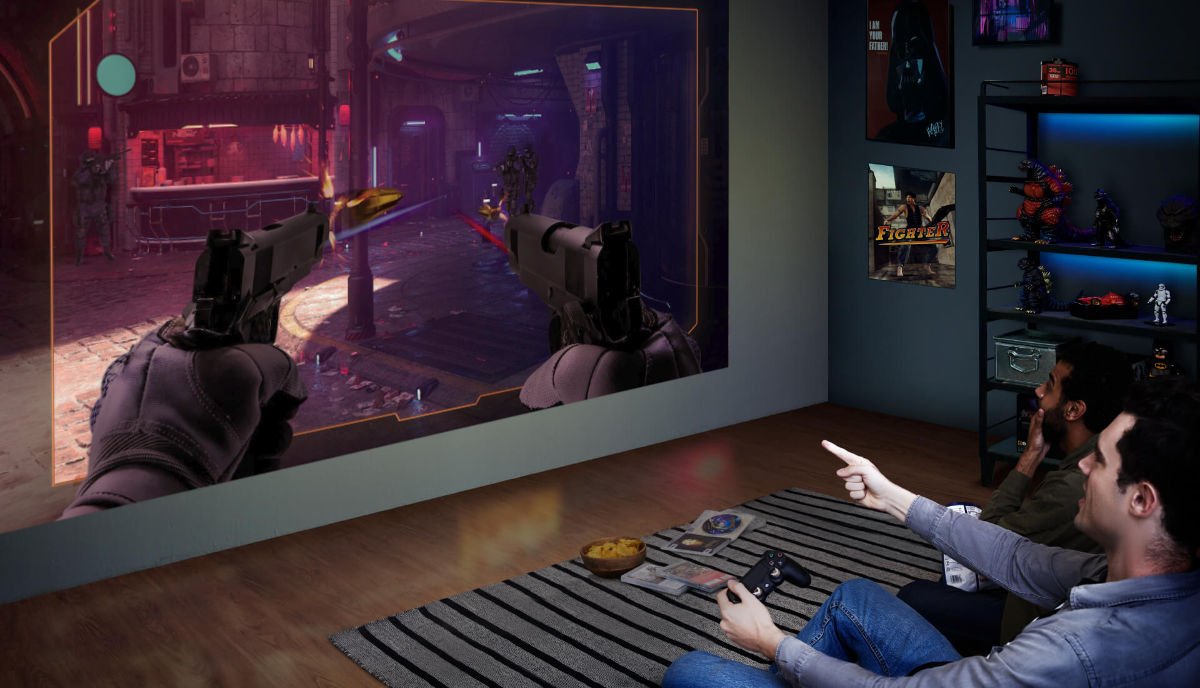
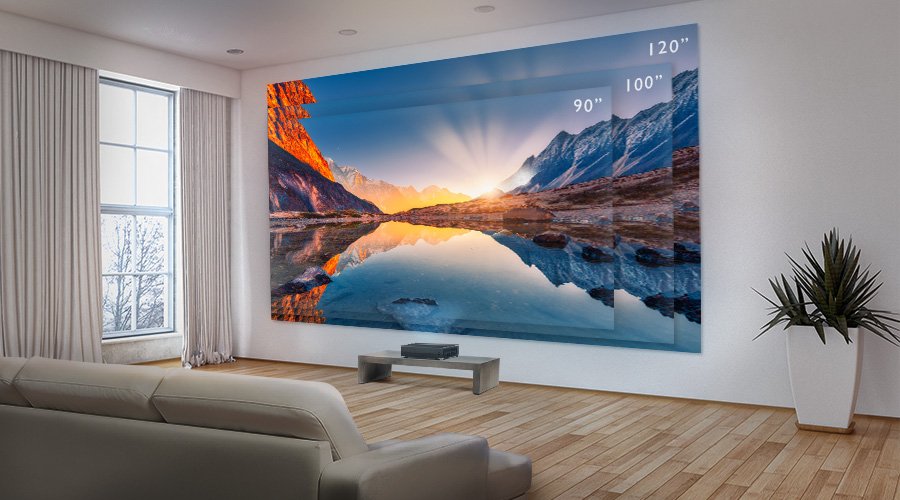
Arguably the biggest franchise in gaming, Call of Duty has been going strong since 2003 with annual releases since 2005. Each year, the latest Call of Duty (COD) manages to nab the top-selling, biggest entertainment release of the year. So it’s very fitting if you want to play COD on the biggest screens in entertainment, which are only possible with projectors. Now, thanks to advancements in technology, gaming projectors offer you gorgeous 100” displays with none of the input lag, latency, ghosting, or blur associated with older projectors. To all intents and purposes, latest generation gaming projectors equal big screen TVs with regards to gaming performance. Except they offer much grander-scale imagery. After all, TVs effectively cap at 75” unless you’re willing to spend something that resembles the GDP of a small country.
Gaming projectors like the BenQ X3100i and TK700STi do COD and other games justice with high speed performance and majestically-huge displays. If you’re a big COD fan then maybe it’s time for a bigger screen, made even better with the refined wonders of FPS Mode, as part of the gaming projector feature set.
We know most gamers are a bit weary of complicated settings, but as we said, tech has moved on. Whereas in the past enabling enhancements meant extra latency and poorer image quality, that’s not the case at all anymore.
Good gaming projectors are designed from the ground up for the particular needs of video games. And BenQ selected gaming projectors embody that new approach. For example, Detail Adjustment increases image detail and sharpness, so every pixel pops. It’s helpful for spotting opponents and other game elements quicker towards improving your in-game performance. When toggling settings, you can go into Game Mode and then drill down to FPS Mode if you’re in COD. Or choose one of the other genre-optimized settings, like RPG Mode and SPG Mode for sports games. Each of these three highlights attributes that are known as important in their respective gaming niche.
Additionally, BenQ projectors offer Fast Mode if you want the best responsiveness and lowest input lag. Even with default settings good gaming projectors deliver negligible input lag, but Fast Mode improves on that further.
Designed by engineers that spend way too much time gaming if you ask us, BenQ gaming projectors offer FPS Mode to specifically address the needs of gamers inclined towards COD, Battlefield, Enlisted, and any other first person shooter title. FPS Mode improves black levels and helps resolve the notorious detail loss issue that plagues first person games. You know what we mean. In many cases, dark areas of the screen are improperly rendered, ending up too dark or faded, with poor detail and clarity. Not only do they diminish visual fidelity, but these faults provide the perfect cover for sneaky opponents and enemies during games, which is a special nuisance in multiplayer. FPS Mode uses advanced algorithms to scan every frame and balance brightness and contrast to ensure superb detail retention and reproduction.
FPS Mode goes beyond visual awareness to cover spatial sound. That’s right, turn FPS Mode on and you get simulated surround even through the projector’s built-in speaker or headphones. FPS Mode audio has been tailored to highlight the location of gunshots, explosions, and naturally the pitter patter of feet made by other players, so there’s less risk of them getting the jump on you.
Since BenQ gaming projectors are also ace at movies and TV, they have different picture modes for those. In the context of gaming, Game Mode and HDR Game Mode are optimized for video games, with the latter mode clearly including high dynamic range. The gaming setting only works with those two overall modes (Game and HDR Game), focusing every aspect of the projector towards the best gaming experience possible.
In any case, if you love COD then you’re in for a treat. Between the massive screen, enhanced dark area detail, and spatial sound, you have a nice arsenal for tackling COD every year. Single player AI doesn’t stand a chance, and we expect your multiplayer performance will also gain a boost.
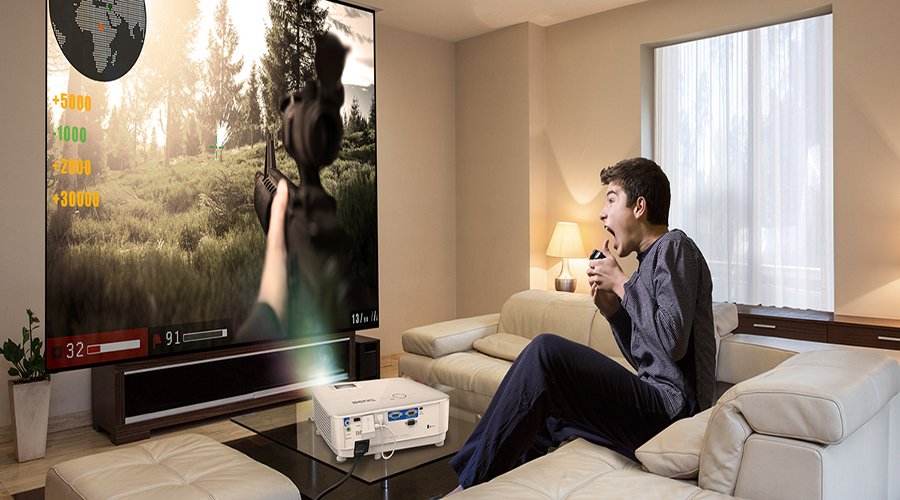
COD appears annually on Xbox, PlayStation, and PC. You’ll need one of those to hook up to a gaming projector like the X3100i or TK700STi via HDMI. We really think you should have a quality screen to project onto. Sure, walls are OK, but with gaming projectors that do 1080p and 4K with HDR that’d be a waste.
Going back to the projectors, the X3100i does 1080p 120Hz with HDR and input lag of 4.16ms. The TK700STi offers lovely native 4K 60Hz with HDR and 16ms of input lag. These are definitely impressive specs. Returning to what you need, a sound system is entirely optional as the integrated speakers offer superb audio quality and easily fill up even large rooms. Other than that, you need the COD of your choice and an internet connection obviously.
Unlike projectors from past eras, new generation gaming projectors offer essentially the same performance as TVs and have equal levels of game-focused feature advancement. If you want to experience COD or other games on the biggest screen possible, gaming projectors are the only option to aim for.
Recommended Products
{{item.productWordingTag}}
{{currency}}{{item.finalPrice| numberThousandsCommas | numberDecimalPoint}} Save {{currency}}{{item.saveAmount | numberThousandsCommas | numberDecimalPoint}} Save {{item.savePercent | numberThousandsCommas | numberDecimalPoint}}%
new device price{{currency}}{{item.regularPrice| numberThousandsCommas | numberDecimalPoint}}