BenQ Creative Pro Monitors PD3420Q|34" WQHD Designer Monitor
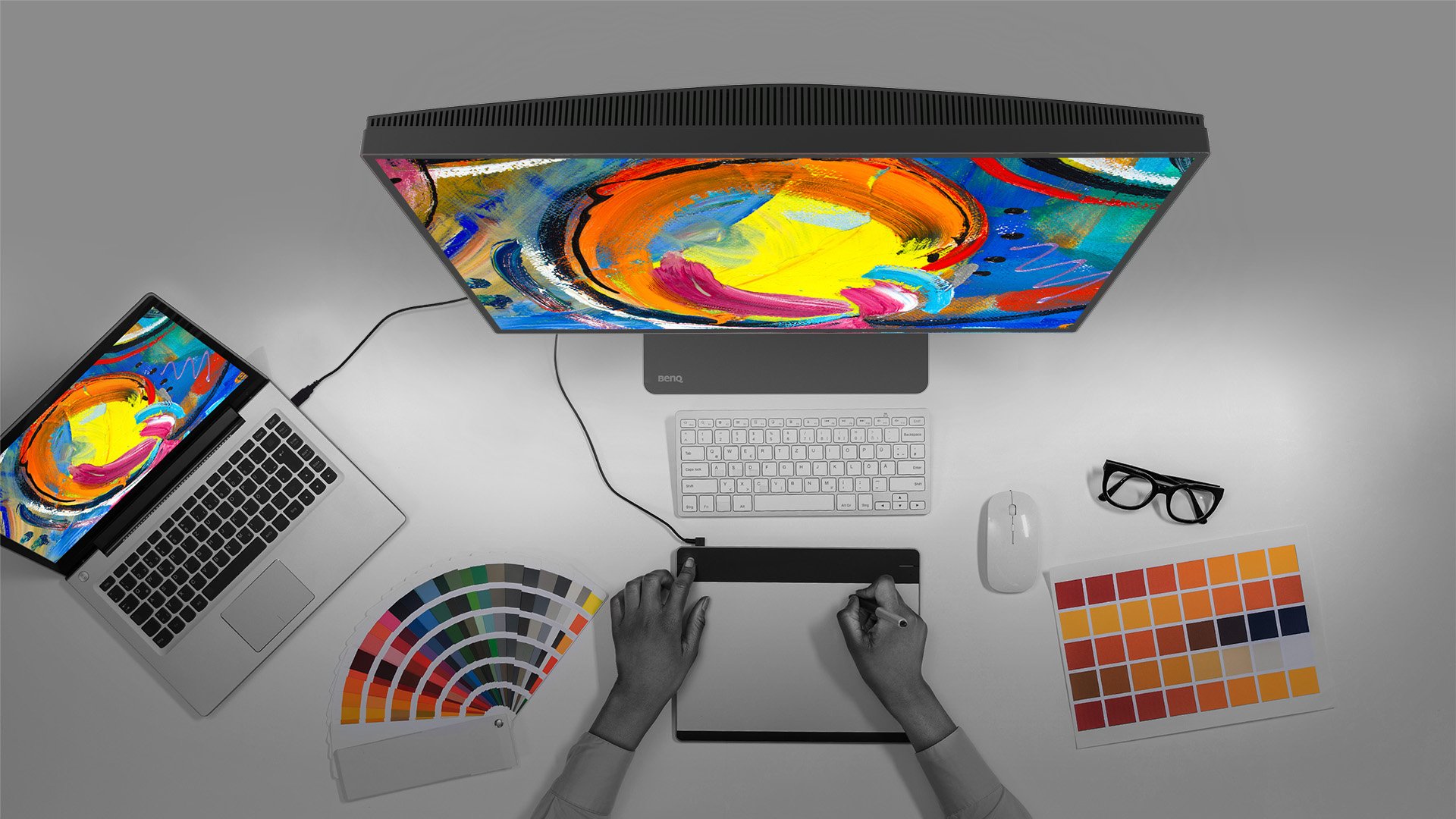
Make Inspirations Come Alive Across Devices Seamlessly

Remote Work & Learning


Projector
Monitor
Lighting
Interactive Display | Signage
Remote Work & Learning
Wireless PresentationStore
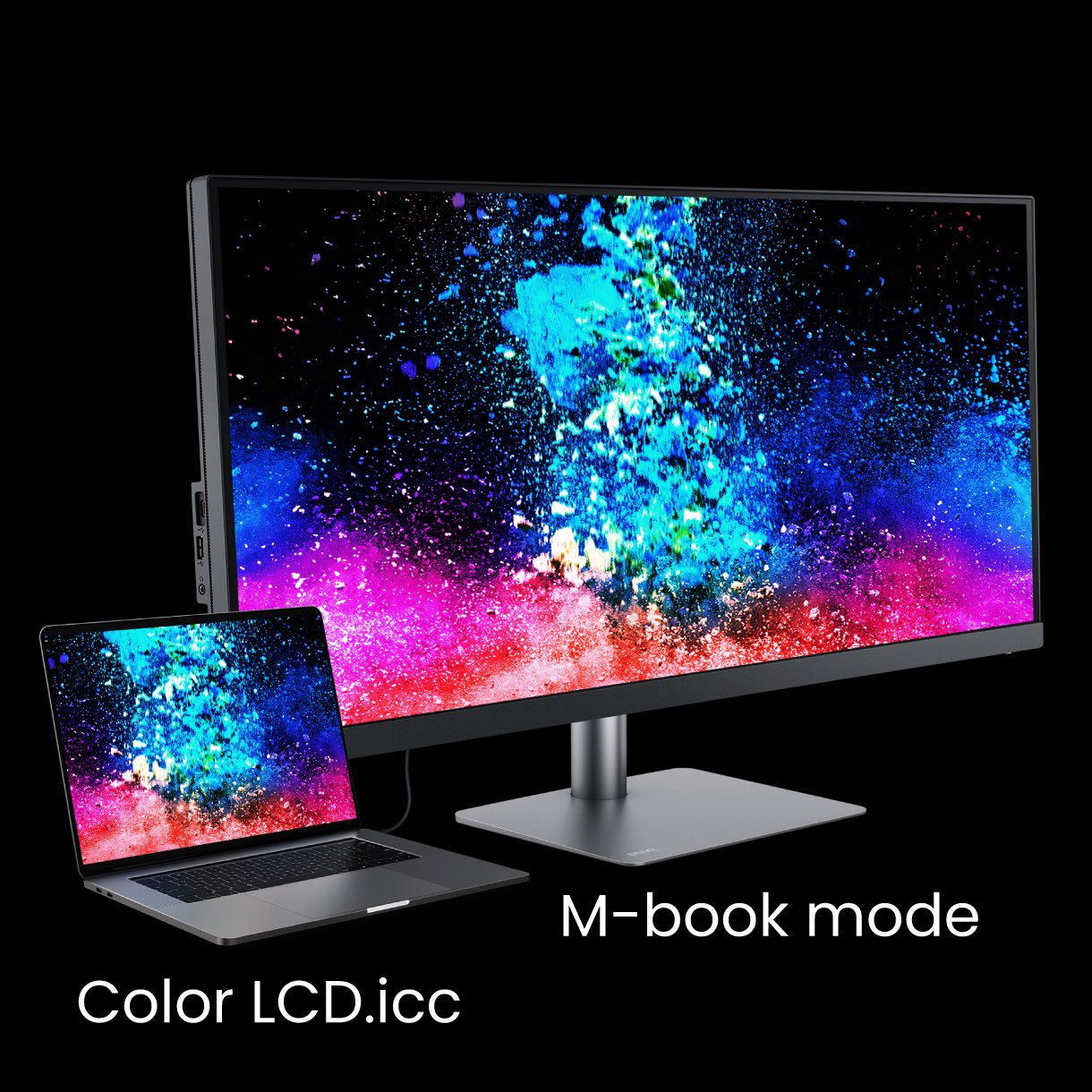
Take needless complexity out of the creative process. PD3420Q eliminates tedious, repetitive adjustments, freeing your time and energy for what matters most.
Mac® and MacBook® are trademarks of Apple Inc.
Uneven color and dim corners aren’t just annoying, they distort your work. BenQ tackles what others overlook. Through corner-to-corner calibration, we ensure consistent brightness and color across the entire screen. So whether you're editing center frame or checking the edges, you can create with total confidence.
Industry Standard
Experience broad coverage of in-demand color spaces, carefully calibrated for color temperature, gamma, and brightness.
Displaying Uniformity
Delivers consistent color uniformity from edge to edge on a single monitor or across multiple monitors.
Accuracy Guarantee
Ensure your monitor accurately represents your intended colors, with third-party validation for precise reproduction.
Uneven color and dim corners aren’t just annoying, they distort your work. BenQ tackles what others overlook. Through corner-to-corner calibration, we ensure consistent brightness and color across the entire screen. So whether you're editing center frame or checking the edges, you can create with total confidence.
Non-Uniformity

BenQ Color Uniformity

PD3420Q covers 98% P3, 100% sRGB, and 100% Rec.709 color spaces and has amazing Delta E ≤ 3 ensures superb accuracy and absolute color confidence.
Delivering corner-to-corner authentic colors and consistent luminescence. The display is divided into hundreds of sub-regions and rigorously fine-tuned for precision. This innovative tech assures ultra-dependable image fidelity.
Without

With

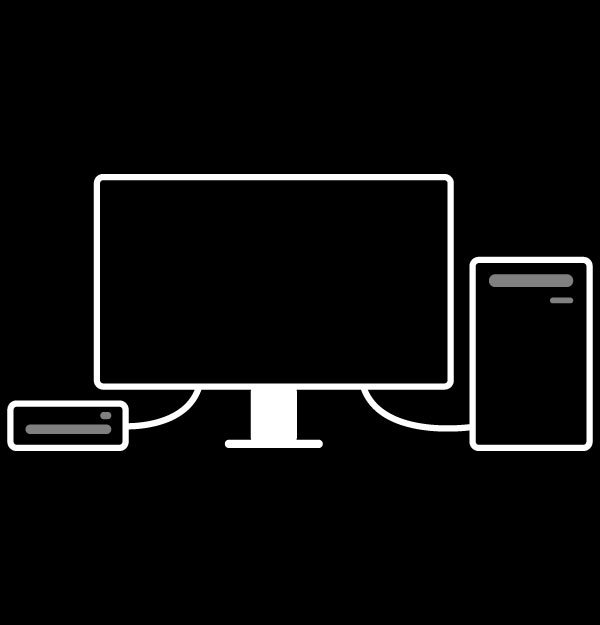
KVM Switch
KVM switch design auto-pairs with input signals. Click once to switch systems via Hotkey Puck G2 to boost efficiency.
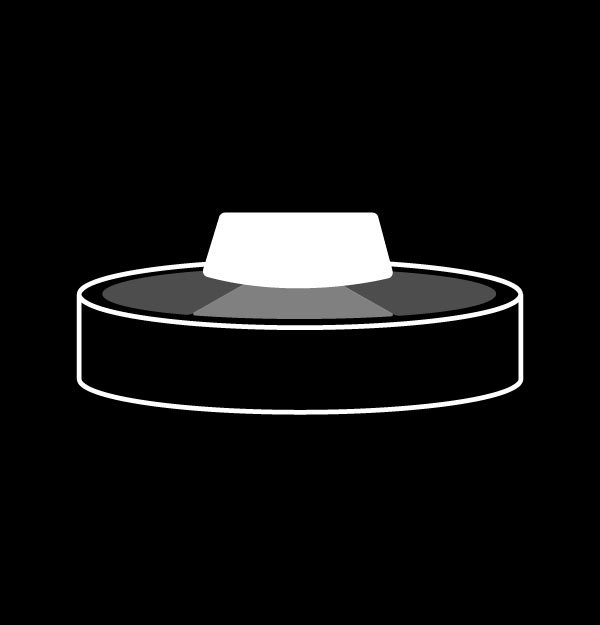
HotKey Puck G2
Hotkey Puck G2 makes navigating screen settings and functions a breeze.
PIP / PBP
Go split screen. Picture In Picture (PIP) and Picture By Picture (PBP) let you customize your work flow.
USB-C
The USB-C port provides lightning-fast video/audio/data transmission and 65W power delivery.
Display Pilot
Display Pilot software lets you access designer-friendly features for ease and efficiency. *Apple M1 platform supported
Low Blue Light
Low blue light technology filters harmful blue light to protect eyes of all ages.
Flicker-Free™
Flicker-Free™ eliminates screen flickers found in traditional LCD monitors during extended viewing.
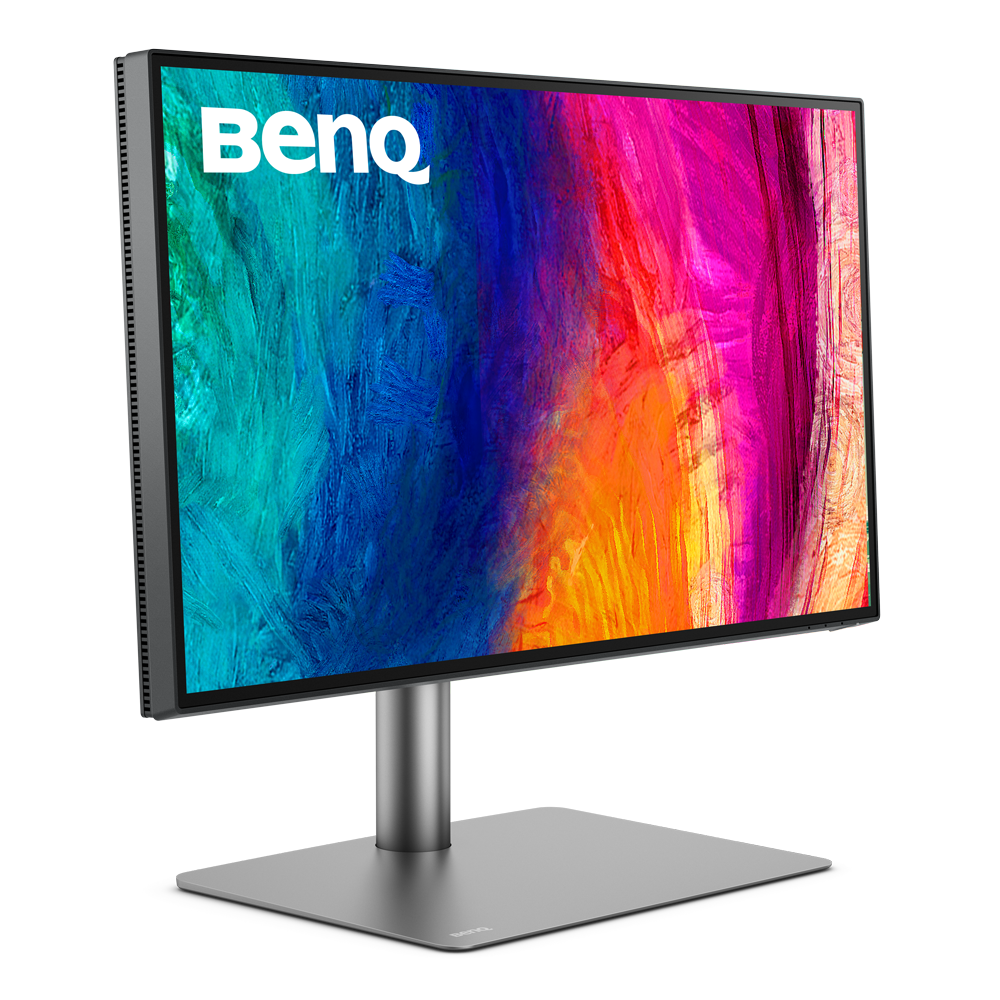
Professional monitors designed for precision and reliability across all creative workflows
Trusted Colors for Every Deliverable
Professional monitors designed for precision and reliability across all creative workflows
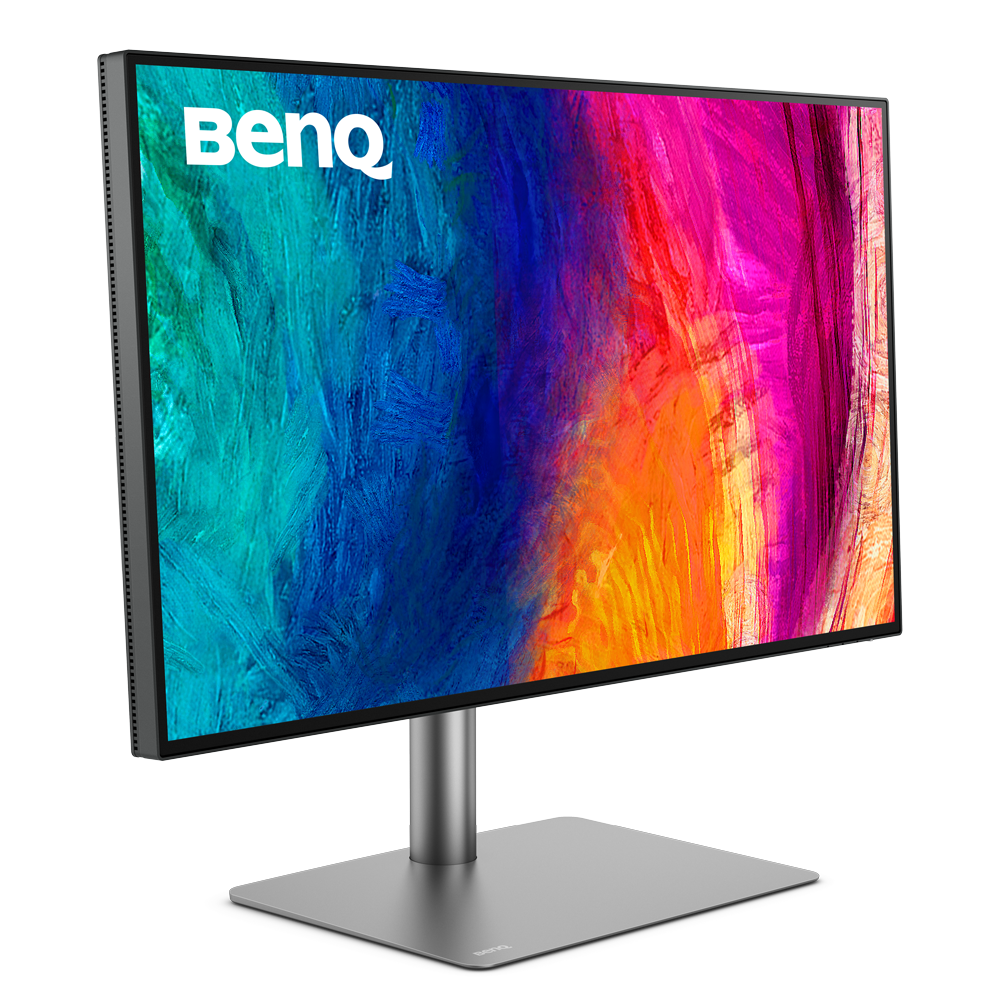
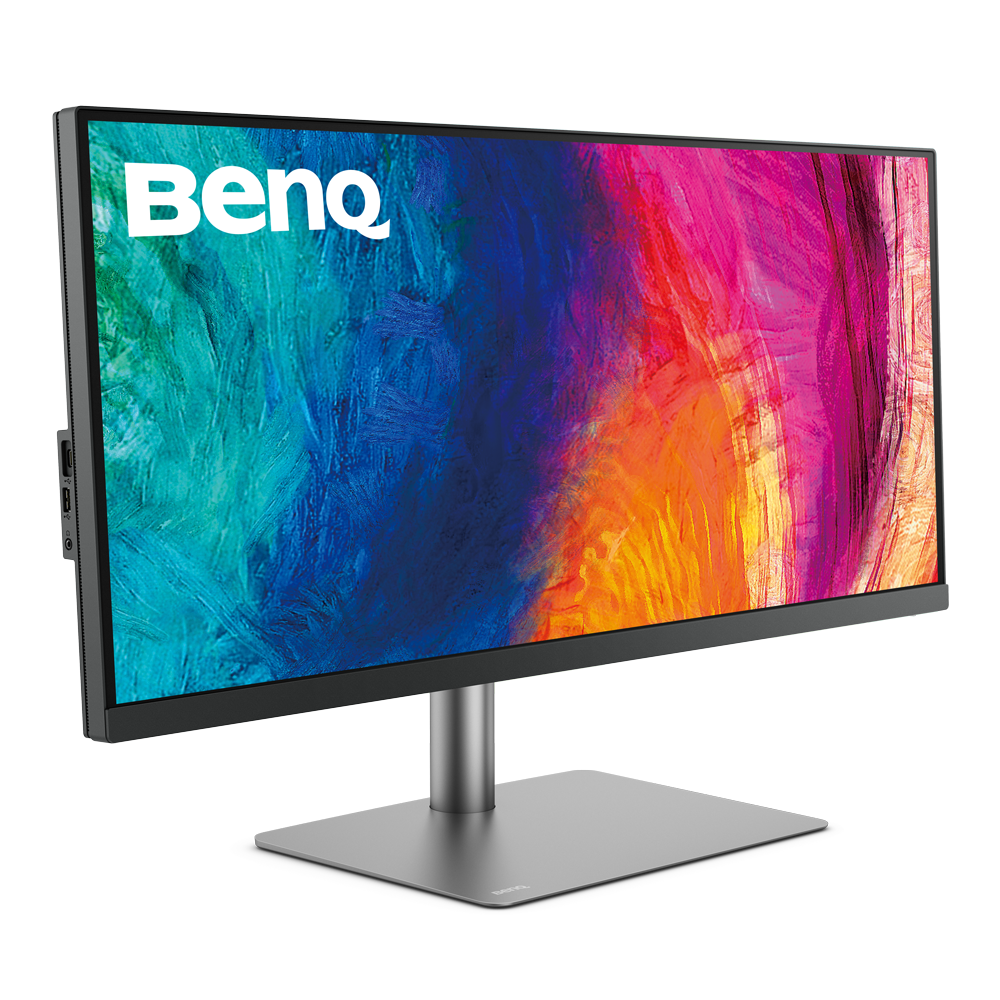
Screen Size
27 inch
31.5 inch
34 inch
Color Gamut
100% sRGB, 100% Rec.709, 95% P3
100% sRGB, 100% Rec.709, 95% P3
100% sRGB, 100% Rec.709, 98% P3
Resolution (max.)
3840x2160
3840x2160
3440x1440
Delta E(avg)
≤3
≤3
≤3
HDR
HDR10, VESA DisplayHDR 400
HDR10
HDR10, VESA DisplayHDR 400

FAQ
Download
FAQs
Browse all related FAQsWhat are the benefits that P3 color space offers?
P3 is a common color space for digital movie projection, offering a much wider gamut of colors than standard RGB and capable of displaying more colors. Please click and follow the instructions below, or read on to learn more about this topic.