azure-location

Need help choosing your next BenQ product? Our online Live Chat connects you with real experts. No bots - just genuine human assistance.

Chat with us today!

Need help choosing your next BenQ product? Our online Live Chat connects you with real experts. No bots - just genuine human assistance.

localNavigation.type = g6-product-overview-page

SW321C

{{currency}}{{finalPrice.final | numberThousandsCommas | numberDecimalPoint}}

{{currency}}{{regularPrice.final | numberThousandsCommas | numberDecimalPoint}}

Buy

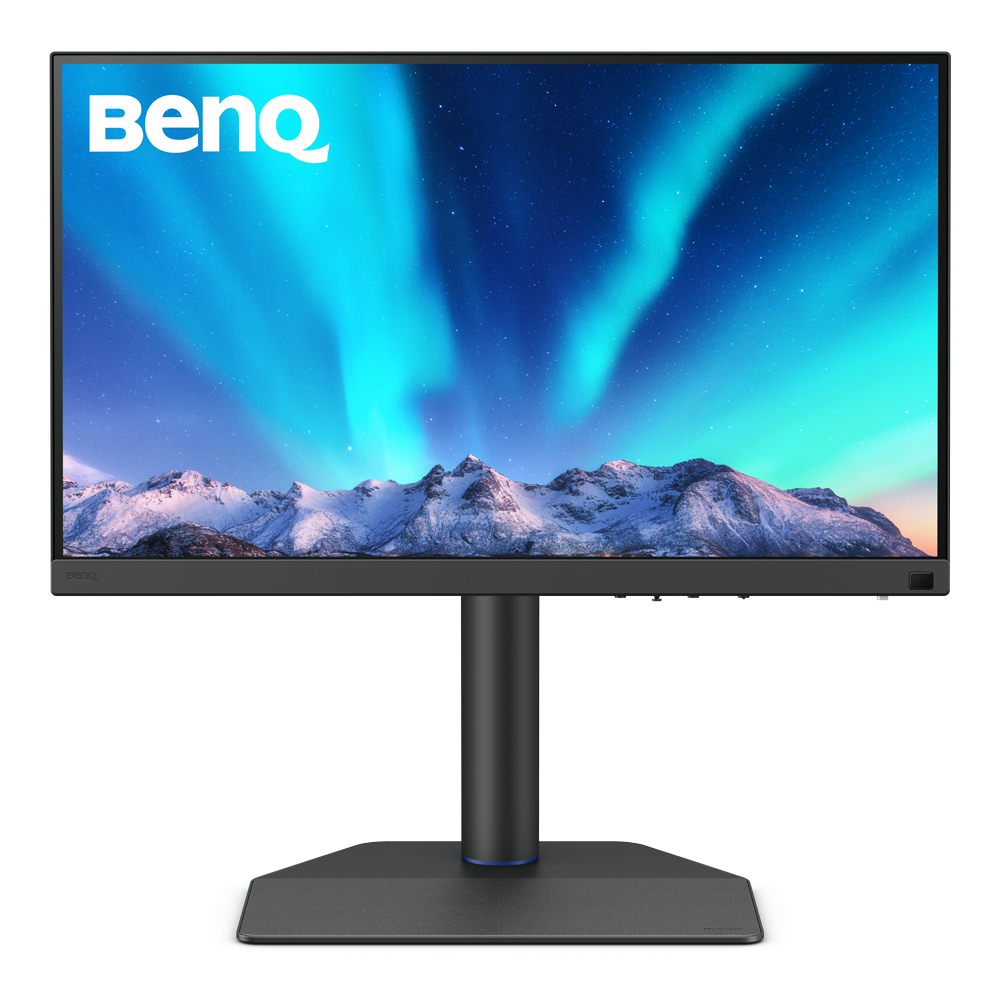
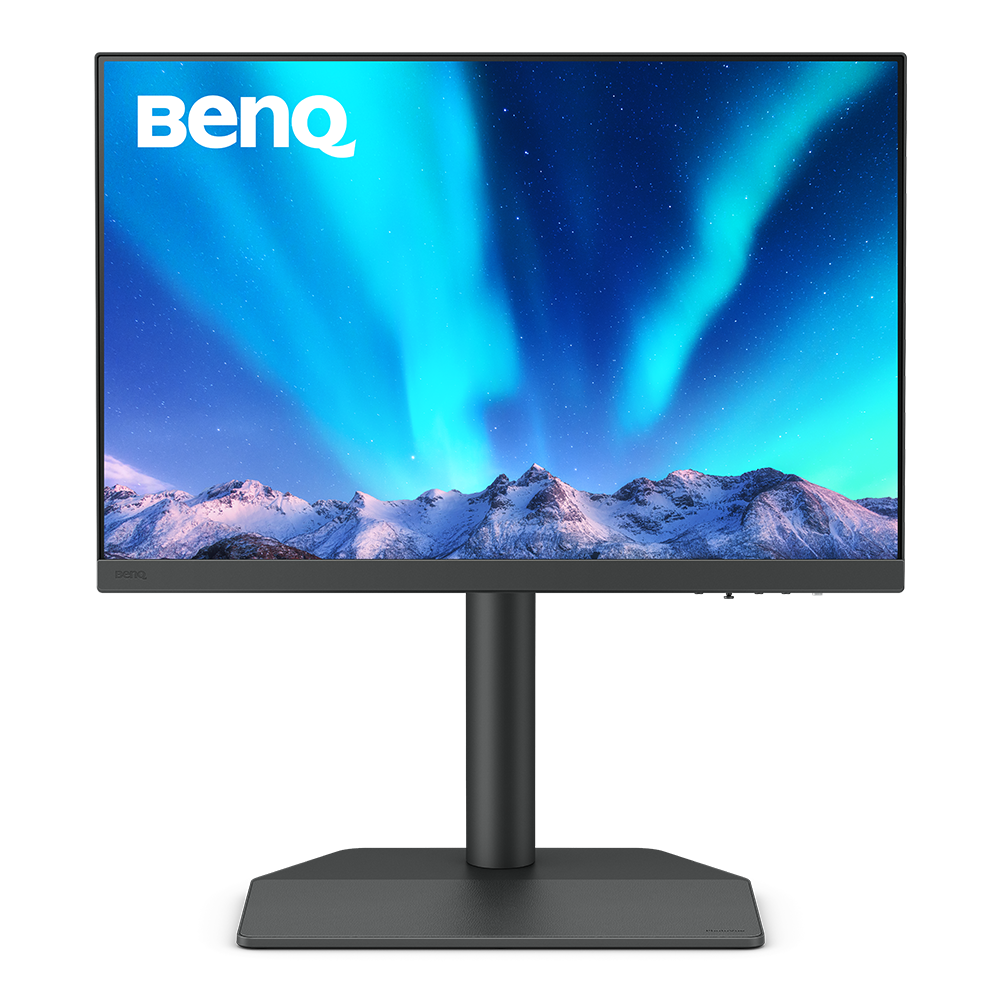
SW321C|32" 4K BenQ Photographer Monitor

Capture the Moment from Screen to Print

SW321C|32" 4K BenQ Photographer Monitor

Capture the Moment from Screen to Print

Exclusive Screen-to-Print Solution

The new Fine-Coated Panel for reflection-free performance results in a simulated-texture screen effect which, in conjunction with BenQ Paper Color Sync software, delivers industry-leading screen-to-print results as the ultimate platform for accurate photo editing and reliable soft proofing.

Fine-Coated Panel for Reflection-free Retouching

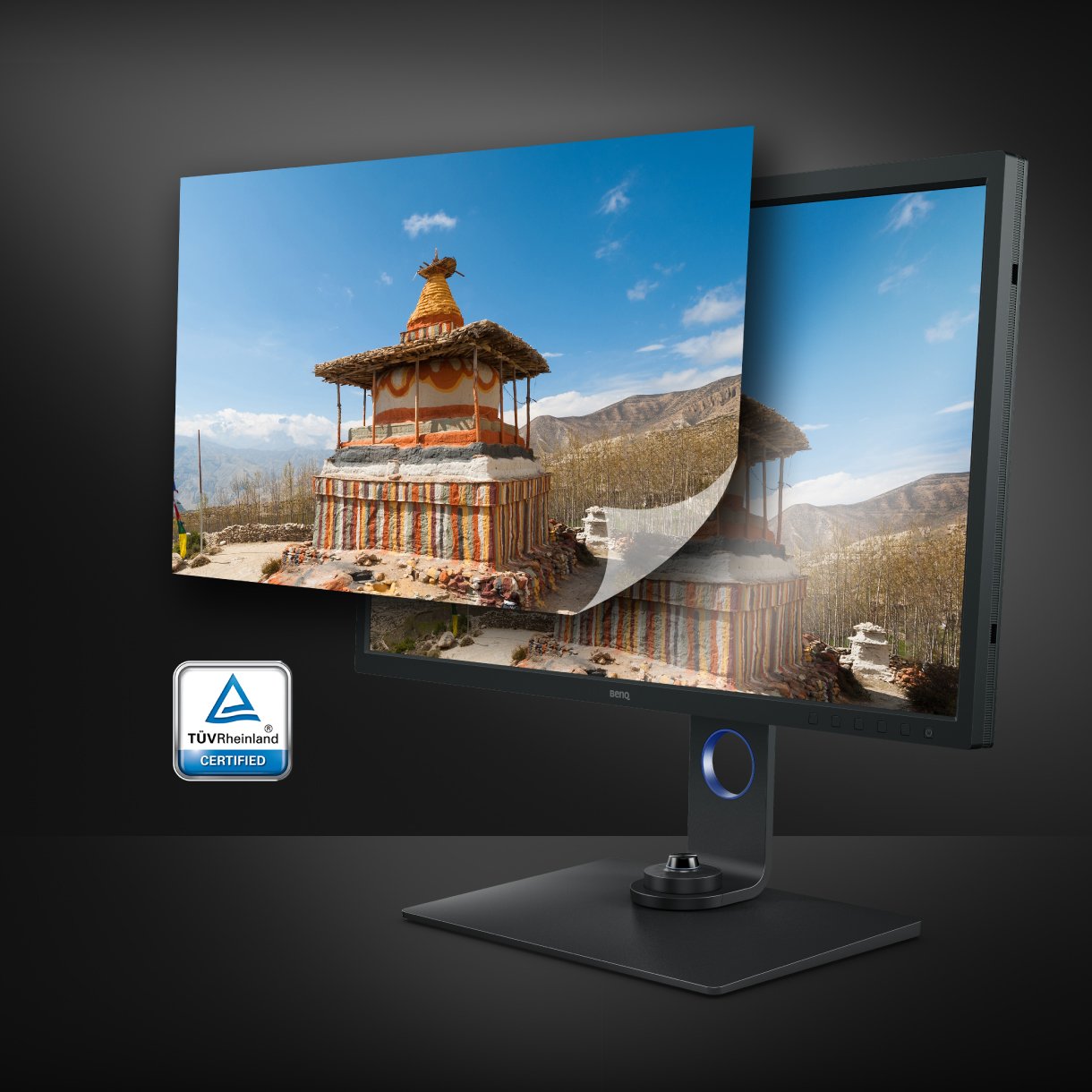
Certified with TUV Rheinland Reflection-Free Certifications, SW321C utilizes Fine-Coated anti-reflection panel to eliminate glare and reflection for simulated paper-texture visual experiences on screen under different types of ambient lighting to get perfect results.

Fine-Coated Panel for Precise Soft-proofing

Offering the finest creative experiences with color consistency to simulate paper texture on-screen, and Paper Color Sync for accurate printed output, BenQ realize unparalleled color performance beyond the industry standard.

Fine-Coated Panel for Reflection-free Retouching

Certified with TUV Rheinland Reflection-Free Certifications, SW321C utilizes Fine-Coated anti-reflection panel to eliminate glare and reflection for simulated paper-texture visual experiences on screen under different types of ambient lighting to get perfect results.

Fine-Coated Panel for Precise Soft-proofing

Offering the finest creative experiences with color consistency to simulate paper texture on-screen, and Paper Color Sync for accurate printed output, BenQ realize unparalleled color performance beyond the industry standard.

aqcolor

Corner-to-Corner Color Precision, From Panel to Production

BenQ AQCOLOR technology delivers 'Accurate Reproduction.' This translates to the display of color precisely as it is intended to appear. Led by a color expert, the BenQ team took part in the ICC* and ISO** to establish color-related standards and implementation guidelines. Covering 99% Adobe RGB, 95% P3 and 100% sRGB color spaces, with Delta E ≤ 2 and BenQ ICCsync, SW321C offers out-of-the-box and easy-to-reach color accuracy. The 16-bit 3D lookup table (LUT) improves color blending for precise reproduction.

* International Color Consortium **International Organization of Standardization

  • Uniformity Control

    Full Screen Calibration via Micro-Zone Correction

  • Color Tolerance Management

    High-Precision Instrument Alignment

  • Industry Standards Compliance

    From Rec.709, DCI-P3 to Adobe RGB and Beyond

Corner-to-Corner Uniformity

Uneven color and dim corners aren’t just annoying, they distort your work. BenQ tackles what others overlook. Through full screen calibration, we ensure consistent brightness and color across the entire screen. So whether you're editing center frame or checking the edges, you can create with total confidence.

Non-Uniformity

Color Non-Uniformity

BenQ Color Uniformity

BenQ Color Uniformity

Accurate Colours Benefit Creators

BenQ empowers creative professionals with AQCOLOR technology to help inspire ideas and make projects come to life.

BenQ SW321C covers 99% AdobeRGB, 95% P3, 100% sRGB. BenQ AQCOLOR technology delivers Accurate Reproduction.

Industry Leading Color Performance

Incredible Color Space Coverage

SW321C covers 99% AdobeRGB, 95% P3, 100% sRGB. BenQ AQCOLOR technology delivers Accurate Reproduction.

BenQ SW321C supports the 16-bit lookup table (LUT) to improve color blending for precise reproduction and Delta E<=2 in Adobe RGB and sRGB assures accuracy.

Industry Leading Color Performance

Absolute Color Confidence

The 16-bit lookup table (LUT) improves color blending for precise reproduction. Delta E ≤ 2 in Adobe RGB and sRGB assures accuracy.

Use BenQ Palette Master Element and a calibrator to customize color settings or maintain the display's color at its optimal state.

Industry Leading Colour Performance

Hardware Calibrated for Colour Accuracy

Use Palette Master Element and a calibrator to customize colour settings or maintain the display's colour at its optimal state.

Industry Leading Color Performance

Incredible Color Space Coverage

SW321C covers 99% AdobeRGB, 95% P3, 100% sRGB. BenQ AQCOLOR technology delivers Accurate Reproduction.

Industry Leading Color Performance

Absolute Color Confidence

The 16-bit lookup table (LUT) improves color blending for precise reproduction. Delta E ≤ 2 in Adobe RGB and sRGB assures accuracy.

Industry Leading Colour Performance

Hardware Calibrated for Colour Accuracy

Use Palette Master Element and a calibrator to customize colour settings or maintain the display's colour at its optimal state.

Displaying Details

BenQ Uniformity Technology

Delivering corner-to-corner authentic colours and consistent luminescence. The display is divided into hundreds of sub-regions and rigorously fine-tuned for precision. This innovative tech assures ultra-dependable image fidelity.

Without

BenQ Uniformity Technology delivers corner-to-corner authentic color and consistent luminescence. The display is divided into hundreds of sub-regions and meticulously fine-tuned for precision. This innovative tech assures dependable image fidelity.

With

BenQ Uniformity Technology delivers corner-to-corner authentic color and consistent luminescence. The display is divided into hundreds of sub-regions and meticulously fine-tuned for precision. This innovative tech assures dependable image fidelity.

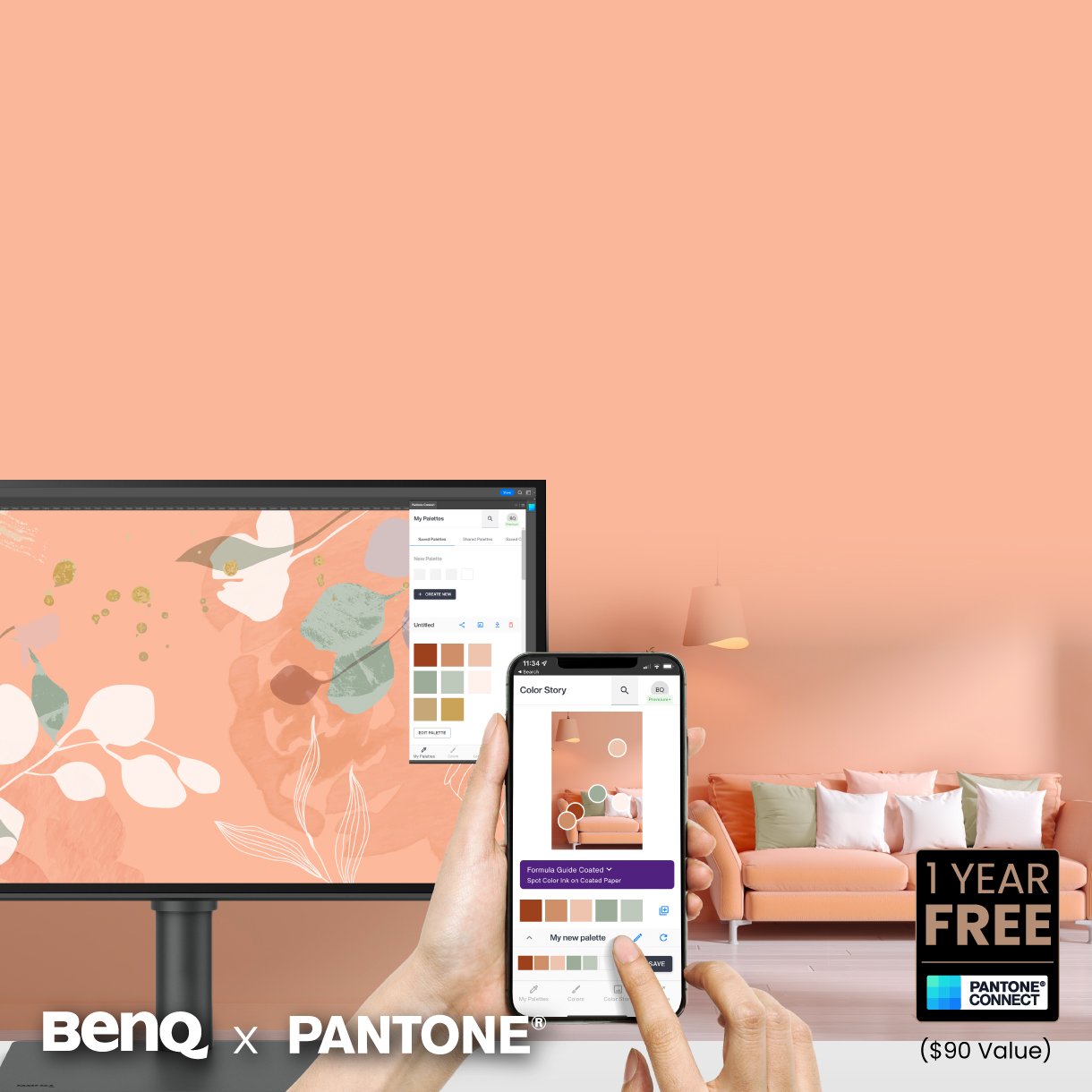
Calman Verified, Pantone Validated, and 3rd-Party Video Calibration Software Supported

BenQ PhotoVue monitors are accredited with Calman Verified, Pantone Validated and Pantone SkinTone Validated certifications. Creative professionals demand color excellence, and BenQ delivers. Moreover, SW321C supports world-leading video calibration software, Calman and ColourSpace. Adjust your display's 3D LUT (Lookup Table) for accuracy and consistency at all levels.
  • BenQ PhotoVue monitors are accredited with Calman Verified, Pantone Validated and Pantone SkinTone Validated certifications.
  • BenQ PhotoVue monitors are accredited with Calman Verified, Pantone Validated and Pantone SkinTone Validated certifications.
  • BenQ SW272U supports world-leading video calibration software, Calman and ColourSpace. Adjust your display's 3D LUT (Lookup Table) for accuracy and consistency at all levels.
  • BenQ SW272U supports world-leading video calibration software, Calman and ColourSpace. Adjust your display's 3D LUT (Lookup Table) for accuracy and consistency at all levels.
  • BenQ SW272U supports world-leading video calibration software, Calman and ColourSpace. Adjust your display's 3D LUT (Lookup Table) for accuracy and consistency at all levels.
BenQ PhotoVue Monitors Get the Color Precision for Your Professional Results

What You See is What You Get

Get the Colour Precision for Your Professional Results

What You See is What You Get

Get the Colour Precision for Your Professional Results

Screen-to-Print Consistency

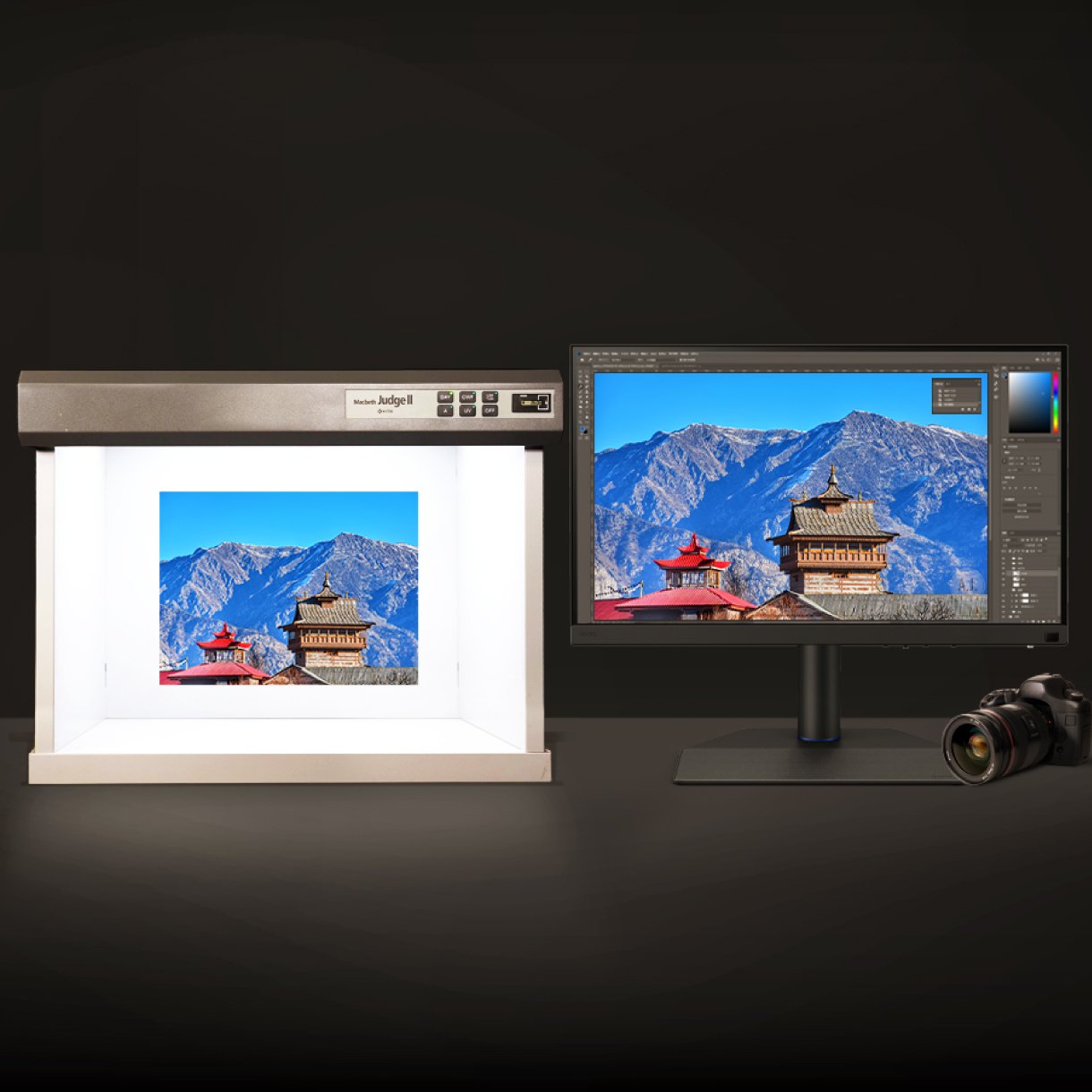
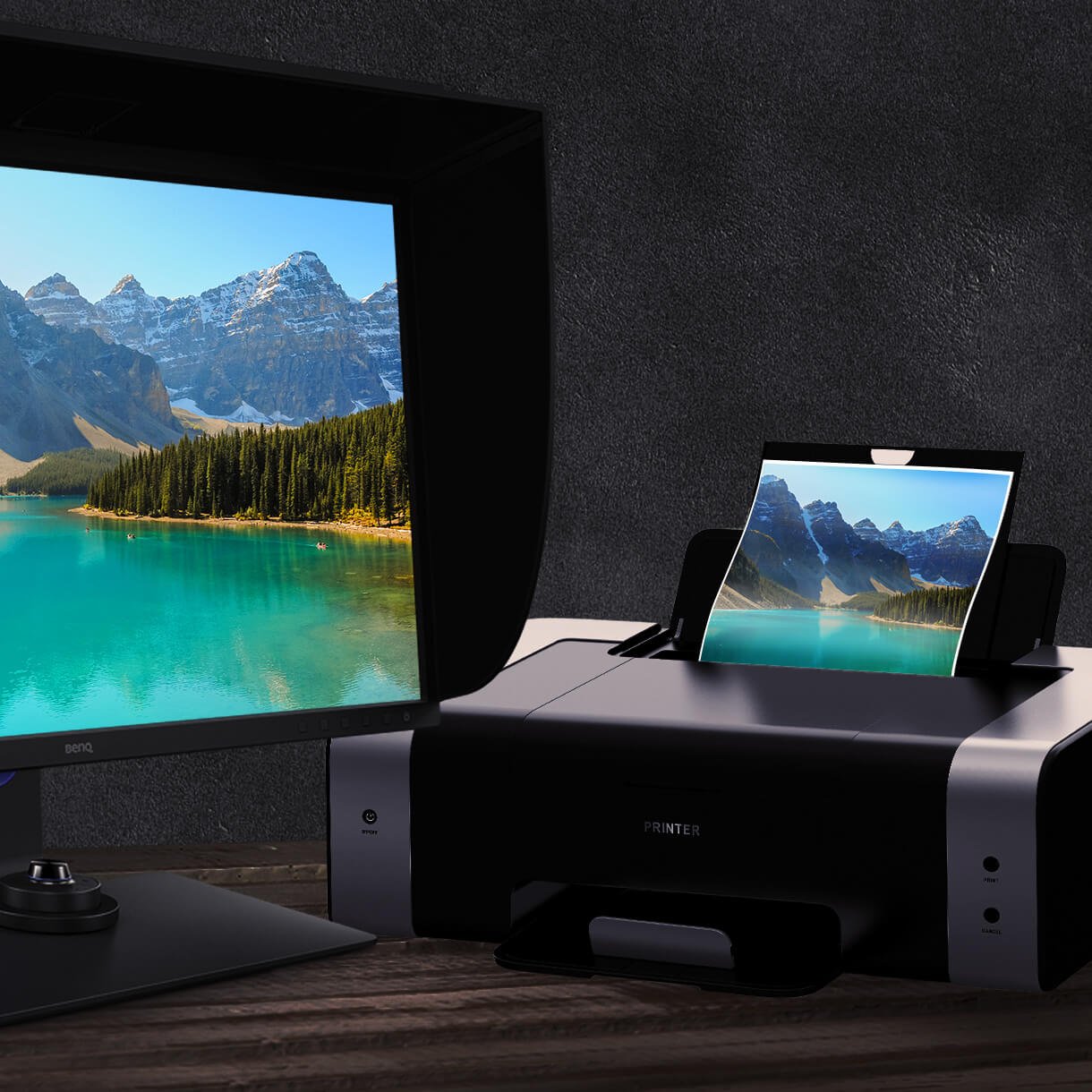
Paper Color Sync, a BenQ proprietary software, generates simulated images attuned to the colour settings, printer, and photo paper in use. You’ll enjoy on-screen display with nearly identical properties to printed hardcopies.

BenQ Paper Color Sync generates simulated images attuned to the colour settings, printer, and photo paper in use. You'll enjoy on-screen display with nearly identical properties to printed hardcopies.

Attentive Design to Optimize Your Workflows

  • BenQ Hotkey Puck G2 makes navigating your screen settings a breeze.

    HotKey Puck G2

    The Hotkey Puck G2 makes navigating your screen settings a breeze.

  • BenQ Shading Hood reduces unwanted glare from ambient lighting, the shading hood is perfect for BenQ PhotoVue Monitors.

    Shading Hood

    Reducing unwanted glare from ambient lighting, the shading hood is perfect for BenQ PhotoVue Monitors.

  • BenQ hight adjustment stand and ergonomic design create in comfort with your monitor in the ideal position.

    Ergonomic Design

    Create in comfort with your monitor in the ideal position.

  • BenQ SW321C USB-C port provides lightning-fast video/audio/data transmission and 60W power delivery.

    USB-C

    The USB-C port provides lightning-fast video/audio/data transmission and 60W power delivery.

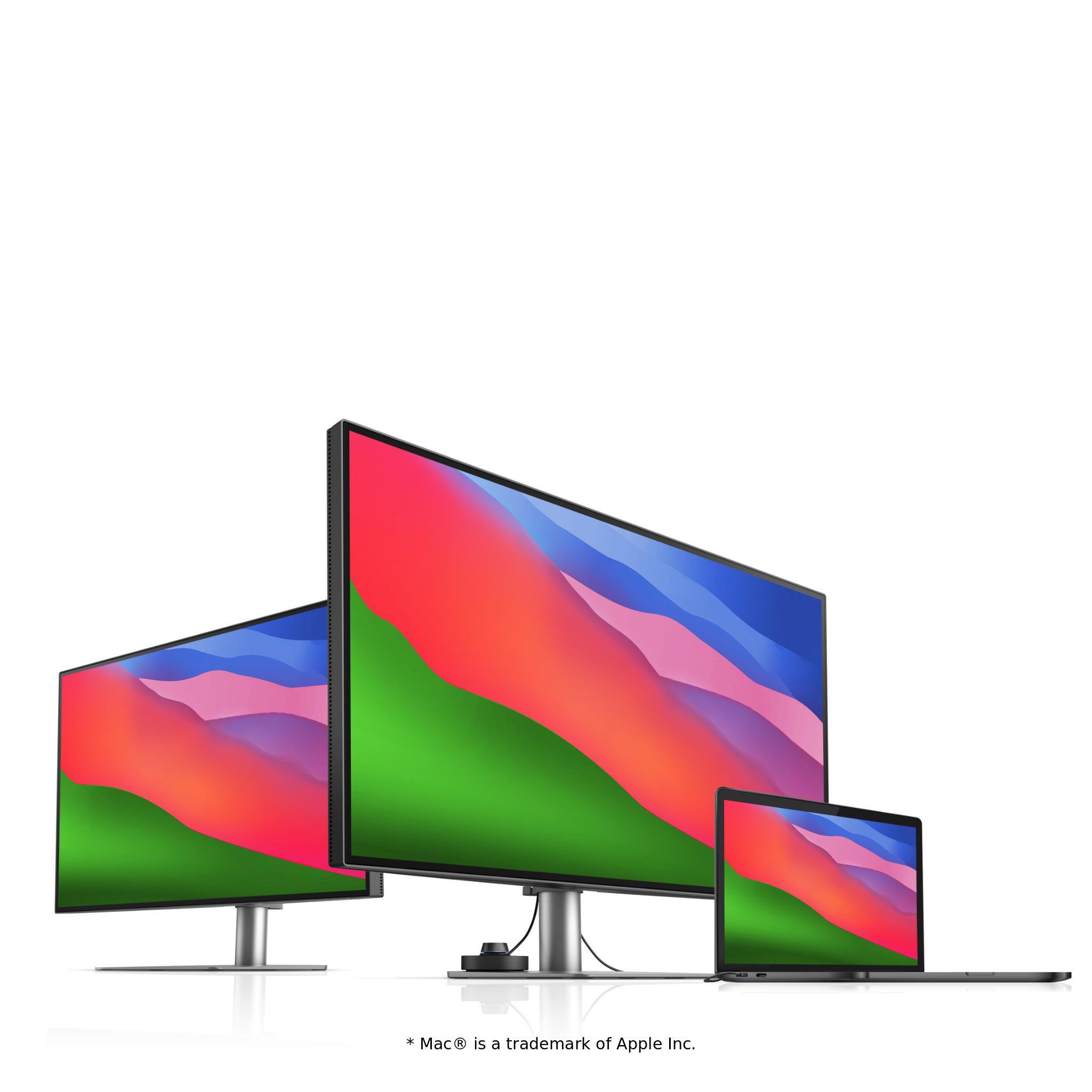
    Your Thunderbolt 3/4 devices are compatible with USB-C on BenQ displays, ensuring consistent and seamless work efficiency.
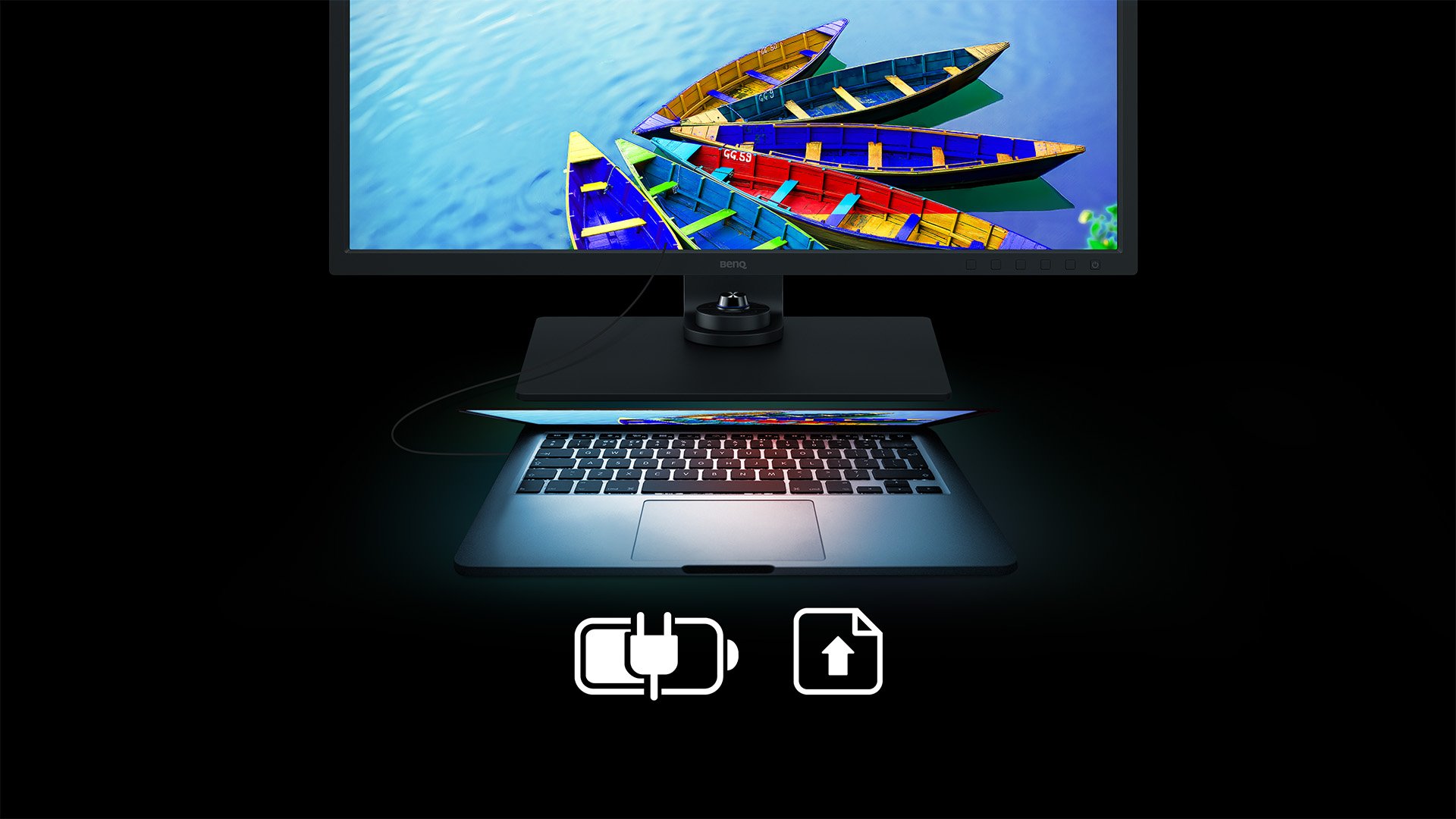
Expand Your Mac Devices

Quick to transfer various data and deliver power up to 60W. Your Thunderbolt 3/4 devices are compatible with USB-C on BenQ displays, ensuring consistent and seamless work efficiency.
SW321C USB-C expand your Mac devices SW321C USB-C expand your Mac devices
Experienced creative professionals from around the world use BenQ monitors and AQCOLOR technologies in their workflow. Our collaborative relationships provide fertile ground for shared insights and continuous learning in a lead up towards ever-improved products. We're also tremendously proud to share amazing works from these talented folks on our social media channels.

Meet our Ambassadors

Meet our Ambassadors

Related Products

      • SW321C

      • SW272U

      • SW272Q

      • SW242Q

    • Screen Size

      • 31.5 inch

      • 27 inch

      • 27 inch

      • 24.1 inch

    • Color Gamut

      • 100% sRGB, 95% P3, 99% Adobe RGB

      • 100% sRGB, 100% Rec.709, 99% Adobe RGB, 99% P3

      • 100% sRGB, 100% Rec.709, 98% P3, 99% Adobe RGB

      • 100% sRGB, 98% P3, 99% Adobe RGB

    • Resolution (max.)

      • 3840x2160

      • 3840x2160

      • 2560x1440

      • 2560x1600

    • Delta E(avg)

      • ≤2

      • ≤1.5

      • ≤1.5

      • ≤1.5

    • HDR

      • HDR10, HLG

      • HDR10, HLG

      • HDR10

      • HDR10

    • All-in-One Connection

      • USB-C

      • USB-C

      • USB-C

      • USB-C

      • {{currency}}{{ n[1]| numberThousandsCommas | numberDecimalPoint }} {{currency}}{{ n[2]| numberThousandsCommas | numberDecimalPoint }}
        Buy
      • {{currency}}{{ n[1]| numberThousandsCommas | numberDecimalPoint }} {{currency}}{{ n[2]| numberThousandsCommas | numberDecimalPoint }}
        Buy
      • {{currency}}{{ n[1]| numberThousandsCommas | numberDecimalPoint }} {{currency}}{{ n[2]| numberThousandsCommas | numberDecimalPoint }}
        Buy
      • {{currency}}{{ n[1]| numberThousandsCommas | numberDecimalPoint }} {{currency}}{{ n[2]| numberThousandsCommas | numberDecimalPoint }}
        Buy
Explore Other Professional Monitors

FAQ

Have a question?

Download

Find the latest user manuals