{{item.name}}
Price: {{currency}}{{item.price| numberThousandsCommas | numberDecimalPoint}}
Qty: {{item.amount}}

Remote Work & Learning


Projectors

Monitors
Lighting
Interactive Displays & Signage
Remote Work & Learning
Shop
Do your eyes often feel dry, tired, or strained after spending hours in front of a screen? You might assume it’s just the screen time—but in many cases, the real issue is the lighting around you. If your environment is too dim, or if you're using a desk lamp that reflects off your monitor, that can lead to eye fatigue and discomfort.
What you need in moments like this isn’t just more light—it’s the right kind of light. That’s exactly why monitor light bars exist. They’re designed to provide the right kind of light: balanced, glare-free illumination that improves screen visibility without shining directly into your eyes or reflecting off your display. It’s a simple yet effective solution to make your workspace more eye-friendly and help you stay comfortable during long hours of screen time.
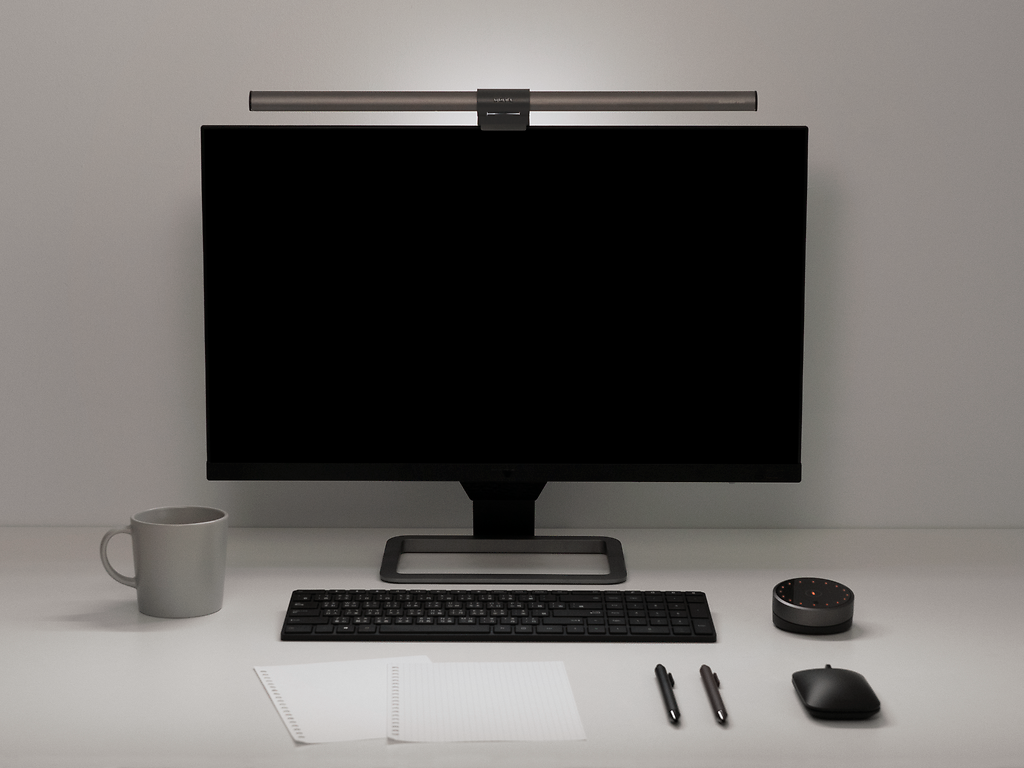
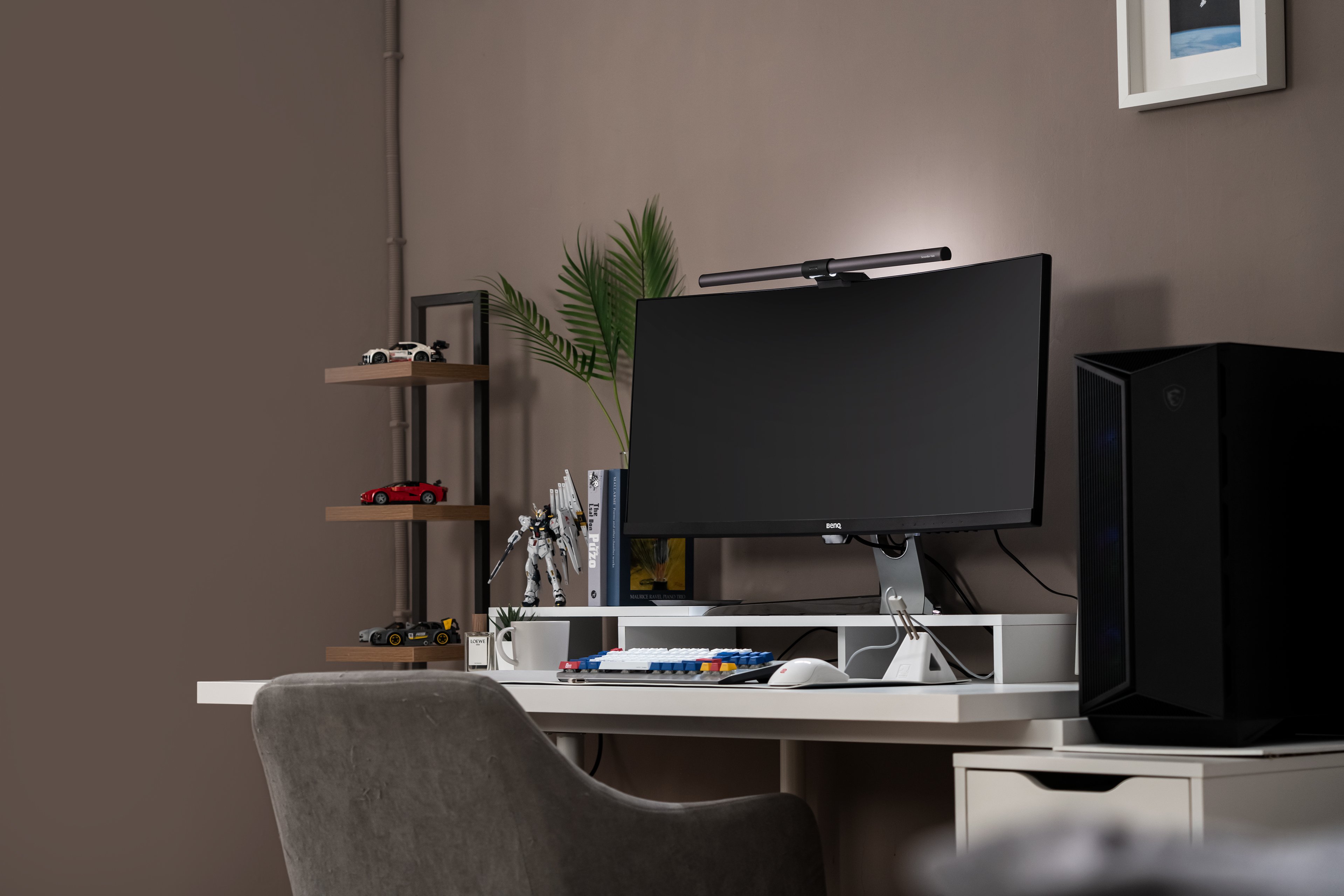
Now, you might be wondering what a monitor light bar is. A monitor light bar is a piece of hardware with a specially designed clip that allows attachment to monitors. It's an excellent way to enhance ergonomic lighting conditions, saving valuable space on your desk. The monitor light bar's asymmetrical optical design also eliminates reflective glare off the screen, only illuminating the desk.
When you see them, you might think: "Wow! This is the thing I've always wanted but didn't know existed, a fix for my problems with conventional lamps that has been on my mind for ages."
So, what exactly are the benefits of a monitor light bar? This article will examine the main reasons for using a monitor light bar. We'll also discuss why monitors in general should have a light bar. Let's read on.
One of the most common questions people ask is: what's the real difference between a monitor light bar and a traditional desk lamp? Let’s start with the conclusion—both are designed to serve the same core purpose: illuminating your workspace.
However, how they achieve that effect—and how well they fit into different setups—can vary significantly depending on the design, light distribution, and user preferences.
Below, we compare both options from several key perspectives, including space efficiency, light quality, adjustability, and overall user experience.
Features
Monitor Light Bar
Desk Lamp
Space Utilization
Attaches to monitor, saving desk space 🌟
Occupies desk surface with base
Light Distribution
Focused, glare-free illumination on desk 🌟
Broader light spread, potential screen glare
Adjustability
Auto brightness and color temperature adjustments 🌟
Varies by models, basic models have limited adjustability
Design Aesthetic
Sleek, modern, and minimalist 🌟
Wide range of styles, some may appear bulky
Power Source
USB-powered, reducing cable clutter 🌟
Require power outlet, may add to desk clutter
Best For
- professionals
- remote workers
- long-hours users
- minimalist workspaces
- who prioritize eye health and visual comfort
- For general-purpose lighting
- For broader ambient light
Monitor Light Bar
Desk Lamp
After comparing monitor light bars with traditional desk lamps, it’s clear that while both serve the purpose of lighting your workspace, monitor light bars offer a more modern, efficient, and ergonomic solution—especially for digital-heavy users. But does that mean it’s worth the investment?
For many people, the answer is yes—especially if you're spending hours at a screen every day. A monitor light bar isn't just about aesthetics; it’s about comfort, eye protection, and smarter use of space.
If you're still on the fence, consider the following common issues and how a monitor light bar directly addresses them:
Common Problem
What to Look for in a Monitor Light Bar
Why It Helps
Do you work in a brightly lit environment?
Illuminance
At least 500 lux to reduce eyestrain
Do you suffer from eye strain or fatigue?
Anti-Glare
Reduce eye strain and support visual comfort
Is your desk always feeling a bit too cramped?
Space saving
Mounts on top of your monitor to free up desk space and reduce clutter
Is your workspace affected by changes in natural light throughout the day?
.Auto-dimming
.Adjustable temperature
Adapt the light to match your environment and maintain visual comfort
Do you have a preferred design or color?
Appearance
Complements your setup while maintaining a sleek, modern look
So, what can a monitor light bar do? The primary purpose of the light bar is to light the surface of your desk or workstation. This compact lighting enhances vision, increases productivity, alleviates eyestrain and dryness, and enables people to work for extended periods.
To further realize what a monitor light bar can achieve, let us talk about some of the features of light bars. We'll also give you examples of why people put this light on their monitors.
Below are advantages of monitor light bars that you may find helpful in deciding if you need one:
Benefits of Monitor Light Bar
Features
Why It Matters
Reduce eye strain
Asymmetrical Optical Design
Eliminates screen glare by directing light away from your eyes
Save desk space
Attaches to monitor instead of standing on desk
Keeps work area clean and organized, especially in small or minimal setups
Adaptive & comfortable lighting
.Auto dimming
.Adjustable color temperature
Automatically adapts to ambient light and personal preference for visual comfort
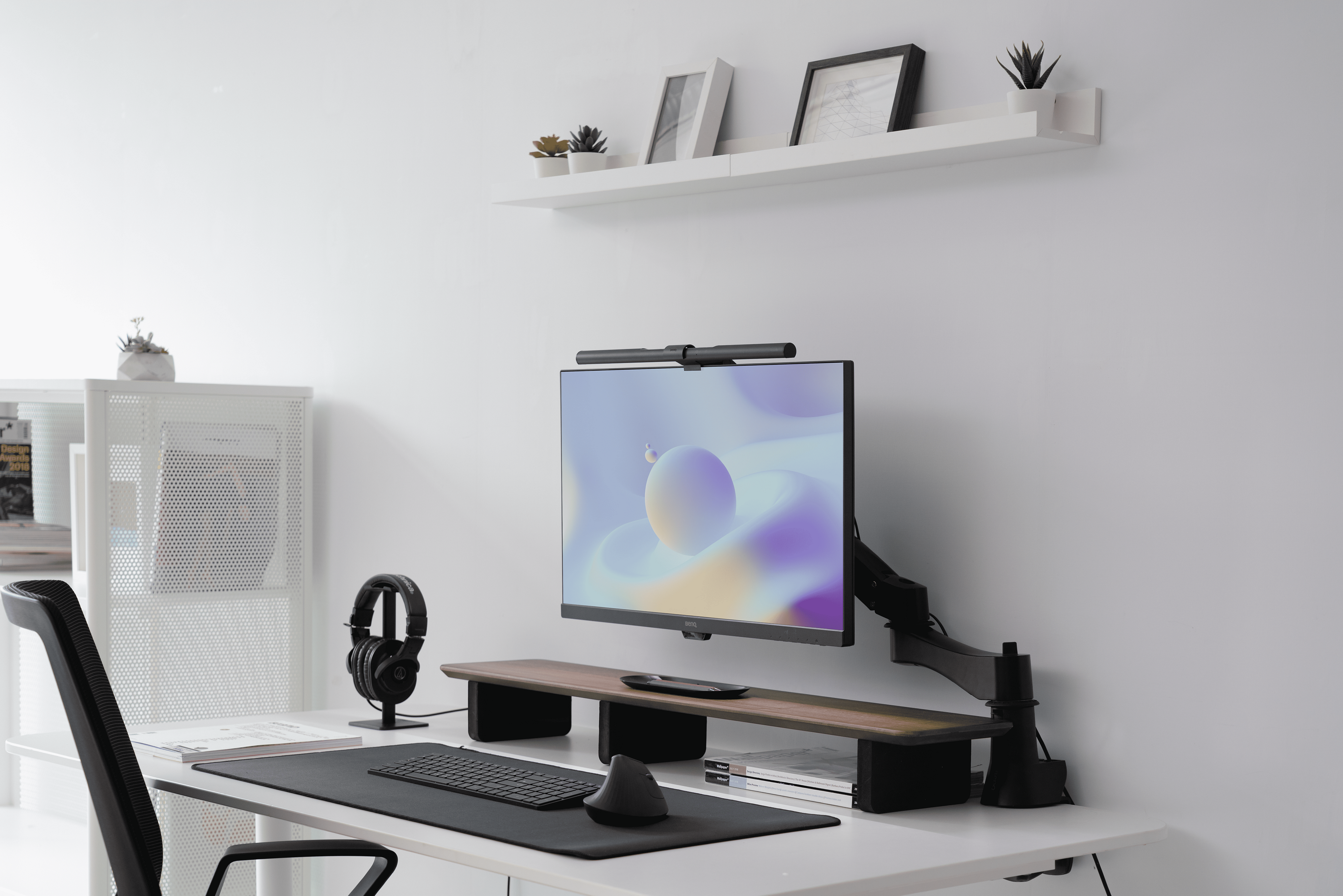
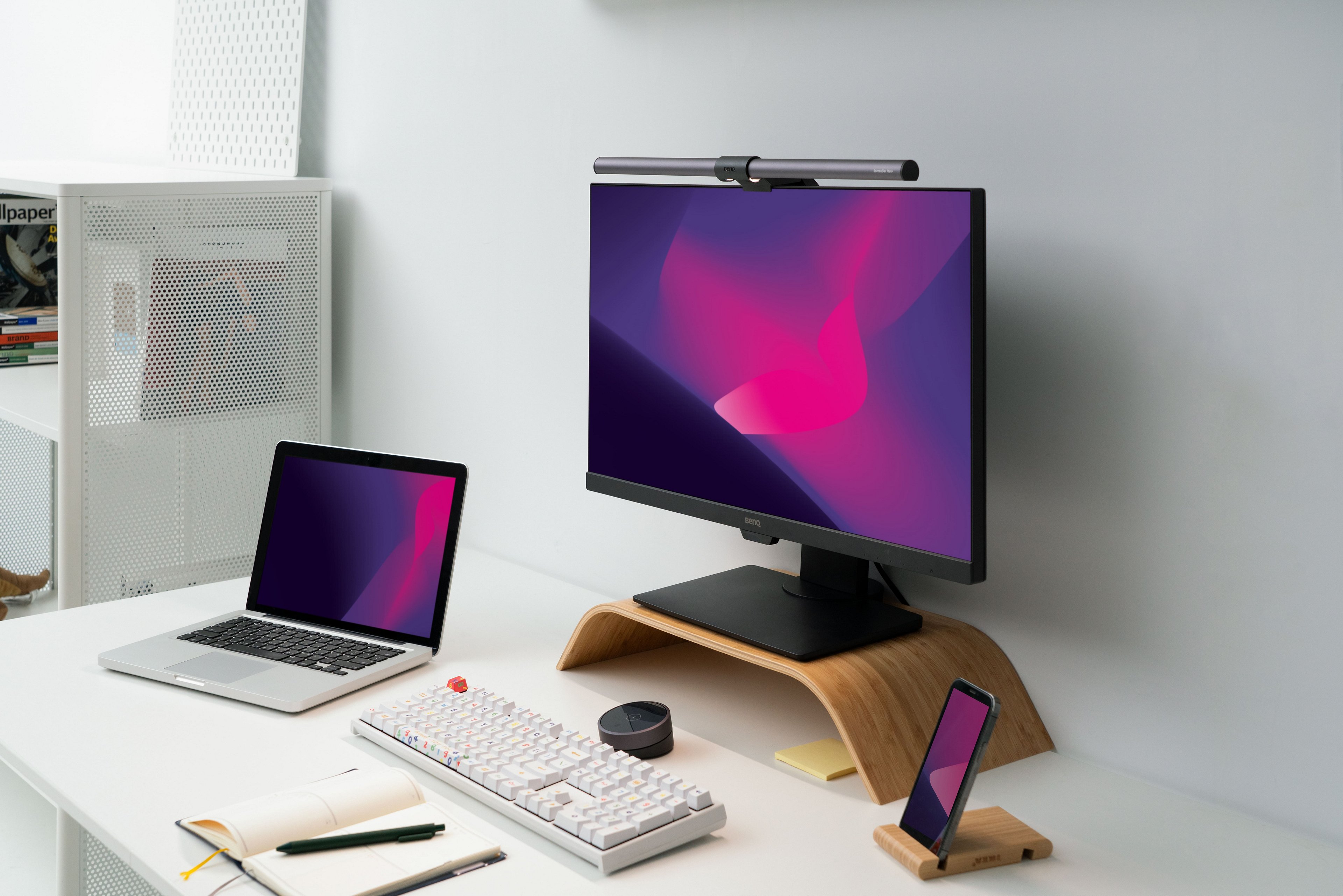
You can add a monitor light bar to the top of your screen to focus light on your desk area, effectively illuminating your workspace without using additional desk space. Alternatively, the ScreenBar Halo 2 provides ambient lighting behind your monitor with its built-in backlight features, ensuring a well-lit and clear workspace. It’s important to select a light bar that fits your specific requirements to improve your work environment. BenQ offers monitor light bars like the ScreenBar Halo and ScreenBar Pro that revolutionize lighting by saving space and enhancing your lighting setup.
Poor lighting in the workplace damages our physical and mental health, causing headaches and fatigue. Monitor light bars provide great illumination and a better working environment without increasing screen glare. Most importantly, they reduce problems associated with extensive monitor usage, such as eye strain and headaches.
An excellent monitor light bar or lamp that suits your digital displays must have the correct brightness and a balance of function and adjustability. It might also include additional specifications that allow you to alternate between warm and cool light, which helps work with different color palettes.
So, what do you think about our eye-care lighting? You should really see them for yourself! After learning the importance of proper desk lighting and the advantages of choosing a monitor light bar. Just make sure that you choose the right one for your needs and that it is compatible with your monitor.
1. Do monitor lights help with eye strain?
BenQ monitor light bars do relieve eye strain. They conform to EU IEC/TR 62778 and IEC/EN 62471 blue light standards. The highest quality LED light source is selected to protect your eyes.
With a BenQ monitor light bar that illuminates your monitor workspace to the recommended amount (500 Lux), your eyes can stay free of computer-related eye strain.
2. Can I use a light bar as a task light?
Yes, many people use light bars as task lights. They can help illuminate things in front of you, like paperwork or reading materials. Moreover, the monitor light bar is pretty good at space-saving.
3. Should the light be in front or behind my laptop?
To avoid glare, the light should not be behind you and instead placed at an angle that covers your screen. The best place for your display light would be either mounted just below or over the desk.
4. Is it wrong to have a window behind your monitor?
No matter what position you are in, light from a window behind your desk is most likely showing on your monitor, and this could be causing eye strain. If you are seated facing the sun, it will reflect on your screen and create headache-inducing glare.
5. Can I use a light bar with any computer monitor?
It's essential to check the specifications of your light bar and your monitor to ensure they are compatible. You may check this monitor light bar buying guide to see which monitor light bar fits you the most!
6. Can I plug the monitor light bar into my PC?
Any USB outlet can power BenQ monitor light bars. Once you turn the light on, it switches back to the brightness and color temperature settings you last used to welcome you back to work energetically.
A power supply with an output of 5V/1A or more is required to ensure that the light bar can function correctly. For BenQ ScreenBar Halo, use 5V/1.3A power adapters or USB ports.
7. How can I adjust brightness or color temperature?
Rotate the adjustment ring to change brightness or color temperature. The lights around the adjustment ring will change accordingly.
8. Is it normal for my eyes to hurt when I start using a light bar?
This is not normal, but poorly designed monitor lights with a symmetrical design can directly over-expose your eyes to lighting, causing strain.
*If you’re using BenQ monitor light bar, you may contact our specialist to get instant help.
{{item.productWordingTag}}
{{currency}}{{item.finalPrice| numberThousandsCommas | numberDecimalPoint}} Save {{currency}}{{item.saveAmount | numberThousandsCommas | numberDecimalPoint}} Save {{item.savePercent | numberThousandsCommas | numberDecimalPoint}}%
new device price{{currency}}{{item.regularPrice| numberThousandsCommas | numberDecimalPoint}}