{{item.name}}
Price: {{currency}}{{item.price| numberThousandsCommas | numberDecimalPoint}}
Qty: {{item.amount}}

Remote Work & Learning


Projectors

Monitors
Lighting
Interactive Displays & Signage
Remote Work & Learning
Shop
There’s a lot to consider when buying a projector that’s going to be best for you and the places you plan to use it in. Whether it’s a full-size or compact portable projector, you typically need to consider resolution, total projector brightness, throw distance, image alignment features, and the projector’s audio, among several other factors. However, many people forget about ambient lighting, which is arguably the most important aspect. If you live in an especially bright or overcast place, or if you plan on using the projector during the day and night, well, all of that makes a huge difference. For the best viewing experience, taking ambient light into account and setting up your projector accordingly is of paramount importance. Or universal importance!
Projectors are all about brightness, as they are literal light throwers and not internally-lit like TVs and monitors. The brighter a projector, the larger the projection size, at least in terms of consistently good display quality. Sure, a low brightness projector can still cast a large image, but the quality will be very poor as there’s not enough light emanating from the projector to cover the projection area.
Not only that, but projector brightness is essential for “overcoming” ambient lighting. In a perfectly dark room a low brightness projector may still be OK, but add even a little light from windows or other light sources, and the projection gets washed out. So, there’s a minimal brightness threshold any good projector must pass in order to offer good visuals in diverse environments. Without that brightness, which is basically projection power, an 80” projection that looks nice in a nearly-dark basement may be barely visible in a living room with windows during the day.
To help you make the right choice, we’ve created this ambient light set up guide for our GV30 and GS50 portable projectors. But what you see here applies just as well to any projector, with the main point to keep in mind before going further being that the very minimum brightness for any projector is 300 lumens. Do not be tempted by very cheap models that try to hide their 100-lumen output, those are nearly useless in even dimly lit environments for anything but PowerPoint presentations. And now, our guide:
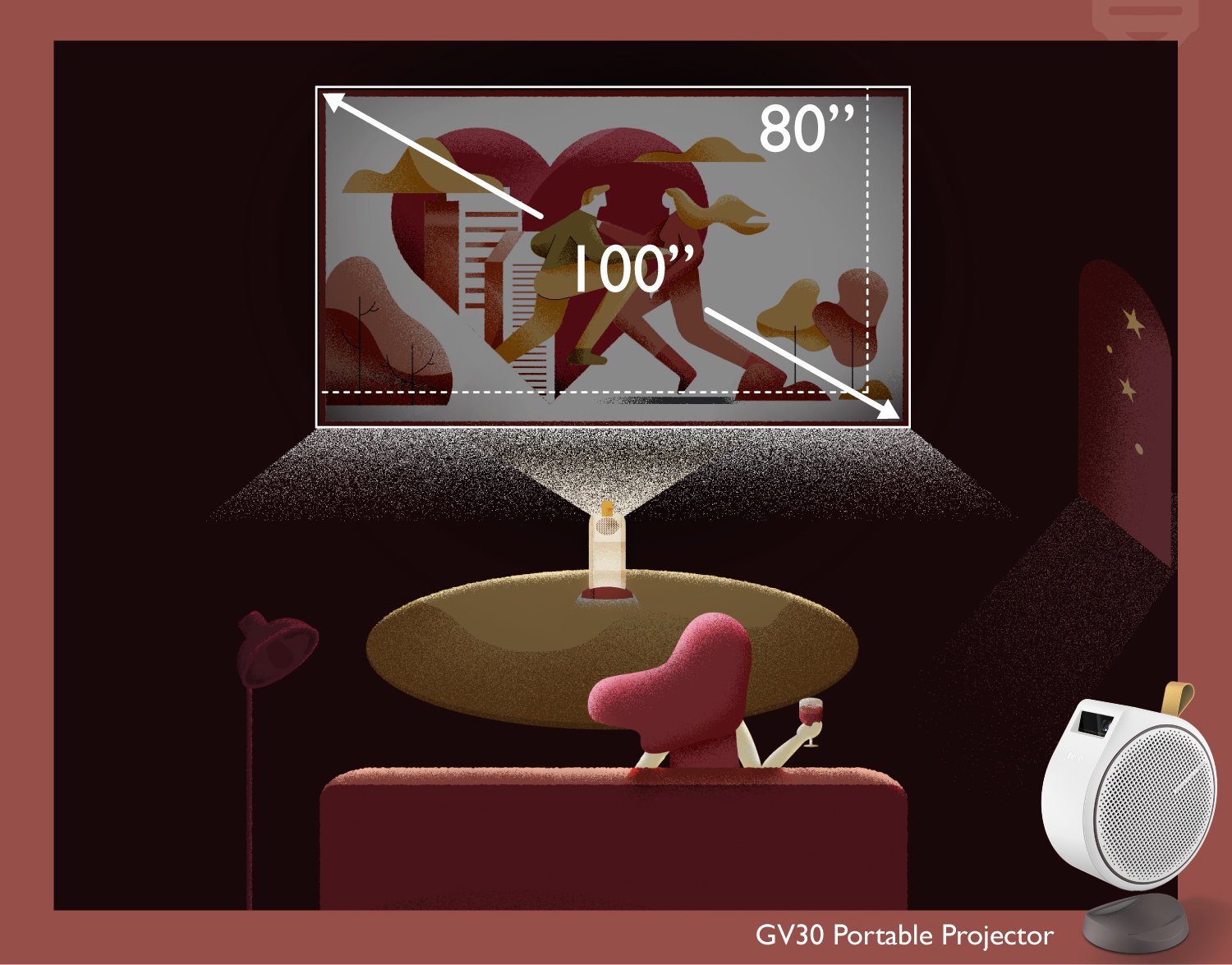
If you are using the GV30 in a dark room (with all lights turned off at night), you can get a great 80” ~ 100” image.
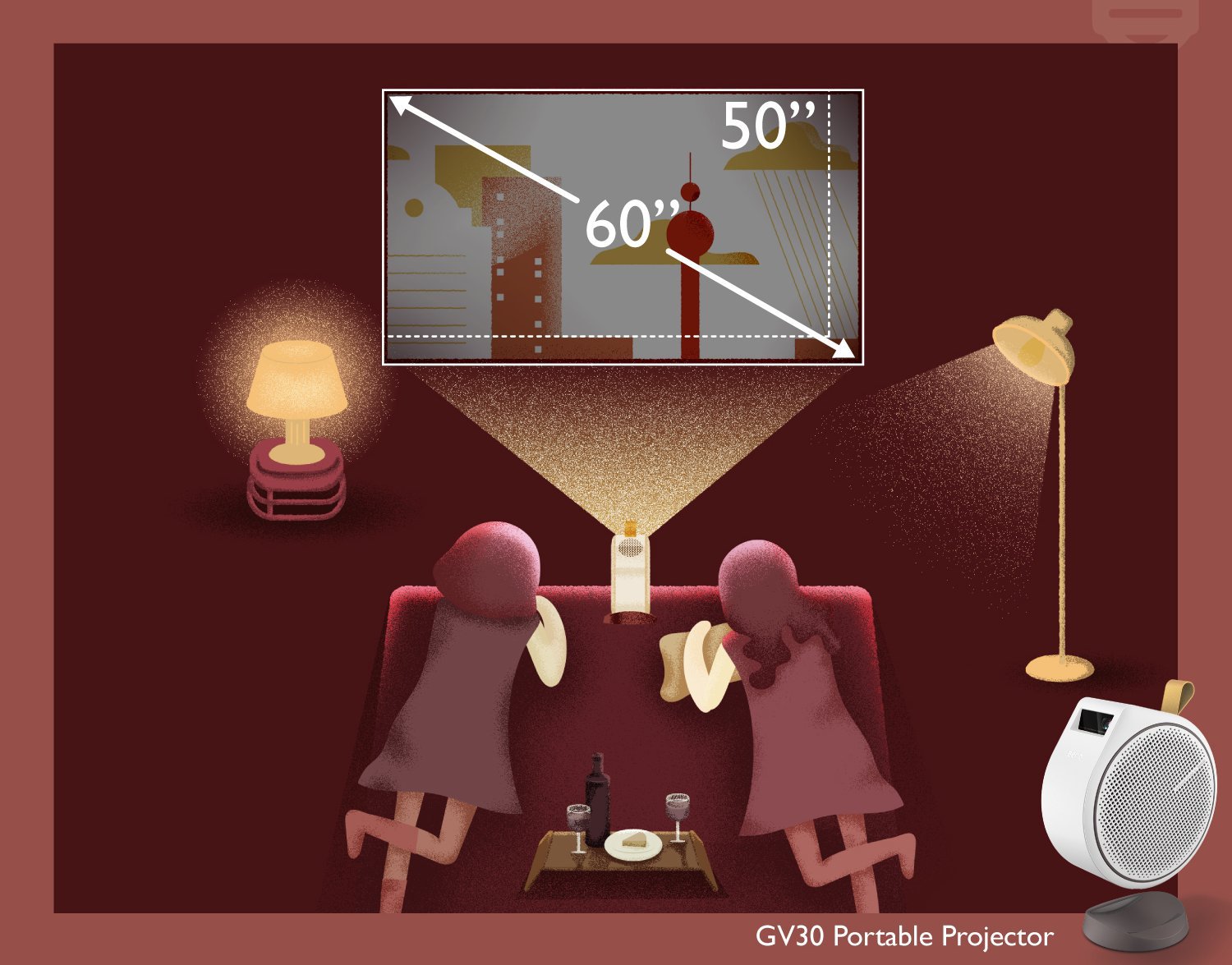
If you are using the GV30 in a dim room (with soft lighting at night), you can get a beautiful 50” ~ 60” image.
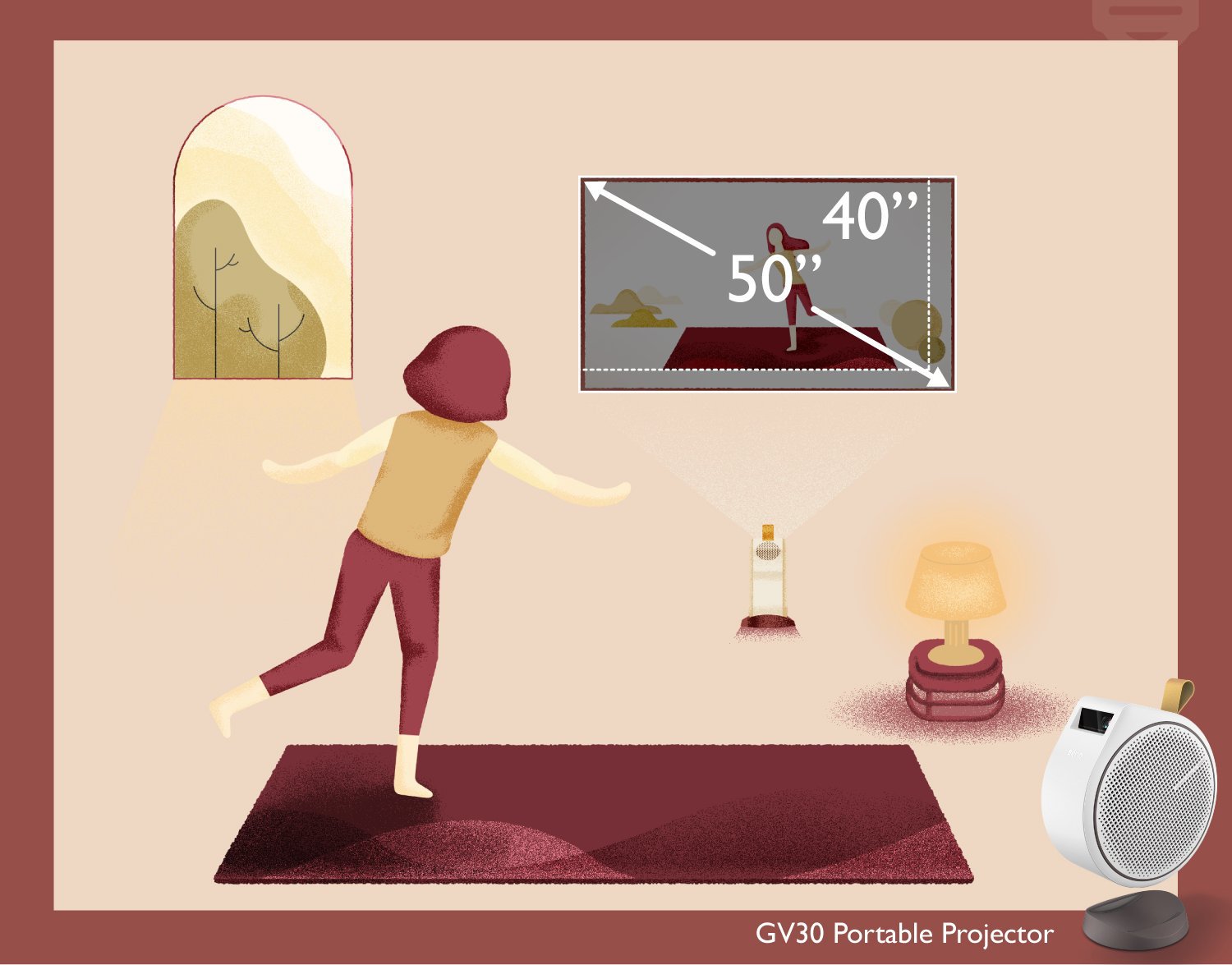
If you are using the GV30 in a bright room (well-lit space with no natural daylight), you can get a superb 40” ~ 50” image.
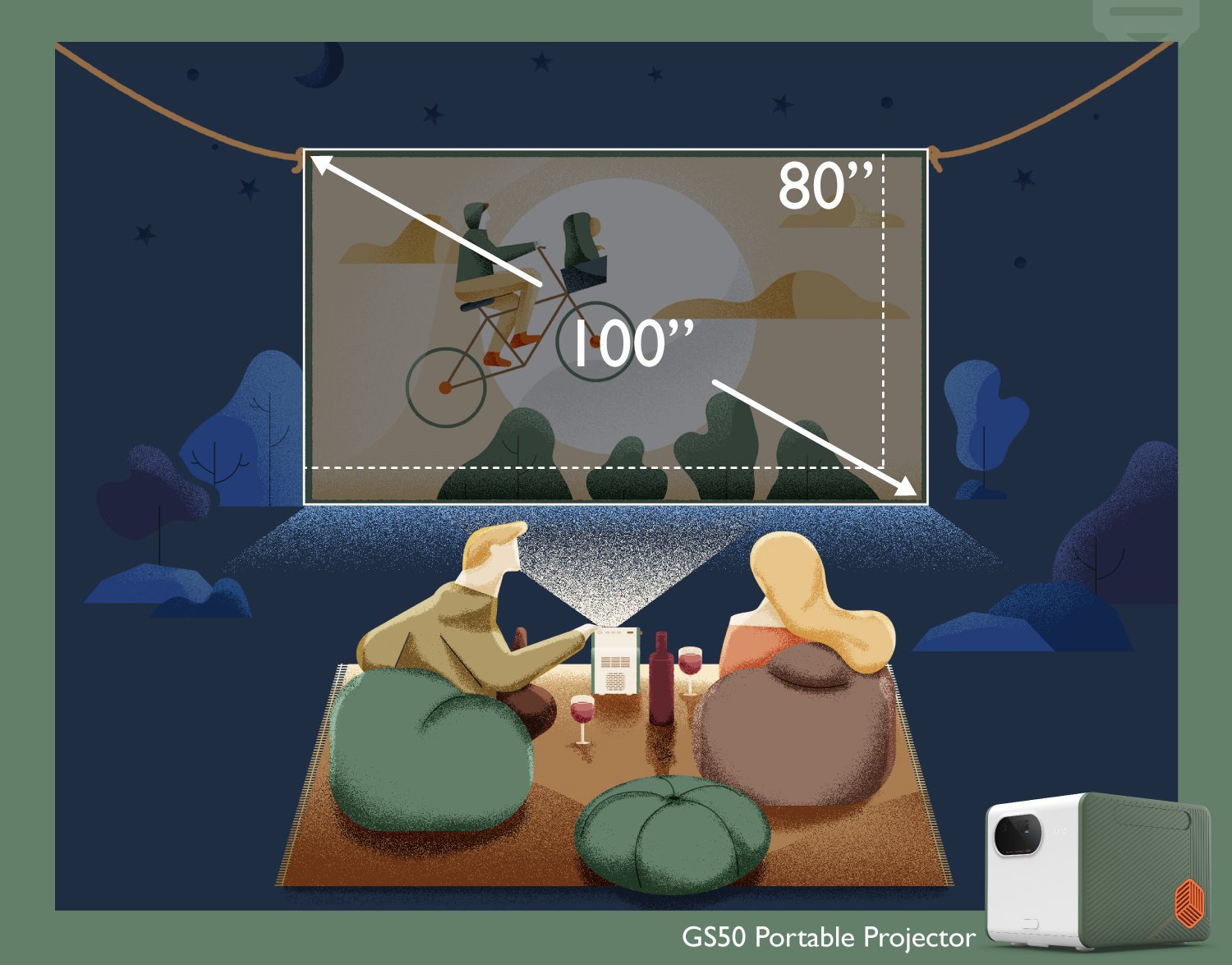
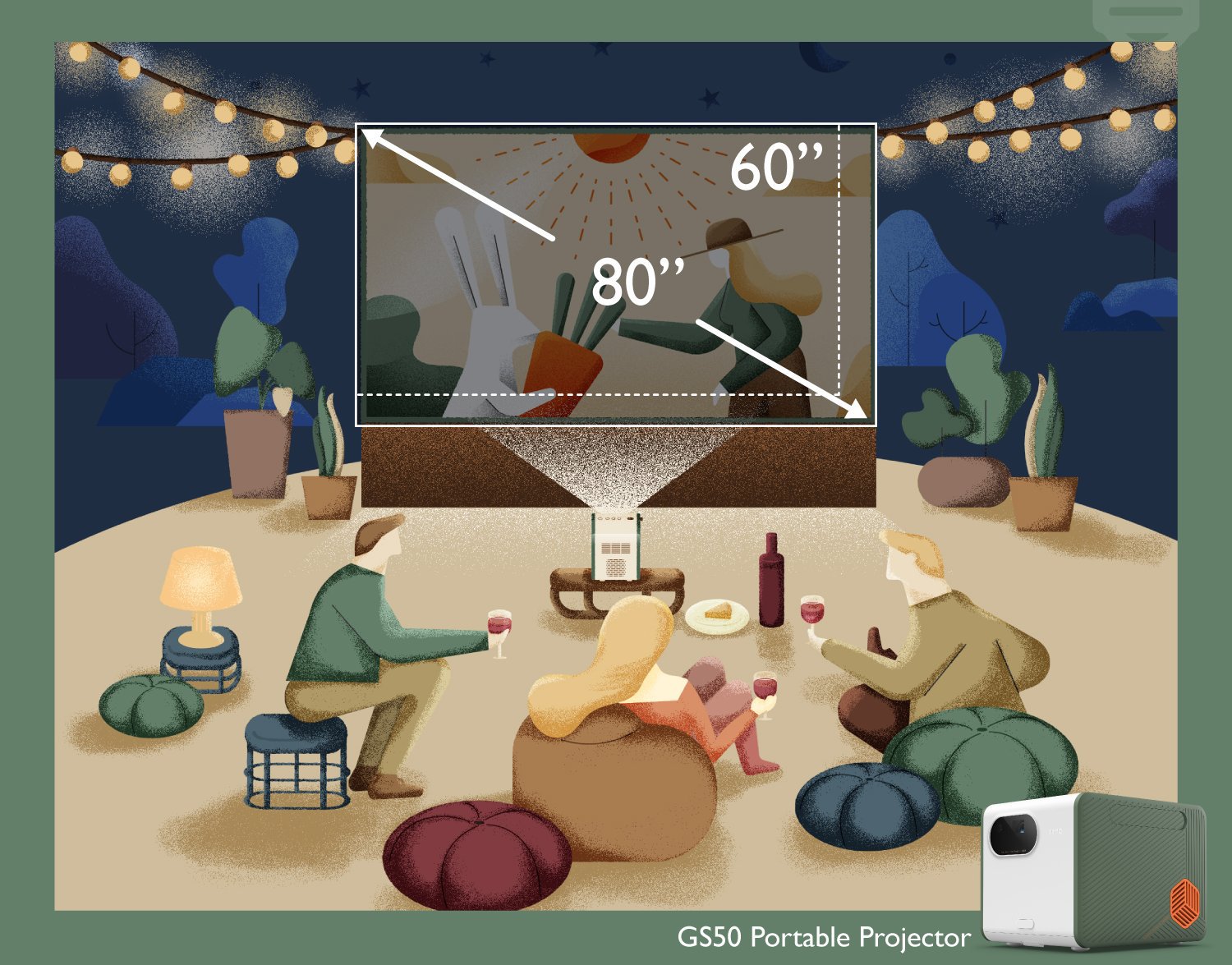
If you are using the GS50 outdoors, under the night sky with no artificial lighting, you can get a great 80” ~ 100” image.
If you are using the GS50 outdoors, under the night sky with soft artificial lighting, you can get an excellent 60” ~ 80” image.
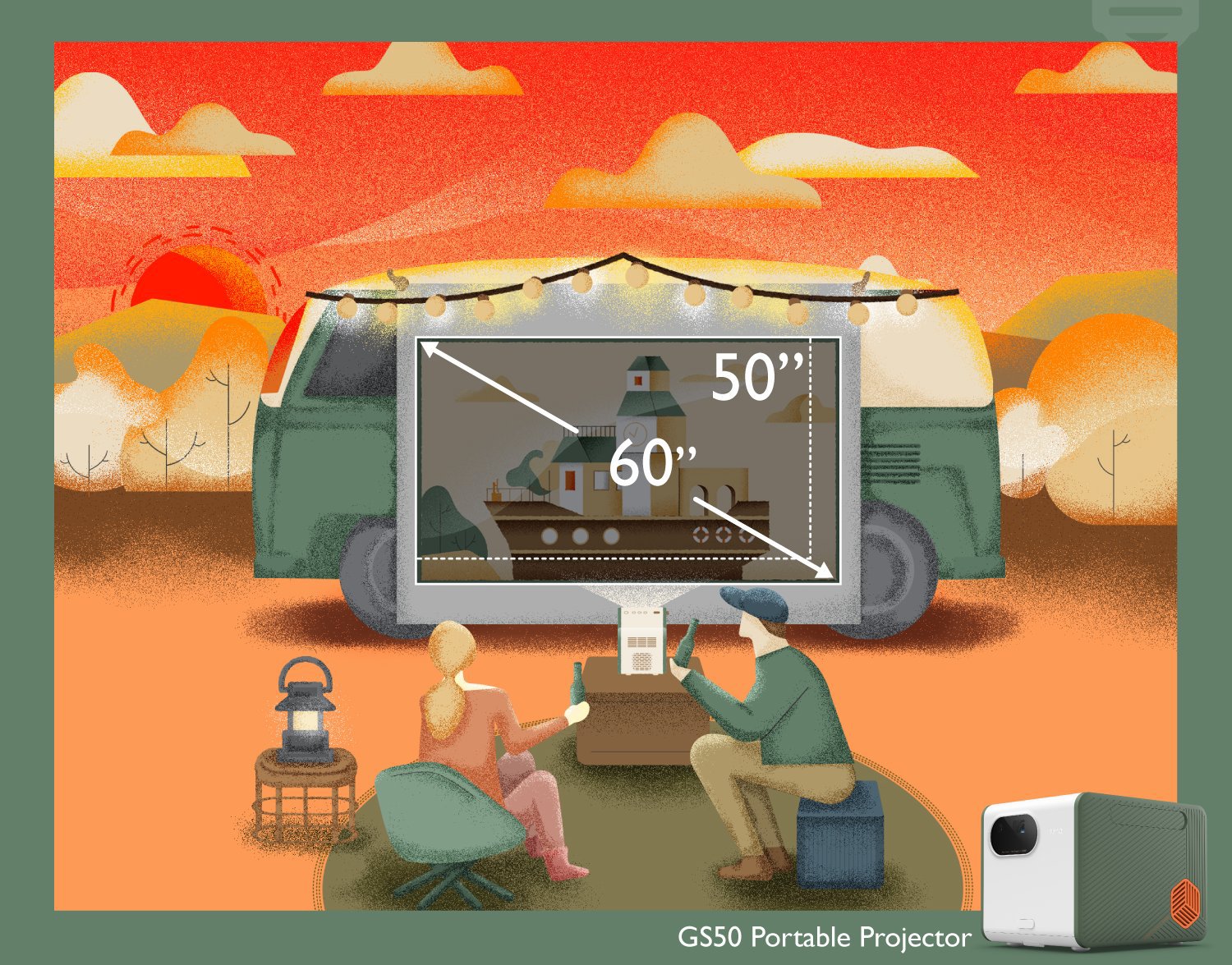
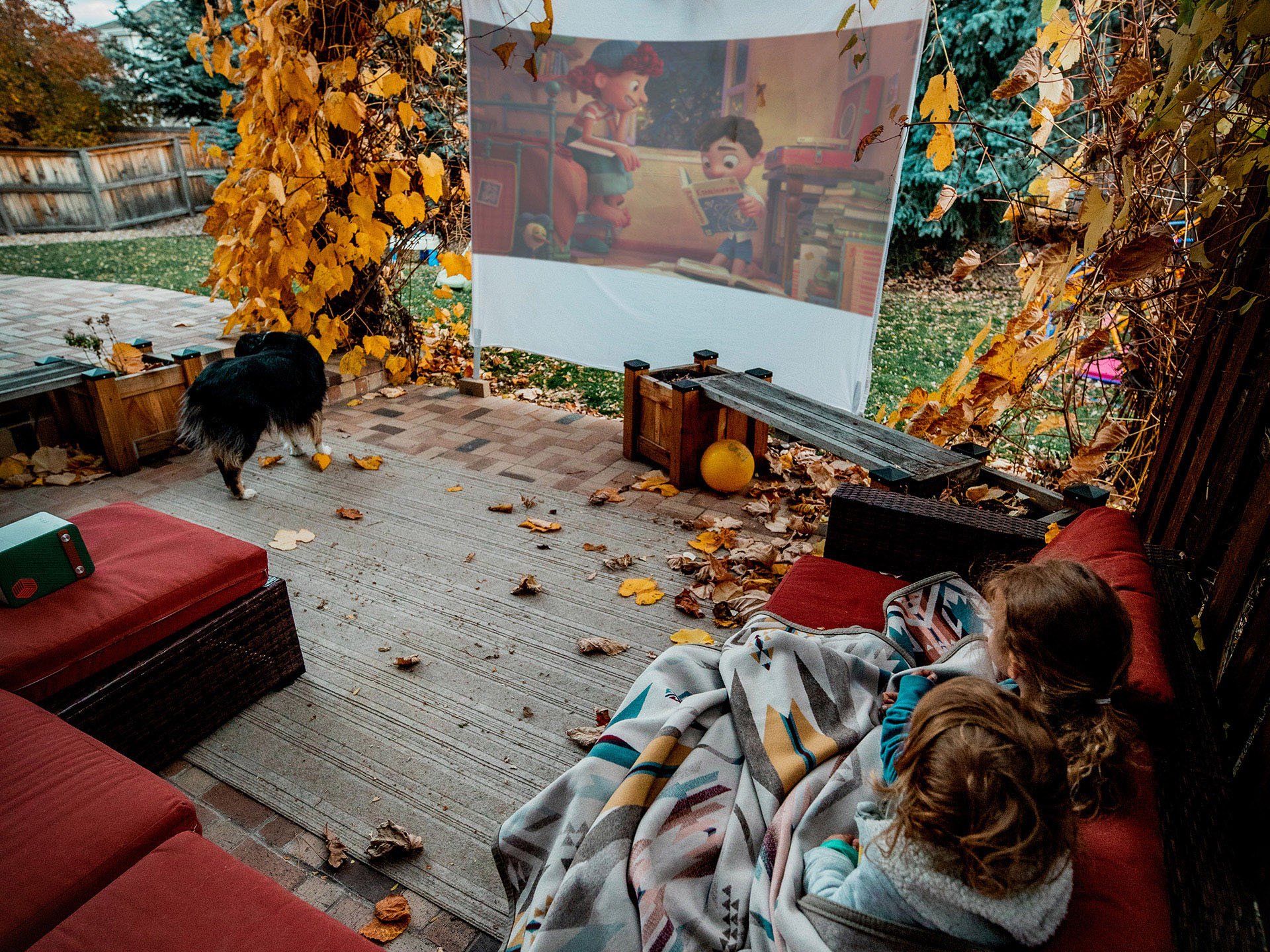
If you are using the GS50 outdoors and it’s sunset or cloudy, you can get a lovely 50” ~ 60” image.
We hope this has helped you better understand the relationship between ambient lighting, projection size, and image quality. With that knowledge, you’re better equipped to get the best viewing experience possible in different places and situations. And most importantly, have fun with your projector as that’s the whole point!
Recommended Products
{{item.productWordingTag}}
{{currency}}{{item.finalPrice| numberThousandsCommas | numberDecimalPoint}} Save {{currency}}{{item.saveAmount | numberThousandsCommas | numberDecimalPoint}} Save {{item.savePercent | numberThousandsCommas | numberDecimalPoint}}%
new device price{{currency}}{{item.regularPrice| numberThousandsCommas | numberDecimalPoint}}