{{item.name}}
Price: {{currency}}{{item.price| numberThousandsCommas | numberDecimalPoint}}
Qty: {{item.amount}}

Remote Work & Learning


Projectors

Monitors
Lighting
Interactive Displays & Signage
Remote Work & Learning
Shop
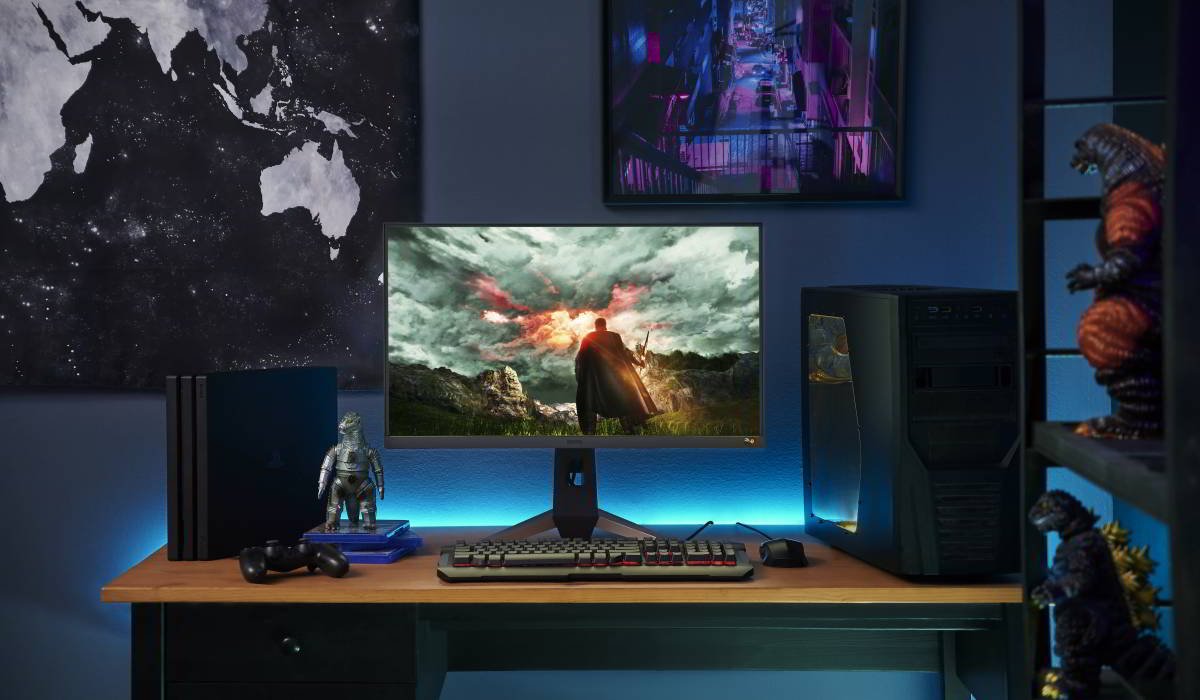
We love 4K, but sometimes the simplicity of 1080p does tempt us. If you’re going for a fast 165Hz 1ms gaming monitor in FHD 1080p, the best sizes are 25” and 27”. We elaborate on why.
The quest for the best 1080p full HD gaming monitor size has been a tricky balancing act. On the one hand, we have the “golden ratio” of 100-120 pixels per inch, where most people don’t notice pixels, blurriness, or overly sharp edges. For example, a 21” monitor offers almost exactly 100 pixels per inch (PPI) if showing a 1920 x 1080 full HD image. That would be considered an ideal ratio, but for most gamers these days, 21” is just too small. In a world where mobile phones edge ever closer to 7” displays, you really want your gaming monitors to be closer to big, and not just medium-sized. Also, if you opt for 1080p because you emphasize response time and refresh rate over just resolution, then the PPI may not be that important.
Hence, we recommend going with a 25” or even a 27” gaming monitor for your full HD experience. Let’s quickly elaborate.
As said above, by late 2020 anything below 25” simply doesn’t do for gaming. If you want something in the 6”-8” range, get a Nintendo Switch. If you want to game on a proper PC, then 25” is really the minimum. Anything smaller will have you squinting and struggling to see everything. We’re talking about a desktop gaming monitor, not a laptop that you can hold up close to your face. So unless you want to spend your gaming time hunched over your keyboard with your face stuck up into a 22” monitor, please do go bigger. But there’s a limit. Up to 27” or 28”, 1080p works just fine. Stretch that to 32” and your image quality will suffer too much. Everything will have a blown out, blurry feel to it. We don’t recommend going that far – stay within 27” and you’ll be fine.
With contemporary graphics, the usual PPI maxim may be slightly misleading. There’s more to gaming than just pixel ratios. FPS, RTS, and RPG (that’s a lot of acronyms) have intricate UI and HUD elements (more acronyms). Story-focused titles involve a lot of reading, typically. If any of those are too small and force you to pause and strain to see them properly, you’re not only accruing eye strain, you’re also taken out of the moment, so to speak. And if you’re a competitive gamer, then you also lose a big chunk of your edge.
For 1080p it’s OK to sacrifice some visual fidelity for the sake of clarity and response. After all, you’re not getting a 1080p monitor for the best graphics in the world, rather for speed and practical size/placement concerns. And if you’re buying into a high speed gaming monitor designed for reflex gaming, then you don’t want to get bogged down because a 22” monitor or something like that has a minimap that requires a magnifying glass to see.
We speak from experience here. Sure, it’s nice gaming on a 32” or even 43” monitor in 4K, but to take full advantage of those you need a PC that will echo through your wallet for a long, long time. You also need to prepare enough desktop space, and we don’t mean Windows. We mean a literally big desk with enough room for a massive screen.
That’s one hassle you save yourself if you choose a 25” or 27” gaming monitor. And as for the cost, by going with 1080p you get access to full 165Hz 1ms MPRT gaming at a fraction of the price of a 4K 60Hz setup. That’s just physical reality and simple economics.
So, between practical considerations like spending and speed, and visual evaluations regarding what’s necessary to show a full 1080p image without diluting it or compressing the screen, we once more conclude the best sizes for a full HD gaming monitor are either 25” or 27”. Which one you choose is up to you, there’s not that big of a difference. We’d say go with 27” if you can, typically the price differential isn’t much, as full HD monitors as a whole are very affordable these days.
And don’t worry, you’re not being left behind or anything. Whenever you can and when technology matures to the point of making 4K the true high-speed gaming standard, you can always upgrade. Enjoy!


Recommended Products
{{item.productWordingTag}}
{{currency}}{{item.finalPrice| numberThousandsCommas | numberDecimalPoint}} Save {{currency}}{{item.saveAmount | numberThousandsCommas | numberDecimalPoint}} Save {{item.savePercent | numberThousandsCommas | numberDecimalPoint}}%
new device price{{currency}}{{item.regularPrice| numberThousandsCommas | numberDecimalPoint}}