{{item.name}}
Price: {{currency}}{{item.price| numberThousandsCommas | numberDecimalPoint}}
Qty: {{item.amount}}


Projectors

Monitors
Lighting
Interactive Displays & Signage
Remote Work & Learning
Shop
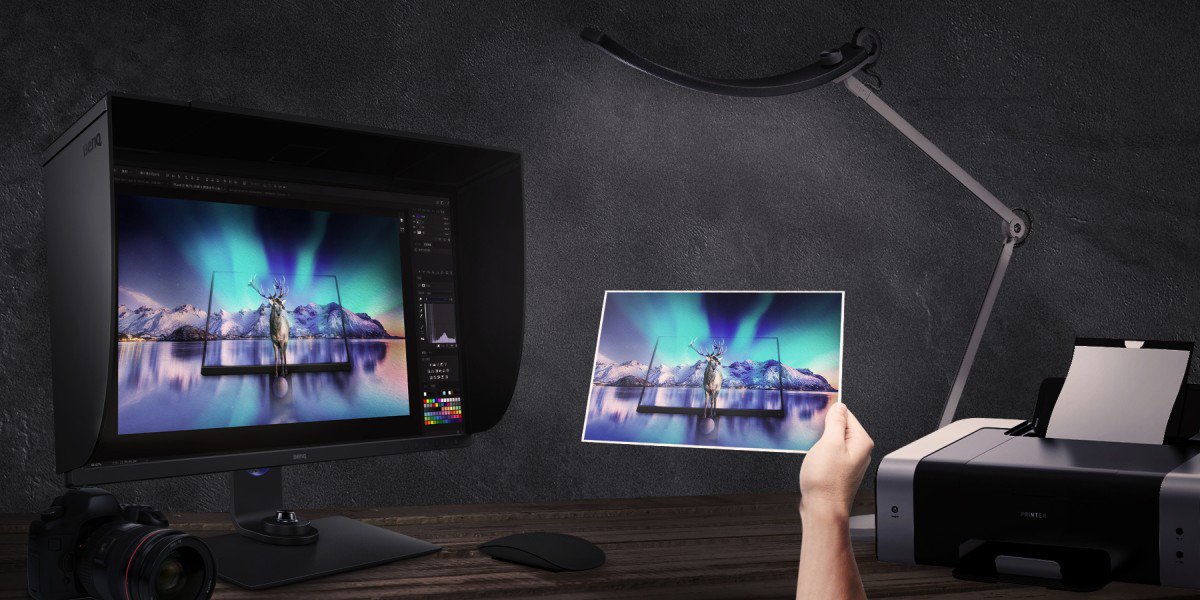
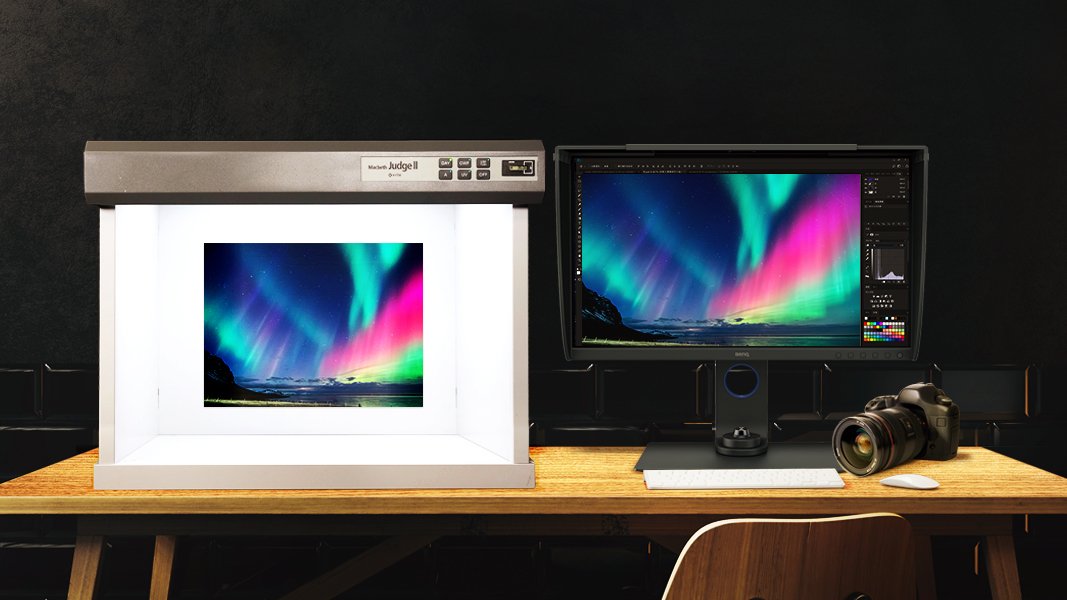
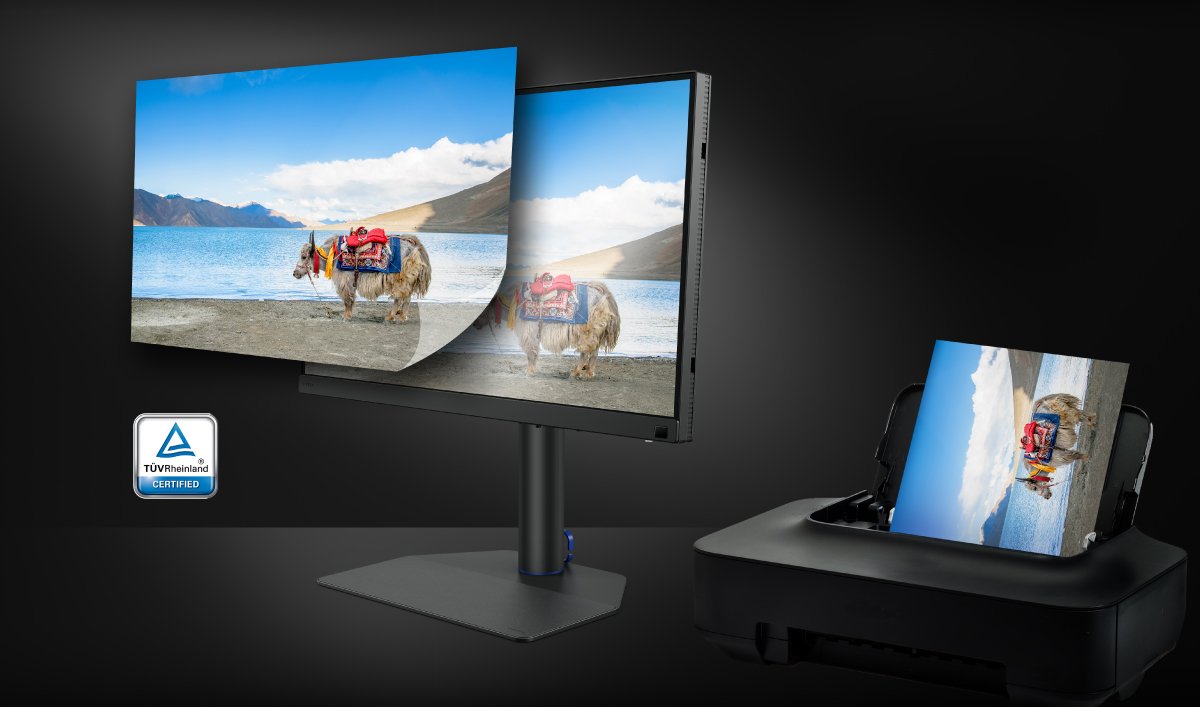
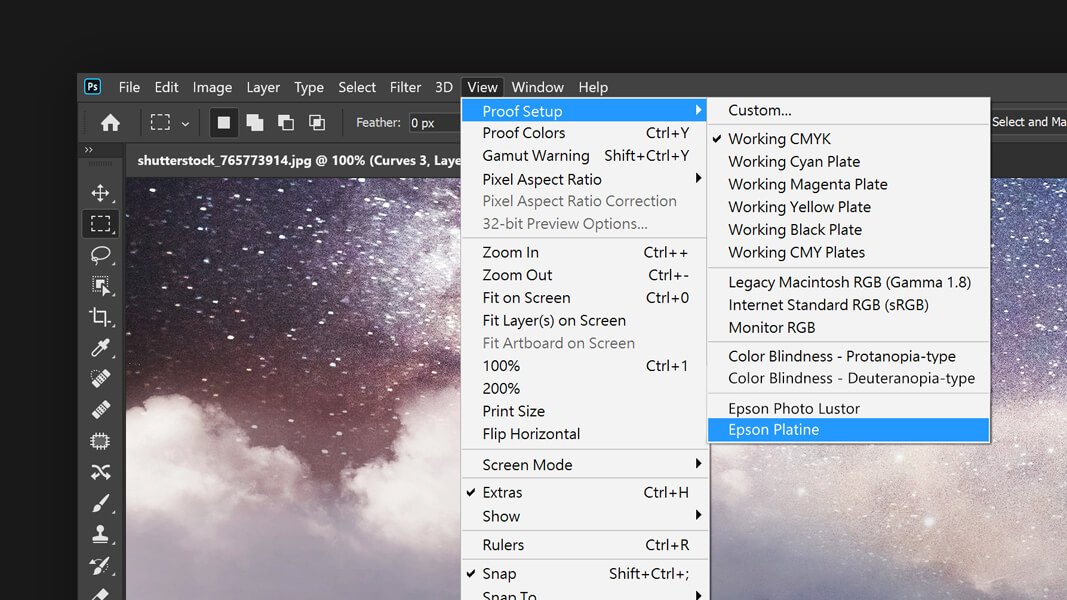
Paper Color Sync is a piece of companion software to our new BenQ AQCOLOR SW321C Photographer’s monitor. Paper Color Sync is also one of the available color modes on that same monitor. Together, they achieve a unique function exclusive to BenQ SW-series photographer monitors. It allows you to simulate print-results on the screen instantaneously. With this feature, you can save on wasted ink and paper by looking at the results on your color-calibrated AQCOLOR monitor adjusted for a specific paper type, color space, and printer.
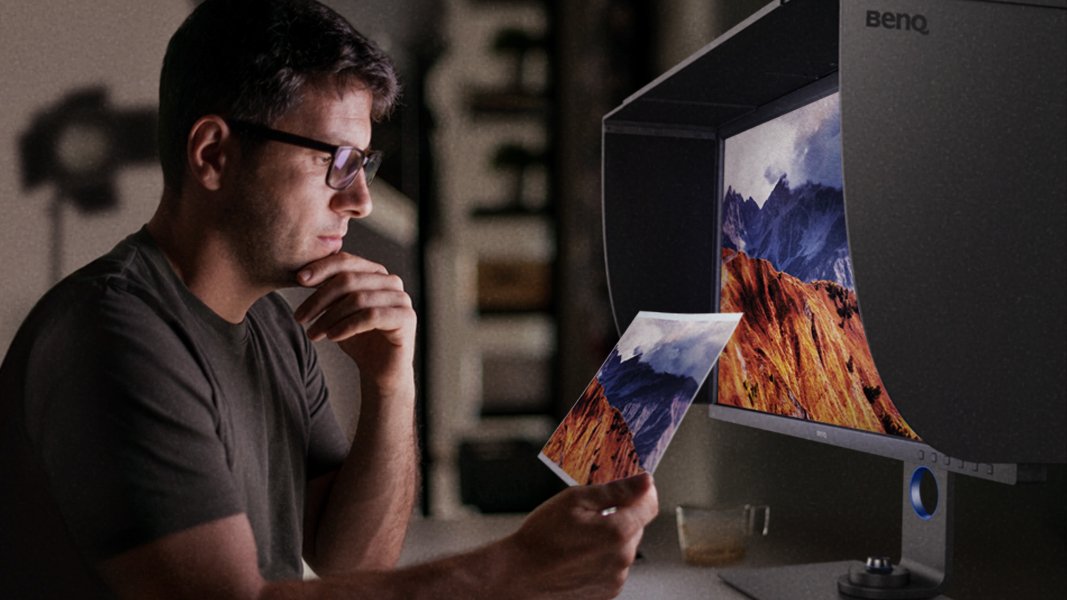
To achieve the best print simulation result, our AQCOLOR SW321C monitor relies on three key technologies. First, a hardware calibrated screen for accurate color. Secondly, the companion Paper Color Sync software developed exclusively for the SW321C. And lastly, a unique coating on the exclusive ART panel that provides a matte surface with ultra-low reflectance. Images on the screen are almost like a printed piece of paper.
The BenQ SW321C is the first-ever AQCOLOR monitor to use an ART panel. This advanced technology involves a high-quality, color calibrated screen, covered with a special anti-reflective technology coating. The result is the most matte screen you will ever see.
The screen on this monitor is so matte that even shining a flashlight at the screen produces a minimal amount of glare. An ART panel combined with the shading hood included in all AQCOLOR monitors makes reflections on the screen a thing of the past.
The special anti-reflective technology coating also makes Paper Color Sync possible. By reducing the reflections on the screen and adjusting contrast and color to match paper and printer profiles, looking at your photos on this monitor will be just like seeing them on paper.
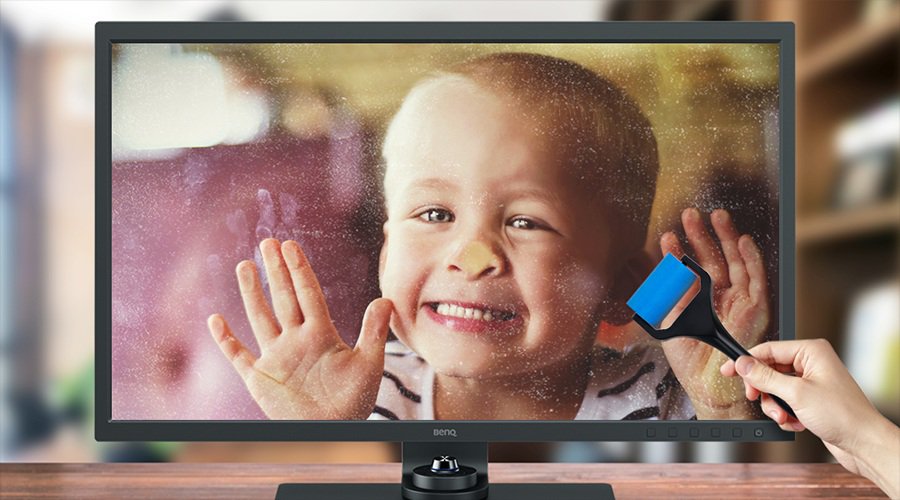
In addition to the shading hood that comes with every AQCOLOR monitor and all the cables that you need to run this screen right out of the box, we now include a special roller cleaner with every SW321C. This roller will help maintain your screen clean while protecting the anti-reflective coating on it.
We recommend that you only use this cleaner to remove dust and fingerprint marks from the ART panel on the SW321C. Doing so will prevent any rubbing that could spread oils or even scratch the coating. When the roller is too dirty, placing it under clean running water and air drying is enough to restore its cleaning capacity
AQCOLOR monitors have offered color calibration and uniformity compensation for photographers and other color-critical professionals for many years. Using an SW-series monitor helps you maintain true colors through your workflow and gives you confidence in your color management efforts. With the addition of Paper Color Sync, we’re providing additional tools to the color management workflow for photographers. From shoot, to edit, to print, with an SW321C, you don’t have to guess what you will get when you press the Print button.
Get One Free Year Pantone Connect
$90 value
Recommended Products
{{item.productWordingTag}}
{{currency}}{{item.finalPrice| numberThousandsCommas | numberDecimalPoint}} Save {{currency}}{{item.saveAmount | numberThousandsCommas | numberDecimalPoint}} Save {{item.savePercent | numberThousandsCommas | numberDecimalPoint}}%
new device price{{currency}}{{item.regularPrice| numberThousandsCommas | numberDecimalPoint}}