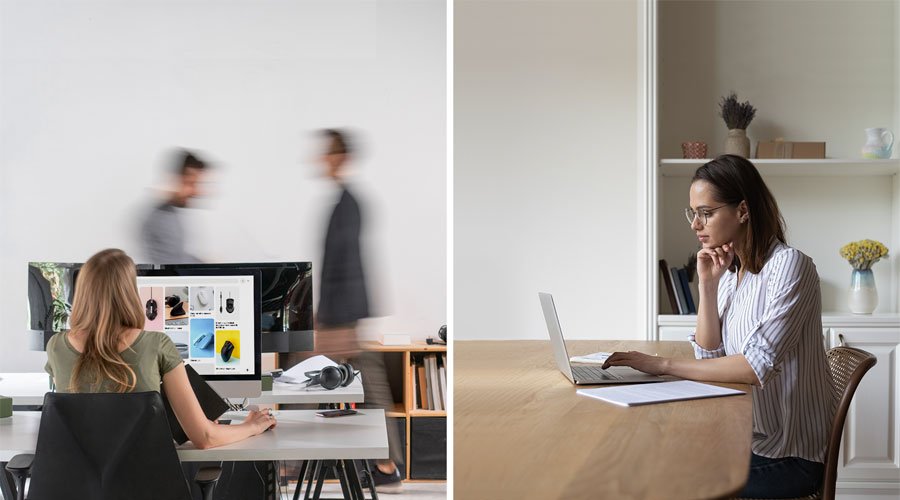
AI is transforming the field of industrial design by enabling designers to generate images from text and explore more possibilities for their products. However, AI alone cannot create products that are both aesthetically pleasing and user-friendly. These qualities require the expertise and creativity of industrial designers. While working remotely, miscommunication can lead to a lack of consistency and quality. Industrial designers also need to adapt to the screen space and communication tools they use in their workflow. In this article, we will introduce four amazing text-to-image tools and two innovative BenQ products that can help industrial designers spark their creativity and collaborate more effectively.
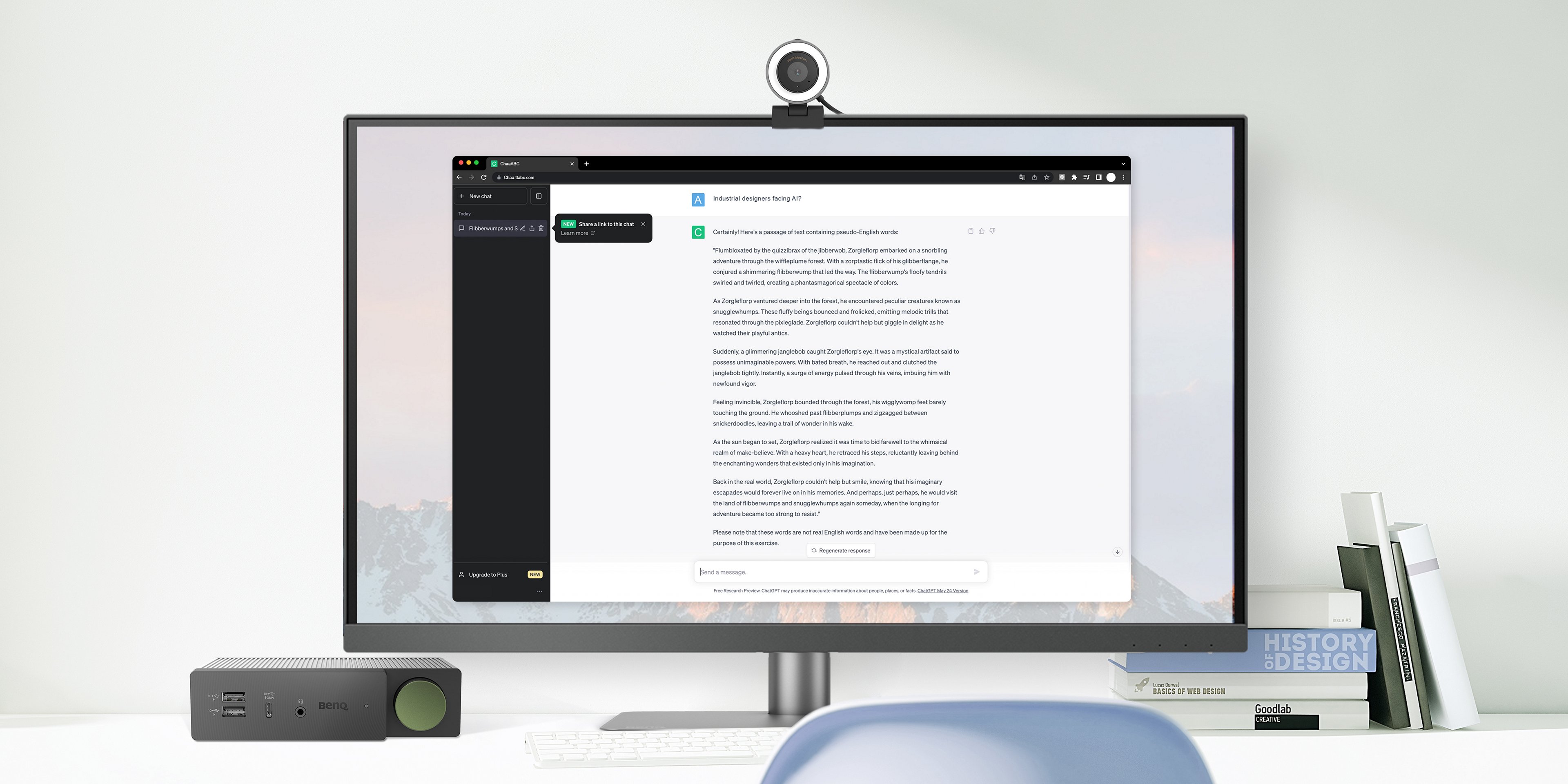
Text-to-image tools are AI-powered applications that can create realistic or abstract images based on textual descriptions. They can help industrial designers in the Discover and Develop stages of the iterative Double Diamond design process, where they need to find inspiration, express their ideas, and refine their drafts. Here are four of the best text-to-image tools you can try:
Although these tools can help you during the creative process, they are not built for perfection. It’s possible for AI to generate unrealistic or inappropriate images, proving they cannot replace anyone in the industry. You still need to master the details and balance the aesthetics and usability of your products.
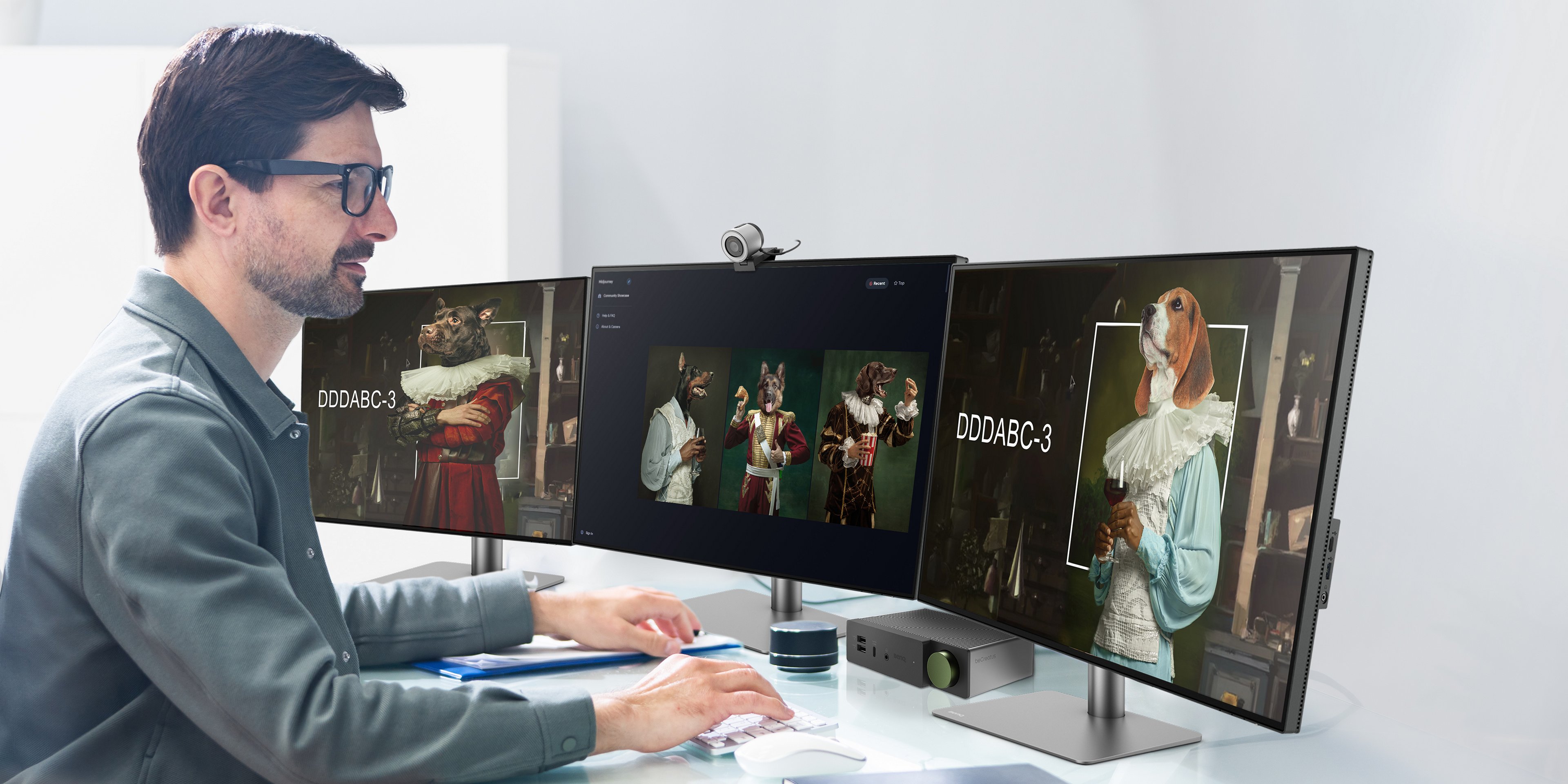
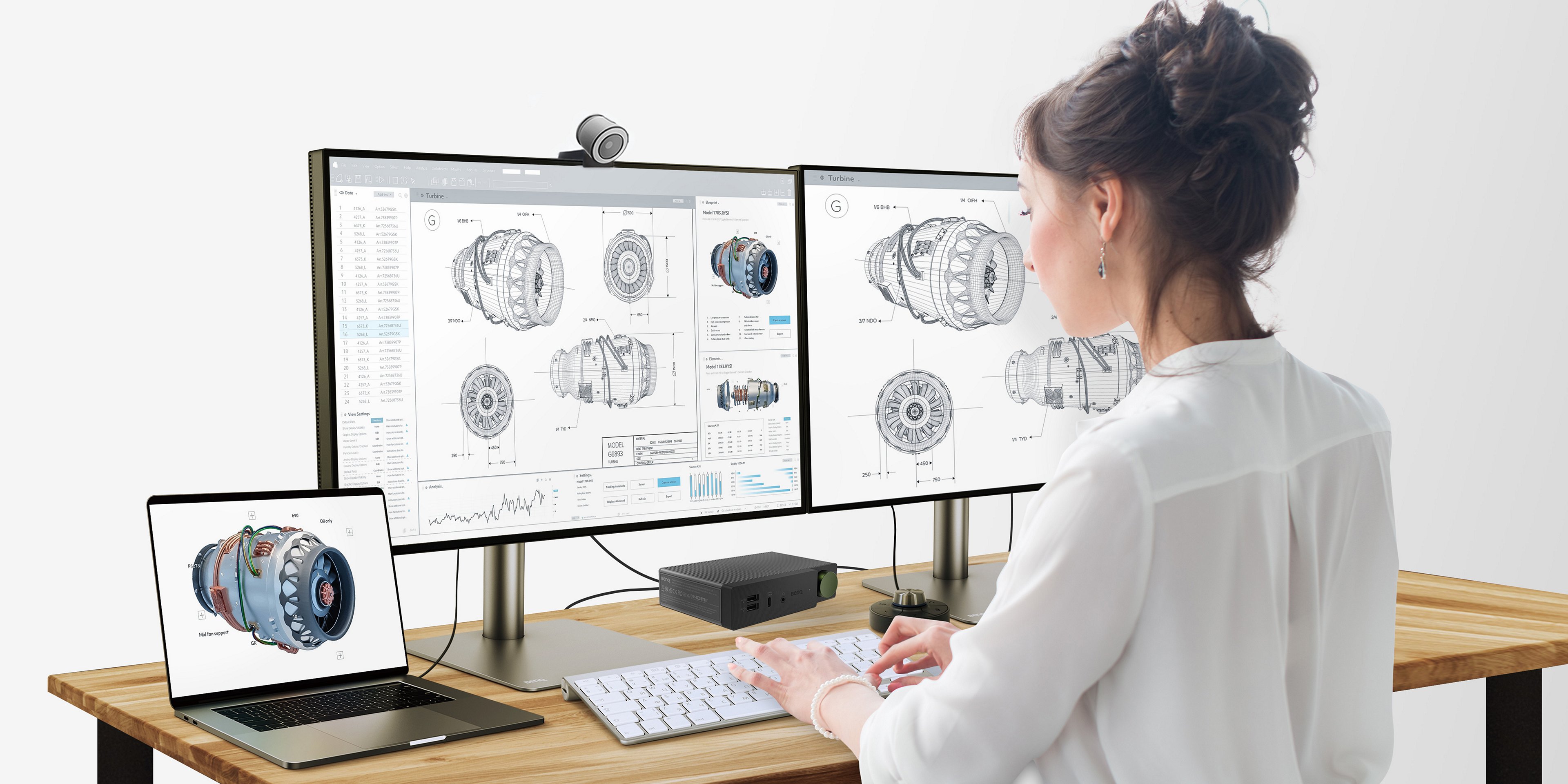
A laptop may be convenient for remote work, but it is not enough for industrial design. Most industrial designers need a large external screen to work efficiently. Whether you are collecting materials from multiple sites, modifying pictures in CAD, or drawing materials through Rhino Grasshopper or KeyShot, you need multiple external monitors to see everything clearly. The BenQ beCreatus DP1310 hybrid Dock makes it easy to connect three monitors in series, allowing your laptop to expand without limit.
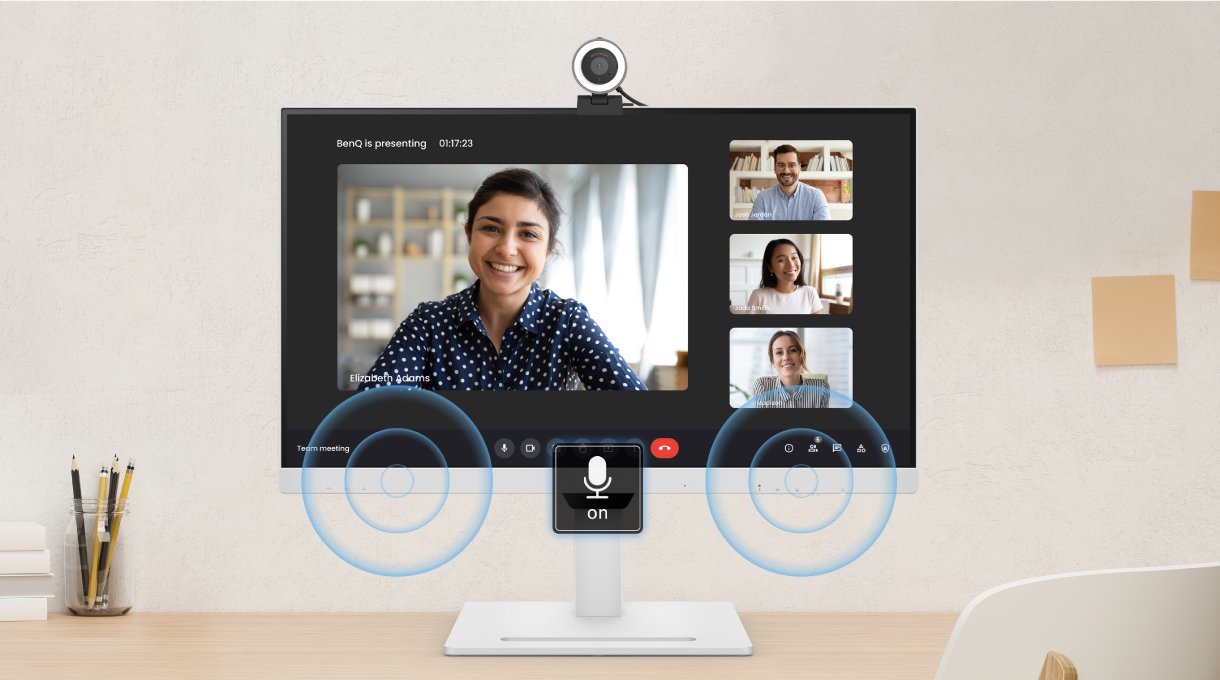
Communication is crucial in the implementation stage of the design process. You need to communicate the product CMF and component details with the hardware development team and prototype manufacturers. In the era of remote work, you need a reliable communication tool that can show every detail clearly and accurately. The BenQ ideaCam S1 Plus is a smart camera that can help you do just that.
auto flip
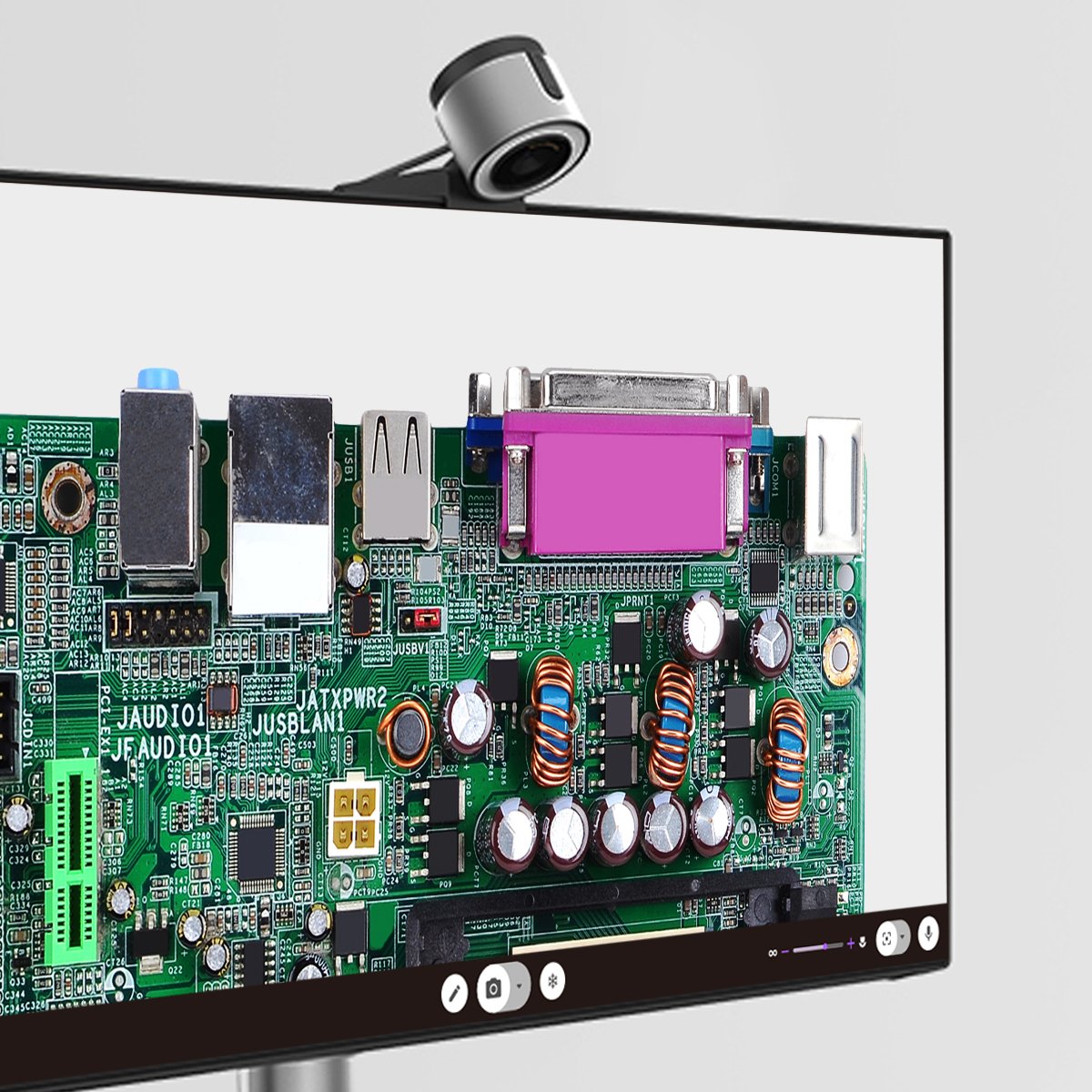
15x macro lens
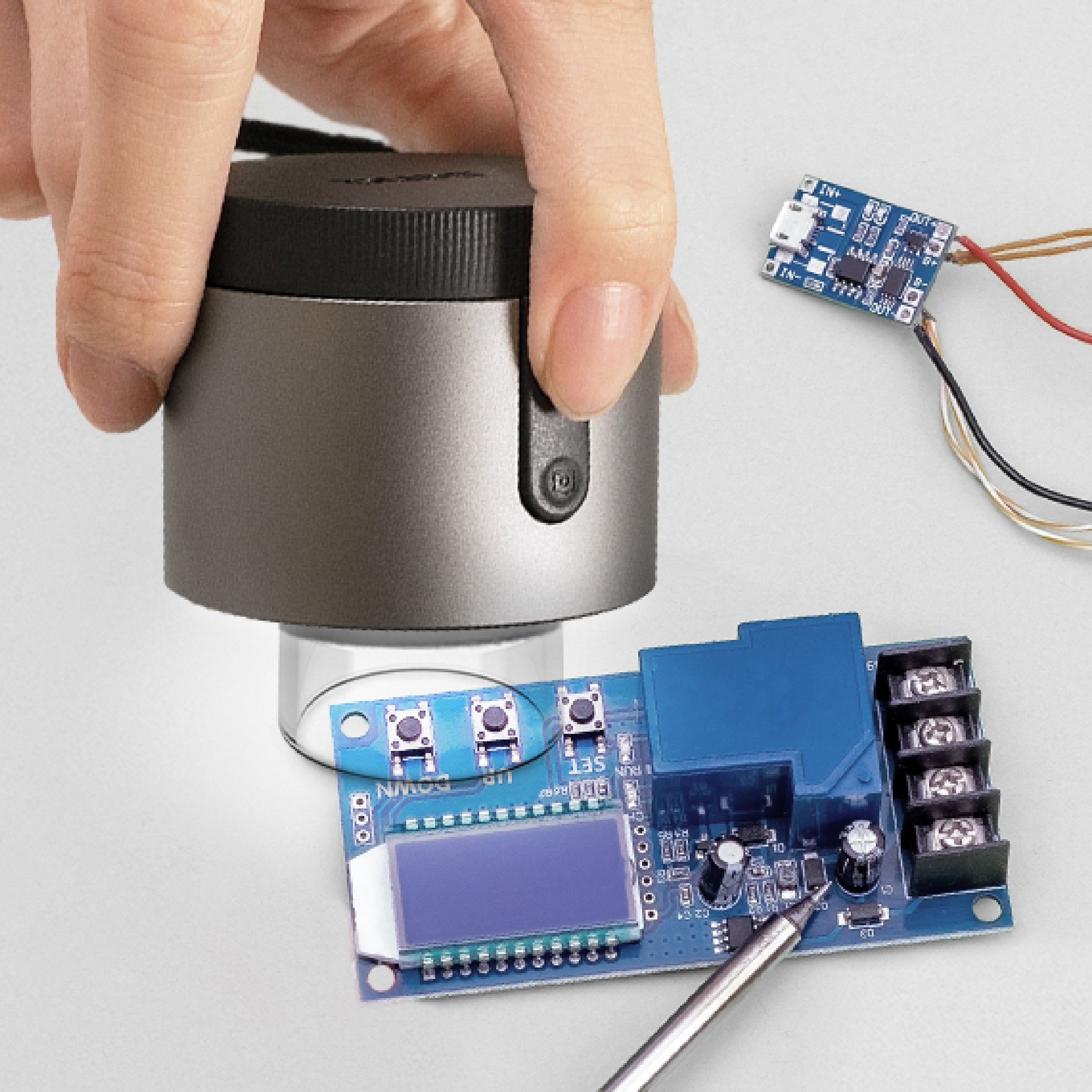
The BenQ ideaCam S1 Plus has a Smart Flip feature that automatically flips the screen vertically when the camera is rotated down. This ensures that all team members have the same viewing angle and perspective when discussing the product. Moreover, the BenQ ideaCam S1 Plus has a 15x magnetic magnifying glass that can display full product details, including board circuitry and product structure and texture. This makes online communication more efficient and accurate, reducing the need for repeated travel and rework. With the BenQ ideaCam S1 Plus, you can communicate clearly online, and then just travel to the site for the final color confirmation stage.
These three handy tools can help industrial designers improve their workflow from data mining to design presentation and communication. They make it easier to collaborate with others and enhance productivity in the remote work era.
Recommended Products