azure-location

Back in stock - MA270S 5K Mac Monitor. Grab yours before it goes again

Shop now

Back in stock - MA270S 5K Mac Monitor. Grab yours before it goes again

Just Landed - iScreenBar™ Monitor Light Bar for iMac

Shop now

Just Landed - iScreenBar™ Monitor Light Bar for iMac

Need advice? Our online chat connects you with real experts instead of bots

Chat with us today

Need advice? Our online chat connects you with real experts instead of bots

Important Product Recall Notice - GV31

Read more

Important Product Recall Notice - GV31

localNavigation.type = g6-series-page

For MacBook

Compare
Web Web

Show Mac colours. On a bigger screen.

The MA Series matches your MacBook's colours out of the box and charges it through a single USB-C cable. No calibration, no adapter pile — just plug in and create.

*“Apple,” “Mac,” and “MacBook” are registered trademarks of Apple Inc. BenQ and its products are not, in any way, affiliated with Apple Inc.

Vivid, glass finish

Nano Gloss Range

Deeper blacks, richer saturation. The ultimate look for colour grading and video in controlled light.

  • 5K 27" | MA270S

    Nano Gloss Panel

  • MA270UP

    4K 27'' | MA270UP

    Nano Gloss Panel

  • 4K 32'' | MA320UP

    Nano Gloss Panel

  • MA320UG

    4K 32" | MA320UG

    Nano Gloss Panel

Anti-glare, all-day

Nano Matte Range

TÜV reflection-free. Built for bright rooms, big windows and long editing sessions where glare is the enemy.

  • MA270U

    4K 27'' | MA270U

    Nano Matte Panel

  • 4K 32'' | MA320U

    Nano Matte Panel

What you see on your Mac. Everywhere else.
Most external monitors render colour differently from MacBook. As the best colour-matching monitor for your MacBook, the MA Series is professionally tuned at the factory — the same P3 colours, no calibration to fiddle with, straight out of the box.

What you see on your Mac. Everywhere else.

Most external monitors render colour differently from MacBook. As the best colour-matching monitor for your MacBook, the MA Series is professionally tuned at the factory — the same P3 colours, no calibration to fiddle with, straight out of the box.

See Every Detail in Stunning 5K

Experience sharper details, vibrant Mac-like colours, and a premium glossy display designed for creative professionals. Discover the MA270S and experience immersive 5K visuals.

See Every Detail in Stunning 5K

Experience sharper details, vibrant Mac-like colours, and a premium glossy display designed for creative professionals. Discover the MA270S and experience immersive 5K visuals.

Everything Feels Smoother at 120Hz

Experience smoother scrolling, fluid motion, and faster responsiveness with a 120Hz refresh rate designed to keep up with your Mac.

Everything Feels Smoother at 120Hz

Experience smoother scrolling, fluid motion, and faster responsiveness with a 120Hz refresh rate designed to keep up with your Mac.

Adjust Everything From Your Keyboard

Now you can synchronise controls between your MacBook and monitor with simple keystrokes, like on a MacBook. Just press the brightness or volume key, and both displays will adjust simultaneously.

Adjust Everything From Your Keyboard

Now you can synchronise controls between your MacBook and monitor with simple keystrokes, like on a MacBook. Just press the brightness or volume key, and both displays will adjust simultaneously.

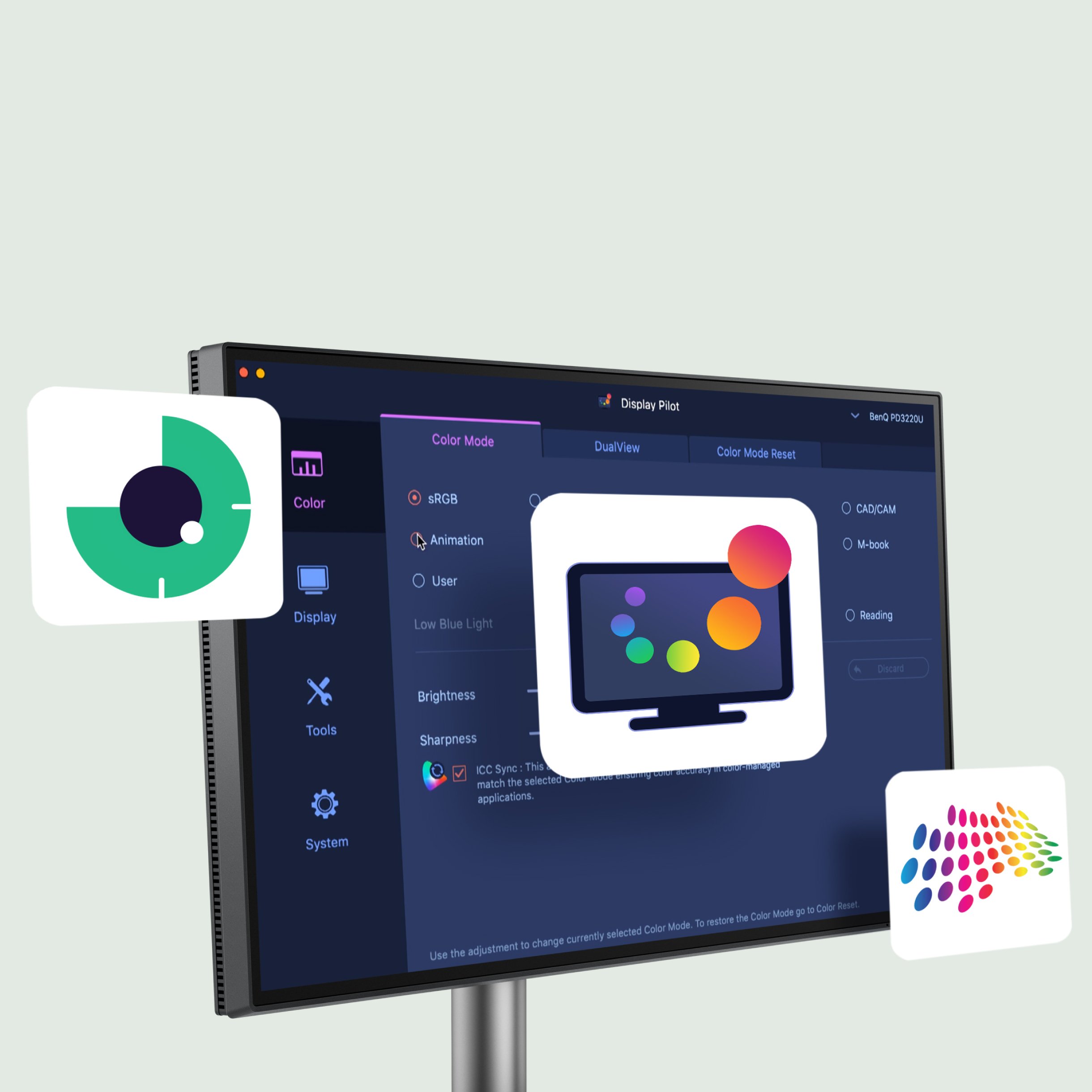
Get it Done with Display Pilot 2

Experience Mac-like simplified settings with BenQ Display Pilot 2 software.

Get it Done with Display Pilot 2

Experience Mac-like simplified settings with BenQ Display Pilot 2 software.

One Cable, Everything Connected

More than a monitor for your MacBook, it's a powerful hub for your whole desk. The built-in 15W port tops up your phone, tablet and accessories while you work.

  • Mobile

  • iPad

  • iPhone

  • Mac mini

  • Game Console

▼

▼

  • Get connected to various devices for multitasking

  • Built-in 90W and 15W USB-C keeps your devices charged* and expands connectivity

    *Ensure your devices stay charged even when the monitor is off with Always-on Power Charging.

Easy on Your Eyes, Built Around You

BenQ Eye-Care technology dims and warms the screen to suit your room, stays flicker-free and filters blue light — all certified by TÜV Rheinland. The stand tilts, swivels, pivots to portrait and adjusts for height, so the screen meets you exactly where you sit.

  • 10-panels-that-protect-v2.jpg

    Panels that Protect

    BenQ makes the best monitors that treat your eyes right. The innovative Nano Matte Panel and BenQ Eye-Care technology eliminate elements like reflection and glare that could harm your vision.

  • TUV Reflection Free Certified

    Being TUV Reflection Free Certified ensures multitasking with minimized distractions. The global safety authority TÜV Rheinland also certifies the MA series' Low Blue Light feature as truly friendly to the human eye, ensuring the display reduces harmful blue light.

Driving a More Sustainable Tech Future

99.3% of BenQ products have completed a carbon footprint inventory

Source: 2024 BenQ Sustainability Report

Driving a More Sustainable Tech Future

99.3% of BenQ products have completed a carbon footprint inventory

Source: 2024 BenQ Sustainability Report

3 Steps to a Better Mac Setup

  • 1. Plug in

    One USB-C cable for video, data and up to 90W of charge

  • 2. See true colour

    Your MacBook's colours appear instantly, with no calibration

  • 3. Enjoy the view

    Enjoy a bigger, sharper, more comfortable canvas for your work

One MacBook. Two finishes. Your call.

Which Monitor is Right for You?

Every monitor in the MA Series tunes itself to your MacBook's colours out of the box. The only real decision is the glass in front of them. Go Nano Gloss for a vivid, glossy finish with deeper blacks and richer colour, made for grading and video in a light-controlled room. Go Nano Matte for our TÜV reflection-free panel that shrugs off glare in bright spaces and keeps you comfortable through the longest edit. Both match your MacBook. Pick the one that suits your desk.

Experience Flawless MacBook Integration Now

We believe, like you, that simplicity best expresses individuality. That's why you need a stylish external monitor that effortlessly integrates with your MacBook Pro or MacBook Air. The new BenQ MA Series frees your ideas without limitations. With our exclusive Mac Colour tuning, enjoy consistent colours seamlessly replicated from your MacBook.

Complete your setup

Make the MA Series the heart of your desk. A few well-chosen extras take it from a great monitor to a complete, clutter-free workspace.

  • Complete your setup

    ScreenBar Halo 2

    Even, glare-free light across your whole desk, without a single ray bouncing back off the screen — and it clips on without using any desk space at all. Built for long sessions.

  • Complete your setup

    USB-C Hybrid Dock (beCreatus DP1310)

    Run up to three 4K displays from a single dock, with 100W charging and every port you need. One connection to your MacBook, and the cable clutter's gone.

Loved by You, Trusted by Media

download

Master macOS Sequoia with our Free Shortcuts Guide

Our free PDF guide includes 45 essential keyboard shortcuts—20 basic and 25 advanced—to help you work more efficiently in macOS Sequoia. Learn how to speed up common tasks and navigate like a pro.

Master macOS Sequoia with our Free Shortcuts Guide

Our free PDF guide includes 45 essential keyboard shortcuts—20 basic and 25 advanced—to help you work more efficiently in macOS Sequoia. Learn how to speed up common tasks and navigate like a pro.

BenQ MA Series for MacBook

Compare all MA Series Monitors
4K(3840x2160)
5K(5120x2880)

27"~28"
31"~32"

27"~28"

Learn more

Screen Coating

P3

Color Gamut

35W,96W

USB-C Power Delivery

USB-C,Thunderbolt 4

All-in-One Connection

115mm/150mm

Maximum Adjustable Height

Assistant Tool

31"~32"

Learn more

Screen Coating

P3

Color Gamut

15W,90W

USB-C Power Delivery

All-in-One Connection

Maximum Adjustable Height

Assistant Tool

27"~28"
Explore Other BenQ Monitors

Explore Trending Topics

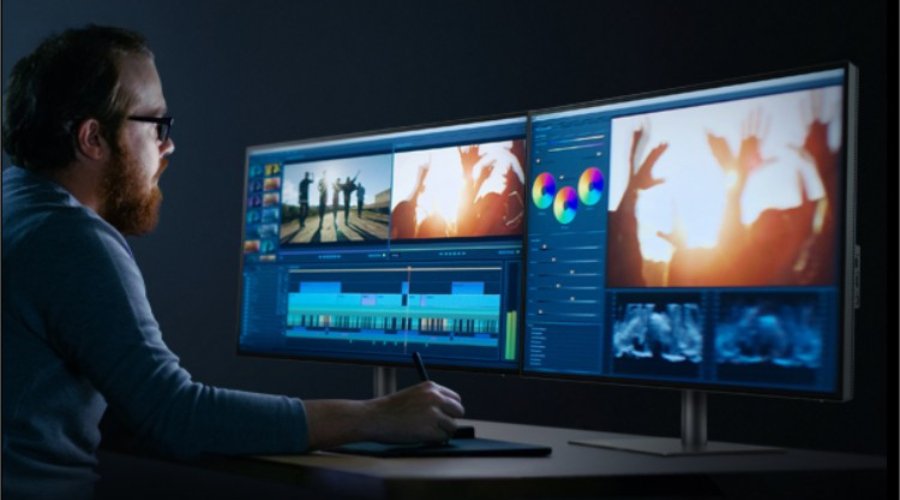
How to Set Up Dual Monitors?

How to Set Up Dual Monitors?

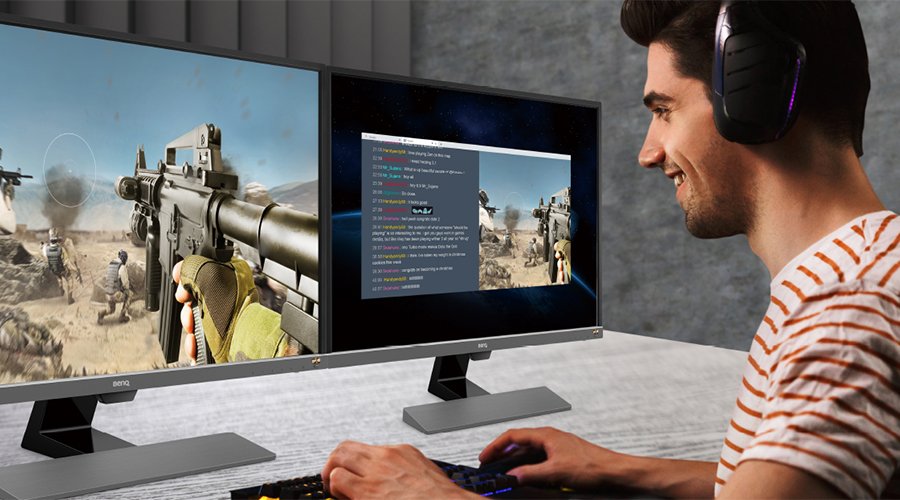
What Are the Benefits of Dual Monitor Setup for Gaming?

What Are the Benefits of Dual Monitor Setup for Gaming?

What is a VESA mount for monitors and TVs and can I use it?

What is a VESA mount for monitors and TVs and can I use it?

Support Center

Tell us we can help.

Contact Us

Need To Get In Touch?