Projectors
Monitors
Lighting
Interactive Displays & Signage
Remote Work & Learning
Wireless PresentationShop
Welcome to BenQ Europe
How can I change my BenQ cookie settings?
Some essential features on BenQ sites just won’t work without cookies. And having other cookies switched off can seriously affect the way you’ll be able to enjoy our services.
Please check your cookie settings below and turn on any cookies you’re happy with.
“Strictly necessary” cookies can’t be turned off. But Functional and Performance cookies can be turned on or off below. You can learn more about cookies and what they do on our other pages.
If you've chosen to block third-party cookies on your browser, your cookie preferences won't carry over from benq.eu to benq.xx and vice versa. Please make sure to set your cookie preferences in both places.
On
Strictly necessary cookies
These cookies are essential so that you can move around the website and use its features. Without these cookies services you have asked for cannot be provided.
On
Off
Functional cookies
These cookies allow the website to remember choices you make to give you better functionality and personal features.
On
Off
Performance cookies
These cookies help to improve the performance of BenQ. If you want to opt-out of advertising cookies, you have to turn-off performance cookies.
Need help choosing your next BenQ product? Our online Live Chat connects you with real experts. No bots - just genuine human assistance.
Chat with us today!Need help choosing your next BenQ product? Our online Live Chat connects you with real experts. No bots - just genuine human assistance.
Chat with us today!
The short and fast answer – YES, high refresh rate displays should be a priority for gamers that can afford them.
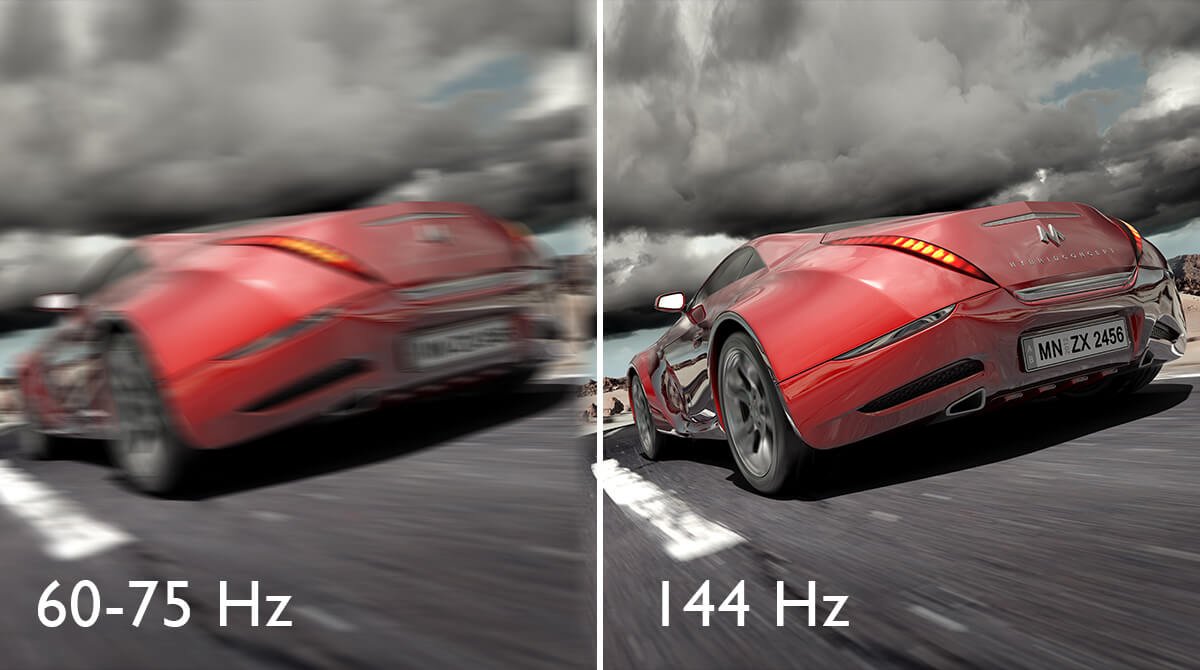
Refresh rate and response times are high up on every spec sheet. The first number refers to how many frames per second a monitor shows, measured in Hertz (Hz). The long-time standard 60Hz suffices for most gaming needs. However, since video boils down to a series of stills shown at various speeds, the general “faster is better” logic holds true. At higher rates everything appears smoother and more responsive. Gaming on a 144Hz screen jumps out as even more fluid than 60Hz, and noticeably so. However, there may be a limit, as studies show very few people notice refresh rate increases from 144Hz to 240Hz.
On to the second number – response time. While refresh rate is the number of frames per second, response time is the speed at which each of those frames renders. The fastest screens have a 1ms (millisecond) response time while others may go up to 5-6ms, which, for most folks, is still acceptable. Together, refresh rate and response time tell us how fast a given monitor performs. For gamers, fast is of utmost importance. Slow monitors add to input delay or latency and can join other factors such as overall system lag or internet hiccups to ruin a gaming experience. Summed up, it’s hard to win on slow displays.
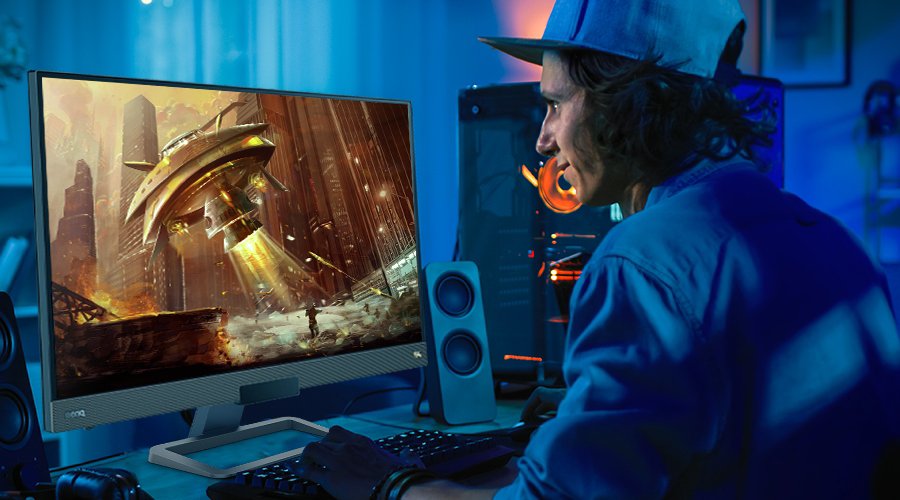
High speed 144Hz monitors help increase gameplay fluidity and gamer response. The difference between a 60Hz and a 144Hz monitor becomes obvious when gamers on 144Hz screens literally see things before 60Hz players when competing in online multiplayer. While the advantage never exceeds fractions of a second, it’s enough to make a big difference in games that rely on reflexes. While story-driven adventure titles may not benefit from 144Hz, shooters, racers, and fighters most definitely do. If you enjoy online gaming or have become part of the Esports scene, then you need a 144Hz monitor, or as fast a display as you can afford. The standard 60Hz probably won’t suffice in your case.
No matter how you game, you’ll notice faster, smoother performance from 144Hz monitors. That applies to casual gamers or general hobbyists, not just pro gamers and Esports athletes. If you game on a 30Hz screen and try to force games set to higher refresh rates on it, you’ll very quickly run into motion blur and judder issues. A lot of people get physically sick from motion blur, so faster screens deliver better performance on many levels.
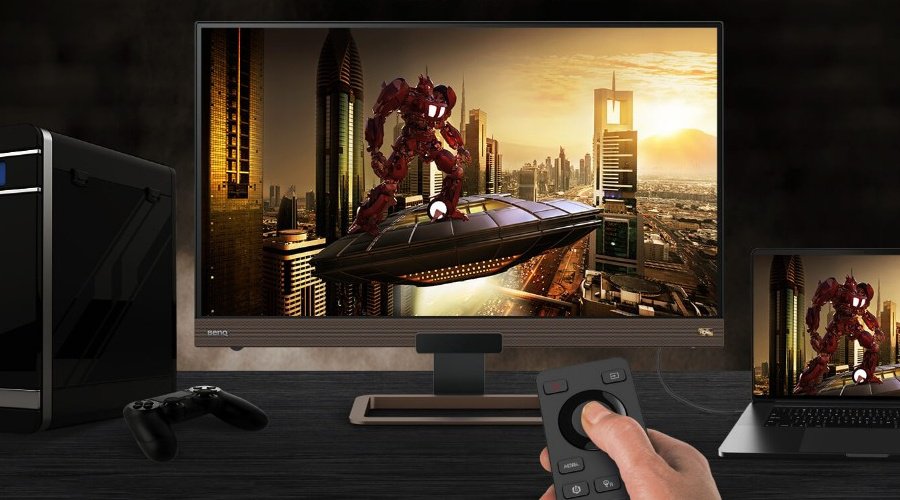
Your monitors should keep up with your other hardware and services. As technology improves, games run at ever-higher framerates. So, a 144Hz monitor provides a good degree of future proofing while allowing your current gaming gear to perform as intended. If you invested in a powerful PC with a good graphics card, then a 60Hz monitor may act as a bottleneck. If your PC easily puts out 120Hz in a certain game, why limit things to 60Hz? You’re simply wasting the performance of hardware you already paid for. The same goes for consoles and, in the near future, for game streaming.
High speed monitors enable unlocked framerates, or free-floating refresh. That means your PC or console runs the game as fast as it can, and your monitor shows that game in its native framerate. That’s an optimal situation because you experience games as their developers intended. A monitor capable of 144Hz or higher provides plenty of room so you don’t have to worry about limiting performance.
We’ve covered gaming but a big factor people often overlook when discussing monitor speeds is the desktop. Yes, your operating system desktop. The faster the monitor, the smoother your mouse cursor. Everything feels quicker and more intuitive. While not an absolute must, 144Hz works like a charm for desktop response.
If you’re OK with a 60Hz desktop and don’t do any reflex-based gaming, then 144Hz may seem like a luxury. Bottom line, faster refresh equals superior performance. If you can afford it, you won’t regret having it.
The exception to that arrives in the form of overall monitor quality. Similarly, a 144Hz monitor going for a surprisingly low price or from a completely unknown brand may be using an attractive high number to cover up faults. Do your research before committing!
Recommended Products
{{item.productWordingTag}}
{{currency}}{{item.finalPrice| numberThousandsCommas | numberDecimalPoint}} Save {{currency}}{{item.saveAmount | numberThousandsCommas | numberDecimalPoint}} Save {{item.savePercent | numberThousandsCommas | numberDecimalPoint}}%
new device price{{currency}}{{item.regularPrice| numberThousandsCommas | numberDecimalPoint}}