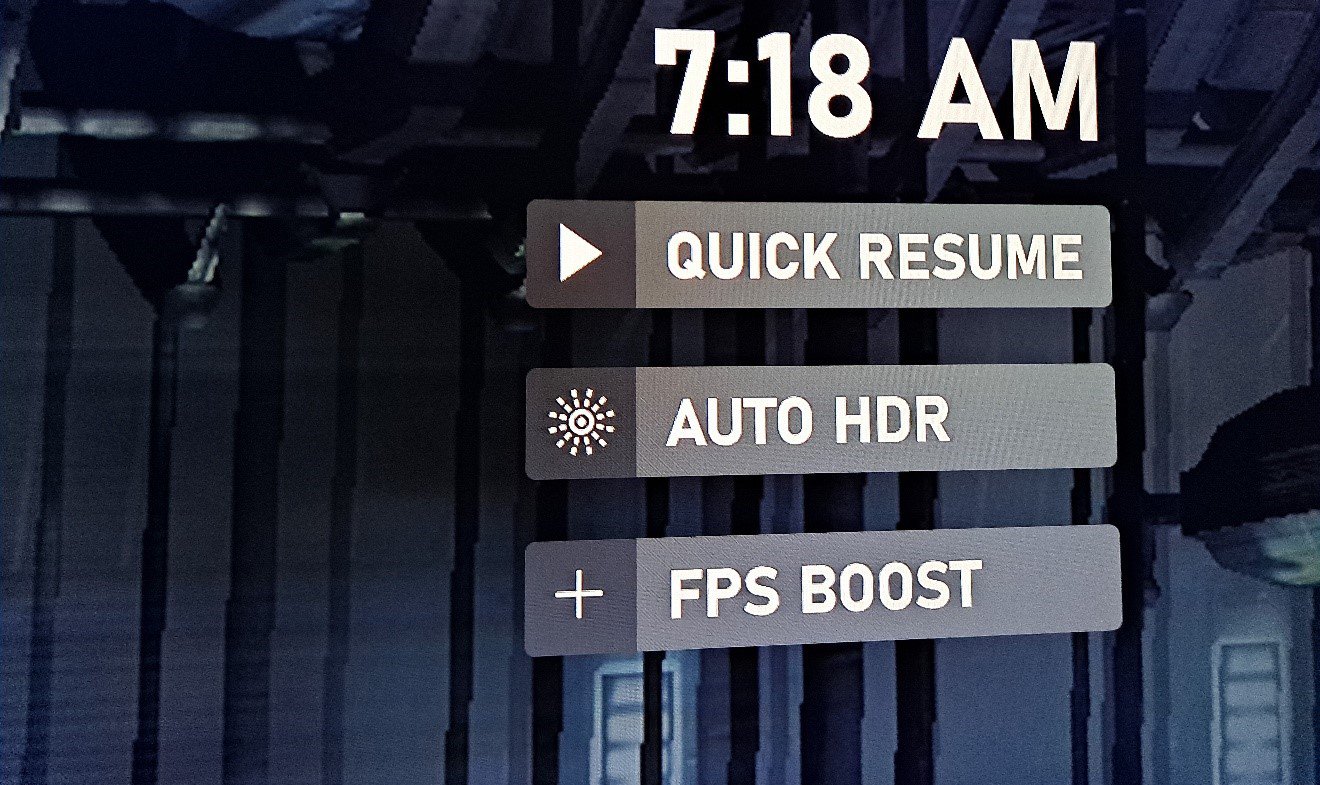
These three enhancements don’t come as a package and are entirely up to the backward compatibility technical team at Microsoft. A game could have none, one of them, two, or all three, in any combination.
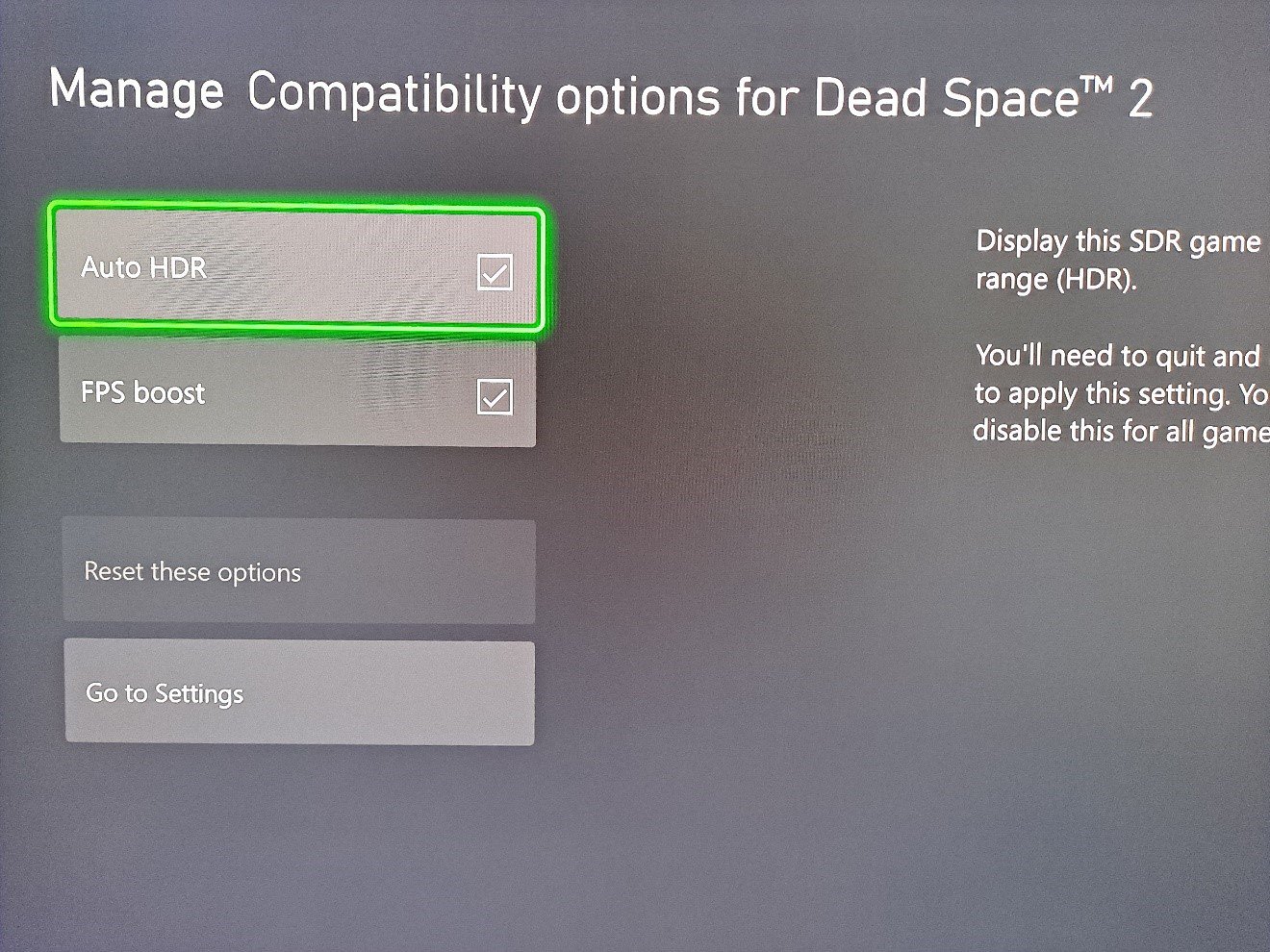
If applicable, once you install a game with these features, they activate by default. So when you install Dead Space 2, it’ll turn on Auto HDR and FPS Boost. The resolution increase isn’t a toggle-able feature, it’s built into games and users have no control over it.
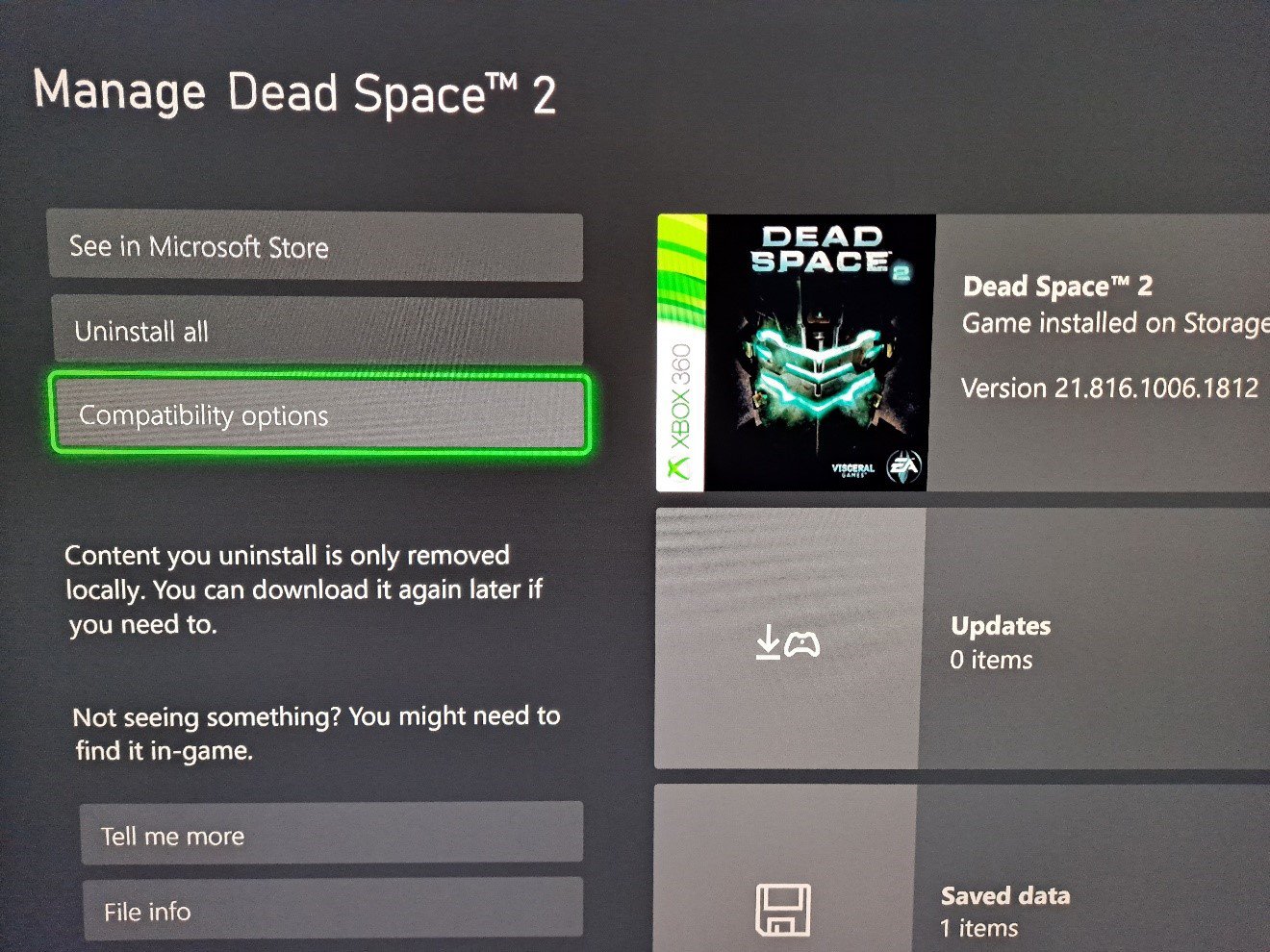
To make sure a game has Auto HDR and FPS Boost turned on, you need to go into individual game management, as this isn’t part of the console settings app. Once in game management, click on compatibility options.