Projectors
Accessories
Accessories
Projectors
Monitors
Lighting
Accessories
Interactive Displays & Signage
Shop
Welcome to BenQ Europe
How can I change my BenQ cookie settings?
Some essential features on BenQ sites just won’t work without cookies. And having other cookies switched off can seriously affect the way you’ll be able to enjoy our services.
Please check your cookie settings below and turn on any cookies you’re happy with.
“Strictly necessary” cookies can’t be turned off. But Functional and Performance cookies can be turned on or off below. You can learn more about cookies and what they do on our other pages.
If you've chosen to block third-party cookies on your browser, your cookie preferences won't carry over from benq.eu to benq.xx and vice versa. Please make sure to set your cookie preferences in both places.
On
Strictly necessary cookies
These cookies are essential so that you can move around the website and use its features. Without these cookies services you have asked for cannot be provided.
On
Off
Functional cookies
These cookies allow the website to remember choices you make to give you better functionality and personal features.
On
Off
Performance cookies
These cookies help to improve the performance of BenQ. If you want to opt-out of advertising cookies, you have to turn-off performance cookies.
Win a MOBIUZ OLED Monitor
Enter NowWin a MOBIUZ OLED Monitor
Enter Now
Important Product Recall Notice - GV31
Read moreImportant Product Recall Notice - GV31
Read more
Need advice? Our online chat connects you with real experts instead of bots
Chat with us todayNeed advice? Our online chat connects you with real experts instead of bots
Chat with us today
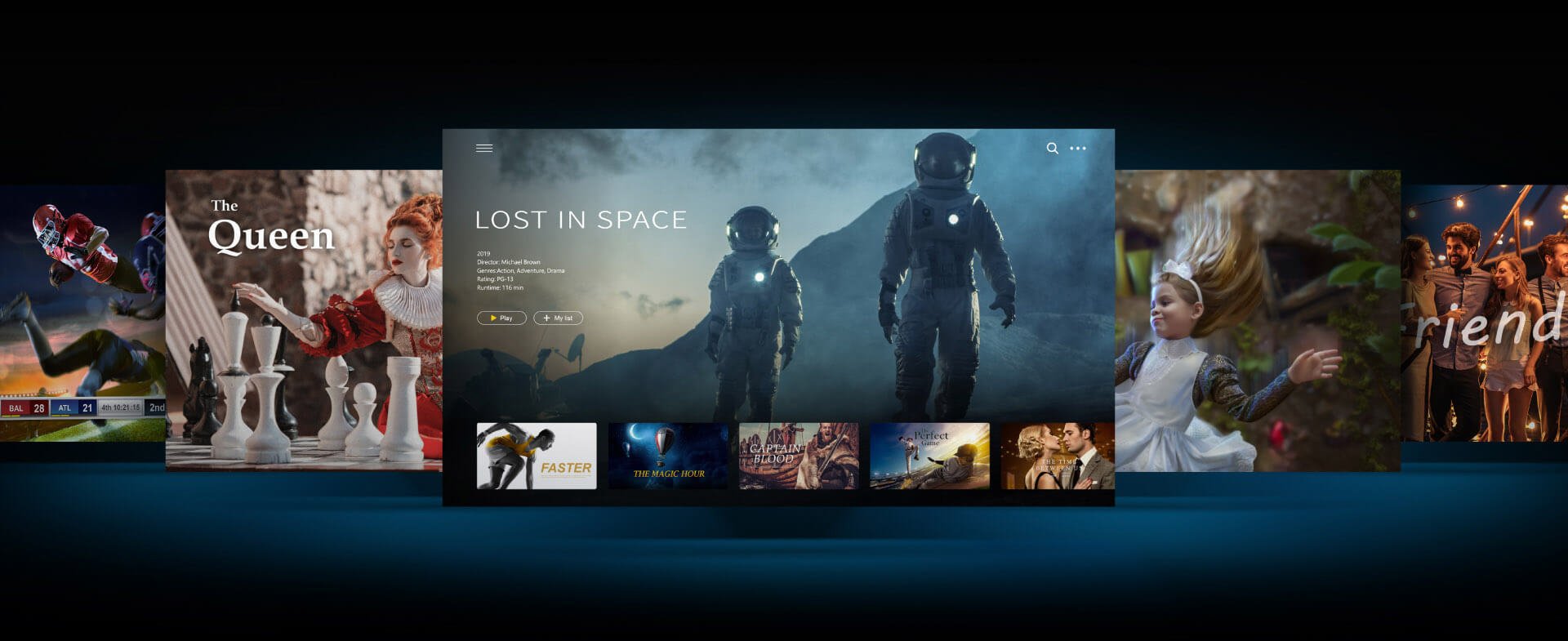
Whether you want to watch movies, TV shows, sports, or live TV, BenQ Android smart projectors have the most extensive entertainment library available. Featuring an easy-to-use interface, BenQ’s smart projectors provide easy access to Google Play for full family fun.
Initial Setup with iOS Device
How to Connect BenQ Portable and Smart Home Projector with Mobile Device
Cast & Mirror via iOS Devices
Enjoy Netflix by either casting from a Google Chrome browser, connecting your device with an HDMI cable, or manually installing compatible apps directly from Google Play*.
*The quality of service and level of technical support for apps that are installed from Google Play are entirely subject to the respective app’s publishers.
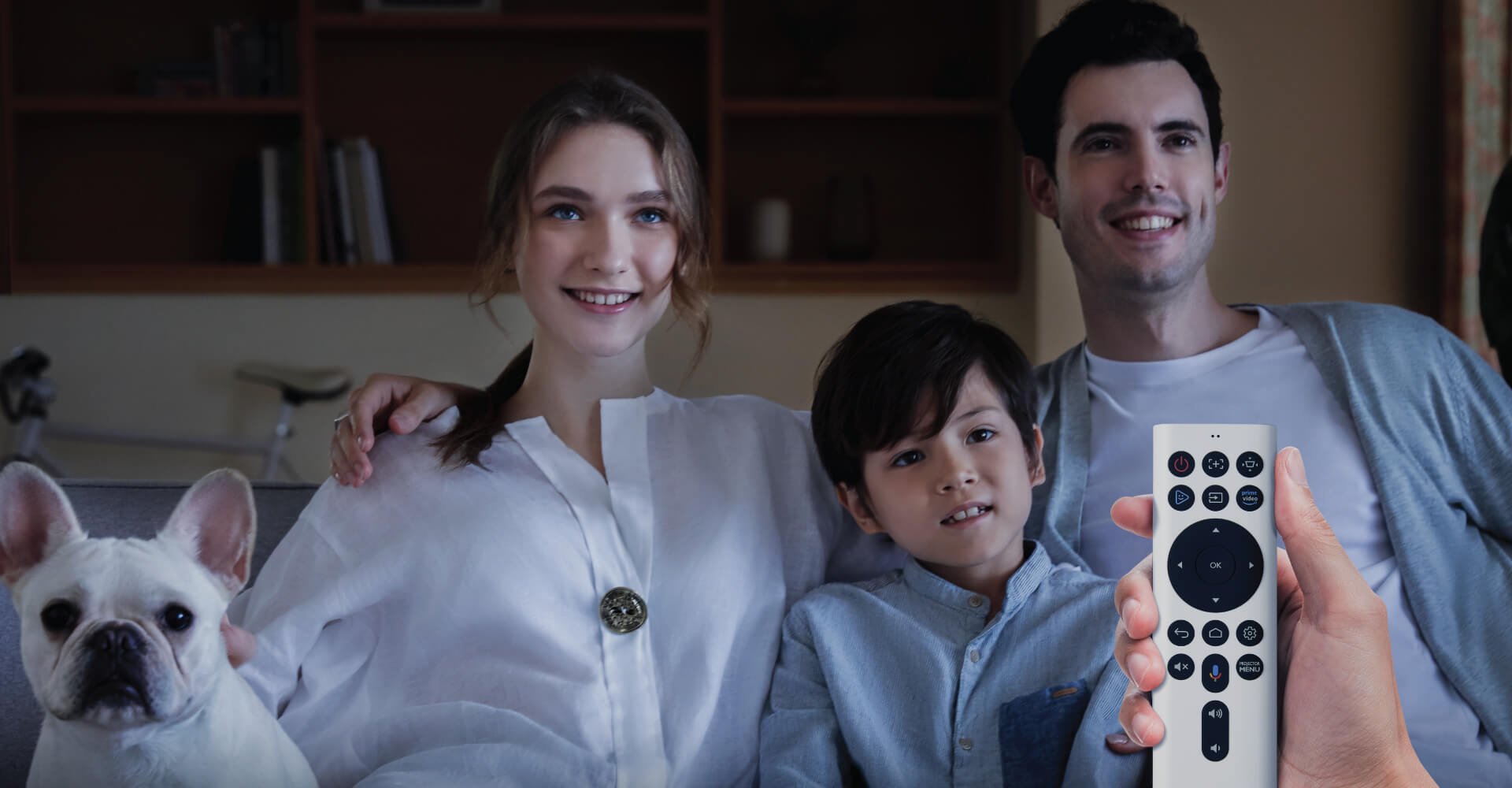
To enhance your streaming experience, it is recommended that you install the Apps Manager so that you can enjoy popular streaming apps. Please be sure to install “BenQ Smart Control” app for better navigation.
How to Start the BenQ FamiLand
• Google-certified Android TV
• 500,000+ TV shows and movies from Google Play
• One button to enjoy Amazon Prime’s content
• Amazon Prime & YouTube embedded
• In-browser entertainment, like Netflix, from your laptop
• Google Voice search & Google assistant enabled
• Chromecast built-in supported
• Kid-friendly content & parental controls
{{item.productWordingTag}}
{{currency}}{{item.finalPrice| numberThousandsCommas | numberDecimalPoint}} Save {{currency}}{{item.saveAmount | numberThousandsCommas | numberDecimalPoint}} Save {{item.savePercent | numberThousandsCommas | numberDecimalPoint}}%
new device price{{currency}}{{item.regularPrice| numberThousandsCommas | numberDecimalPoint}}