Projectors
Monitors
Lighting
Interactive Displays & Signage
Remote Work & Learning
Wireless PresentationShop
Welcome to BenQ Europe
How can I change my BenQ cookie settings?
Some essential features on BenQ sites just won’t work without cookies. And having other cookies switched off can seriously affect the way you’ll be able to enjoy our services.
Please check your cookie settings below and turn on any cookies you’re happy with.
“Strictly necessary” cookies can’t be turned off. But Functional and Performance cookies can be turned on or off below. You can learn more about cookies and what they do on our other pages.
If you've chosen to block third-party cookies on your browser, your cookie preferences won't carry over from benq.eu to benq.xx and vice versa. Please make sure to set your cookie preferences in both places.
On
Strictly necessary cookies
These cookies are essential so that you can move around the website and use its features. Without these cookies services you have asked for cannot be provided.
On
Off
Functional cookies
These cookies allow the website to remember choices you make to give you better functionality and personal features.
On
Off
Performance cookies
These cookies help to improve the performance of BenQ. If you want to opt-out of advertising cookies, you have to turn-off performance cookies.
Need help choosing your next BenQ product? Our online Live Chat connects you with real experts. No bots - just genuine human assistance.
Chat with us today!Need help choosing your next BenQ product? Our online Live Chat connects you with real experts. No bots - just genuine human assistance.
Chat with us today!
The first thing to keep in mind is that FreeSync 2 no longer exists, having been replaced by FreeSync Premium and FreeSync Premium Pro. However, originally FreeSync 2 added HDR support to FreeSync’s default adaptive sync, also known as variable refresh rate.
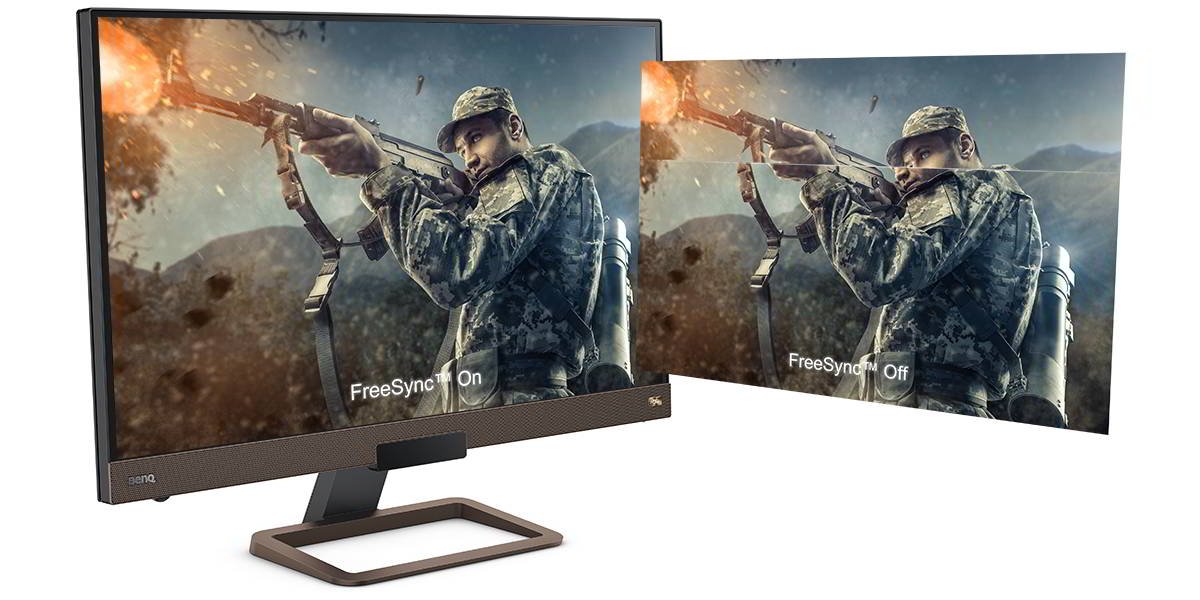
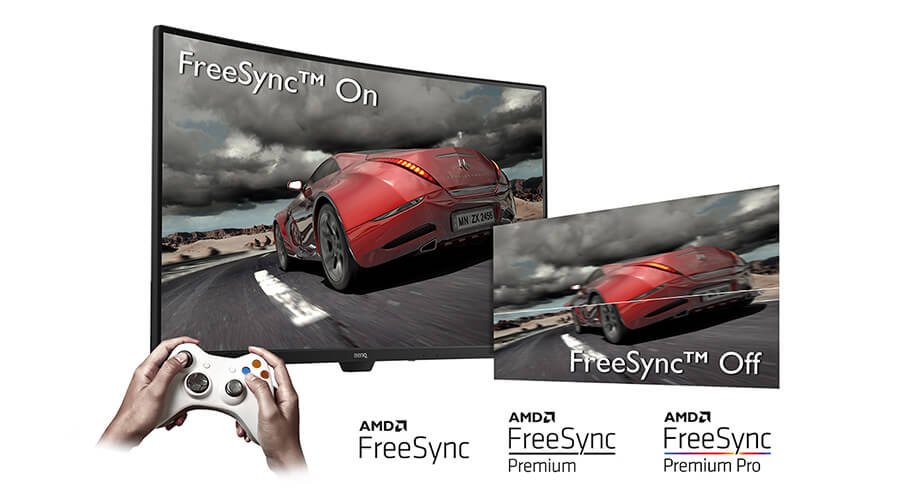
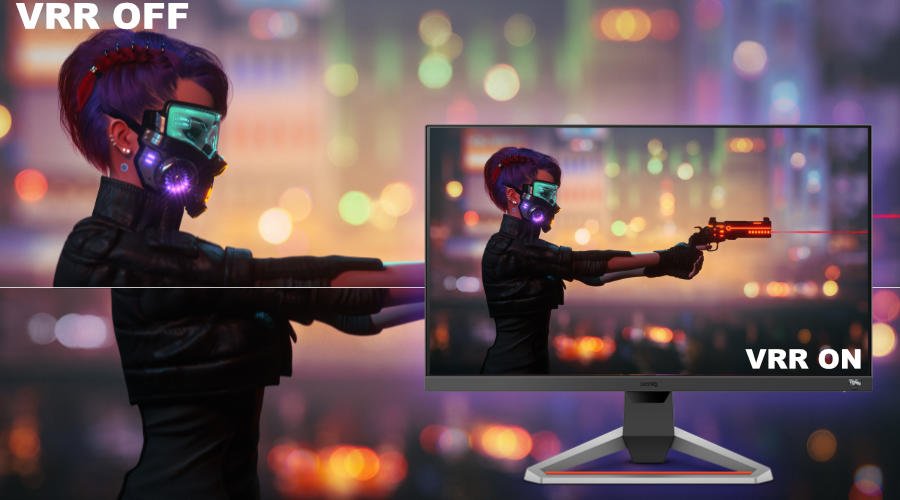
Once gaming evolved to a point where graphics performance made a visible difference, issues like screen tearing began to bother gamers on a large scale. That required a solution to ensure the monitor (or display) and graphics hardware on PCs and consoles were properly synced. We mention consoles because in 2017 FreeSync found its way to Xbox. In any case, AMD’s original FreeSync arrived in 2014 after much experimentation. FreeSync resolves refresh rate discrepancies between your PC or console and your gaming monitor or TV. It makes sure you don’t experience unsightly screen tearing by forcing a match between source and display framerates in the event of a mismatch taking place.
So if your screen runs at 60Hz but you’re playing a graphics-intense game that your graphics card struggles to output at 45Hz, FreeSync will adjust the monitor downward to 45Hz. That stops the monitor from waiting for the graphics card to catch up, as the waiting is what causes visible screen tearing. Newer, premium versions of FreeSync know how to adjust upward, effectively compensating for low framerates. It’s worth noting that in any scenario, FreeSync has almost no performance cost since the majority of related processing takes place on the monitor, not the device generating the graphics.
Back on track, AMD updated FreeSync in early 2017 with an additional tier known as FreeSync 2. The biggest difference was the incorporation of HDR and wide color gamut support in FreeSync 2, since at that time 4K and HDR were at long last becoming mainstream.
To sum this part up, basic and original 2014/2015 FreeSync focused almost entirely on adaptive sync to prevent screen tearing. It also generally lowered input lag due to taking computational load off the PC or console and moving that load to the monitor, but this part’s not that noticeable. FreeSync 2 handled screen tearing the same way but added support for HDR, meaning it could adapt refresh rates for HDR content in addition to regular (SDR) feeds. Note we use the past tense in this paragraph, that’s because FreeSync 2 is now a legacy term and doesn’t apply anymore.
All versions of FreeSync work as an optional extra. Device manufacturers may choose to include any version of FreeSync on a monitor or TV. All AMD graphics cards support every level of FreeSync, so in the PC realm it’s up to monitor and TV makers to decide if they want to include FreeSync, and if so, which version of the technology to implement.
You don’t need to do anything, as it’s not possible to download FreeSync, except of course update drivers and firmware as per usual.
No. As described above, AMD discontinued FreeSync 2. That happened in late 2019 due to growing demand for high refresh rate gaming monitors, in particular e-sports displays with framerates of 144Hz and above. FreeSync Premium and FreeSync Premium Pro both support 120Hz as a minimum, while the latter has improved HDR support. Basic FreeSync has remained largely unchanged since 2014. So you can disregard FreeSync 2 from now on. Monitors with FreeSync 2 in their specs either have it wrong or are simply from before late 2019.
We have a more in-depth article about the newer tiers of FreeSync, if you’re interested.
Recommended Products
{{item.productWordingTag}}
{{currency}}{{item.finalPrice| numberThousandsCommas | numberDecimalPoint}} Save {{currency}}{{item.saveAmount | numberThousandsCommas | numberDecimalPoint}} Save {{item.savePercent | numberThousandsCommas | numberDecimalPoint}}%
new device price{{currency}}{{item.regularPrice| numberThousandsCommas | numberDecimalPoint}}