azure-location

Important Product Recall Notice - GV31

Read more

Important Product Recall Notice - GV31

You need advice? Our online chat connects you with real experts instead of bots!

Chat with us today

You need advice? Our online chat connects you with real experts instead of bots!

localNavigation.type = g6-product-overview-page

Webcam Accessory

{{currency}}{{finalPrice.final | numberThousandsCommas | numberDecimalPoint}}

{{currency}}{{regularPrice.final | numberThousandsCommas | numberDecimalPoint}}

Buy
Webcam Accessory

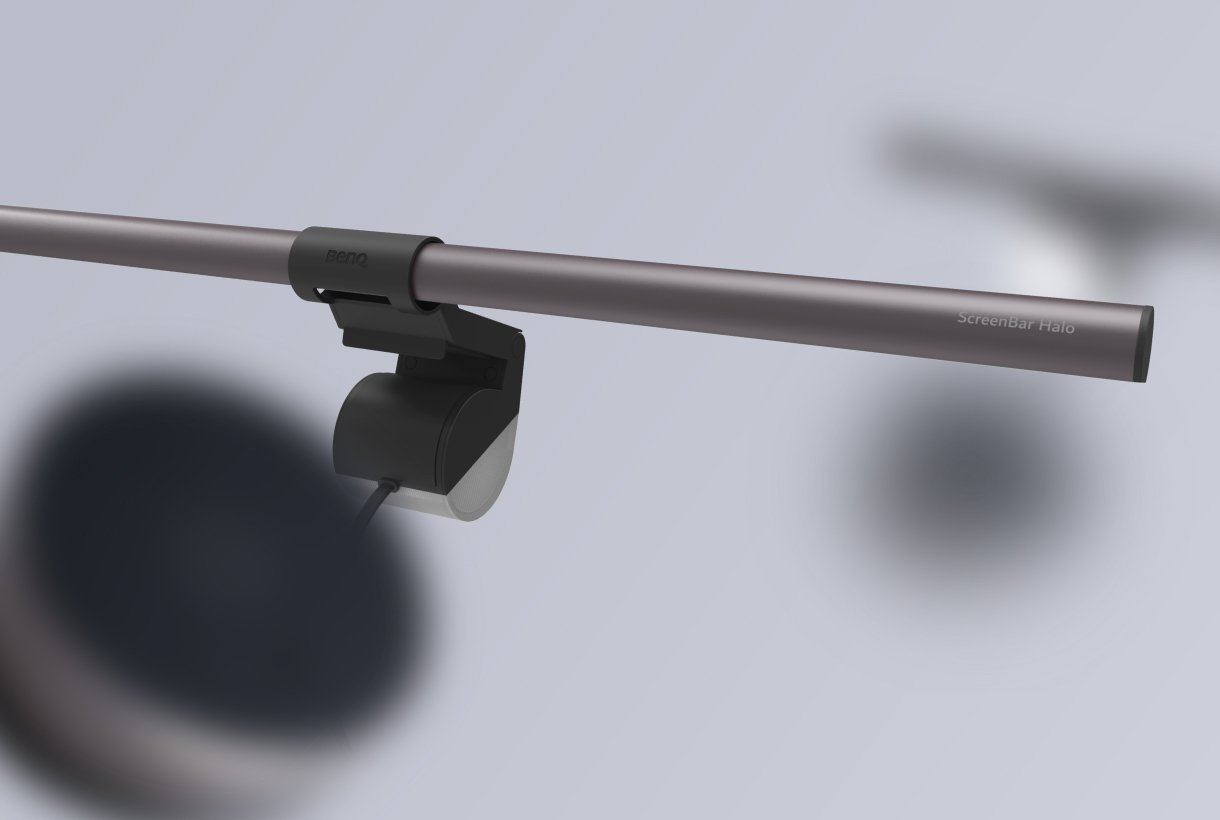
ScreenBar Halo

Webcam Accessory

(Webcam accessory is not compatible with ideaCam.)

ScreenBar Halo

Webcam Accessory

(Webcam accessory is not compatible with ideaCam.)

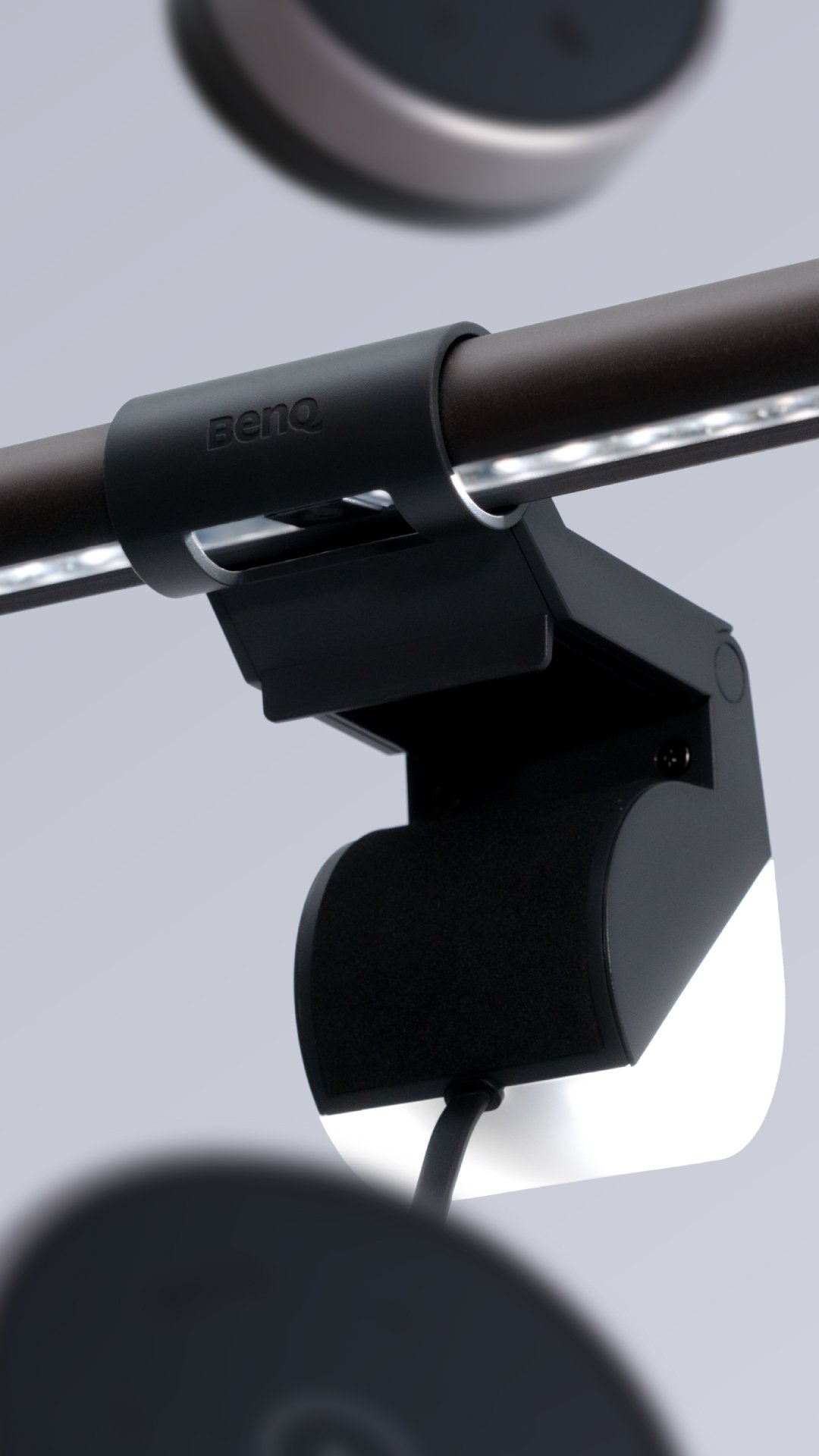
Magnetic adaptor

Designed for ScreenBar Halo usage

Adjust it to fit

Instructions

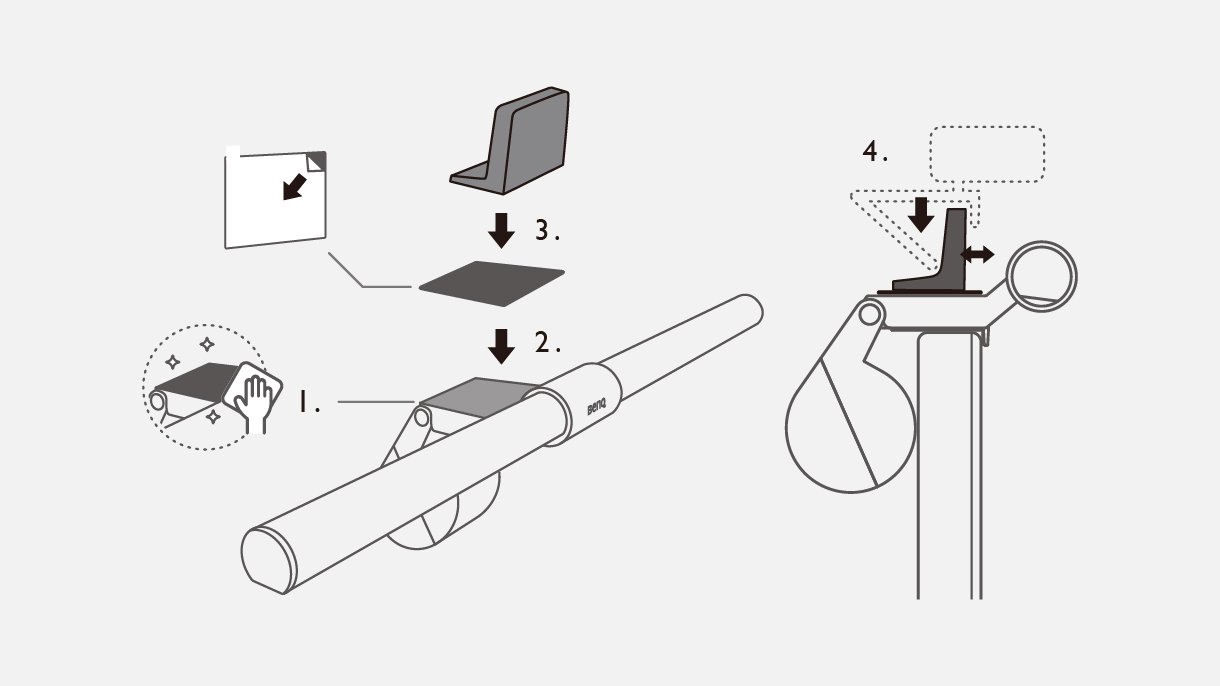
1. Clean the ScreenBar surface before applying the sticker. 2. Tear off the backing of the sticker. 3. Apply the magnetic sticker to the ScreenBar surface, in the designated position. 4. Position the adaptor onto the metallic sticker. 5. Attach your webcam securely and position it to suit your needs.

Instructions

Notice

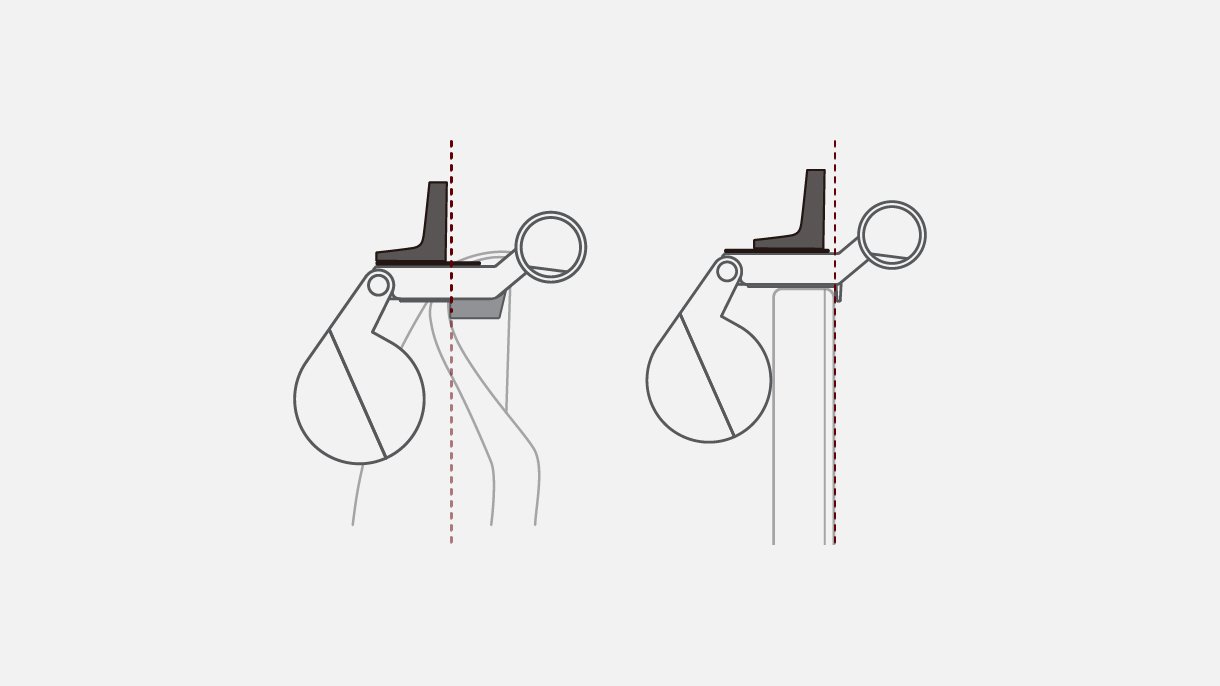
When using with curved monitors, take care not place the adaptor over the edge of screen bezel.

Notice

What's In The Box

Magnetic Adaptor, Metallic Sticker
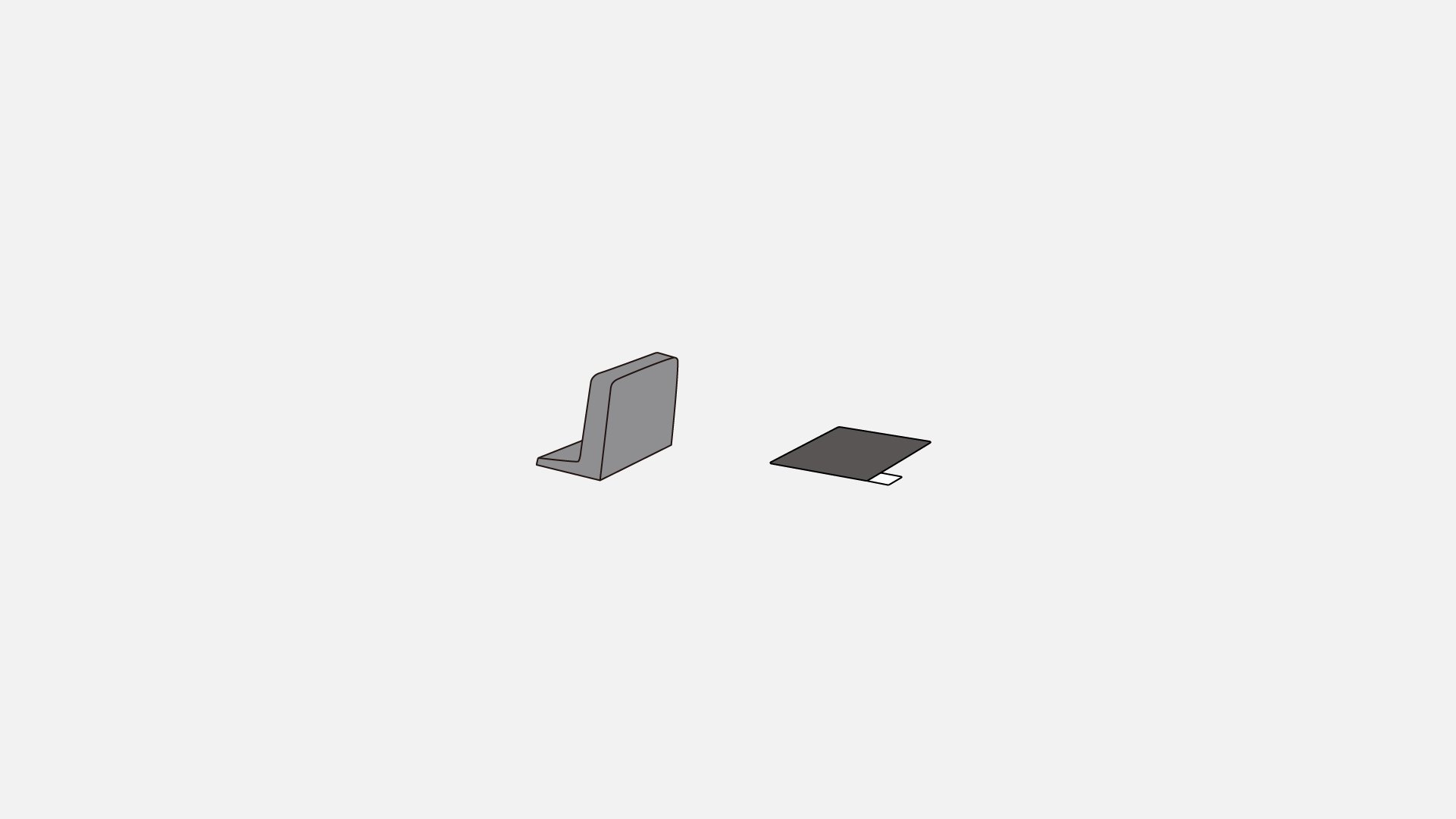
ScreenBar Halo專用視訊攝影機支架 內容物 ScreenBar Halo專用視訊攝影機支架 內容物

FAQ

Have a question?

Download

Find the latest user manuals