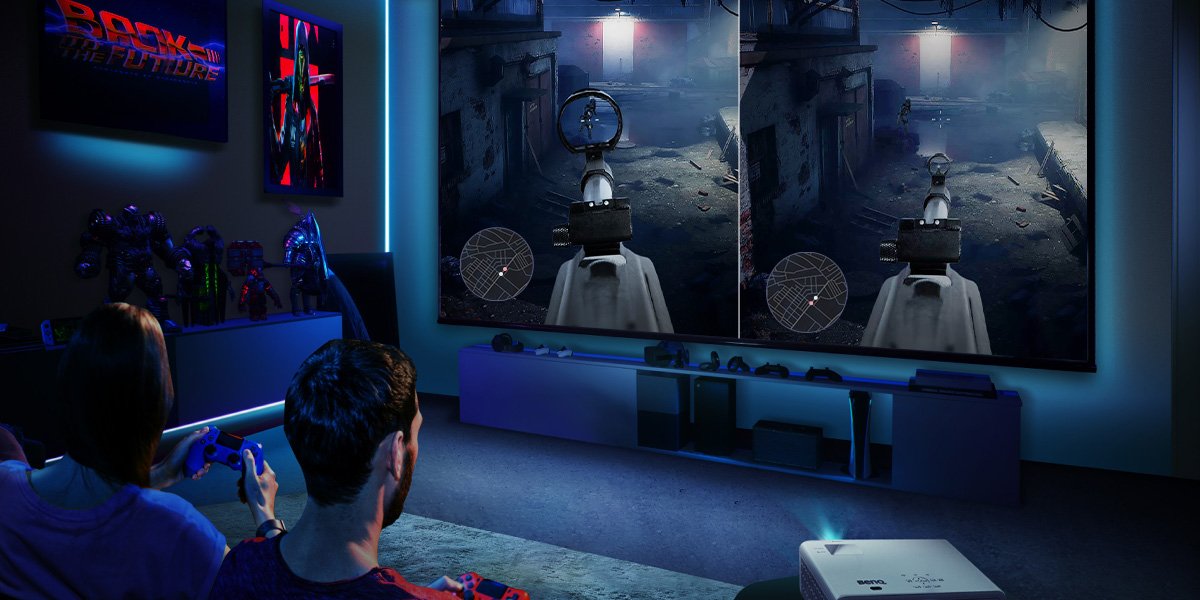
The more players you have on one display, the bigger your screen should preferably be. Projectors with their huge image sizes possibilities are a better fit for split screen than monitors or TVs, as you don’t have to crowd around a smaller display with a bunch of friends. With gaming projectors, such as the BenQ X Series, you get 120” or more in screen size and sit back in comfort while maintaining extremely low input lag. In 4K 60Hz, that’s just over 16ms, while 1080p 120Hz is as low as 8ms, which is good for Halo Infinite because it offers a 120Hz mode on both Xbox Series consoles. This is the mode you want to choose for split screen multiplayer, because it’s responsive, sleek, and maximizes your in-game performance. In the single player campaign, 4K 60Hz with higher visual settings is preferred, but those aren’t as important in multiplayer, where swift responses count more than anything else.
If you want to take Halo Infinite action to your study, then we recommend having a 4K, high refresh rate, low latency gaming monitor like the BenQ MOBIUZ EX2710U or EX3210U. But, as mentioned above, for split screen enjoyment the bigger the screen, the better. A monitor is great if you’re gaming on your own, but for multiple players nothing beats a massive projected image that’s fast and detailed.
Have fun with those local multiplayer matches!