


RD270Q|27” 2K 144Hz BenQ Programming Monitor
Code Smarter with All-Day Clarity and Care
Code with precision. Keep your logic flowing with perfect focus.

Accessories


Tap the Coding Hotkey and dive straight into coding. Instantly apply coding modes, adjust brightness, contrast, eye-care settings, and toggle Night Hours Protection, to shield your vision in dark environments without missing a beat.
Exclusive Coding Modes are finely tuned for optimal clarity in both dark and light themes. The new Paper Color Mode recreates the look and feel of printed pages, offering a comfortable, eye-friendly way to read, review, and refine code.
Coding - Dark Theme
Dark Theme enhances readability, boosts coding speed, and improves debugging precision.
Coding - Light Theme
Light Theme for clear viewing without eye strain.
Coding - Paper Color
The new Coding - Paper Color Mode lets you enjoy the comfort of paper-like reading.
Featuring a low=reflection finish that minimises distractions, this advanced technology enhances focus and productivity, delivering exceptional clarity for peak performance.

The RD270Q delivers high-contrast performance powered by multi-layered High Pixel Contrast Technology. With static and dynamic contrast tuning, alongside Local Contrast Optimisation, it reveals finer detail and improves clarity in dark areas, whether you're working in your IDE, movies, or gaming after hours.

We understand the importance of eye health, which is reflected in every design we create.
A 144Hz refresh rate offers lag-free performance helping reduce flicker-related eye strain and fatigue. Enjoy consistent visual comfort from your first scroll to your last line of code.
Keep the inspiration, lose the strain. Night Hours Protection’s ultra-low brightness technology helps reduce light-induced fatigue, delivering a gentler viewing experience so you can code comfortably into the night without eye discomfort.
The RD270Q is TÜV-certified for Flicker-Free, Reflection-Free, Low Blue Light, Eye Comfort 2.0, and Eyesafe 2.0, helping to minimise distractions, reduce harmful blue light, and deliver a comfortable, safe viewing experience without compromising vivid, lifelike colour. In addition, the Visual Optimiser automatically adjusts brightness and colour temperature, allowing the RD270Q to adapt seamlessly to your workspace.

Built for ergonomic comfort, helping reduce strain and support productivity.
Pivot
Swivel
Tilt
Height Adjustable Stand
Maximise efficiency through intuitive software controls and a thoughtfully selected range of ports, designed to suit every setup.
Slim and lightweight, the RD270Q reduces desk clutter with a compact stand and VESA mount support, enabling flexible setup options.

Keep your workspace tidy and your focus sharp. The USB-C port delivers lightning-fast video, audio, and data transfer, along with up to 65W of power delivery. Everything you need, without the clutter.


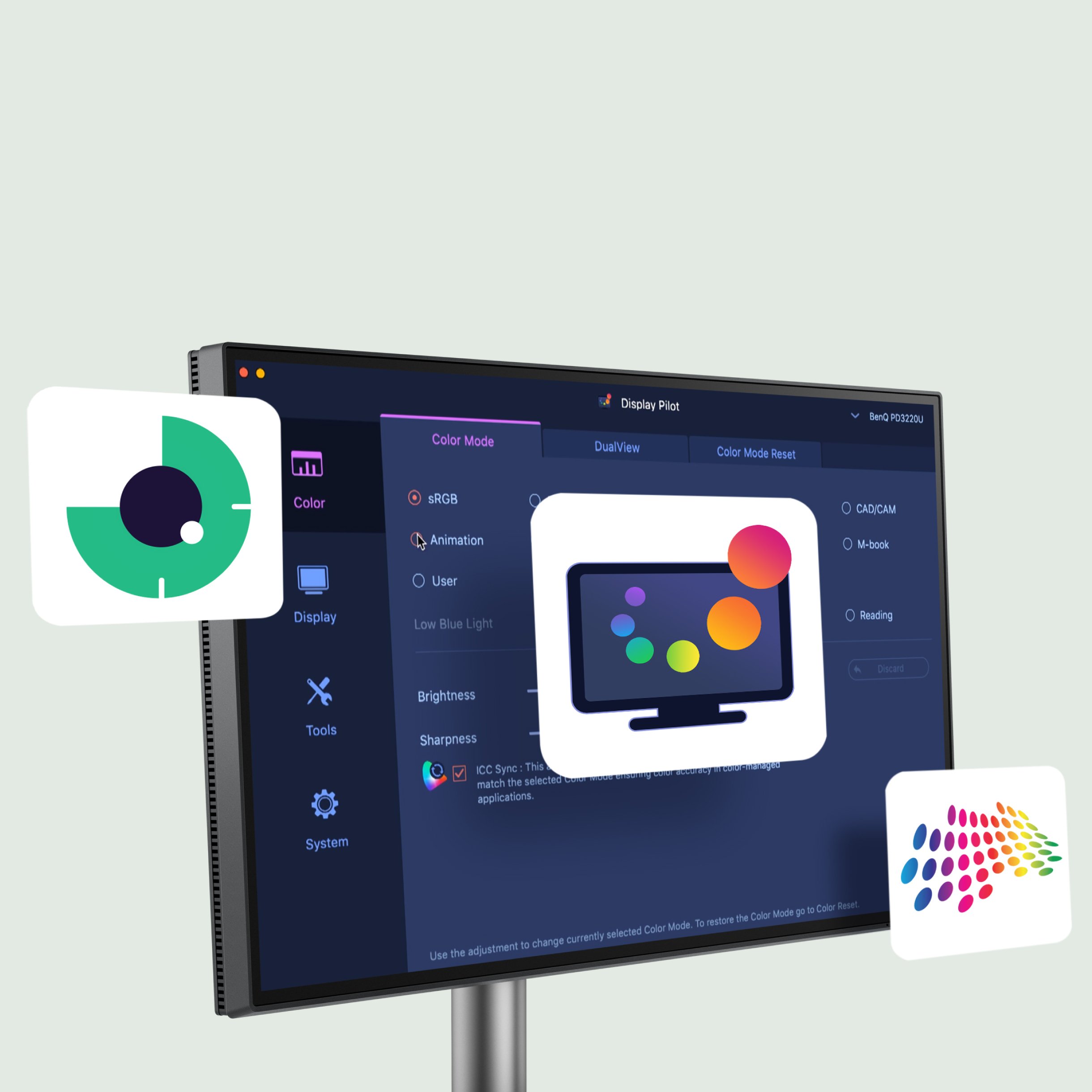
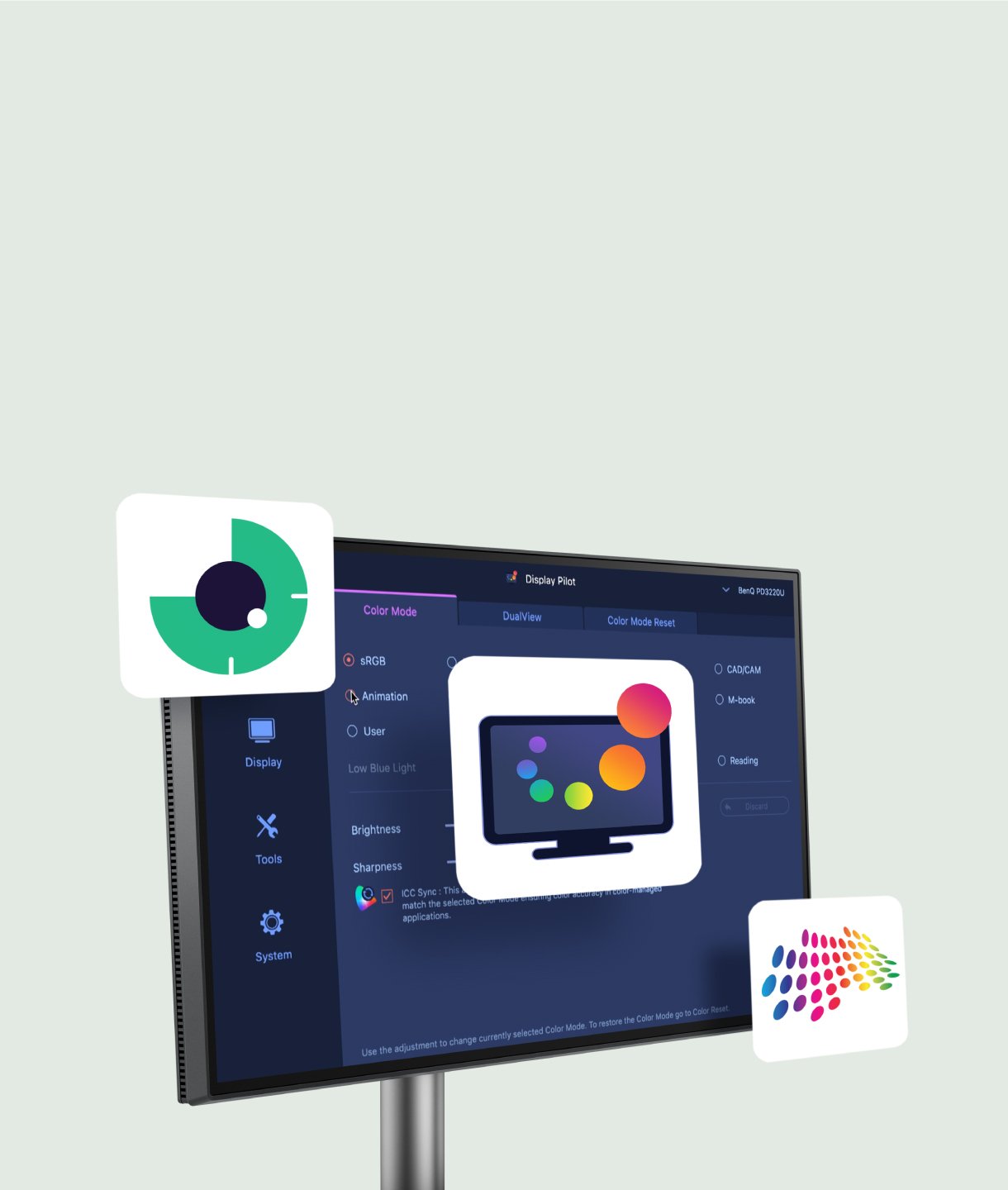
Not just for macOS and Windows, Display Pilot 2 now also supports Linux. The BenQ Programming Series software is designed to meet your needs with intuitive control of features like Night Hours Protection and Visual Optimiser. It also includes programmer-focused tools such as FloW, Shortcuts, Desktop Partition, Application Mode, Software Dimming, and Circadian Mode, helping make your workflow smarter and more efficient.

FloW
Pivot Adapts to Your Screen
Dual Copy & Paste Shortcuts
Color Modes Binding
Intelligent Circadian Mode



FAQ
Download


?$ResponsivePreset$)